Package selection guidance compiled from public package information, community data, and project usage.
IntroViewsFlutter is a Flutter package designed to create sleek, animated onboarding screens with a material design aesthetic. It simplifies the implementation of introductory slides for apps, offering smooth transitions and customizable content per slide. Ideal for guiding new users through app features or tutorials, it supports multiple platforms including Android, iOS, Web, macOS, Windows, and Linux. The package includes built-in animations and easy-to-use widgets for quick integration into Flutter projects.
Use cases
Onboarding screens for mobile apps
User tutorial interfaces
App feature walkthroughs
Splash screen alternatives
Multi-slide welcome experiences
Key features
Material design compliant
Built-in slide animations
Customizable slide content
Supports multiple platforms
Simple API for quick setup
Responsive layout handling
Suitable for
New app developers
Product onboarding flows
Minimalist UI designs
Cross-platform applications
Rapid prototyping
Considerations
Limited customization beyond basic styling
May require additional effort for complex animations
Depends on Flutter's animation framework
Not ideal for highly interactive onboarding
Best suited for simple, linear intro sequences
Original README
Original README snapshot from the linked source repository. Visit the repository for the latest content.
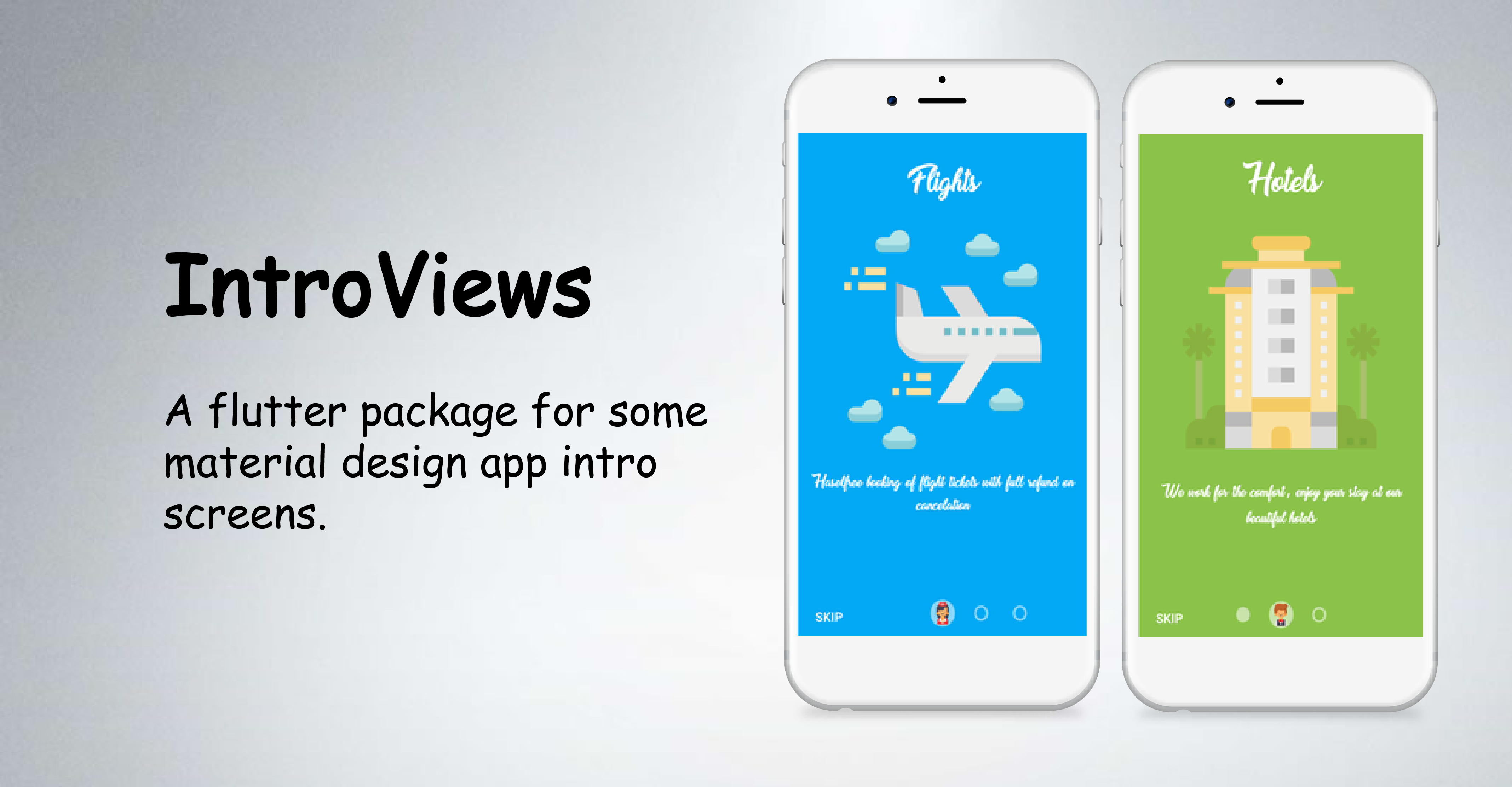
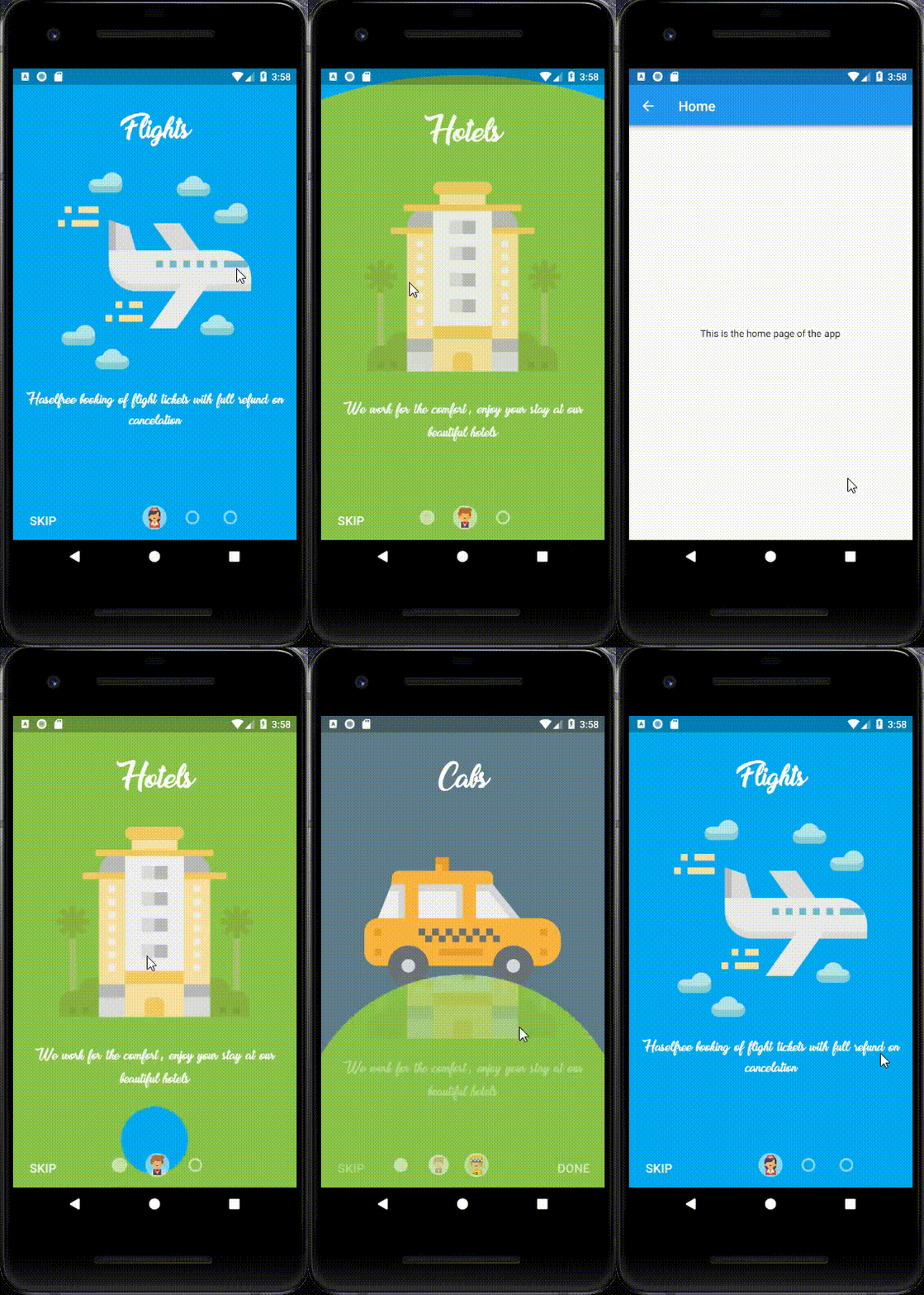
IntroViews is inspired by Paper Onboarding and developed with love from scratch. Checkout our fully responsive live example app.
Note : If you added more than four pages in the list then there might be overlapping between page icons and skip button, so my suggestion is just make the showSkipButton: false.
Documentation
PageViewModel Class
Dart attribute
Datatype
Description
Default Value
pageColor
Color?
Set color of the page.
Null
pageBackground
Widget
Set a widget as a background of the whole page (pageColor has priority)
Null
mainImage
Image / Widget
Set the main image of the page. If null, then the widget is omitted.
-
title
Text / Widget
Set the title text of the page. If null, then the widget is omitted.
-
body
Text / Widget
Set the body text of the page. If null, then the widget is omitted.
-
iconImageAssetPath
String?
Set the icon image asset path that would be displayed in page bubble.
If you encounter any problems feel free to open an issue. If you feel the library is missing a feature, please raise a ticket on GitHub and I'll look into it. Pull request are also welcome.