Package selection guidance compiled from public package information, community data, and project usage.
The json_table package is a Flutter widget that enables direct rendering of tabular data from JSON (Map) structures. It simplifies the process of displaying structured data in a clean, readable table format without requiring manual widget composition. Ideal for debugging, data visualization, or presenting API responses, it supports dynamic content and integrates seamlessly across all major platforms. The package is lightweight and easy to use, making it suitable for developers seeking quick table rendering from JSON sources.
Use cases
Displaying API response data
Debugging JSON structures
Creating simple data dashboards
Rendering configuration files
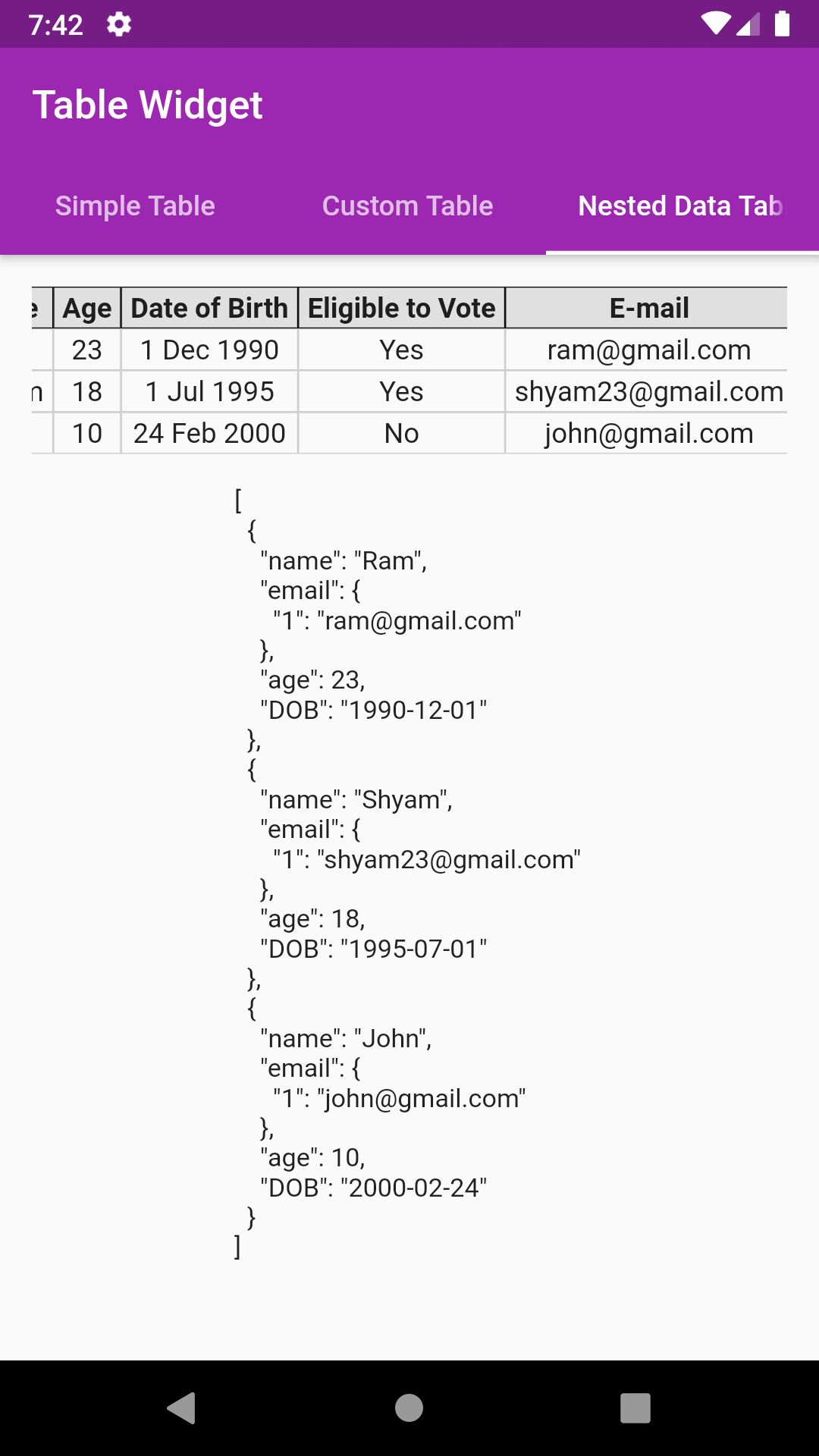
Presenting nested JSON objects
Building admin panels
Key features
Direct JSON-to-table conversion
Supports nested maps and lists
Responsive layout across platforms
Customizable styling options
Minimal boilerplate code
Built-in column auto-detection
Suitable for
Developers needing rapid table rendering
Frontend teams working with JSON APIs
Educational apps demonstrating data formats
Prototyping UIs with dynamic data
Apps requiring debug-friendly data views
Considerations
Limited advanced table features like sorting or filtering
Not optimized for very large datasets
Styling customization requires understanding of Flutter widgets
Best suited for static or semi-static data displays
May need additional logic for complex data transformations
Original README
Original README snapshot from the linked source repository. Visit the repository for the latest content.
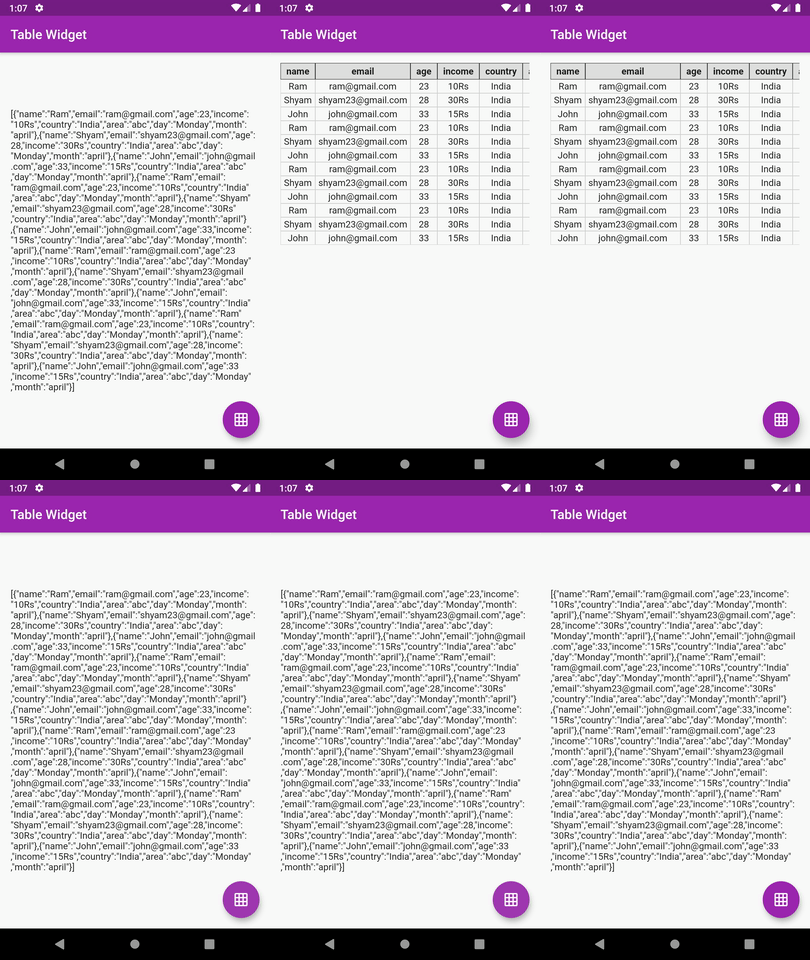
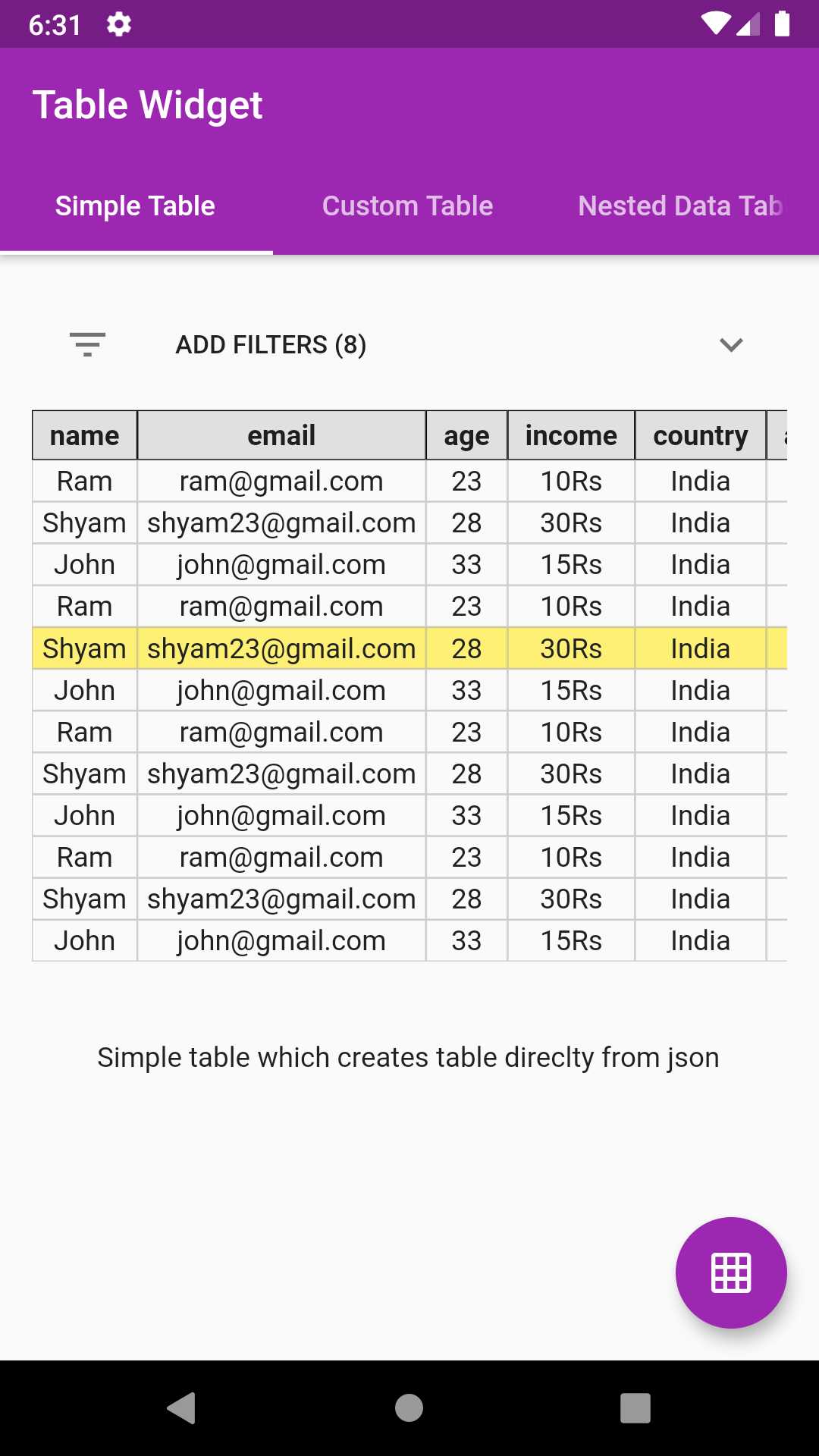
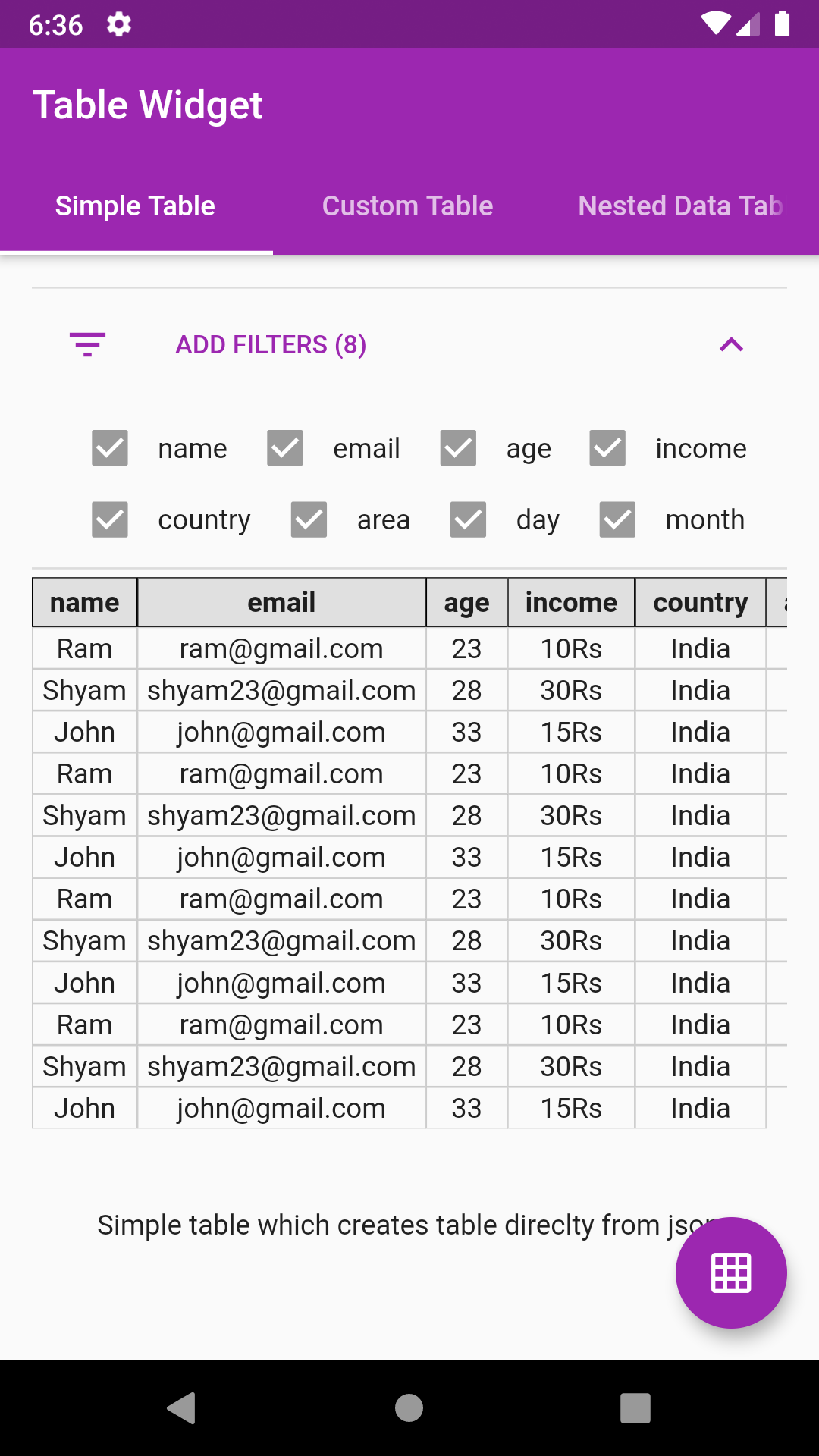
The table constructed isn't the flutter's native DataTable.
The table is manually coded hence serves a great learning purpose on how to create simple tables manually in flutter
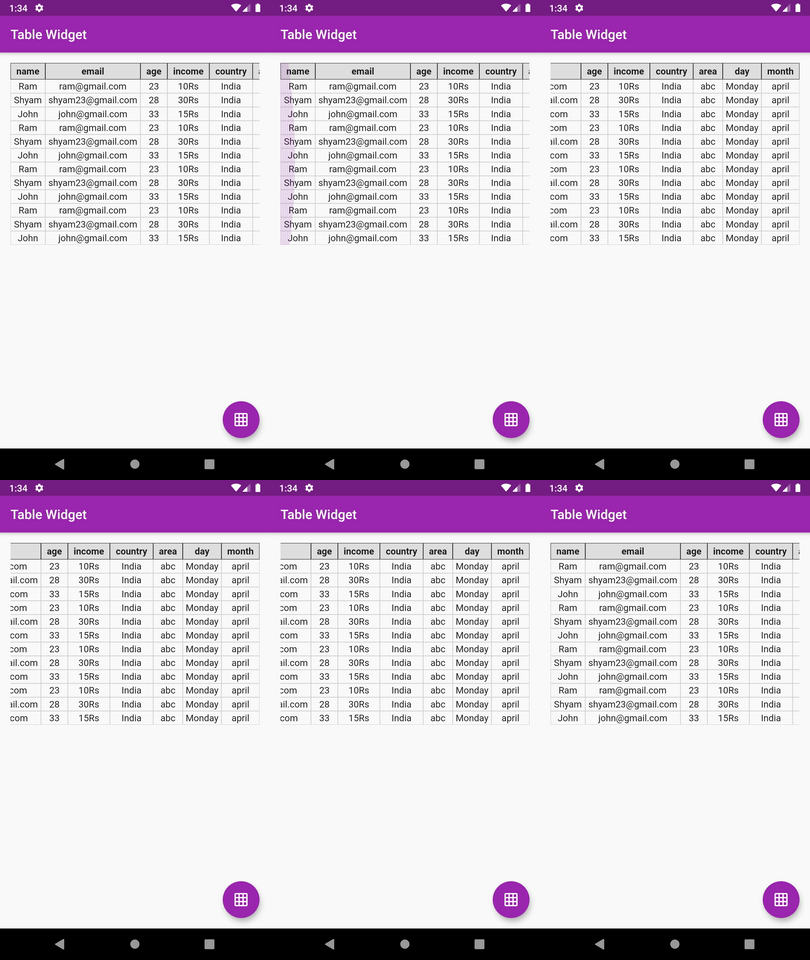
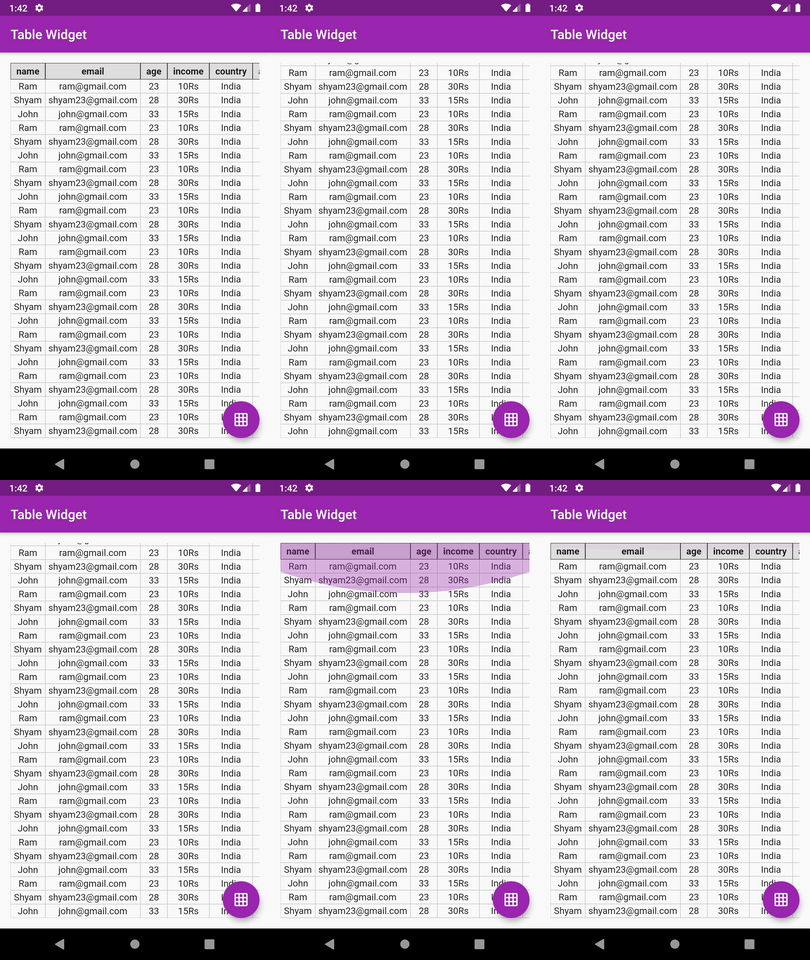
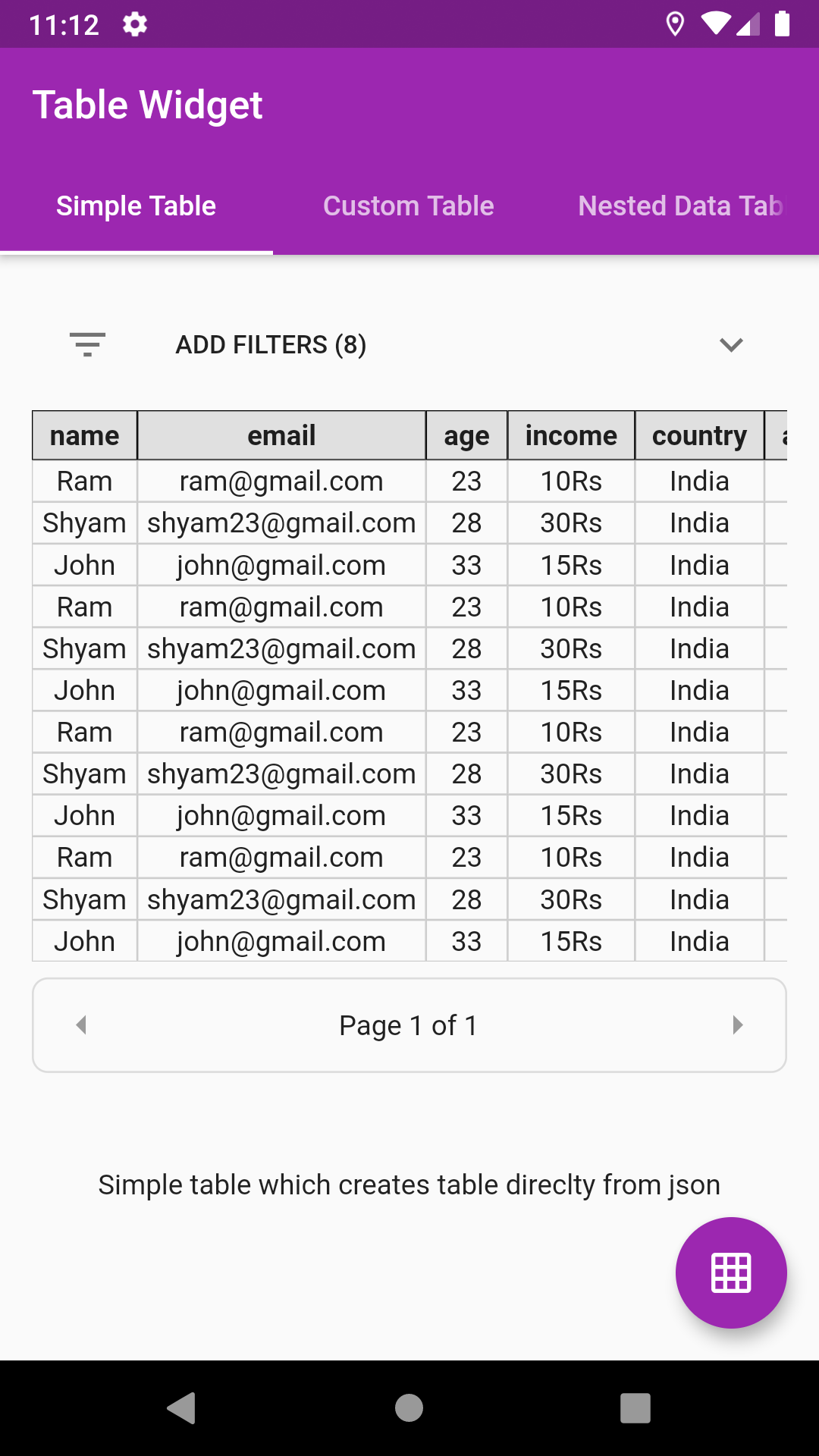
Supports vertical & horizontal scroll
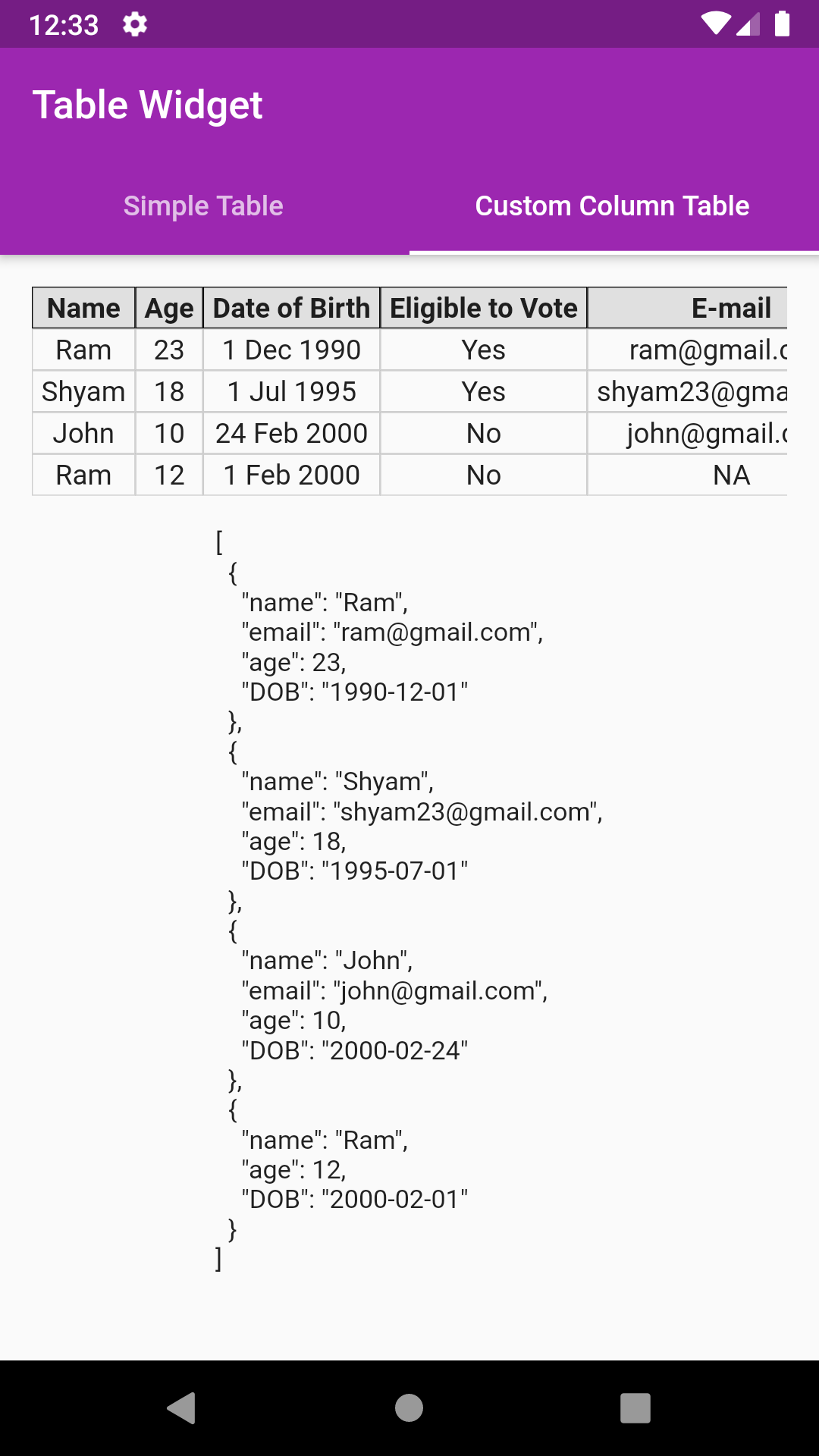
Supports custom columns includes default value, column name, value builder
Supports nested data showing
Supports pagination
Supports row select color, callback
💻 Installation
In the dependencies: section of your pubspec.yaml, add the following line:
dependencies:json_table:<latestversion>
❔ Usage
Import this class
import'package:json_table/json_table.dart';
- Vanilla Implementation
//Decode your json stringfinalString jsonSample='[{"id":1},{"id":2}]';
var json = jsonDecode(jsonSample);
//Simply pass this json to JsonTable
child: JsonTable(json)
- Implementation with HEADER and CELL widget builders