Package selection guidance compiled from public package information, community data, and project usage.
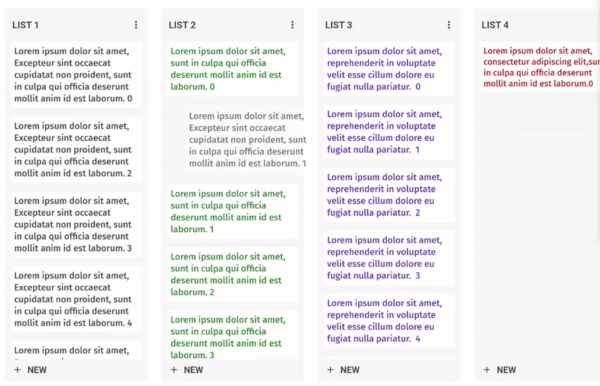
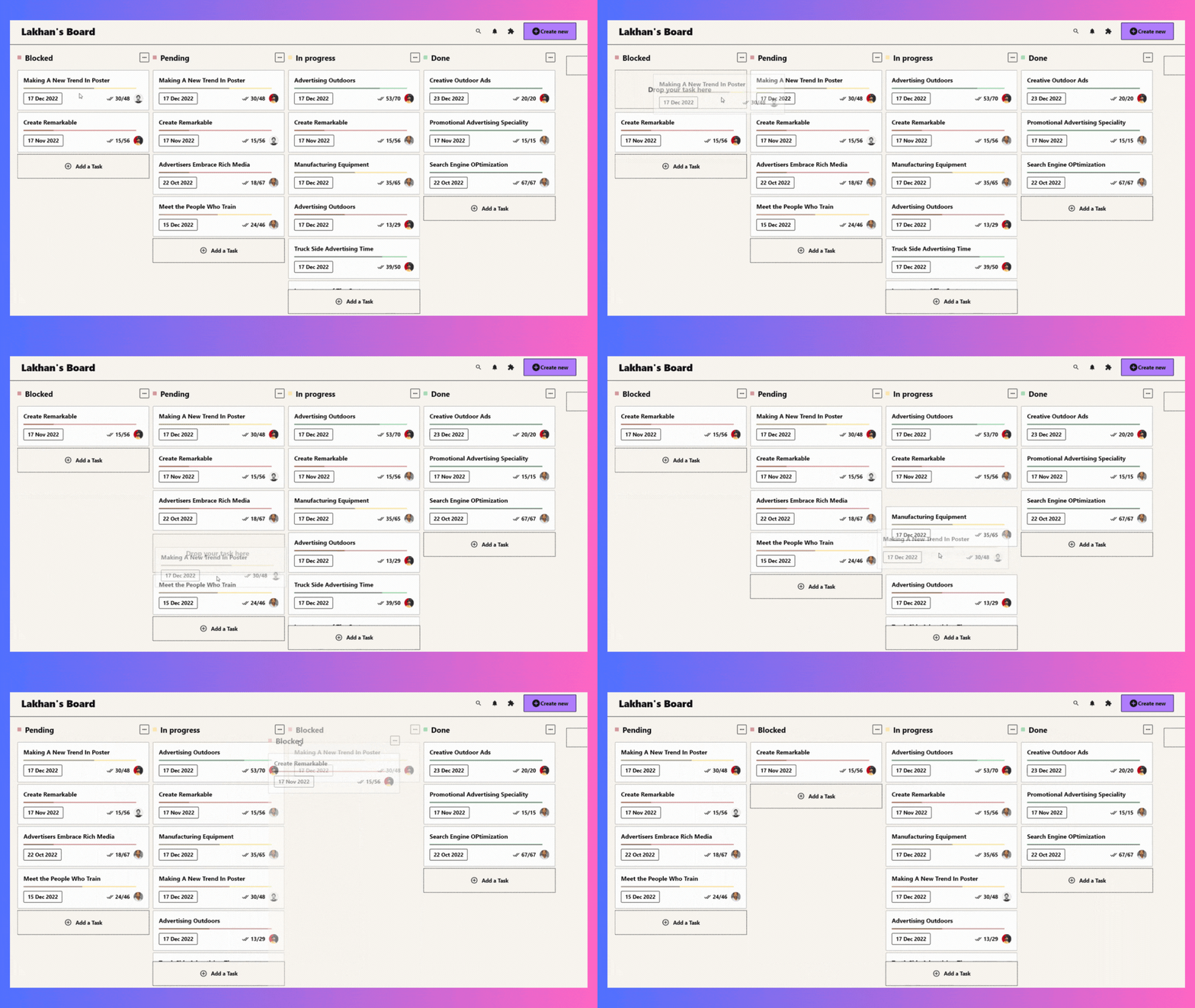
A customizable and draggable Kanban board widget for Flutter, enabling the creation of Trello-like task boards with smooth drag-and-drop functionality. It supports flexible task management across columns, making it ideal for project tracking and workflow visualization. Built with performance and usability in mind, it integrates seamlessly into Flutter apps across multiple platforms.
Use cases
Project management dashboards
Task tracking applications
Workflow visualization tools
Agile development boards
Team collaboration interfaces
Key features
Drag-and-drop task reordering
Customizable column layouts
Responsive design for all platforms
Built-in animation for transitions
Extensible task card customization
Suitable for
Developers building productivity apps
Teams using Agile or Kanban methodologies
UI designers needing interactive boards
Flutter apps requiring visual task management
Considerations
Requires careful state management for complex workflows
May need additional styling for brand alignment
Performance impact with very large datasets
Limited built-in filtering or search features
Depends on external packages for advanced data persistence
Original README
Original README snapshot from the linked source repository. Visit the repository for the latest content.
Flutter KanbanBoard
A fully customizable and draggable Kanban Board widget for Flutter. Perfect for building Kanban tools like Trello, it offers smooth drag-and-drop interactions and flexible task management for an intuitive workflow experience.
Installation
Just add kanban_board to the pubspec.yaml file.
🚀 Create Your First Board
Let's define our KanbanGroupItem which can hold custom properties, and can be done by extending KanbanBoardGroupItem.
Make it uniquely yours with extensive customization options by exploring range of customization properties in KanbanBoard, including:
⚡ Fine-tune Board Scrolling Dynamics
Tailor the scrolling experience to match your application's feel:
KanbanBoard(
   ...
   boardScrollConfig: BoardScrollConfig(
        curve: // The animation curve
        farBoundary: Boundary(
          boundary: // The distance from the edge of the board at which auto-scrolling starts when dragging near the edge.
          offset: // The amount of scroll movement when the draggable reaches this boundary.
          duration: // The time duration for each scroll step when within this boundary.
        ),
        midBoundary: Boundary( ... ), // A middle-range boundary that triggers auto-scrolling at a moderate speed.
        nearBoundary: Boundary( ... ), // The closest range to the edge, where scrolling is most responsive.
   ),
   ...
);
📱 See It In Action
Check out the example app to see all features in action.
🤝 Your Contribution Is Welcome!
Join our community of developers:
Fork the repository
Create your feature branch: git checkout -b amazing-feature
Commit your changes: git commit -m 'Add some amazing feature'
Push to the branch: git push origin amazing-feature
Open a pull request
📄 License
This project is licensed under the MIT License - see the LICENSE file for details.