Package selection guidance compiled from public package information, community data, and project usage.
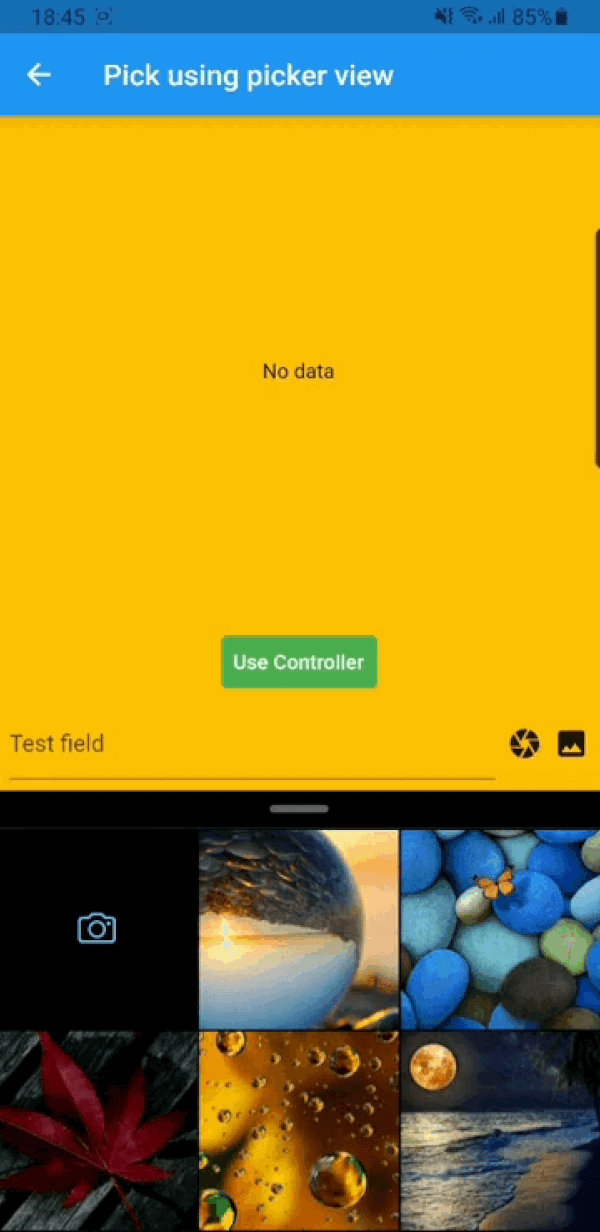
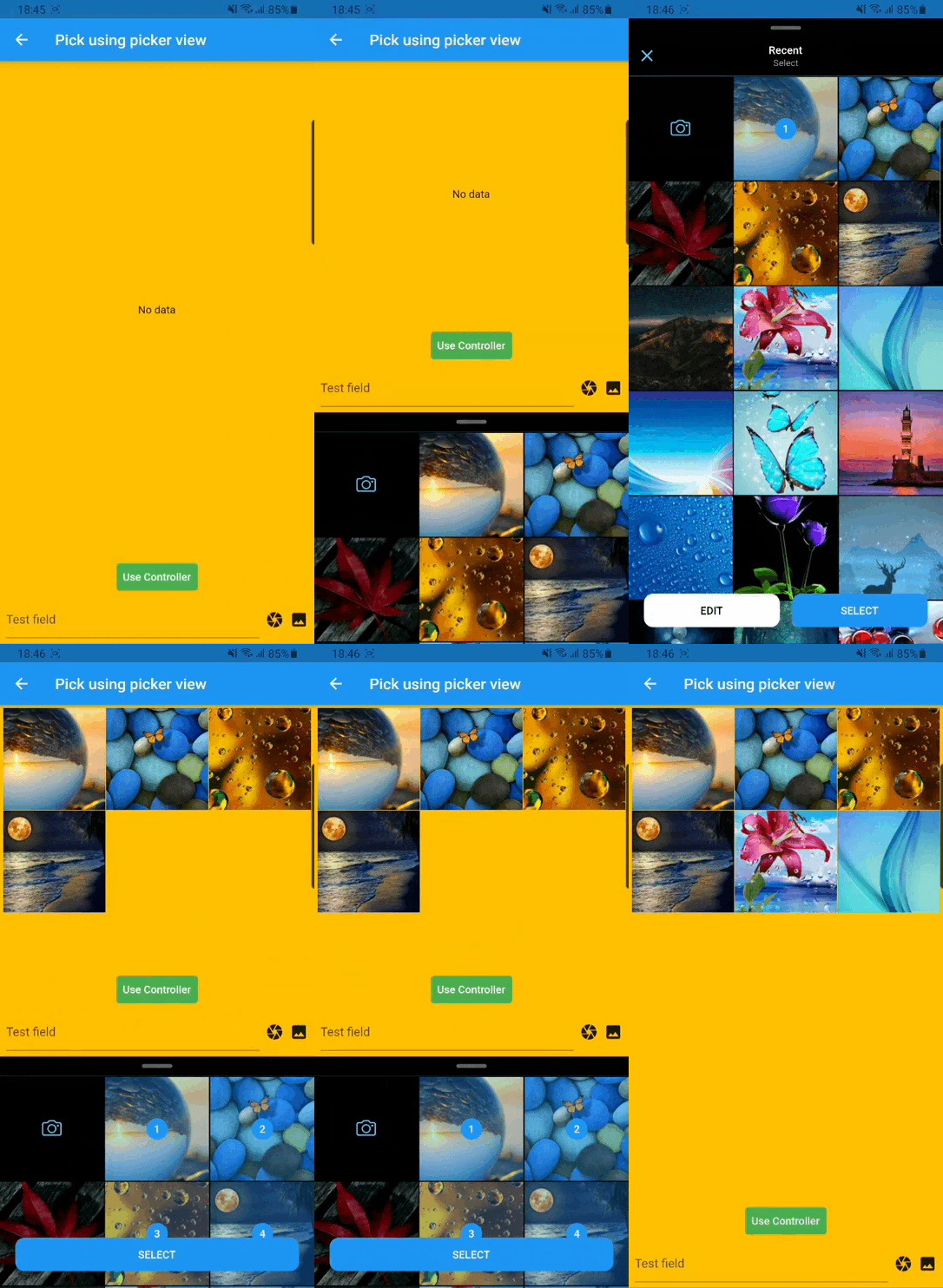
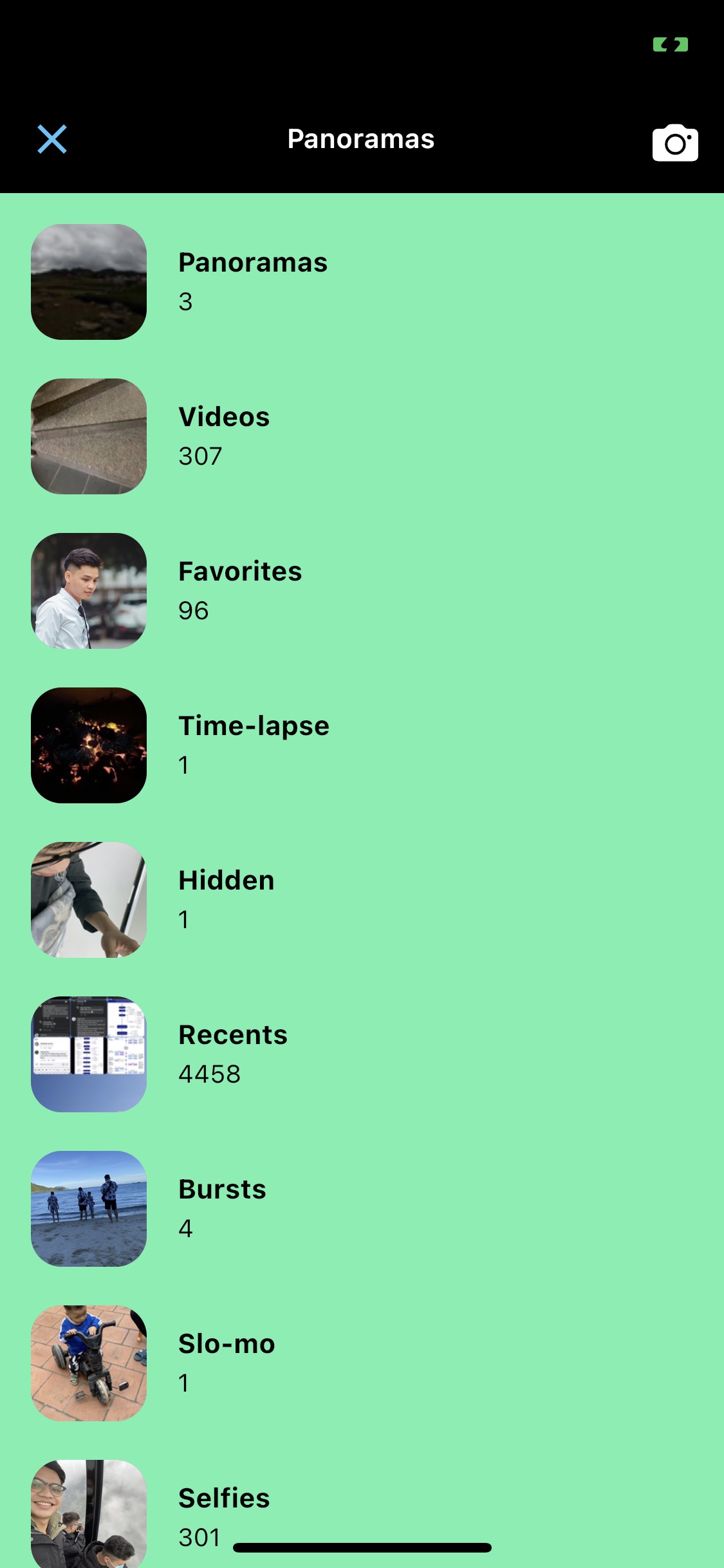
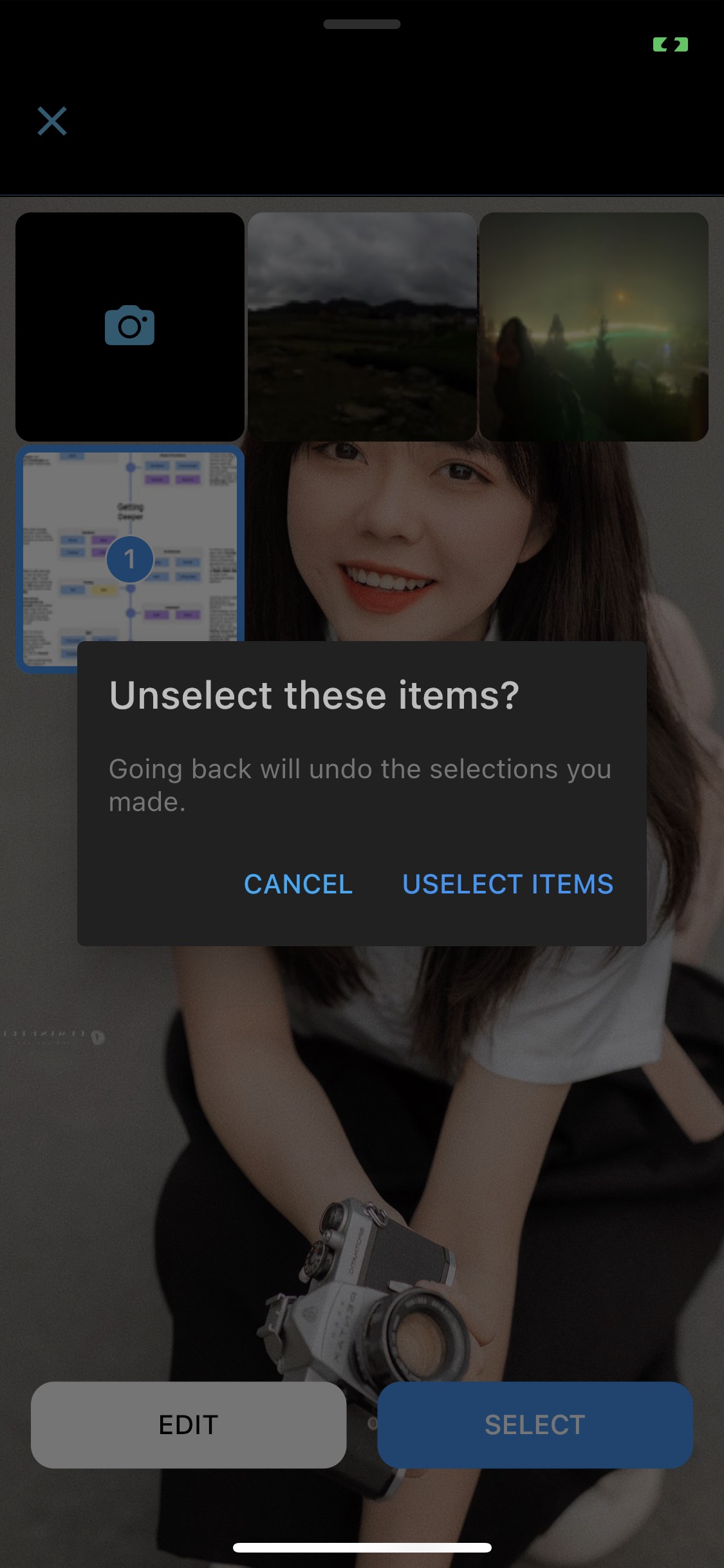
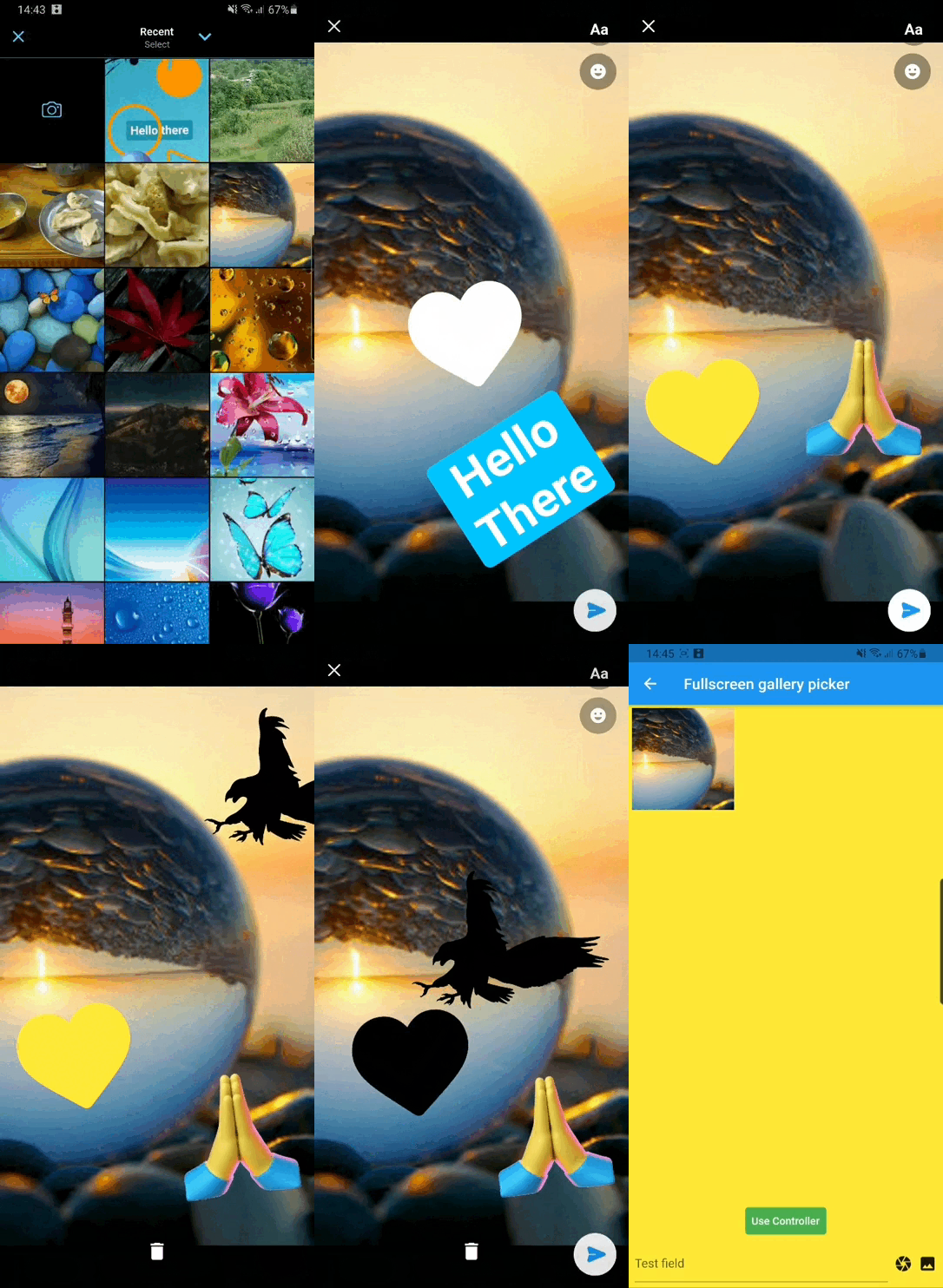
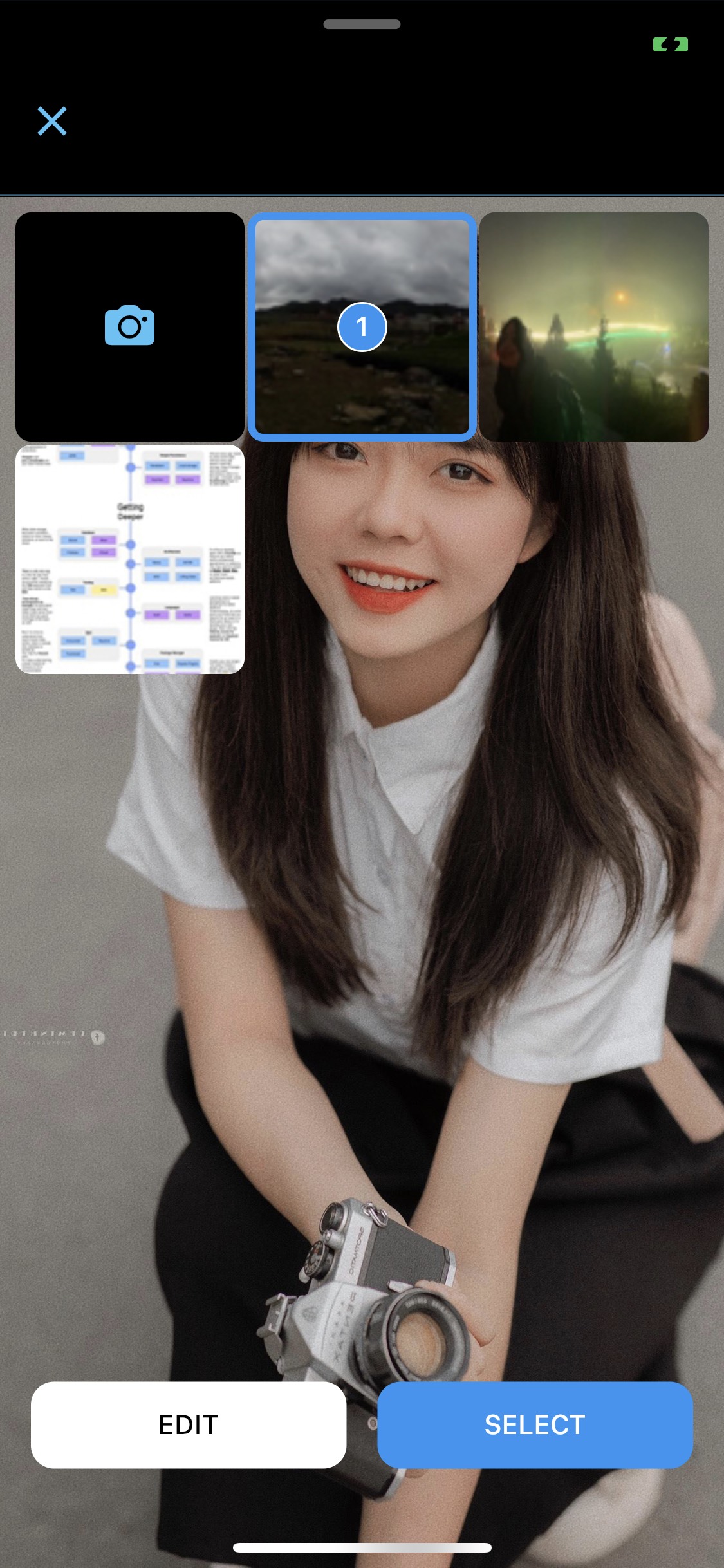
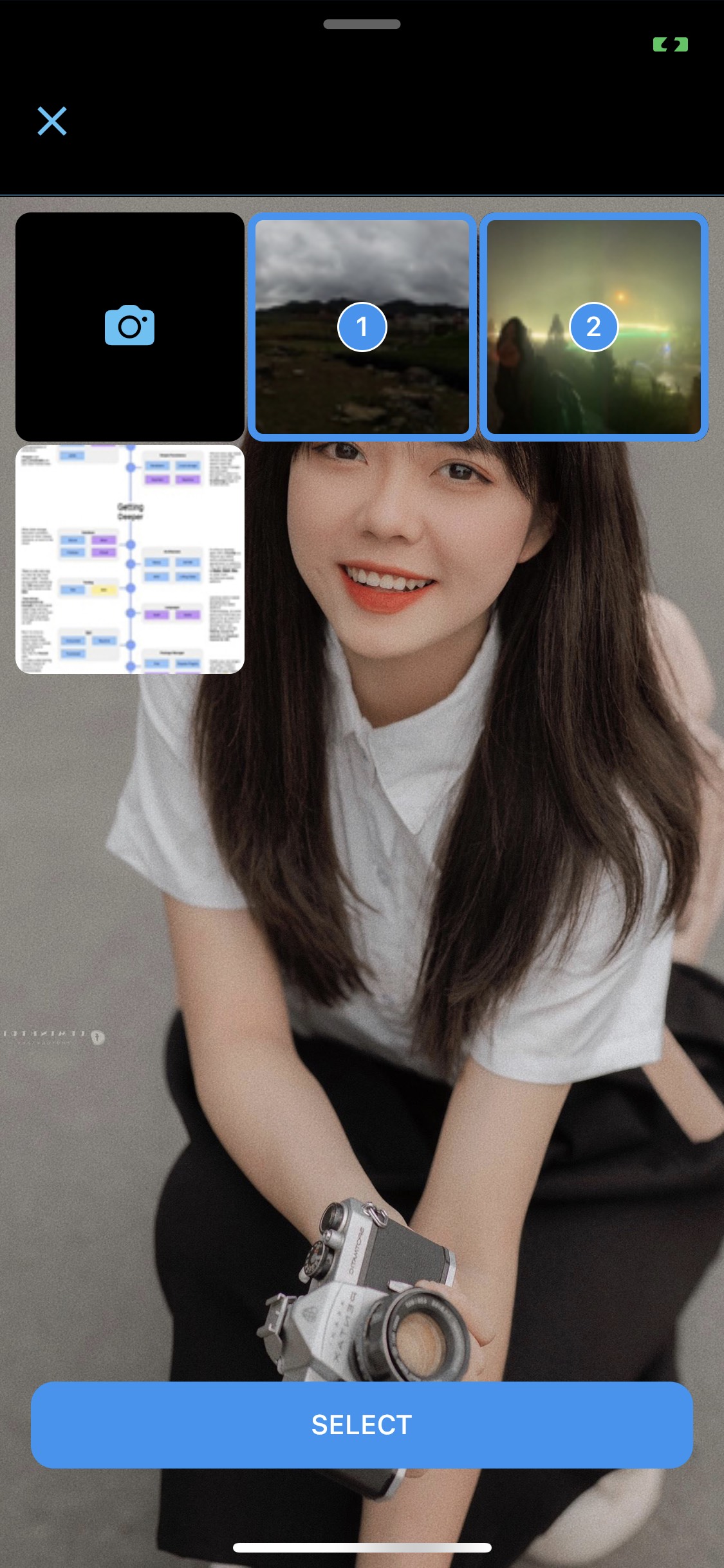
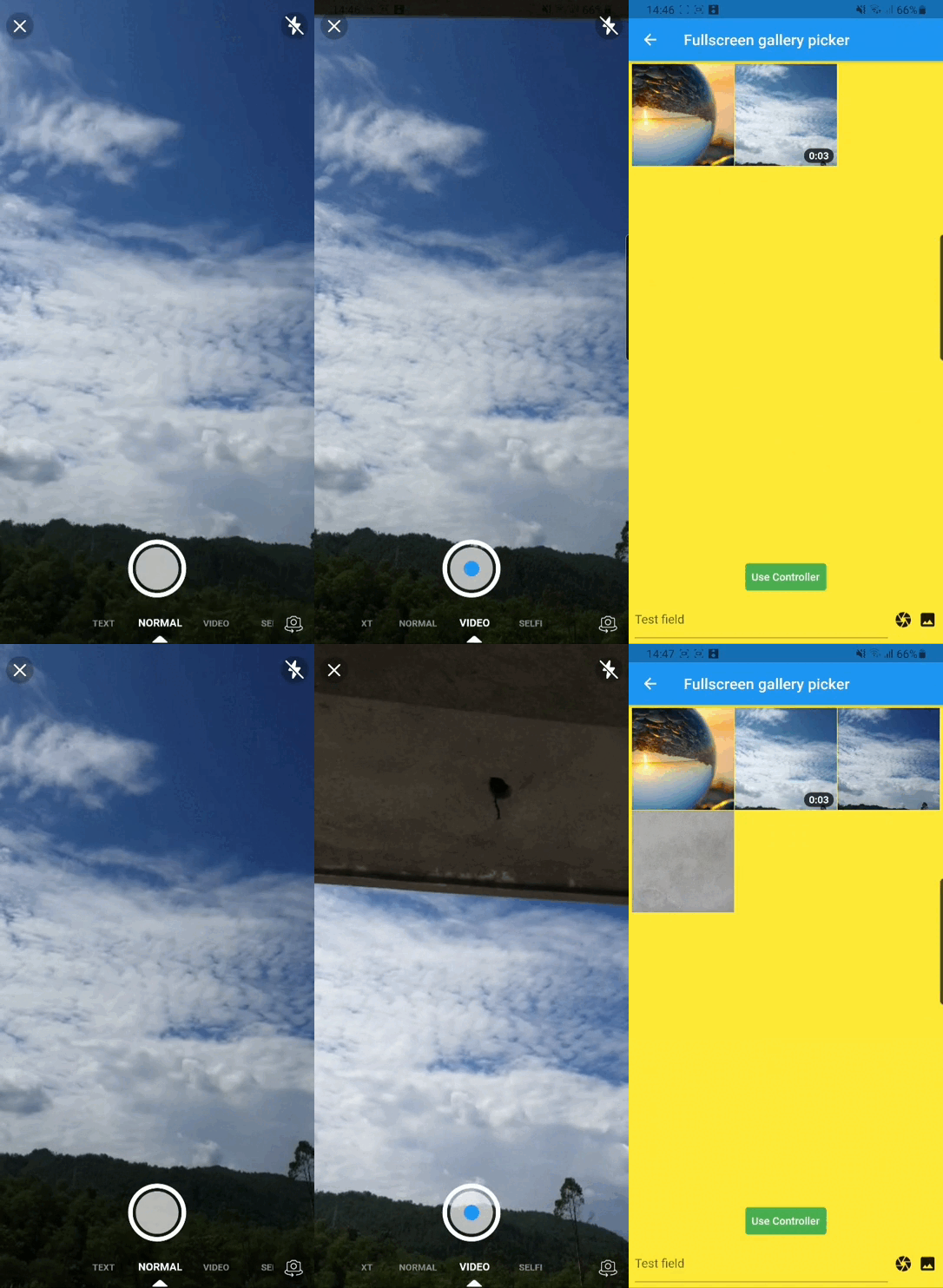
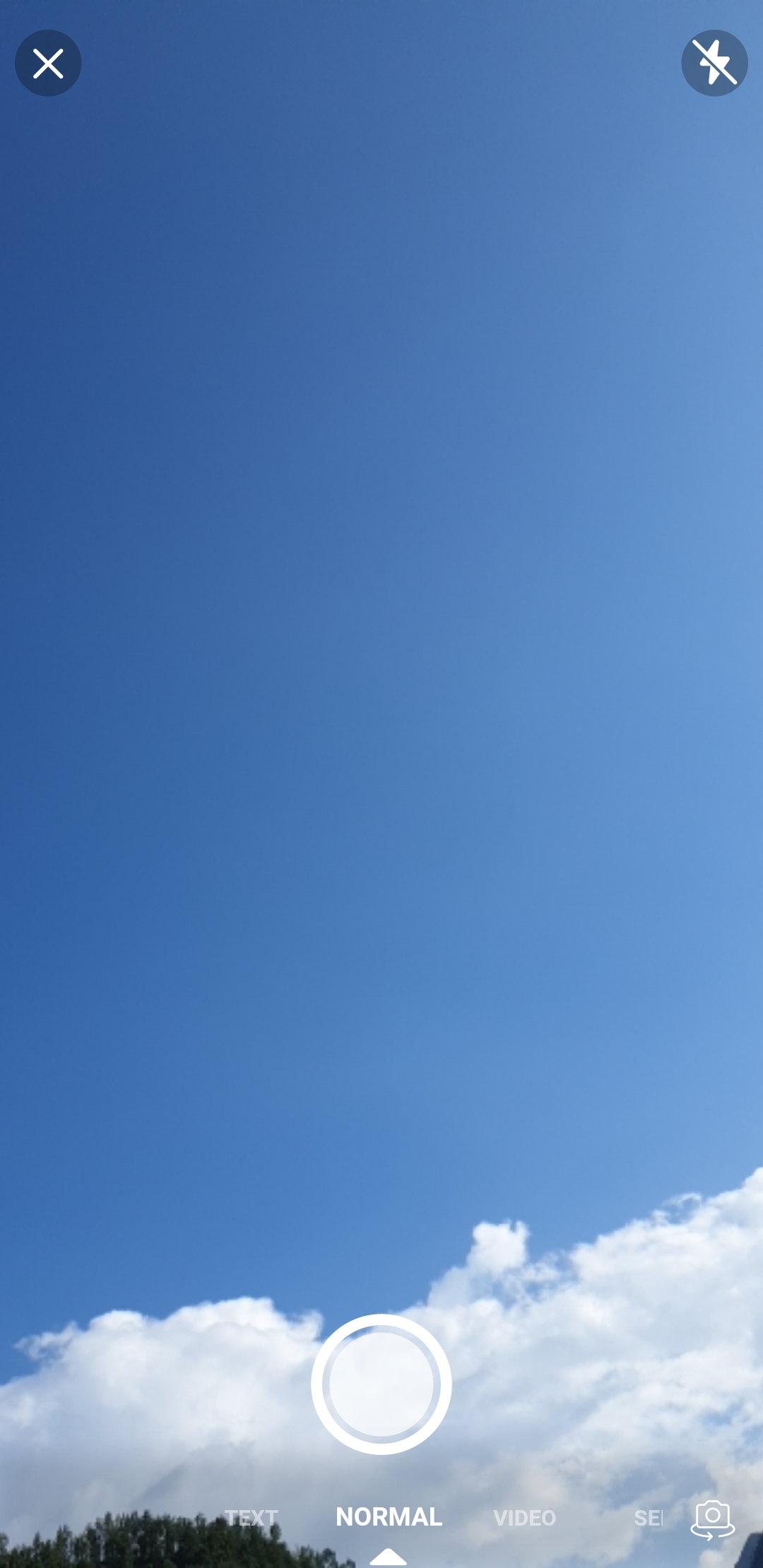
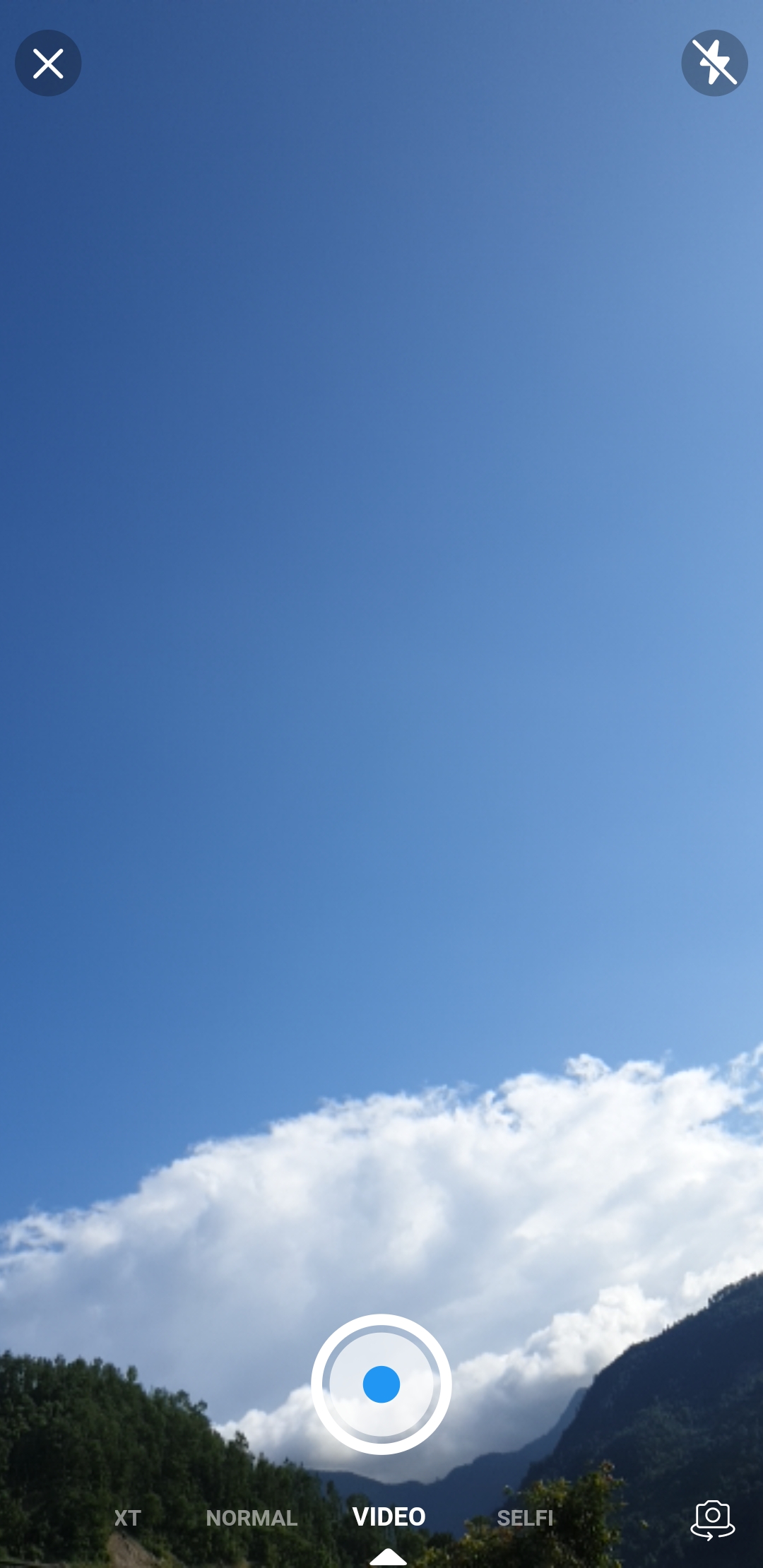
likk_picker is a Flutter package that provides a customizable image picker with integration for both camera and gallery access, inspired by Facebook Messenger's media selection interface. Built on top of the Photo Manager library, it enables users to select and manage images from local storage or capture new ones directly through the device camera. The package supports custom UI components, making it ideal for apps requiring a polished, native-like media selection experience. It simplifies asset retrieval while maintaining flexibility for developers to tailor the picker’s appearance and behavior.
Use cases
Social media app photo uploads
Chat application media sharing
User profile image selection
Content creation tools
E-commerce product image capture
Multi-image selection workflows
Key features
Camera and gallery integration
Customizable UI like Facebook Messenger
Supports multiple image selection
Built on Photo Manager library
Lightweight and easy to integrate
Cross-platform compatibility
Suitable for
Developers building chat interfaces
Apps needing intuitive media pickers
Projects requiring custom media selection UIs
Mobile apps focused on user-generated content
Teams wanting a lightweight alternative to standard image pickers
Considerations
Requires platform-specific permissions for camera and storage
Limited to image assets (no video support)
Depends on external Photo Manager library
May need additional styling for full customization
No built-in image editing features
Original README
Original README snapshot from the linked source repository. Visit the repository for the latest content.
Likk Picker
A flutter package which is clone of facebook messenger gallery picker and camera, combined as single component. Gallery view and Camera view can also be use as Flutter widget. Under the hood likk picker used Photo Manager and Camera.
For more details (if needed) you can go through Photo Manager and Camera readme section as well.
Android
Change the minimum Android sdk version to 21 (or higher) in your android/app/build.gradle file.
minSdkVersion 21
Required permissions: INTERNET, READ_EXTERNAL_STORAGE, WRITE_EXTERNAL_STORAGE, ACCESS_MEDIA_LOCATION.
If you don't need the ACCESS_MEDIA_LOCATION permission,
see Disable ACCESS_MEDIA_LOCATION permission.
glide
Android native use glide to create image thumb bytes, version is 4.11.0.
If your other android library use the library, and version is not same, then you need edit your android project's build.gradle.
This permission is introduced in Android Q. If your app doesn't need this permission, you need to add the following node to the Android manifest in your app.
If you found some warning logs with Glide appearing,
then the main project needs an implementation of AppGlideModule.
See Generated API.
IOS
Add following content to info.plist.
<key>NSPhotoLibraryUsageDescription</key><string>Replace with your permission description..</string><key>NSCameraUsageDescription</key><string>Replace with your permission description..</string><key>NSMicrophoneUsageDescription</key><string>Replace with your permission description..</string>
Gallery
Use GalleryViewWrapper to make gallery view collapsible otherwise ignore it.
If you encounter any problems feel free to open an issue. If you feel the library is missing a feature, please raise a ticket on GitHub and I'll look into it. Pull request are also welcome.