Search packages, repositories and app categories

loading_overlay cover
Package detailsv0.5.0

loading_overlay

A modal progress indicator widget that fades in and out. Wrap around another widget to block access to widget during an async call.

AndroidiOSWebmacOSWindowsLinux
30-day downloads
20.4K
Likes
192
Pub points
150

Install package

flutter pub add loading_overlay

Package Overview

Package selection guidance compiled from public package information, community data, and project usage.

A Flutter package that provides a modal progress indicator widget designed to fade in and out smoothly. It wraps around any widget to temporarily block user interaction during asynchronous operations, such as API calls or data processing. Ideal for displaying loading states without disrupting the UI flow. The overlay can be controlled programmatically, offering a clean and customizable way to indicate ongoing tasks across multiple platforms.

Use cases

  • Showing loading state during API requests
  • Blocking UI during data processing
  • Improving UX during async operations
  • Providing visual feedback in forms
  • Managing background tasks in apps
  • Enhancing responsiveness in web and mobile apps

Key features

  • Smooth fade-in/out animations
  • Programmable overlay control
  • Supports all major platforms
  • Easy integration with existing widgets
  • Customizable appearance
  • Non-blocking parent widget interaction when inactive

Suitable for

  • Developers building responsive Flutter apps
  • Teams prioritizing user experience
  • Apps requiring clear loading indicators
  • Cross-platform applications
  • UI-heavy applications
  • Projects using async workflows

Considerations

  • May require careful state management
  • Overlay visibility must be manually toggled
  • Performance impact on complex UIs
  • Limited customization options for advanced styling
  • Not suitable for persistent loading states
  • Depends on correct widget tree structure

Original README

Original README snapshot from the linked source repository. Visit the repository for the latest content.

loading_overlay

A simple widget wrapper to enable modal progress HUD (a modal progress indicator, HUD = Heads Up Display).

Started as a fork of modal_progress_hud Inspired by this article.

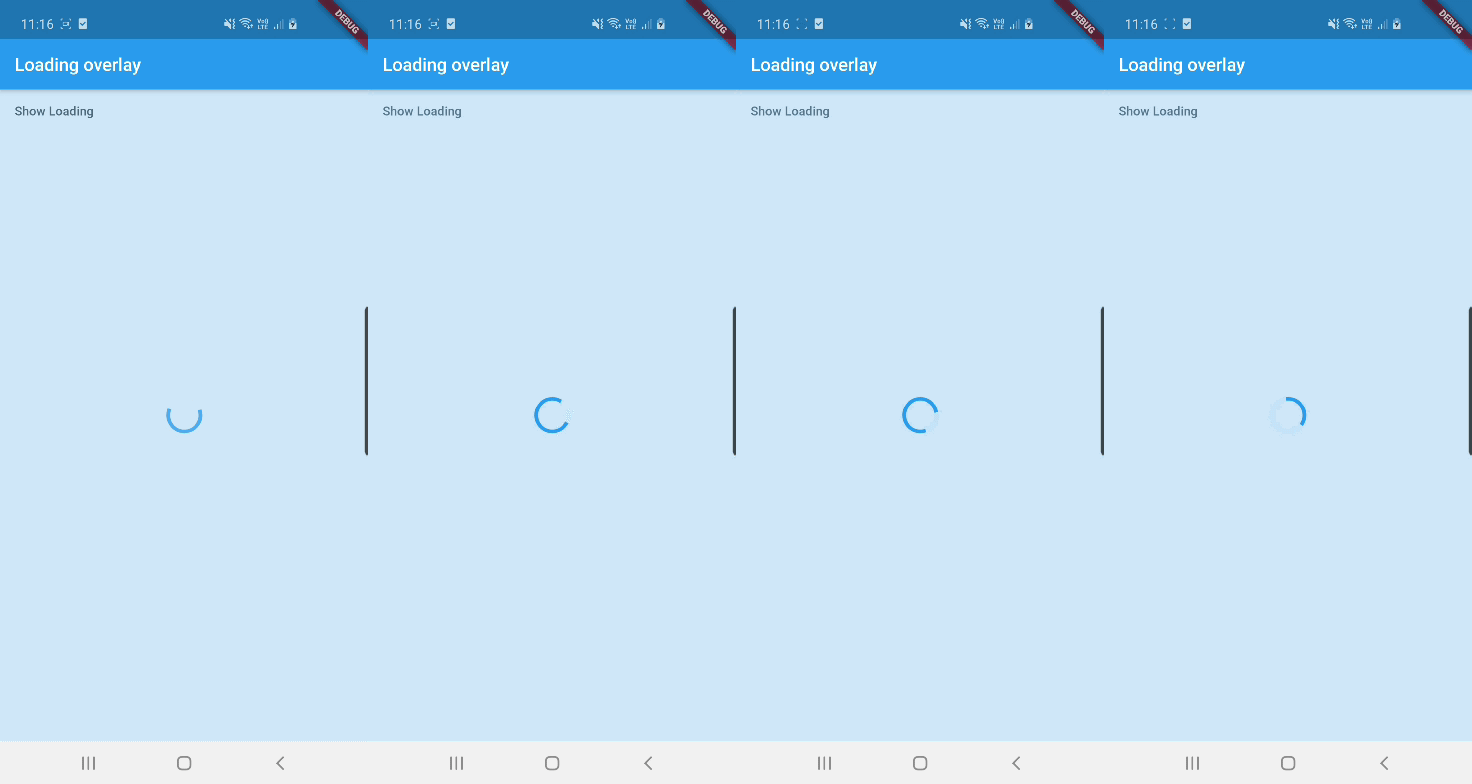
Demo

Demo

See example for details

Usage

Add the package to your pubspec.yml file.

dependencies:
  loading_overlay: ^0.4.0

Next, import the library into your widget.

import 'package:loading_overlay/loading_overlay.dart';

Now, all you have to do is simply wrap your widget as a child of LoadingOverlay, typically a form, together with a boolean that is maintained in local state.

...
bool _isSaving_ = false
...

@override
Widget build(BuildContext context) {
  return Scaffold(
     body: LoadingOverlay(
      color: Colors.black.withOpacity(0.5),
      child: Container(
       Form(...)
      ),
      isLoading: _isSaving_
      ),
  );
}

Alternatively, show the overlay until a Future completes (non-breaking new feature):

// Start an async operation
final saveFuture = _saveFormAsync();

return LoadingOverlay.withFuture(
  future: saveFuture,
  color: Colors.black.withOpacity(0.5),
  child: Form(...),
);

Options

The current parameters are customizable in the constructor

LoadingOverlay({
  required bool isLoading,
  required Widget child,
  Widget progressIndicator = const CircularProgressIndicator(),
  Color? color,
});

// New: show overlay until a Future completes
LoadingOverlay.withFuture({
  required Future<void> future,
  required Widget child,
  Widget progressIndicator = const CircularProgressIndicator(),
  Color? color,
});

Update: See this article on Medium about async form validation

See the example application source for a complete sample app using the modal progress HUD. Included in the example is a method for using a form's validators while making async calls (see flutter/issues/9688 for details).

Issues and feedback

Please file issues to send feedback or report a bug. Thank you!

Categories

Source repository

Projects using this package