
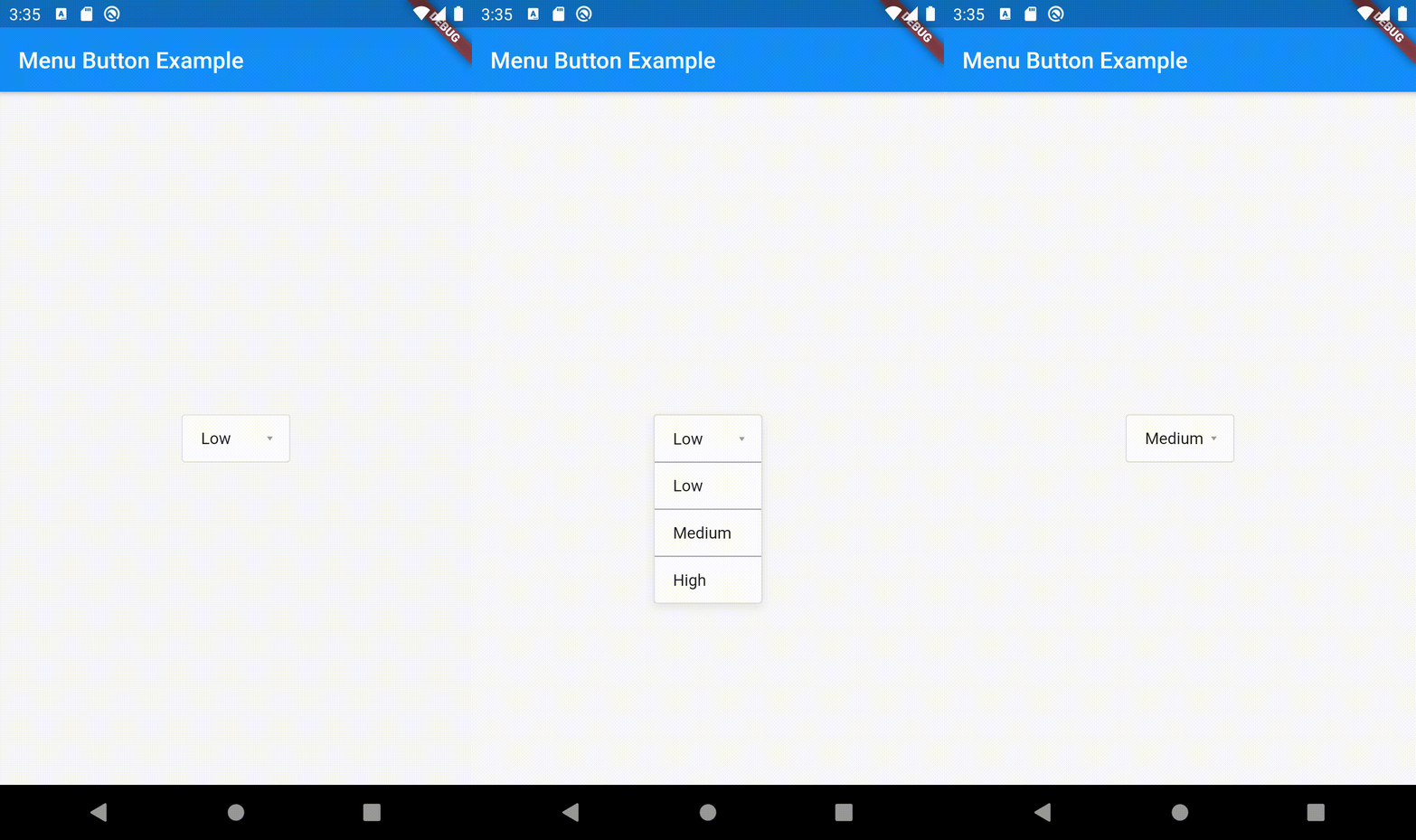
Overview
The menu_button package provides a customizable dropdown menu button widget for Flutter, enabling users to easily select an item from a list. It offers a clean and intuitive interface for presenting options in a compact form, ideal for forms or settings where space is limited. The widget supports customization of appearance, behavior, and animation, making it adaptable to various design needs. It integrates seamlessly with existing Flutter apps and enhances user interaction without requiring complex implementation.
Use cases
- Form inputs with dropdown choices
- Settings panels with option selection
- Customizable navigation menus
- Mobile-friendly dropdown interfaces
- Simplified data entry workflows
Key features
- Highly customizable appearance
- Smooth transition animations
- Easy integration with Flutter UI
- Supports custom item builders
- Accessible and responsive design
Suitable for
- Developers building interactive forms
- Designers seeking flexible dropdown components
- Apps needing lightweight menu solutions
- Projects prioritizing user experience
- Teams using Flutter for cross-platform apps
Considerations
- Limited platform-specific styling options
- No built-in validation support
- Requires manual handling of selection callbacks
- Not optimized for very long lists
- Depends on external dependencies for advanced features