Package selection guidance compiled from public package information, community data, and project usage.
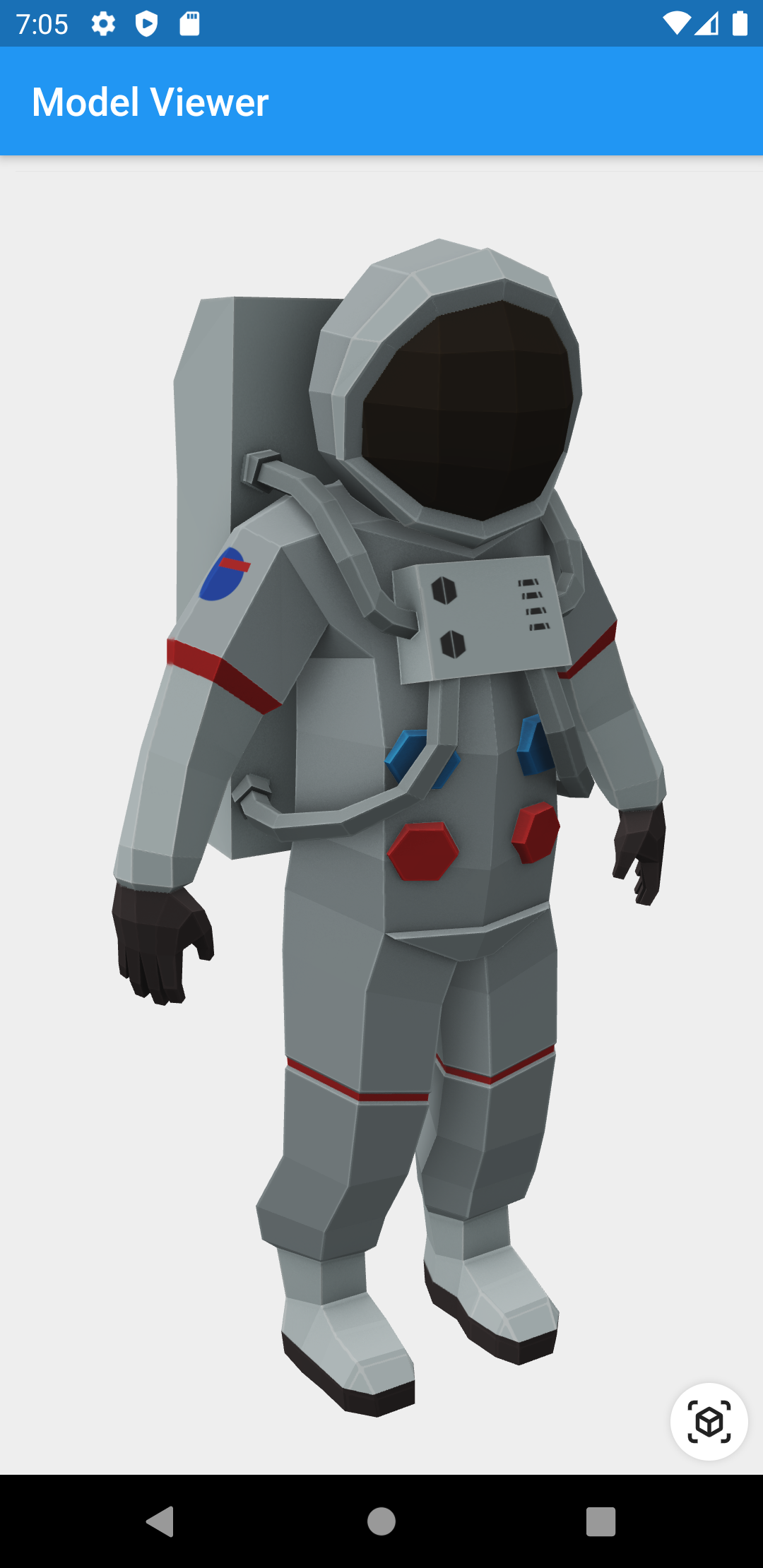
A Flutter widget that enables the rendering and interaction of 3D models in glTF and GLB formats. It provides a straightforward way to embed and manipulate 3D content within Flutter applications, supporting features like rotation, zoom, and pan. Ideal for apps requiring immersive visual experiences, such as product showcases or educational tools. The widget leverages native platform capabilities for optimal performance and smooth interactions.
Use cases
Product visualization in e-commerce apps
Interactive 3D educational content
Virtual try-ons for fashion or accessories
Augmented reality integrations
3D model previews in design tools
Key features
Supports glTF and GLB 3D model formats
Built-in touch gestures for rotation and zoom
High-performance rendering using native backends
Easy integration with Flutter widgets
Lightweight and focused on core 3D viewing
Suitable for
Developers building 3D-enabled Flutter apps
E-commerce platforms showcasing products
Educational or training applications
AR/VR experiences with 3D assets
Considerations
Limited to glTF/GLB format support
No built-in animation or physics handling
Requires 3D model optimization for best performance
Platform-specific rendering behavior may vary
Original README
Original README snapshot from the linked source repository. Visit the repository for the latest content.
3D Model Viewer for Flutter
This is a Flutter widget for rendering interactive
3D models in the glTF and
GLB formats.
To use this widget on Android 9+ devices, your app must be permitted to make
an HTTP connection to http://localhost:XXXXX. Android 9 (API level 28)
changed the default for android:usesCleartextTraffic from true to
false, so you will need to configure your app's
android/app/src/main/AndroidManifest.xml as follows:
This does not affect Android 8 and earlier. See #7 for more information.
Info.plist (iOS only)
To use this widget on iOS, you need to opt-in to the embedded views preview
by adding a boolean property to your app's ios/Runner/Info.plist file, with
the key io.flutter.embedded_views_preview and the value YES:
Note that due to browsers' CORS security restrictions, the model file
must be served with a Access-Control-Allow-Origin: * HTTP header.
Frequently Asked Questions
Q: Why do I get the error net::ERR_CLEARTEXT_NOT_PERMITTED?
You didn't configure your AndroidManifest.xml as per the installation
instructions earlier in this document. See also #7.
Q: Why does the example app just show a blank screen?
A: Most likely, the platform browser version on your device or emulator is
too old and does not support the features that Model Viewer needs.
For example, the stock Chrome version on the Android 10 emulator is too old
and will display a blank screen; it must be upgraded from the Play Store in
order to use this package. (The stock Chrome version on the Android 11
emulator works fine, however.) See google/model-viewer#1109.
Q: Why doesn't my 3D model load and/or render?
A: There are several reasons why your model URL could fail to load and
render:
It might not be possible to load the model URL due to CORS security
restrictions. The server hosting the model file must send appropriate
CORS response headers for Model Viewer to be able to load the file.
See google/model-viewer#1015.
It might not be possible to parse the provided glTF or GLB file.
Some tools can produce invalid files when exporting glTF. Always
run your model files through the glTF Validator to check for this.
The platform browser might not support the features that Model Viewer
needs. See google/model-viewer#1109.