Search packages, repositories and app categories

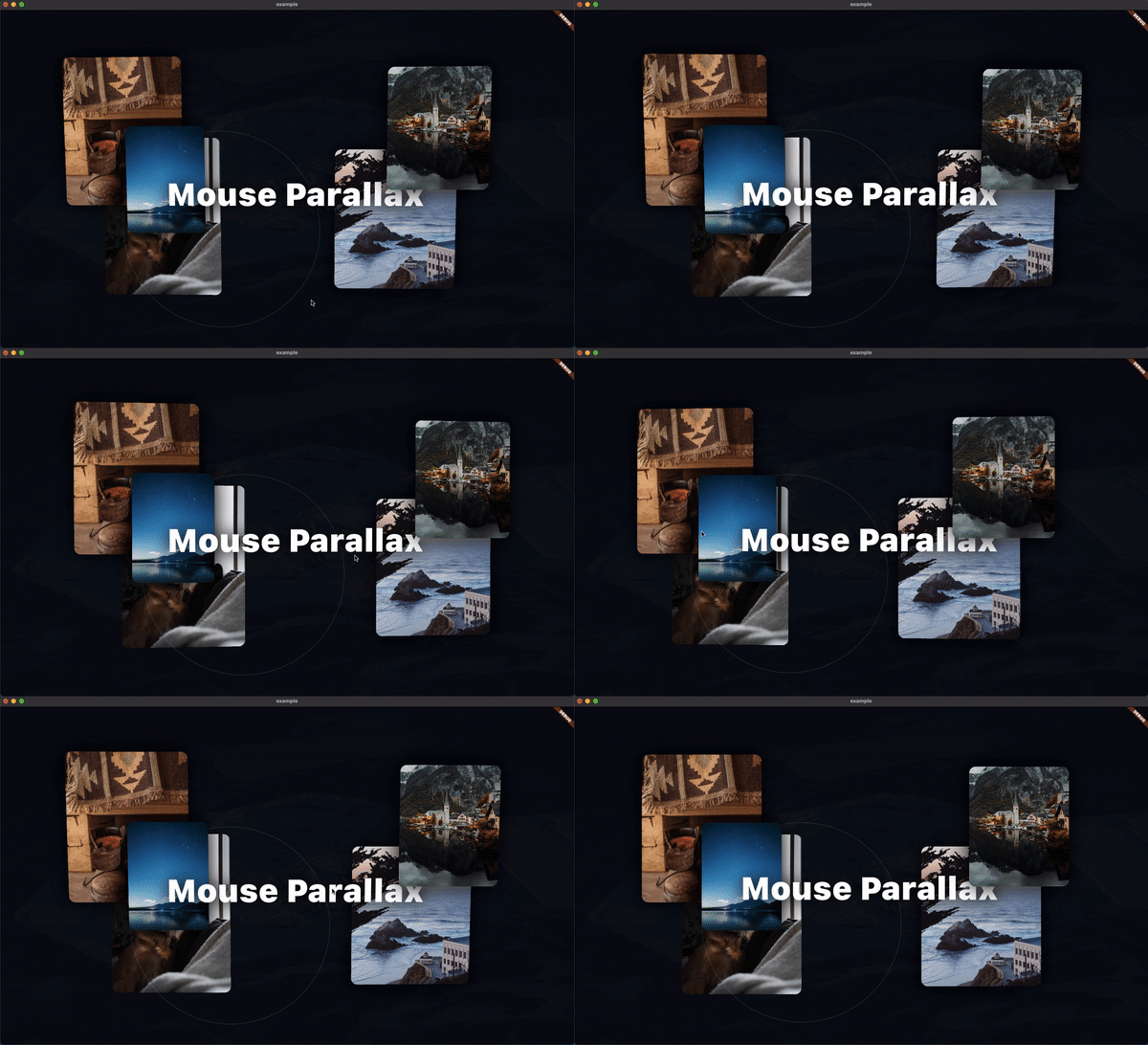
mouse_parallax cover
Package detailsv1.1.0

mouse_parallax

A simple way to implement pointer based parallax animations on multiple platforms.

AndroidiOSWebmacOSWindowsLinux
30-day downloads
31
Likes
165
Pub points
150

Install package

flutter pub add mouse_parallax

Package Overview

Package selection guidance compiled from public package information, community data, and project usage.

Mouse Parallax is a Flutter package that enables smooth, pointer-driven parallax effects across multiple platforms, including mobile, web, and desktop. It allows developers to create immersive visual experiences by animating widgets in response to mouse or touch input, with minimal setup. The package supports responsive behavior and integrates seamlessly into existing Flutter projects. Ideal for interactive UIs, backgrounds, or dynamic content layouts.

Use cases

  • Interactive website backgrounds
  • Dynamic app interfaces
  • Parallax scrolling effects
  • Desktop and web animations
  • Enhanced user engagement
  • Visual storytelling

Key features

  • Pointer-based parallax motion
  • Cross-platform support
  • Simple API integration
  • Responsive design compatibility
  • Smooth animation rendering
  • Customizable sensitivity

Suitable for

  • UI/UX designers
  • Web and desktop app developers
  • Interactive prototype creators
  • Gamified application builders
  • Creative digital experiences

Considerations

  • May impact performance on low-end devices
  • Requires careful tuning for optimal UX
  • Not ideal for static content
  • Limited to pointer-driven interactions
  • Best suited for visually rich applications
  • Potential overuse may distract users

Original README

Original README snapshot from the linked source repository. Visit the repository for the latest content.

mouse_parallax

Mouse Parallax

A Pointer-Based Animation Package. The goal of this package is to make mouse and touch based parallax effects as simple as possible.

Setting up

To get started with the Parallax effect, use a ParallaxStack

class MyApp extends StatelessWidget {
 @override
 Widget build(BuildContext context) {
   return MaterialApp(
     home: Scaffold(
       body: ParallaxStack(
         layers: [],
       ),
     ),
   );
 }
}

The layers property takes a list of ParallaxLayers. These layers allow you to define the animatable properties of the stack.

class MyApp extends StatelessWidget {
 @override
 Widget build(BuildContext context) {
   return MaterialApp(
     home: Scaffold(
       body: ParallaxStack(
         layers: [
           ParallaxLayer(
             yRotation: 0.35,
             xOffset: 60,
             child: Center(
               child: Container(
                 width: 250,
                 height: 250,
                 color: Colors.black,
               ),
             ),
           ),
           ParallaxLayer(
             yRotation: 0.35,
             xOffset: 80,
             child: Center(
               child: Container(
                 width: 200,
                 height: 200,
                 decoration: const BoxDecoration(
                   color: Colors.deepOrange,
                 ),
               ),
             ),
           ),
         ],
       ),
     ),
   );
 }
}

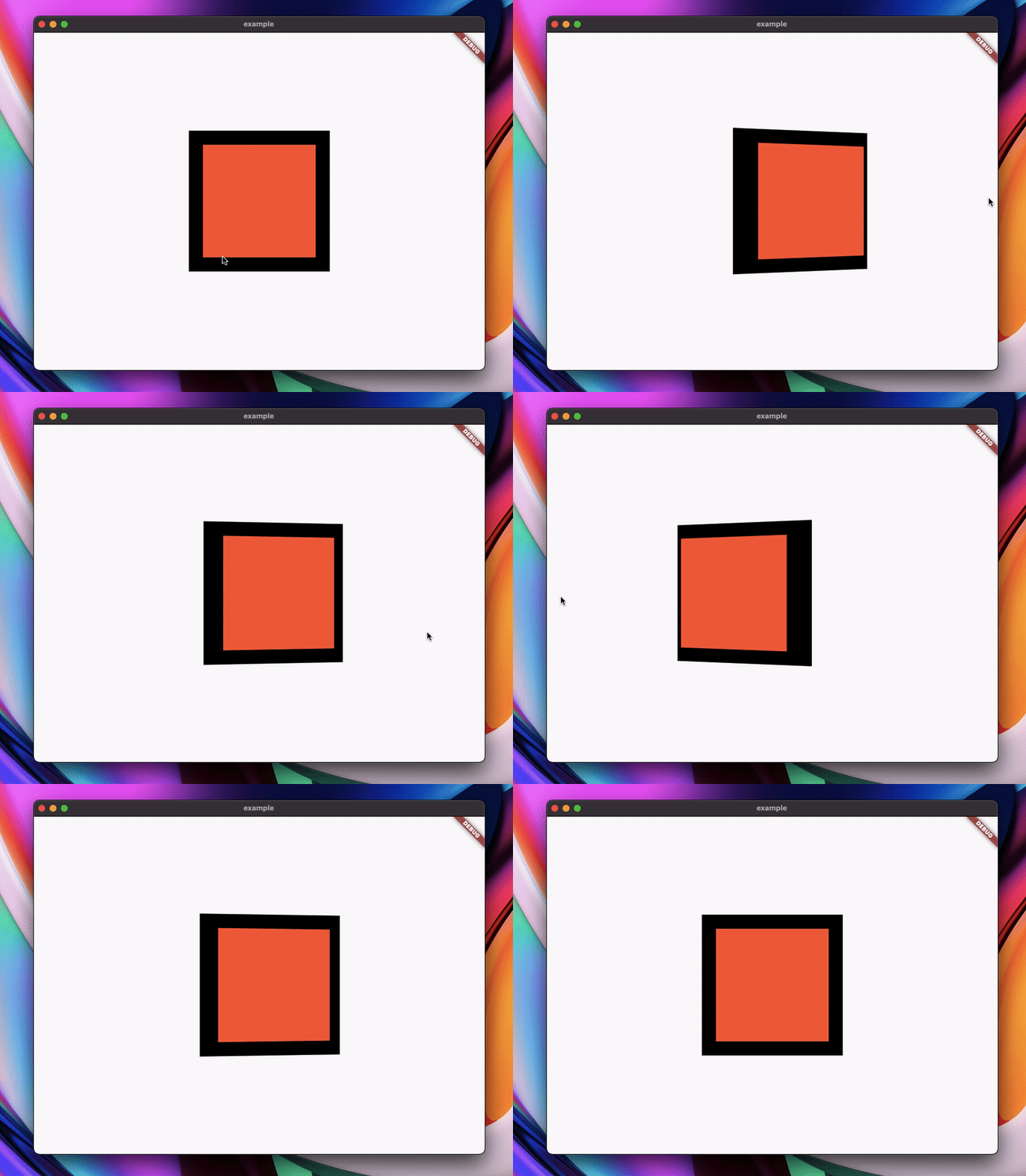
That example yields this result:

Parallax image

Categories

Source repository

Projects using this package

No data available yet.