
Overview
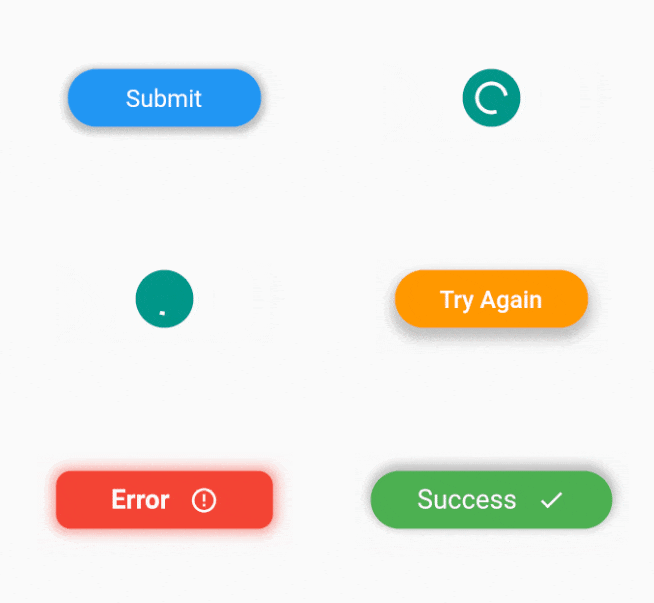
A Flutter package that enables buttons with multiple states, offering extensive customization for visual and behavioral transitions. Each state can have unique labels, colors, icons, and animations, making it ideal for interactive elements like loading, success, error, or disabled states. The package supports all major platforms including Android, iOS, Web, macOS, Windows, and Linux, ensuring consistent behavior across devices. It simplifies complex button logic while maintaining clean, readable code.
Use cases
- Form submission with loading and success states
- Toggle between active/inactive button modes
- Display feedback after user actions
- Create animated progress indicators
- Implement multi-step workflows
- Customize button appearance per state
Key features
- Supports unlimited custom states
- Configurable animations between states
- Extensive styling options per state
- Cross-platform compatibility
- Simple API for state management
- Built-in support for icons and text
Suitable for
- Developers building interactive UIs
- Apps requiring dynamic button feedback
- Design systems needing reusable button components
- Projects with multi-step processes
- Teams prioritizing UI consistency
Considerations
- May increase bundle size slightly
- Requires careful state management in complex flows
- Animation performance depends on device capabilities
- Not suitable for static, single-state buttons
- Best used with clear state transition logic
- Limited documentation beyond basic examples