Search packages, repositories and app categories

native_video_player cover
Package detailsv4.0.1

native_video_player

A Flutter widget to play videos on iOS and Android using a native implementation.

AndroidiOSmacOS
30-day downloads
8.7K
Likes
89
Pub points
140

Install package

flutter pub add native_video_player

Package Overview

Package selection guidance compiled from public package information, community data, and project usage.

A Flutter package that enables video playback on iOS, Android, and macOS using native platform implementations. It provides a reliable and performant way to integrate video content into Flutter apps by leveraging the native video players of each operating system. This ensures better compatibility with various video formats and hardware acceleration. The package is designed for developers seeking seamless video playback without relying on cross-platform abstractions.

Use cases

  • Playing local video files
  • Streaming videos from URLs
  • Integrating video in media-rich applications
  • Supporting fullscreen video playback
  • Building video player interfaces with native performance

Key features

  • Uses native video players on iOS and Android
  • Supports video streaming and local files
  • Hardware-accelerated playback
  • Cross-platform compatibility (iOS, Android, macOS)
  • Simple integration with Flutter widgets

Suitable for

  • Developers needing high-performance video playback
  • Apps requiring native video features
  • Media or education applications
  • Projects targeting multiple platforms with consistent video behavior

Considerations

  • Limited to iOS, Android, and macOS
  • No web support
  • Requires native platform setup for advanced features
  • Depends on platform-specific video format support

Original README

Original README snapshot from the linked source repository. Visit the repository for the latest content.

native_video_player

Pub

A Flutter widget to play videos on iOS, macOS and Android using a native implementation.

Perfect for building video-centric apps like TikTok, Instagram Reels, or YouTube Shorts, as well as general video playback needs.

Android iOS macOS
Support 16+ 9.0+ 10.11+
Implementation

Usage

Loading a video
@override
Widget build(BuildContext context) {
  return NativeVideoPlayerView(
    onViewReady: (controller) async {
      await controller.loadVideo(
        VideoSource(
          path: 'path/to/file',
          type: VideoSourceType.asset,
        ),
      );
    },
  );
}
Listen to events
StreamSubscription<void>? _eventsSubscription;

_eventsSubscription = controller.events.listen((event) {
  switch (event) {
    case PlaybackStatusChangedEvent():
      // Emitted when playback status changes (playing, paused, or stopped)
      final playbackStatus = controller.playbackStatus;
    case PlaybackPositionChangedEvent():
      // Emitted when playback position changes
      final position = controller.playbackPosition;
    case PlaybackReadyEvent():
      // Emitted when video is loaded and ready to play
      final height = controller.videoInfo?.height;
      final width = controller.videoInfo?.width;
      final duration = controller.videoInfo?.duration;
    case PlaybackEndedEvent():
      // Emitted when video playback ends
    case PlaybackSpeedChangedEvent():
      // Emitted when playback speed changes
    case VolumeChangedEvent():
      // Emitted when volume changes
    case PlaybackErrorEvent():
      // Emitted when an error occurs
      print('Playback error: ${event.errorMessage}');
  }
});

// Don't forget to dispose the subscription
@override
void dispose() {
  _eventsSubscription?.cancel();
  super.dispose();
}
Autoplay
bool isAutoplayEnabled = false;

Future<void> _loadVideoSource() async {
  await controller.loadVideo(videoSource);
  if (isAutoplayEnabled) {
    await controller.play();
  }
}
Playback loop
bool isPlaybackLoopEnabled = false;

void _onPlaybackEnded() {
  if (isPlaybackLoopEnabled) {
    controller.stop();
    controller.play();
  }
}

// Set up event listener
_eventsSubscription = controller.events.listen((event) {
  switch (event) {
    case PlaybackEndedEvent():
      _onPlaybackEnded();
    // ... handle other events ...
  }
});
Controller disposal
class VideoPlayerState extends State<VideoPlayer> {
  NativeVideoPlayerController? _controller;
  StreamSubscription<void>? _eventsSubscription;

  Future<void> _initController(NativeVideoPlayerController controller) async {
    _controller = controller;
    _eventsSubscription = _controller?.events.listen((event) {
      // ... handle events ...
    });
  }

  @override
  void dispose() {
    // Cancel any event subscriptions
    _eventsSubscription?.cancel();
    // Dispose of the controller
    _controller?.dispose();
    _controller = null;
    super.dispose();
  }
}

It's important to properly dispose of both the controller and any event subscriptions when you're done with them to prevent memory leaks. This typically happens in the dispose() method of your widget's State.

Advanced usage

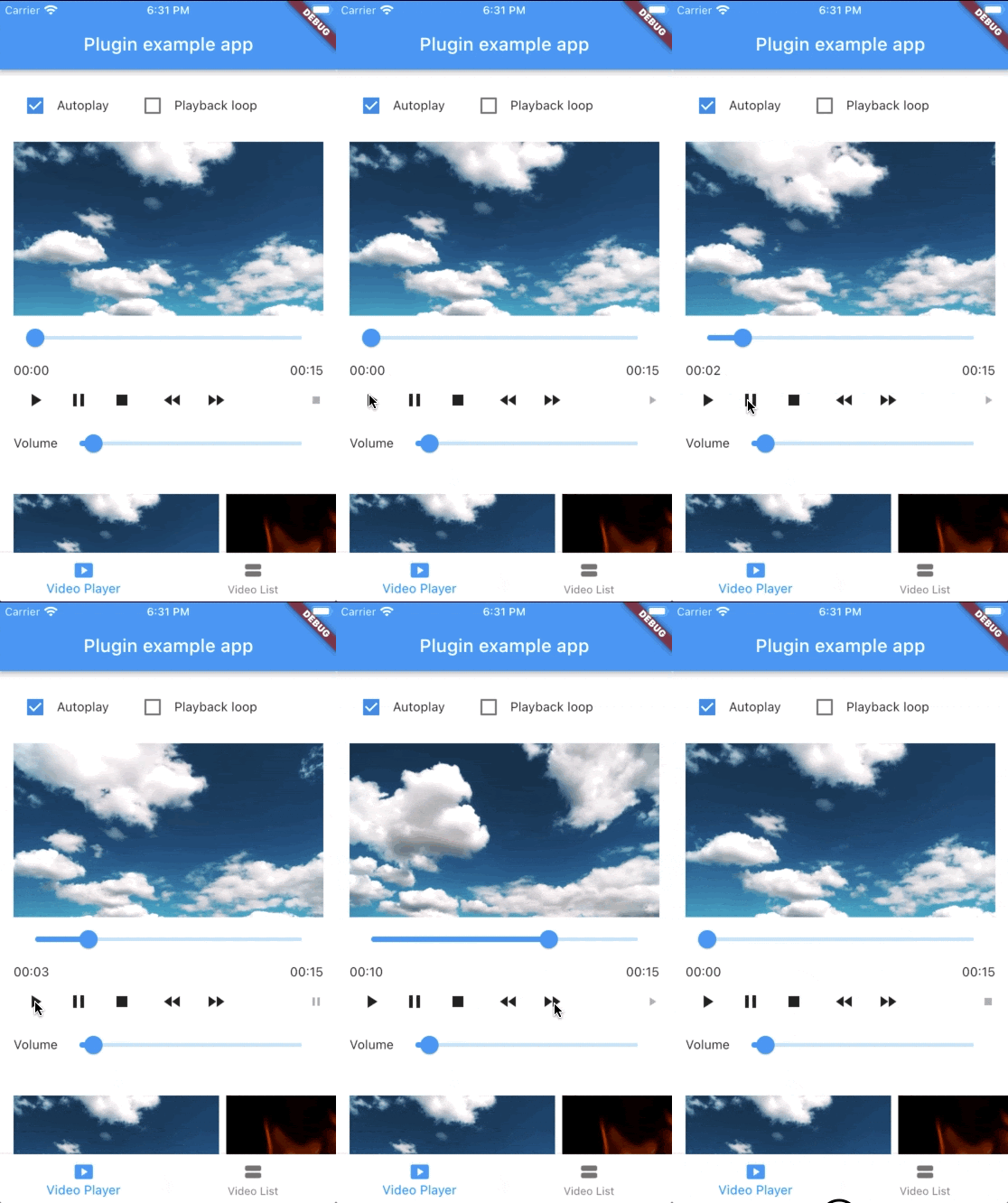
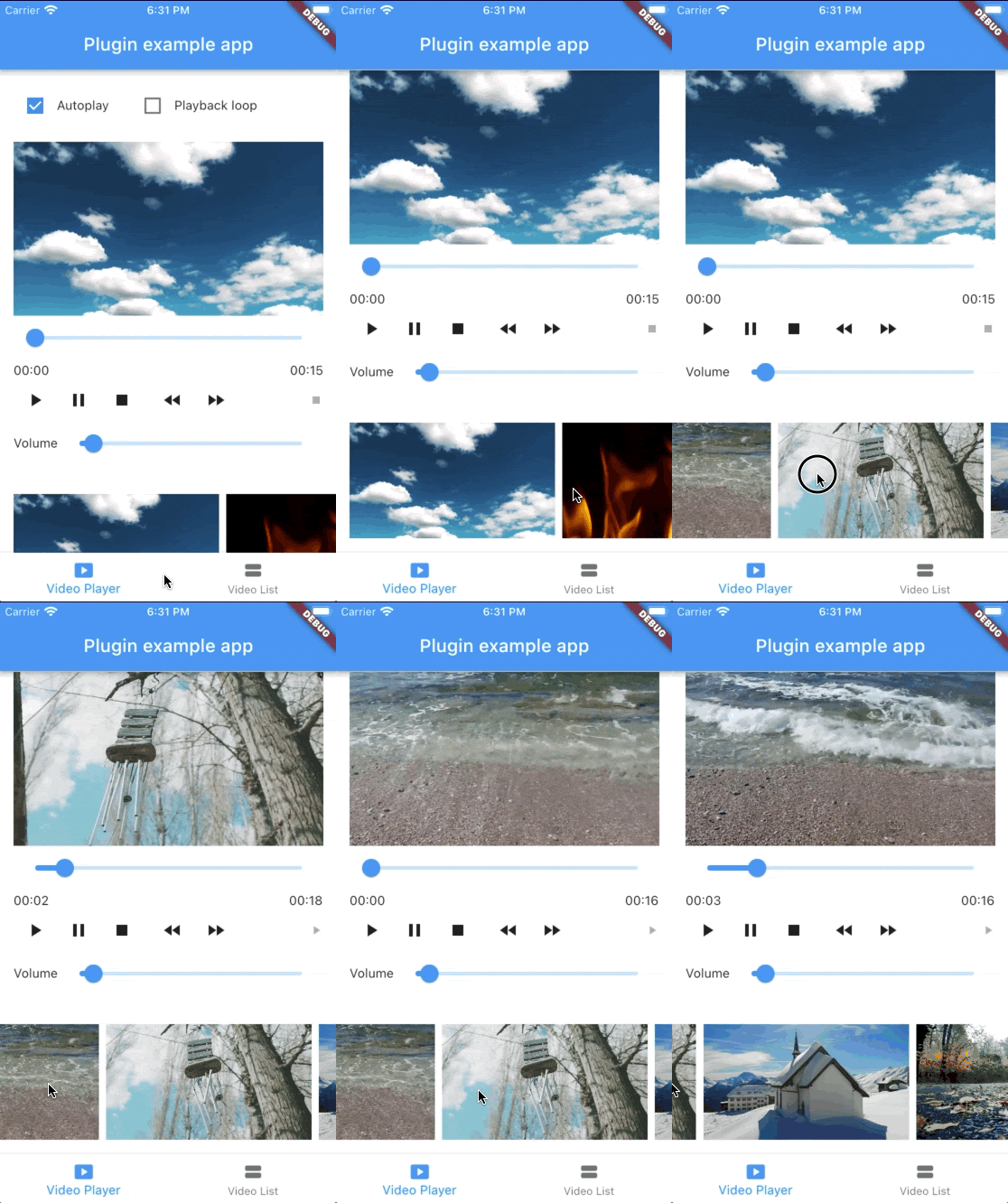
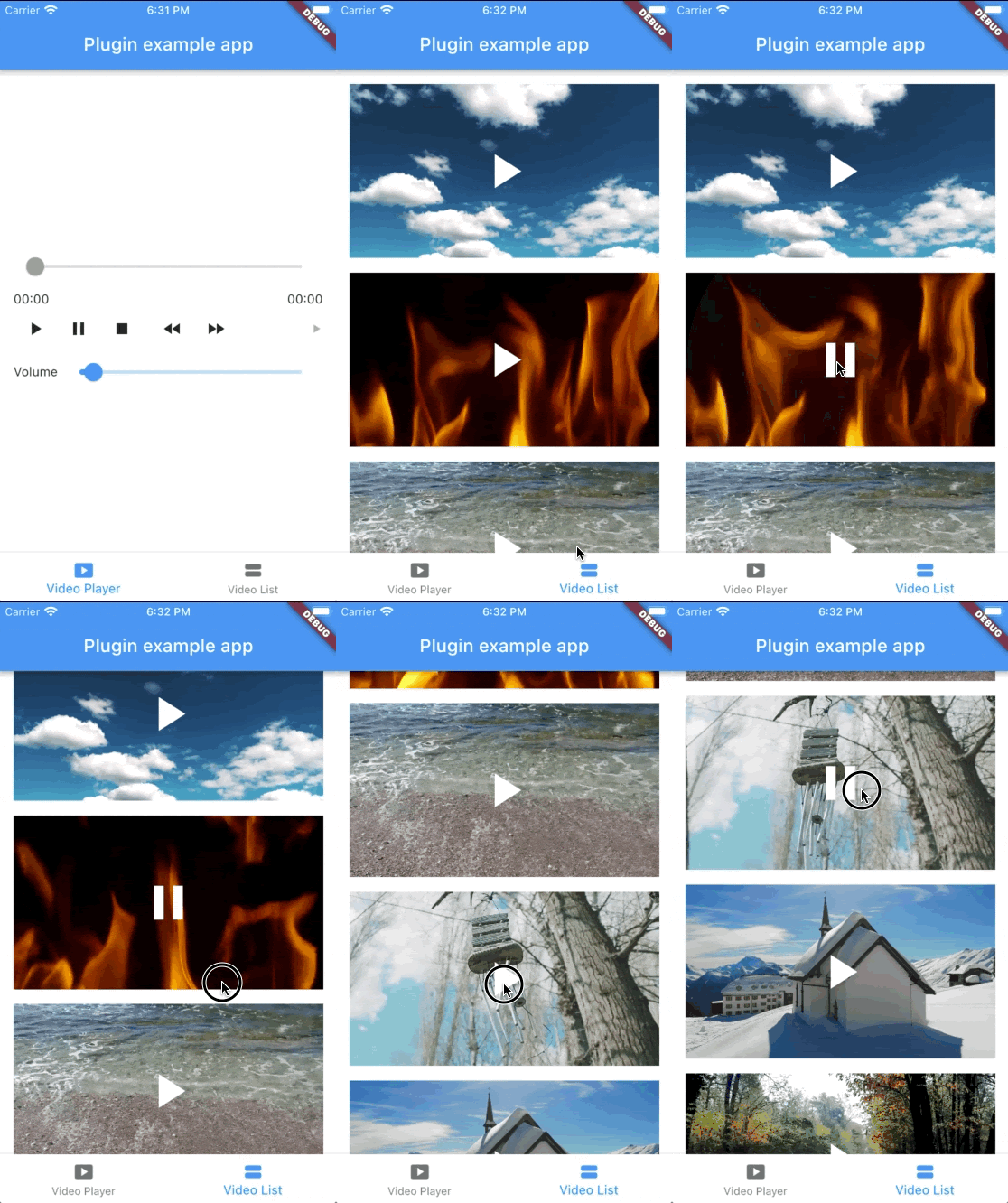
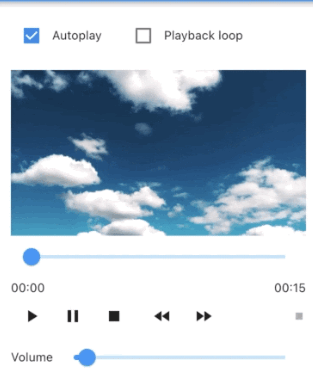
See the example app for a complete usage example.

Support this project

Sponsors:

Thank you to all sponsors for supporting this project! ❤️

Other projects

All my projects

Credits

Created by @albemala (Twitter)

Categories

Dependencies

Dependency list 2 items

Source repository

Projects using this package