Package selection guidance compiled from public package information, community data, and project usage.
A Flutter package that integrates platform-native video playback using Android's VideoView and iOS's AVPlayer. It provides smooth, high-performance video rendering by leveraging native components instead of software-based solutions. This ensures better compatibility with various video formats and hardware acceleration. The widget is designed for developers seeking optimal video playback quality and performance on both Android and iOS platforms.
Use cases
Playing videos with hardware acceleration
Integrating with native video controls
Supporting complex video formats
Building media-heavy applications
Ensuring low-latency playback
Key features
Uses native video players on Android and iOS
Hardware-accelerated video rendering
Minimal Flutter overhead
Cross-platform consistency
Supports full-screen and background playback
Suitable for
Media apps requiring high performance
Apps with extensive video content
Developers prioritizing native playback quality
Projects needing minimal custom video logic
Considerations
Limited customization compared to pure Flutter widgets
Requires platform-specific configuration for advanced features
May not support all video codecs out of the box
Depends on native platform updates
Less control over UI elements than custom implementations
Original README
Original README snapshot from the linked source repository. Visit the repository for the latest content.
native_video_view
A video player widget displayed using the platform native player
(VideoView in Android and AVPlayer in iOS).
Disclaimer
This plugin uses VideoView because in some devices the ExoPlayer plugin
is not working correctly (due to decoders or something) and VideoView is
a reasonable alternative. In iOS is sorta similar to Google's
video_player so you should use
their plugin if you want a player for iOS only.
Installation
First you need to add the dependency in your pubspec.yaml.
native_video_view:^0.3.0
Then import the plugin in the .dart file you want to use it.
You need to add the necessary permissions to play the videos. If
you are playing videos from the internet, you need to add the internet
permissions in your AndroidManifest.xml located in the android
folder in your project.
keepAspectRatio: Wraps the video player in a AspectRatio widget.
The aspect ratio is calculated once the video is loaded. By default the
aspect ratio is 4/3.
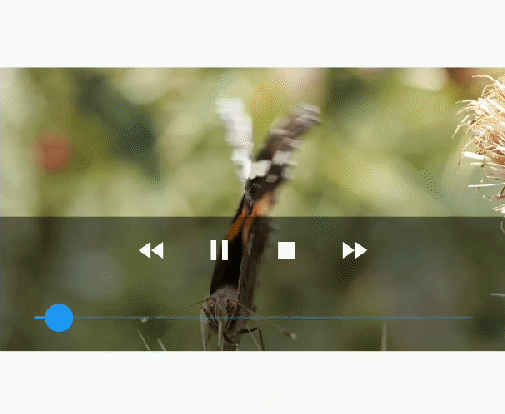
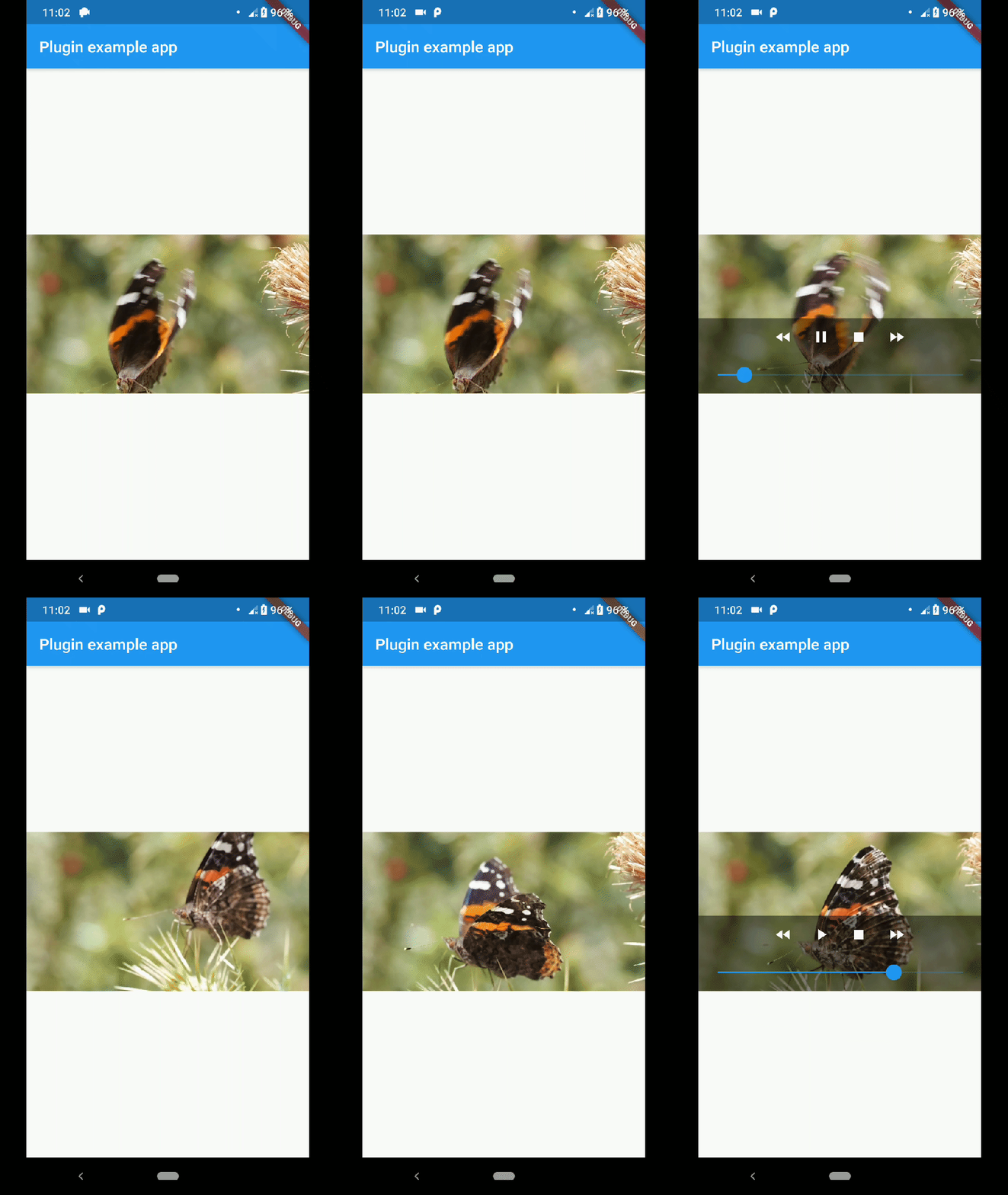
showMediaController: Shows a default media controller overlay
in the video player widget.
enableVolumeControl: Adds an option in the MediaController to control the volume of the
playback.
useExoPlayer: Use ExoPlayer as the underlying player.
Android Only.
autoHide: Automatically hides the media controller after
a few seconds of no use. Default is true.
autoHideTime: The time after which the controller is hidden.
Default is 2 seconds.
onCreated: (required) Callback called when the PlatformView is
finished creating.
onPrepared: (required) Callback called when the player has
finished loading the video.
onCompletion: (required) Callback called when the video reached
the end.
onError: Callback called if an error occurs in the player.
onProgress: Callback used to notify progress in the video
playback.
AudioFocus
To make the player get the audio focus of the system you just have to use the setting
requestAudioFocus when setting the video source. See the example below.