Search packages, repositories and app categories

network_logger cover
Package detailsv1.0.4

network_logger

Network logger with well designed user interface to inspect network traffic logs. Included with Dio interceptor.

AndroidiOSWebmacOSWindowsLinux
30-day downloads
5.4K
Likes
44
Pub points
150

Install package

flutter pub add network_logger

Package Overview

Package selection guidance compiled from public package information, community data, and project usage.

Network Logger is a Flutter package that provides a clean, intuitive user interface for inspecting network traffic logs. Built as a Dio interceptor, it seamlessly integrates into HTTP workflows to capture and display requests and responses in real time. Ideal for debugging API interactions during development, it supports all major platforms including Android, iOS, Web, macOS, Windows, and Linux. The package enhances developer productivity by offering detailed insights into headers, status codes, and response bodies without requiring external tools.

Use cases

  • Debugging API calls
  • Monitoring HTTP request/response cycles
  • Testing backend integrations
  • Real-time network inspection
  • Development environment troubleshooting

Key features

  • Dio interceptor integration
  • Cross-platform support
  • User-friendly UI
  • Request/response logging
  • Real-time data visualization

Suitable for

  • Flutter developers
  • API debugging
  • Mobile and web app testing
  • Dev team collaboration
  • Quality assurance engineers

Considerations

  • Not intended for production use
  • May impact performance in high-traffic scenarios
  • Requires manual activation in debug mode
  • Limited customization options
  • Dependent on Dio HTTP client

Original README

Original README snapshot from the linked source repository. Visit the repository for the latest content.

Network Logger

Network logger with well designed user interface to inspect network traffic logs. Included with Dio interceptor. You can start and inspect traffic just by writing 2 lines of code.

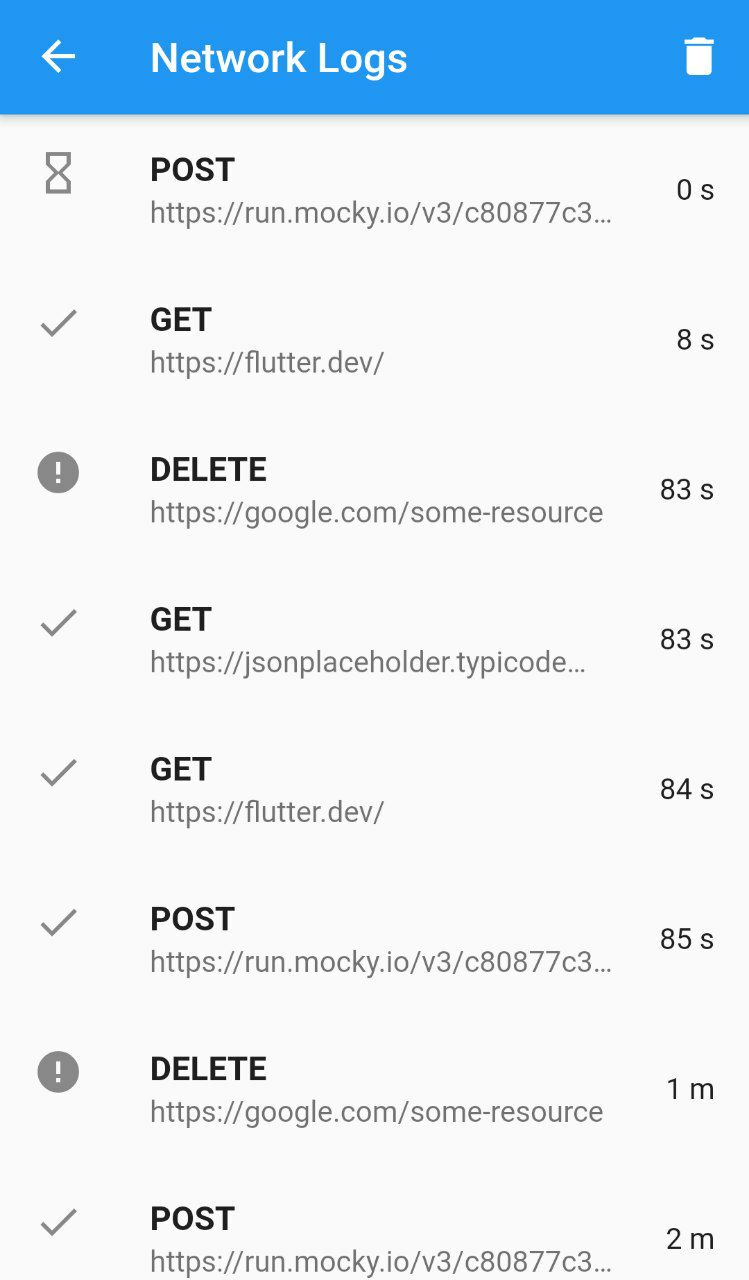
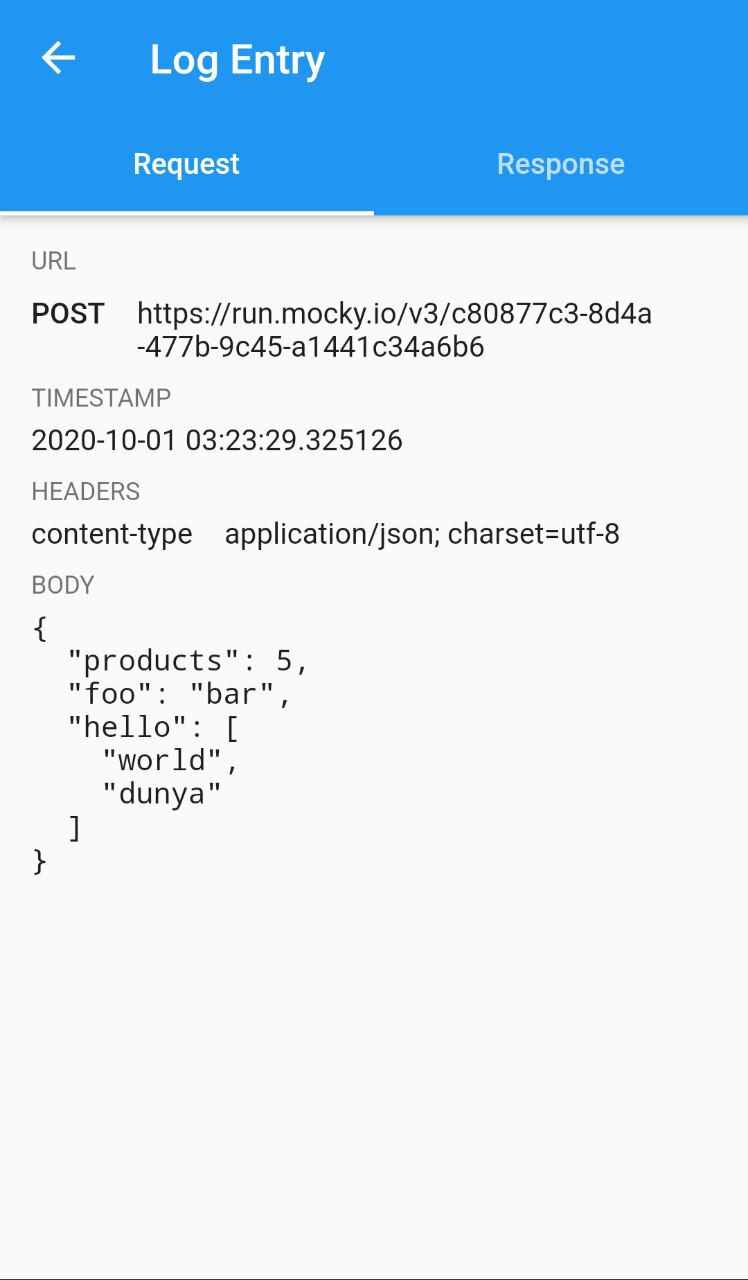
📷 Screenshots

Log feed Log details

🚀 Getting Started!

You are 3 steps ahead from viewing http traffic logs on well designed GUI.

1. Install network_logger.

Check this guide to install network_logger to your flutter project.

2. Add DioNetworkLogger interceptor to dio client.

network_logger comes with Dio interceptor which will intercept traffic from Dio client. Other package implementations coming soon.

var dio = Dio();
dio.interceptors.add(DioNetworkLogger());
3. Attach network logger overlay button to UI.

The easiest way to access Network Logger UI is using NetworkLoggerOverlay which will display floating action button over all screens. You can also implement custom scenarios to open UI with different actions.

@override
void initState() {
  NetworkLoggerOverlay.attachTo(context);
  super.initState();
}

Categories

Dependencies

Dependency list 1 items

  • dio>=4.0.0 <6.0.0

Source repository

Projects using this package