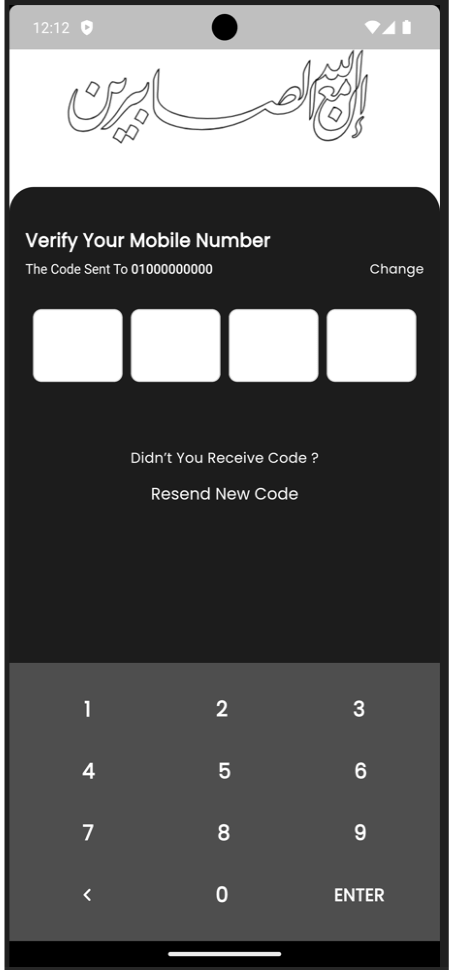
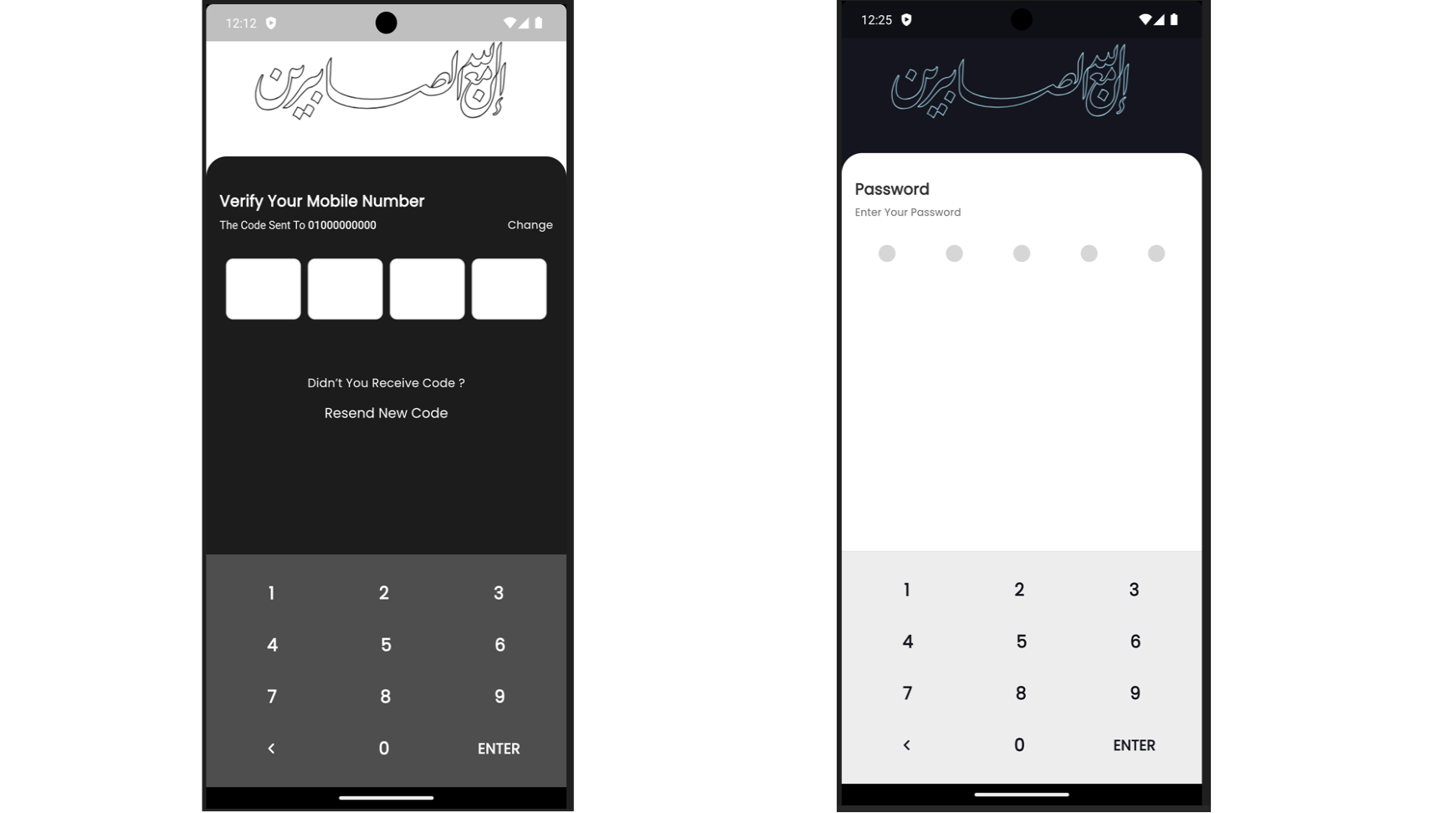
A Flutter package that provides a customizable number pad keyboard for entering PIN codes or numeric input. It includes features such as custom styling for numbers and buttons.
Package selection guidance compiled from public package information, community data, and project usage.
A Flutter package offering a customizable number pad keyboard designed for entering PIN codes or numeric input. It allows developers to tailor the appearance of numbers and buttons with custom styling, ensuring a consistent look across platforms. The keyboard is optimized for mobile and desktop environments, supporting Android, iOS, Web, macOS, Windows, and Linux. Ideal for authentication flows, payment inputs, or any scenario requiring secure numeric entry.
Use cases
PIN code entry
Secure numeric input
Payment form fields
Authentication screens
User ID verification
Digital keypad interfaces
Key features
Customizable button styling
Cross-platform compatibility
PIN code focused design
Configurable number layout
Responsive UI components
Easy integration with TextFormField
Suitable for
Mobile app developers
Web application creators
Desktop app builders
Security-focused applications
Forms requiring numeric input
Considerations
Limited to numeric input only
No built-in validation
Requires manual handling of input events
Not suitable for text input
May need additional styling for dark mode
Original README
Original README snapshot from the linked source repository. Visit the repository for the latest content.
Number Pad Keyboard
A Flutter package that provides a customizable number pad keyboard widget for entering PIN codes or numeric input.
Features
Customizable Design: Easily customize the look and feel of the number pad keyboard.
PIN Code Entry: Suitable for entering PIN codes or any numeric input in Flutter applications.
Flexible Usage: Integrate seamlessly into any Flutter project requiring a numeric keyboard interface.
Installation
Add the following dependency to your pubspec.yaml file:
dependencies:number_pad_keyboard:^1.0.0
Importing
To use the Number Pad Keyboard widget in your Flutter project, import it as follows: