Package selection guidance compiled from public package information, community data, and project usage.
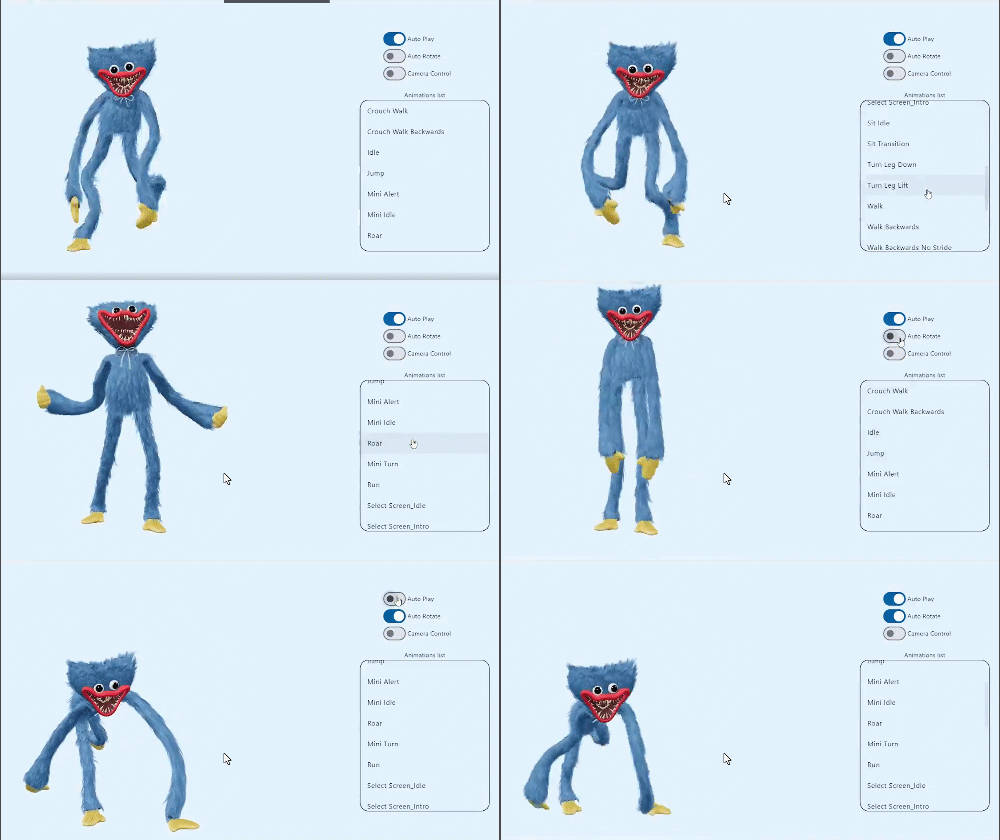
o3d is a Flutter package that simplifies the integration of 3D objects in GLB format across mobile and web platforms. It provides an easy-to-use controller for rendering, animating, and interacting with 3D models without requiring deep knowledge of 3D graphics programming. Designed for developers seeking to enhance apps with immersive 3D content, o3d streamlines the process of loading and managing 3D assets efficiently. The package supports Android, iOS, and Web, making it ideal for cross-platform applications needing lightweight 3D visualization.
Use cases
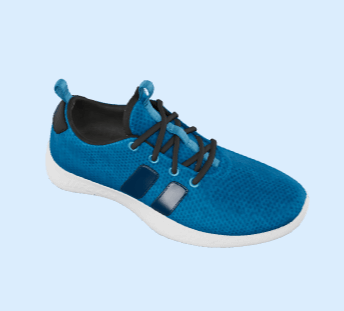
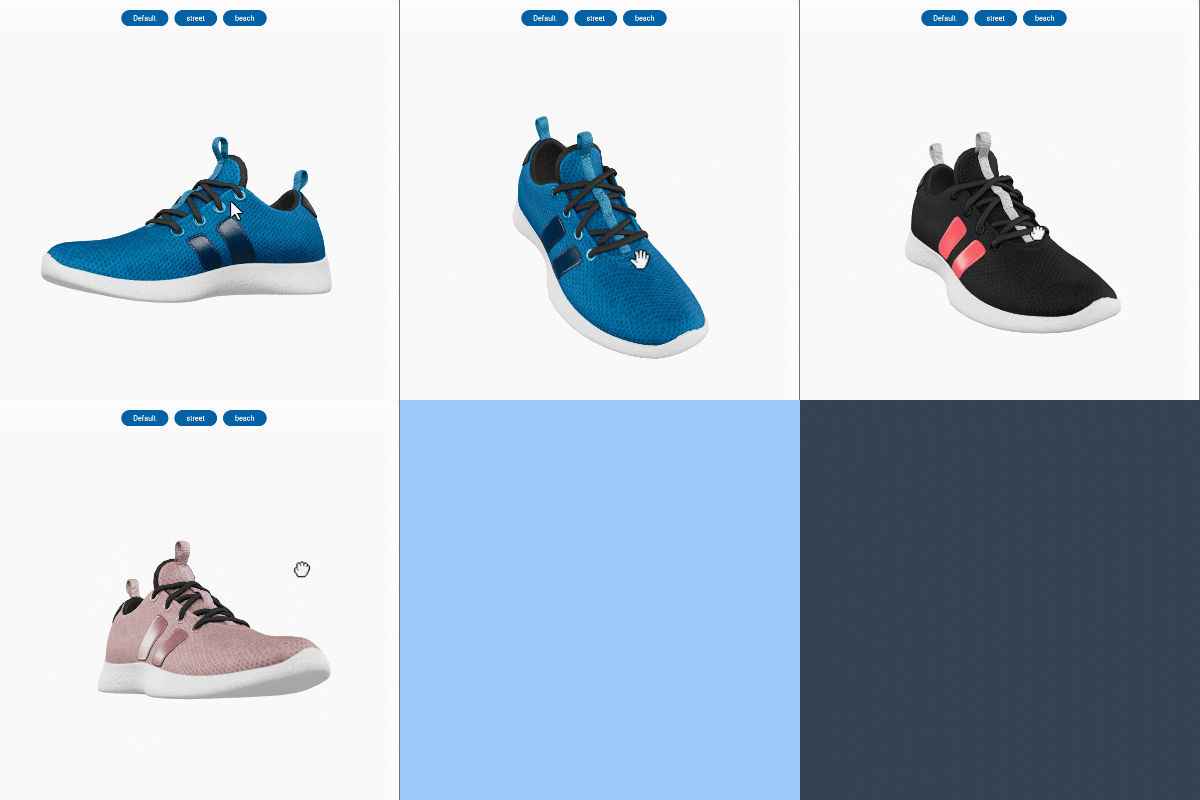
Adding interactive 3D product previews
Creating educational 3D visualizations
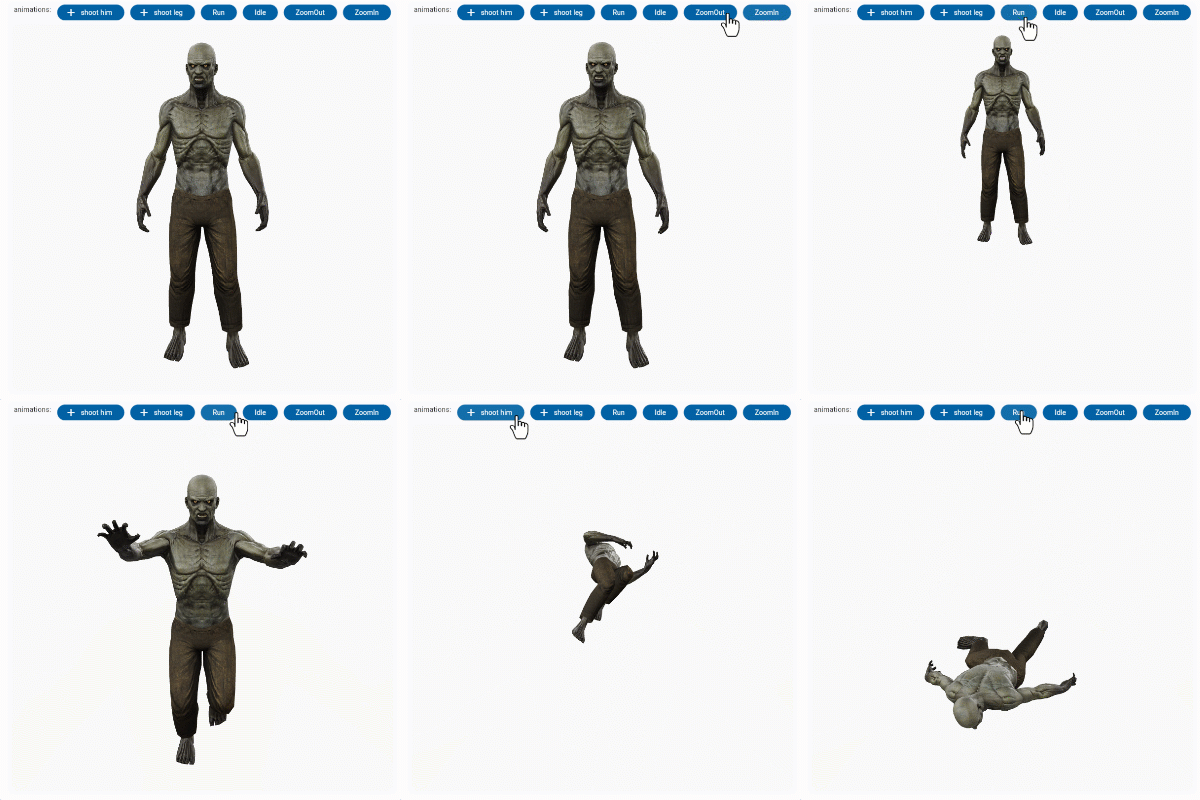
Enhancing gaming experiences
Building virtual tours
Integrating 3D models in AR/VR apps
Key features
Supports GLB 3D model format
Cross-platform compatibility (Android, iOS, Web)
Simple API for loading and controlling 3D objects
Built-in animation and interaction handling
Lightweight and optimized for performance
Suitable for
Flutter developers new to 3D
Apps requiring 3D model display
Educational and e-commerce apps
Interactive web and mobile experiences
Considerations
Requires GLB-formatted 3D models
Limited to basic 3D interactions
Performance may vary on low-end devices
No built-in physics or advanced animations
Original README
Original README snapshot from the linked source repository. Visit the repository for the latest content.
O3D - Model Viewer for Flutter
This is a Flutter widget for rendering interactive
3D models in the glTF and GLB formats.
The widget embeds Google's <model-viewer>
web component in a WebView.
cameraTarget: use controller.cameraTarget(20, 20, 5)x, y, z
cameraOrbit: use controller.cameraOrbit(1.2, 1, 4)(theta)deg, (phi)deg, (radius)m
availableAnimations: use controller.availableAnimations().then((animations) => log("Available animations: $animations"));
play: use controller.play()[optional] repetitions => play(repetitions: 2)
pause: use controller.pause()
Renders glTF and GLB models. (Also, USDZ models on iOS 12+.)
Supports animated models, with a configurable auto-play setting.
Optionally supports launching the model into an AR viewer.
Optionally auto-rotates the model, with a configurable delay.
Supports a configurable background color for the widget.
Installation
in pubspec.yaml
dependencies:o3d:^3.1.0
AndroidManifest.xml (Android 9+ only)
Test on real device and to use this widget on Android 9+ devices, your app must be permitted to make an HTTP connection
to http://localhost:XXXXX.
Android 9 (API level 28) changed the default for android:usesCleartextTraffic from true
to false,
so you will need to configure your app's android/app/src/main/AndroidManifest.xml as follows:
To use this widget on iOS, you need to opt-in to the embedded views preview
by adding a boolean property to your app's ios/Runner/Info.plist file, with
the key io.flutter.embedded_views_preview and the value YES:
We use
the Google APP
, com.google.android.googlequicksearchbox to display interactive 3D models on Android.
The model displays in 'ar_preferred' mode by default, Scene Viewer launches in AR native mode as the
entry mode.
If Google Play Services for AR (ARCore, com.google.ar.core)
isn't present, Scene Viewer gracefully falls back to 3D mode as the entry mode.
Note that due to browsers' CORS security restrictions, the model file
must be served with a Access-Control-Allow-Origin: * HTTP header.
Frequently Asked Questions
Q: Why doesn't my 3D model load and/or render?
A: There are several reasons why your model URL could fail to load and
render:
It might not be possible to parse the provided glTF or GLB file.
Some tools can produce invalid files when exporting glTF. Always
run your model files through the glTF Validator to check for this.