
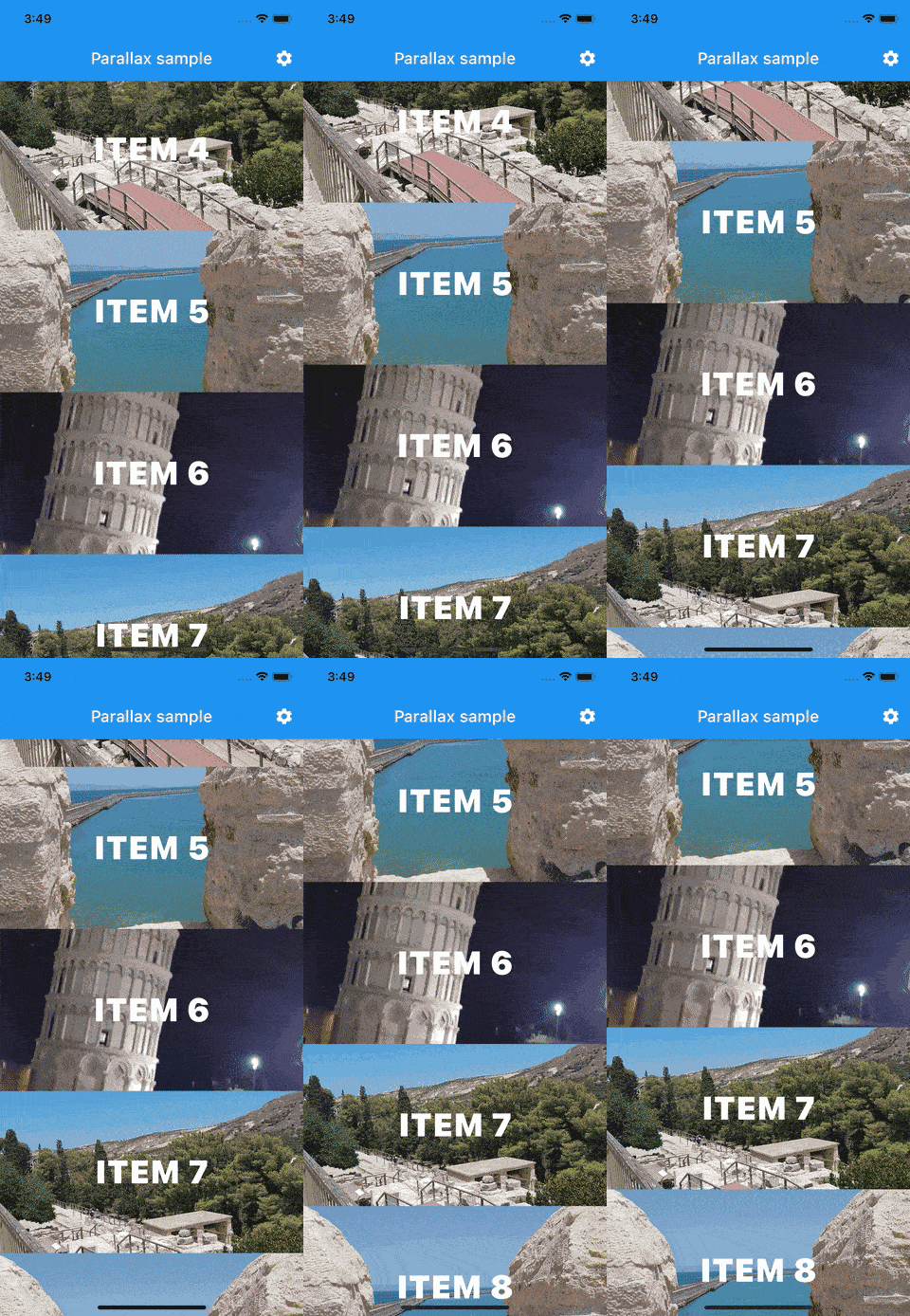
The parallax_animation package enables a smooth parallax effect within any Scrollable widget in Flutter. By wrapping a Scrollable with ParallaxArea and placing ParallaxWidget inside, developers can create visually engaging scrolling experiences where child widgets move at different speeds relative to the scroll. Ideal for enhancing user interfaces with depth and motion, it supports all major platforms including mobile, web, and desktop. The plugin is lightweight and easy to integrate, requiring minimal code changes.
Use cases
- Creating immersive scroll-based UIs
- Enhancing carousel or cover flow designs
- Adding depth to image or content sliders
- Improving user engagement in app onboarding
- Designing dynamic landing pages
Key features
- Simple integration with Scrollable widgets
- Supports multiple platforms
- Smooth parallax movement based on scroll position
- Lightweight and performant
- Customizable scroll speed ratios
- Works with any widget inside ParallaxWidget
Suitable for
- UI designers seeking visual depth
- Developers building scroll-heavy apps
- Apps with rich media content
- Interactive storytelling interfaces
- Mobile and web applications with dynamic layouts
Considerations
- May impact performance on low-end devices
- Requires careful tuning of parallax intensity
- Not suitable for simple static lists
- Best used with optimized assets
- Limited customization beyond scroll speed and offset