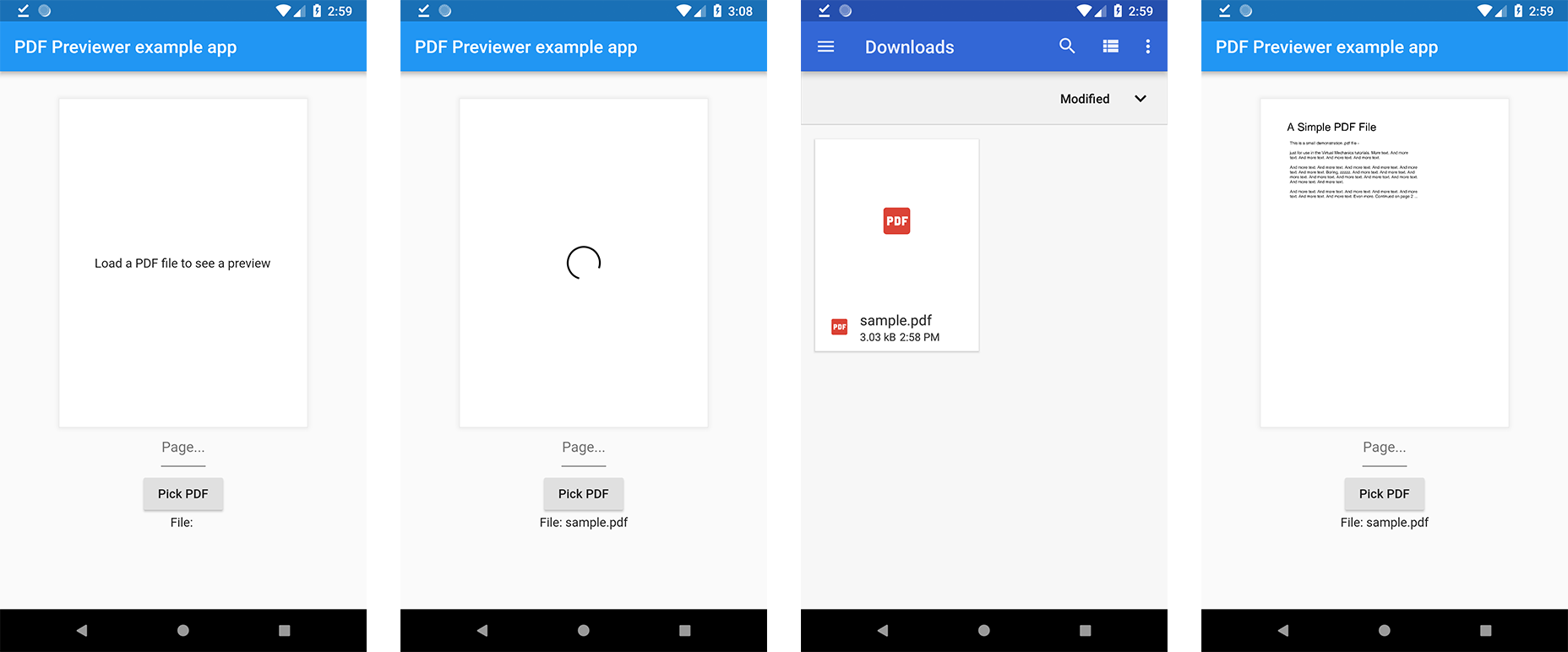
The pdf_previewer package enables Flutter applications to generate visual previews of specific pages from a PDF file using a provided file path. It simplifies the process of displaying PDF content within apps without requiring full PDF rendering capabilities. Designed for lightweight preview functionality, it supports efficient extraction and display of individual pages, making it ideal for document viewing features. The package is maintained by miguelruivo.com and hosted on GitHub for transparency and community contributions.
Use cases
- Displaying thumbnails of PDF pages
- Previewing selected pages in document apps
- Integrating PDF previews in mobile forms
- Enabling quick document review
- Supporting offline PDF viewing
Key features
- Page-specific preview generation
- Simple API with file path input
- Lightweight PDF rendering
- Supports local PDF files
- Easy integration with Flutter UI
Suitable for
- Document management apps
- Educational tools with PDFs
- Mobile forms with document uploads
- Offline reading applications
- Content preview interfaces
Considerations
- Requires local PDF file access
- Limited to page-level previews
- No interactive PDF features
- Depends on underlying rendering engine
- Not suitable for complex PDF manipulation