Search packages, repositories and app categories

pie_chart cover
Package detailsv5.4.0

pie_chart

A Flutter package for creating beautiful Pie Charts with awesome animation.

AndroidiOSWebmacOSWindowsLinux
30-day downloads
31.1K
Likes
440
Pub points
140

Install package

flutter pub add pie_chart

Package Overview

Package selection guidance compiled from public package information, community data, and project usage.

A Flutter package designed to create visually appealing pie charts with smooth animations. It enables developers to easily integrate interactive and customizable pie charts into their apps across multiple platforms. The package supports dynamic data updates, various chart styles, and responsive design, making it ideal for displaying proportional data in dashboards, reports, or analytics interfaces. With simple API integration, it enhances user experience through engaging visual feedback.

Use cases

  • Displaying data proportions
  • Creating dashboard widgets
  • Visualizing survey results
  • Generating report graphics
  • Building analytics interfaces

Key features

  • Smooth animation effects
  • Customizable chart colors
  • Responsive layout support
  • Dynamic data updates
  • Interactive touch responses

Suitable for

  • Data visualization in apps
  • Educational tools
  • Business analytics dashboards
  • Mobile and web applications
  • Simple statistical reporting

Considerations

  • Limited to 2D pie charts
  • Not suitable for large datasets
  • May impact performance with many slices
  • Requires careful color selection for readability
  • Best for small to medium-sized data sets

Original README

Original README snapshot from the linked source repository. Visit the repository for the latest content.

Pie Chart Cirrus CI - Base Branch Build Status GitHub stars Twitter Follow GitHub last commit Website shields.ioOpen Source Love Discord

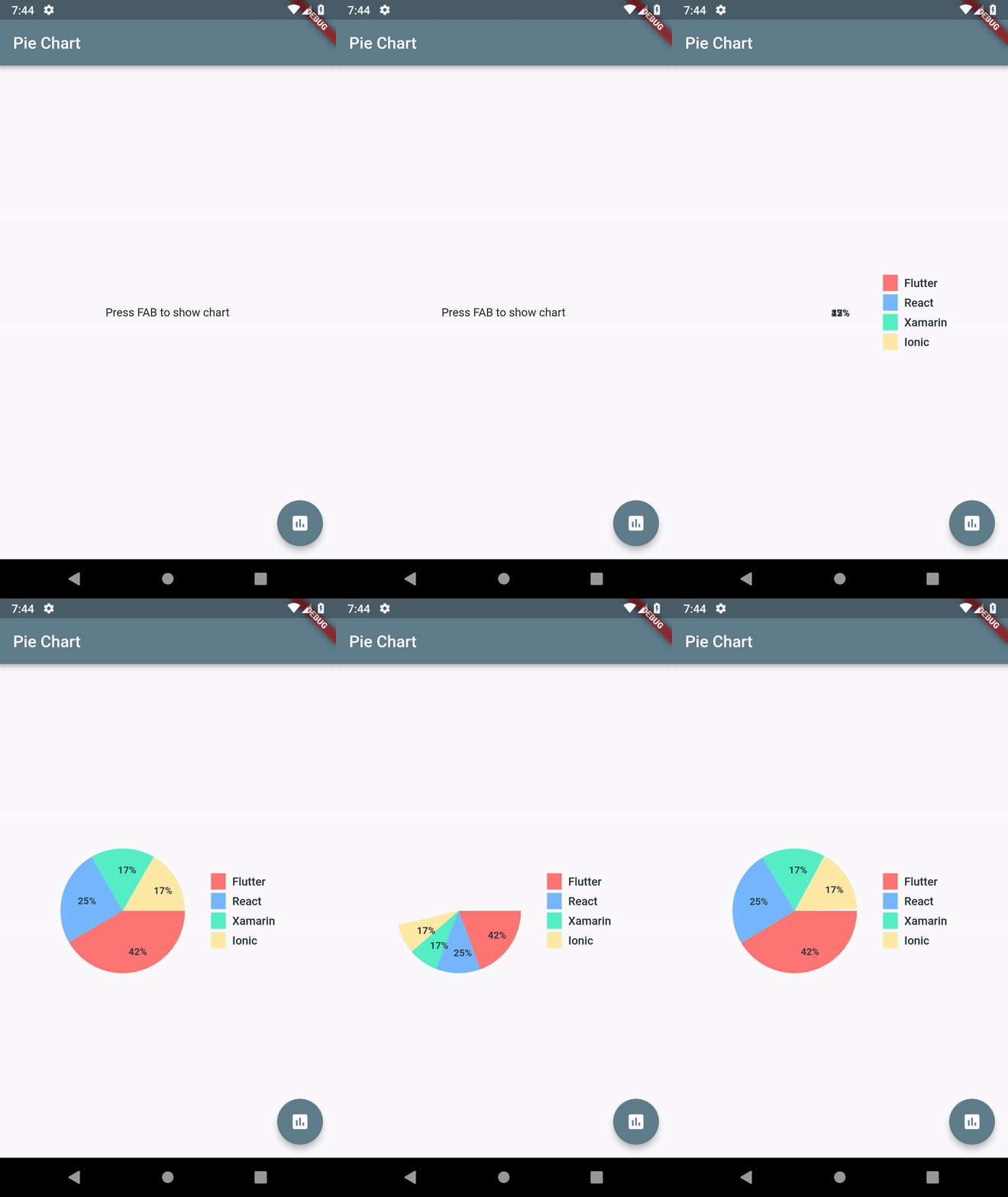
This Flutter package provides a Pie Chart Widget with cool animation.

More discussions on Discord: https://discord.gg/7byeCn7MGF

💻 Try LIVE Demo

Live Demo: https://apgapg.github.io/pie_chart/

piechart

💻 Installation

In the dependencies: section of your pubspec.yaml, add the following line:

Version

dependencies:
  pie_chart: <latest version>

❔ Usage

Import this class
import 'package:pie_chart/pie_chart.dart';
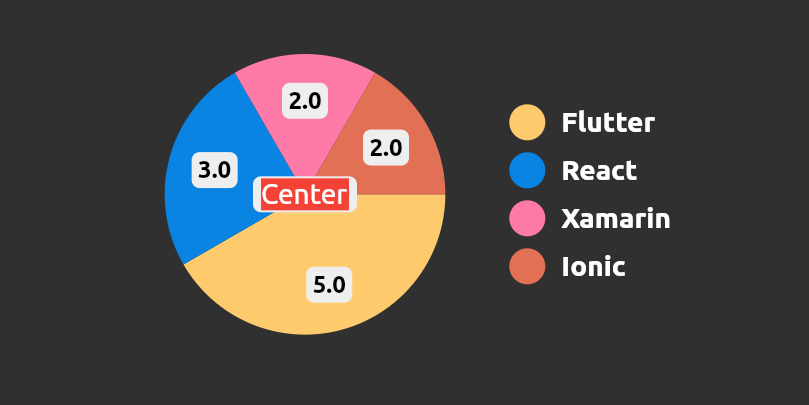
Usage is simple. Pie Chart is a widget and it just need a Map<String,double> as its data input.
PieChart
Map<String, double> dataMap = {
    "Flutter": 5,
    "React": 3,
    "Xamarin": 2,
    "Ionic": 2,
  };
- Simple Implementation
PieChart(dataMap: dataMap) 
- Full Implementation
PieChart(
      dataMap: dataMap,
      animationDuration: Duration(milliseconds: 800),
      chartLegendSpacing: 32,
      chartRadius: MediaQuery.of(context).size.width / 3.2,
      colorList: colorList,
      initialAngleInDegree: 0,
      chartType: ChartType.ring,
      ringStrokeWidth: 32,
      centerText: "HYBRID",
      legendOptions: LegendOptions(
        showLegendsInRow: false,
        legendPosition: LegendPosition.right,
        showLegends: true,
        legendShape: _BoxShape.circle,
        legendTextStyle: TextStyle(
          fontWeight: FontWeight.bold,
        ),
      ),
      chartValuesOptions: ChartValuesOptions(
        showChartValueBackground: true,
        showChartValues: true,
        showChartValuesInPercentage: false,
        showChartValuesOutside: false,
        decimalPlaces: 1,
      ),
      // gradientList: ---To add gradient colors---
      // emptyColorGradient: ---Empty Color gradient---
    )

⭐ Features

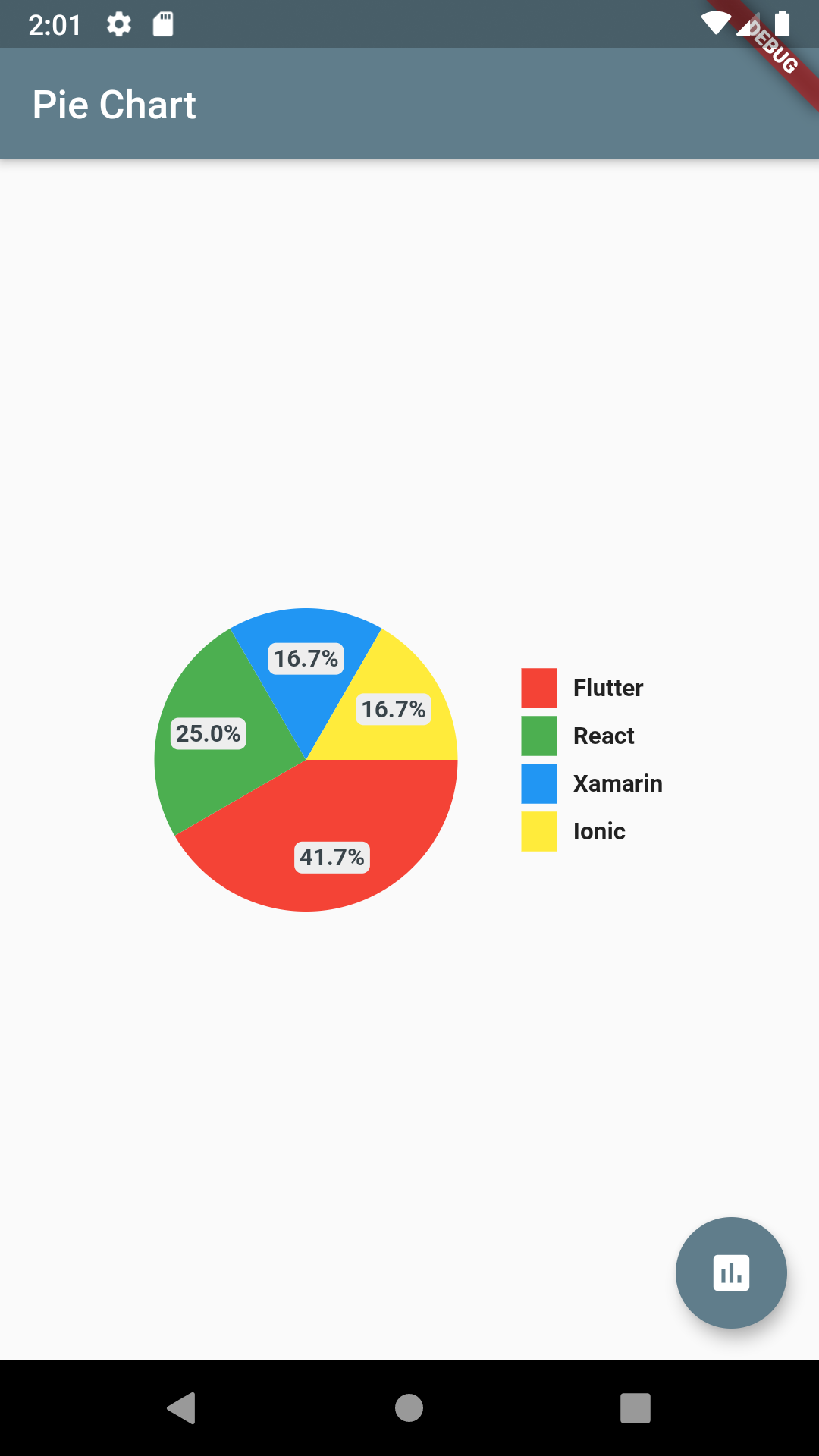
Control decimal places 'decimalPlaces'
chartValuesOptions: ChartValuesOptions(
  decimalPlaces: 1,
),
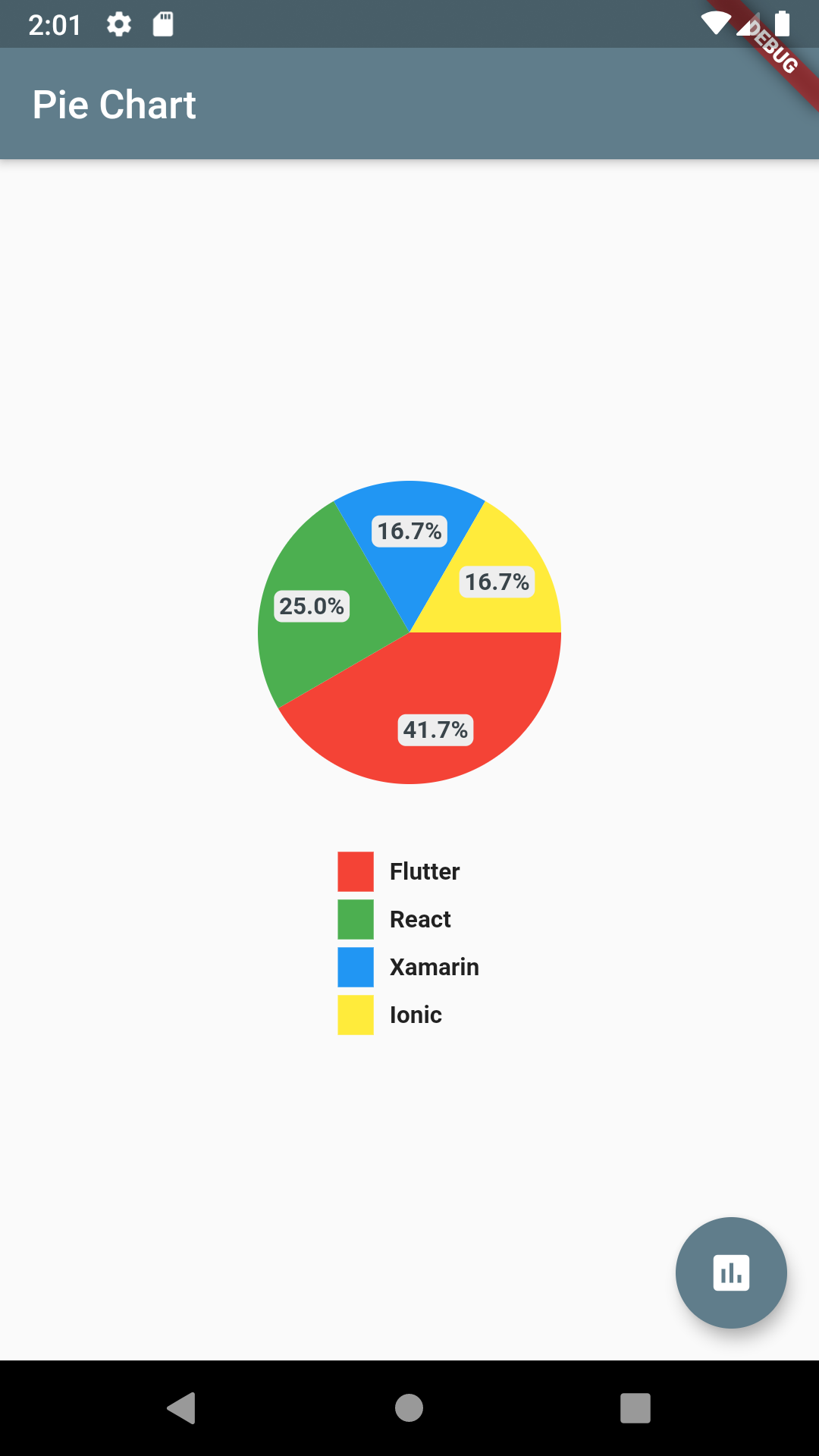
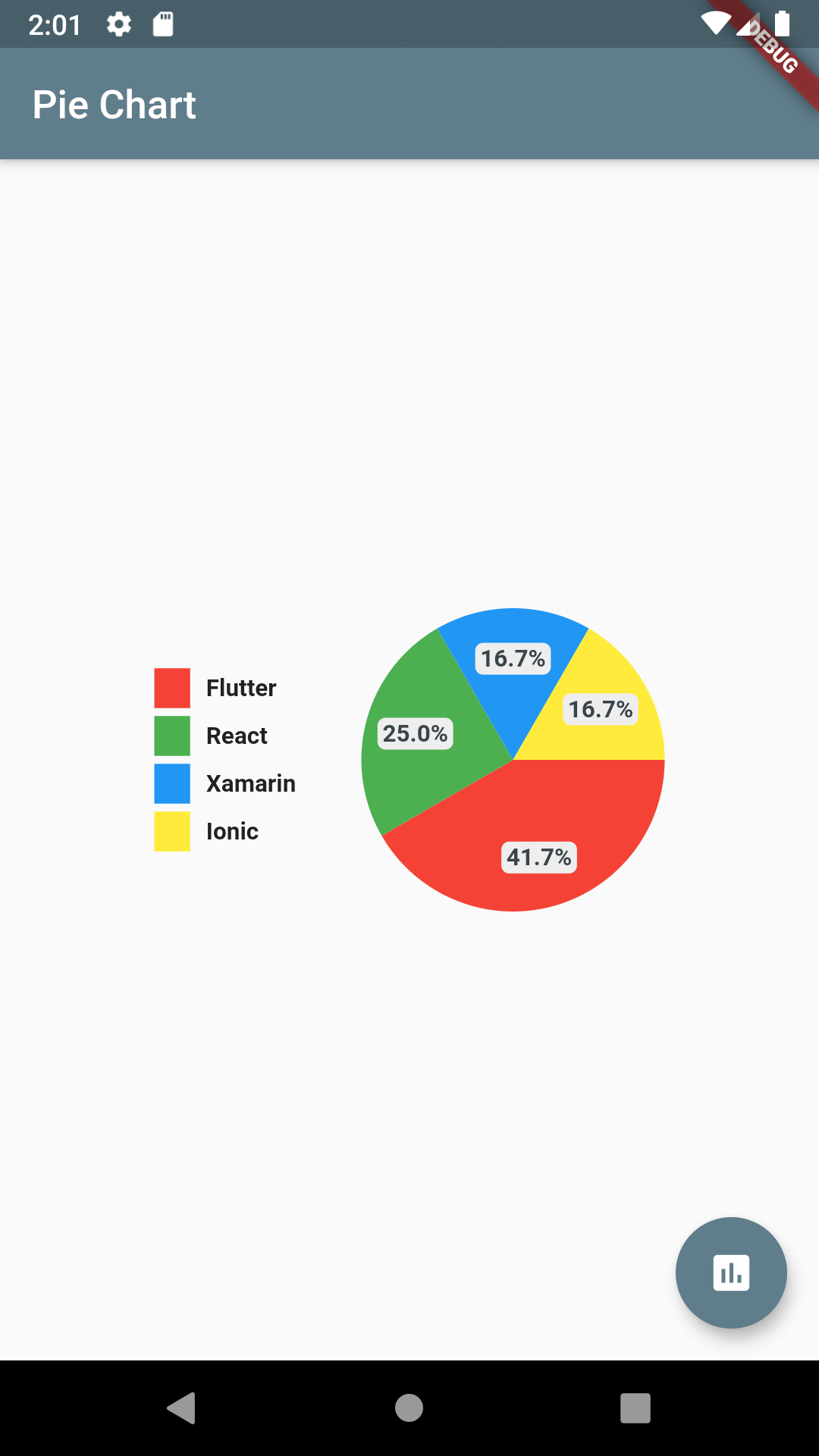
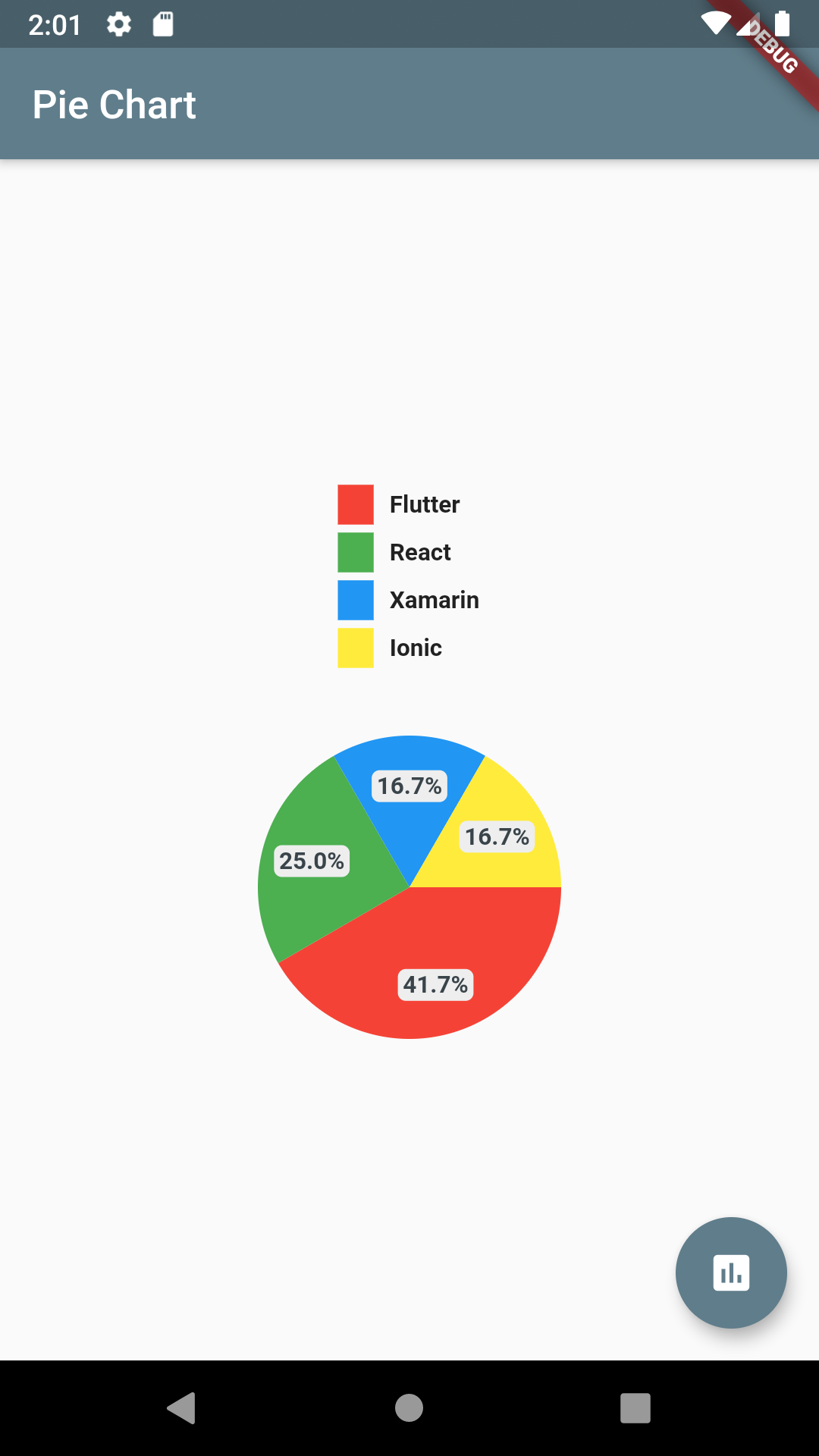
Change legend position with 'legendPosition'

PieChart PieChart PieChart PieChart

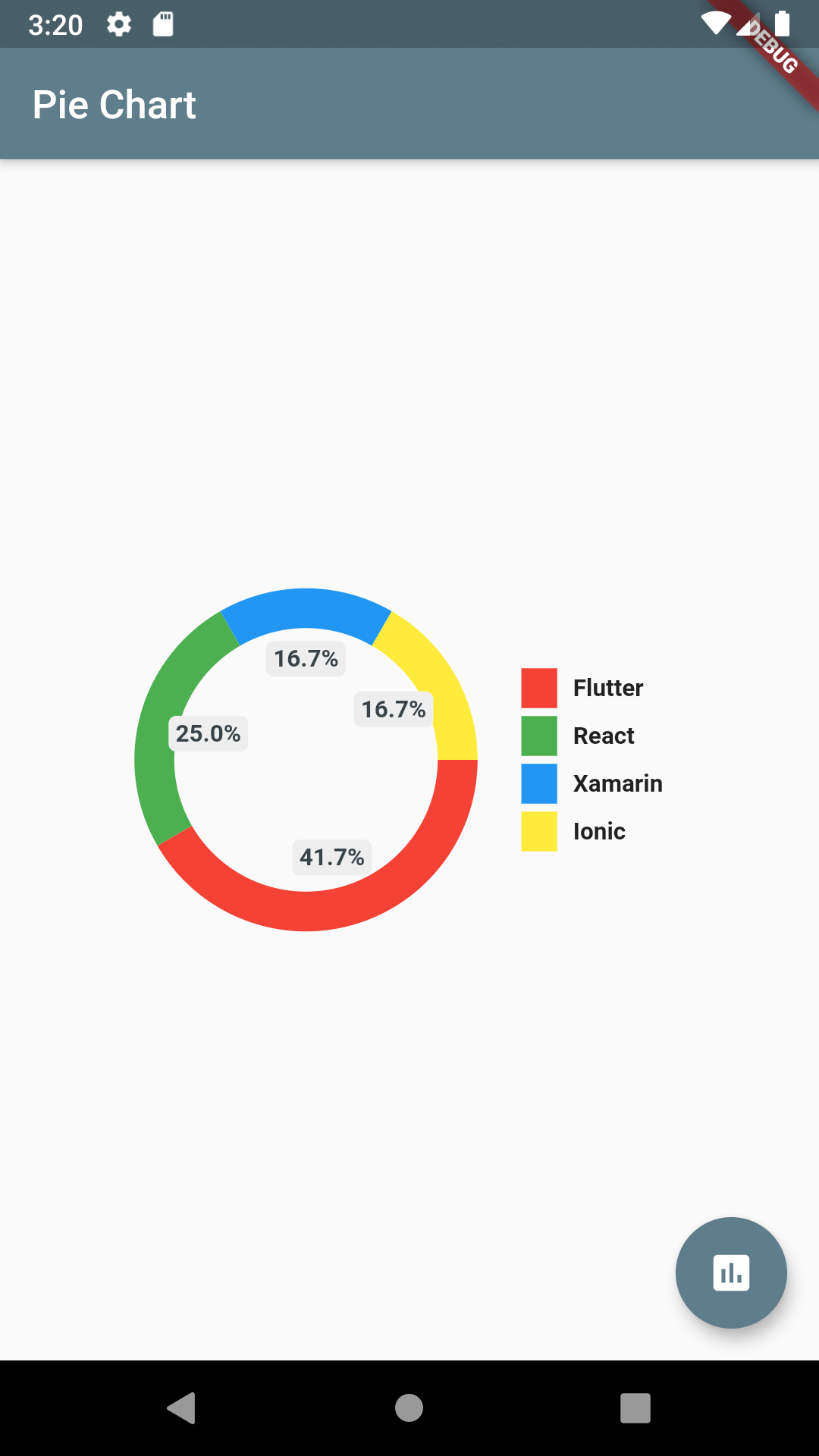
Change Chart shape to ring
chartType: ChartType.ring,
PieChart
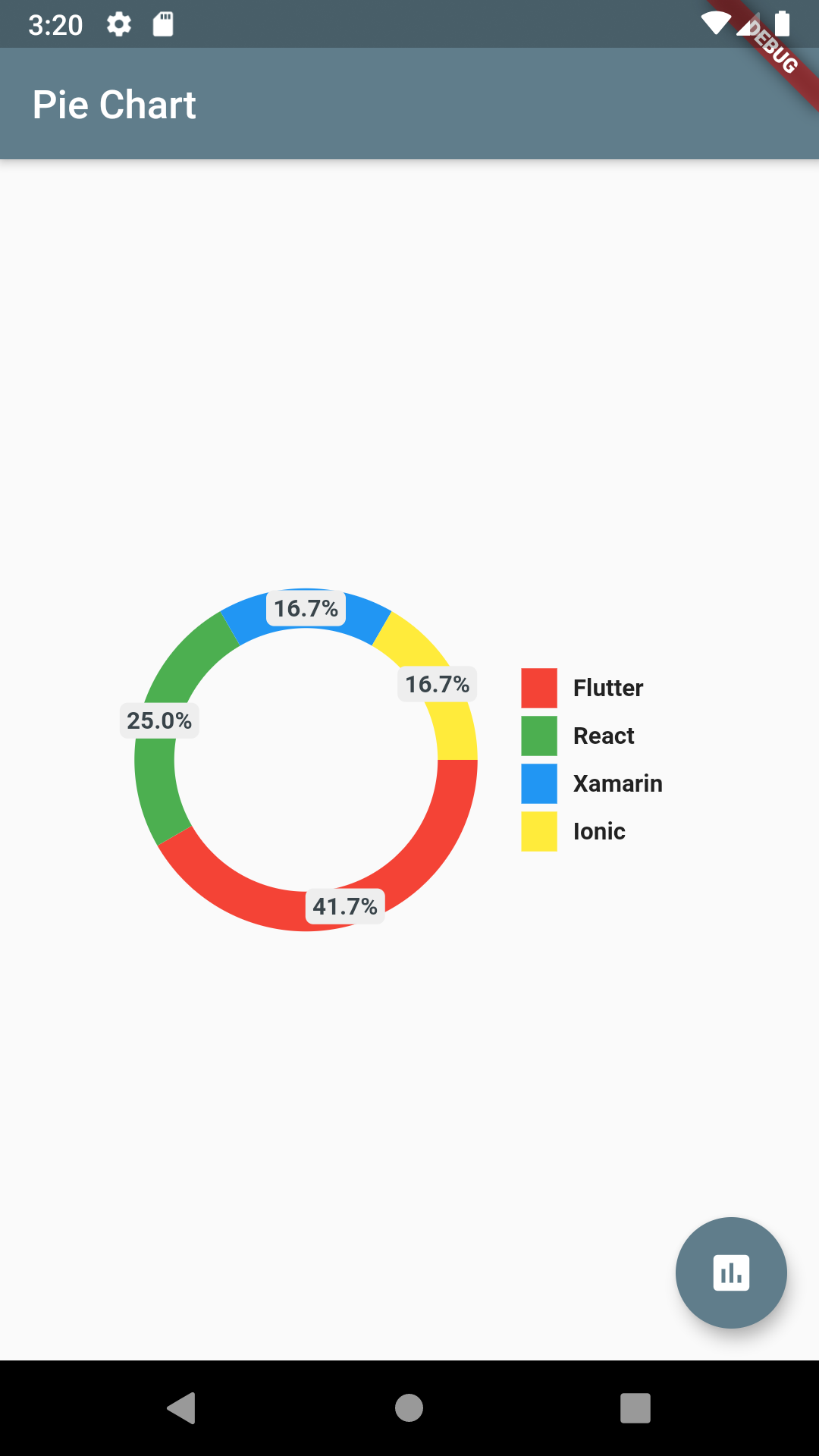
chartType: ChartType.ring,
showChartValuesOutside: true,
PieChart
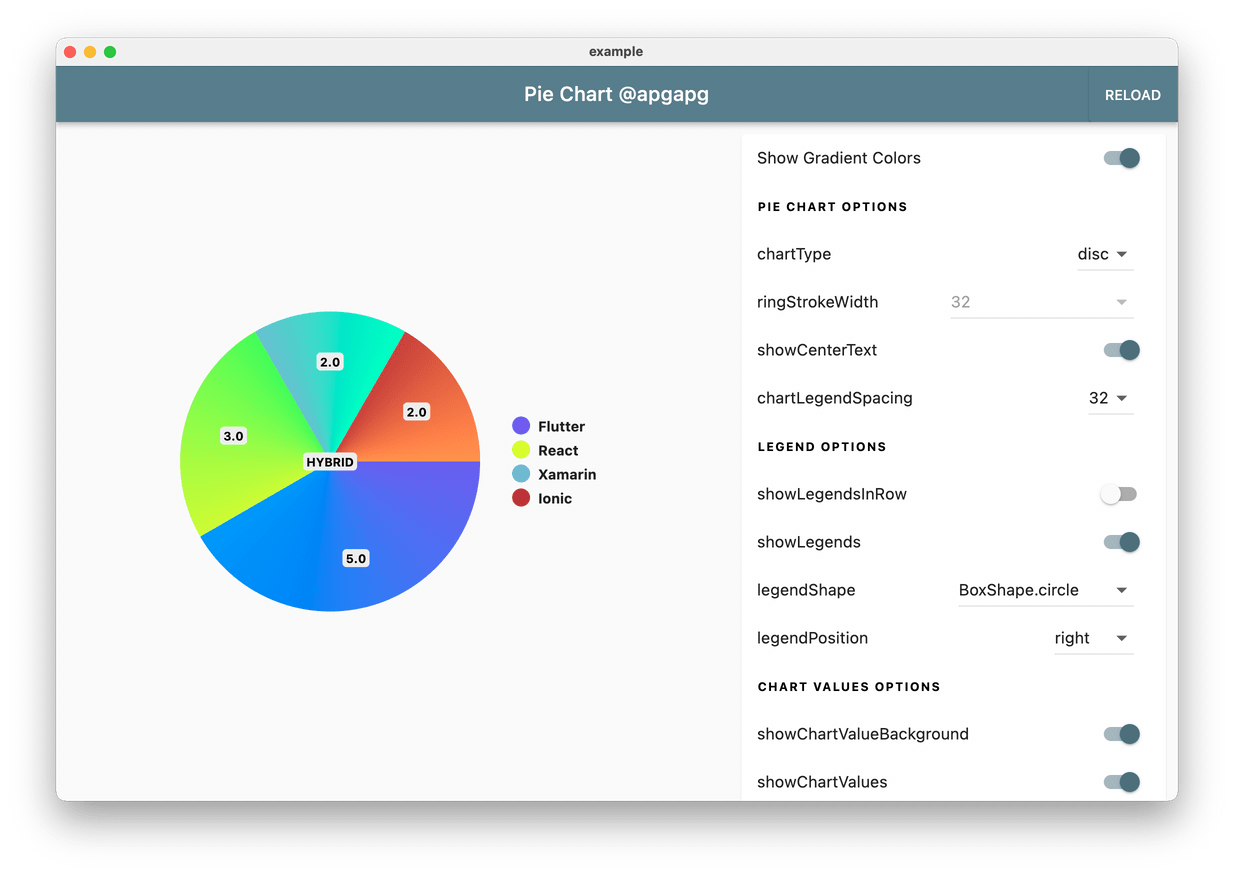
Gradient Colors

Pie Chart supports gradient as colors. Just pass gradientList instead of colorList to add gradient to chart colors.

final gradientList = <List<Color>>[
  [
    Color.fromRGBO(223, 250, 92, 1),
    Color.fromRGBO(129, 250, 112, 1),
  ],
  [
    Color.fromRGBO(129, 182, 205, 1),
    Color.fromRGBO(91, 253, 199, 1),
  ],
  [
    Color.fromRGBO(175, 63, 62, 1.0),
    Color.fromRGBO(254, 154, 92, 1),
  ]
];

// Pass gradient to PieChart
gradientList: gradientList,
emptyColorGradient: [
 Color(0xff6c5ce7),
 Colors.blue,
],
PieChart
Base Chart Color

Add a base pie-chart color via:

baseChartColor: Colors.grey

Full code:

class HomePage2 extends StatelessWidget {
  HomePage2({Key? key}) : super(key: key);

  final dataMap = <String, double>{
    "Flutter": 5,
  };

  final colorList = <Color>[
    Colors.greenAccent,
  ];

  @override
  Widget build(BuildContext context) {
    return Scaffold(
      appBar: AppBar(
        title: Text("Pie Chart 1"),
      ),
      body: Container(
        padding: EdgeInsets.symmetric(horizontal: 16),
        child: PieChart(
          dataMap: dataMap,
          chartType: ChartType.ring,
          baseChartColor: Colors.grey[300]!,
          colorList: colorList,
        ),
      ),
    );
  }
}
Total Value

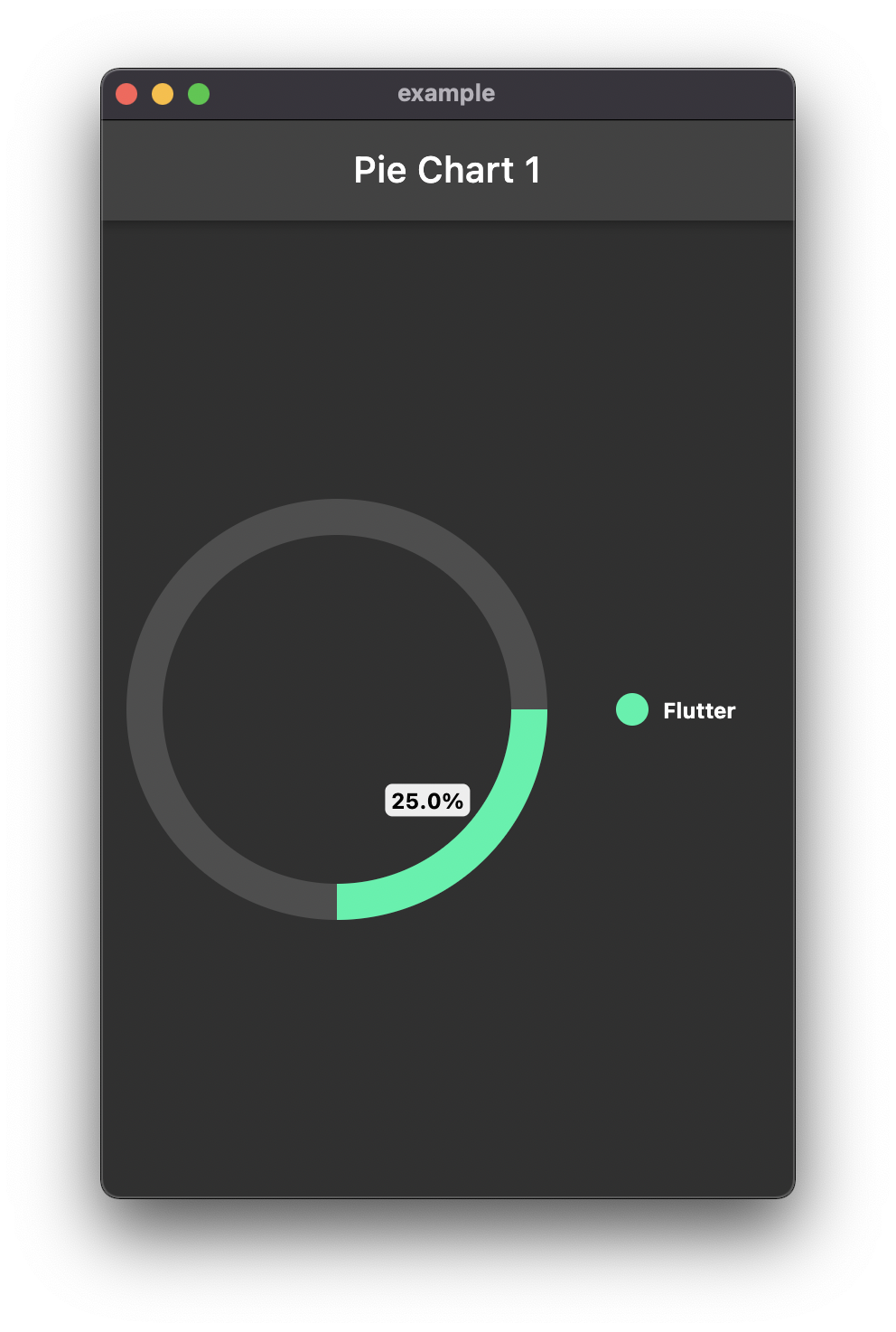
To show chart arcs based on your total value, add totalValue option.

class HomePage2 extends StatelessWidget {
  HomePage2({Key? key}) : super(key: key);

  final dataMap = <String, double>{
    "Flutter": 5,
  };

  final colorList = <Color>[
    Colors.greenAccent,
  ];

  @override
  Widget build(BuildContext context) {
    return Scaffold(
      appBar: AppBar(
        title: Text("Pie Chart 1"),
      ),
      body: Container(
        padding: EdgeInsets.symmetric(horizontal: 16),
        child: PieChart(
          dataMap: dataMap,
          chartType: ChartType.ring,
          baseChartColor: Colors.grey[50]!.withOpacity(0.15),
          colorList: colorList,
          chartValuesOptions: ChartValuesOptions(
            showChartValuesInPercentage: true,
          ),
          totalValue: 20,
        ),
      ),
    );
  }
}
PieChart
Center Widget

Creates a new widget placed at pie chart center

centerWidget: Container(color: Colors.red, child: const Text("Center"))
PieChart

⭐ My Flutter Packages

  • json_table GitHub stars Create Flutter Json Table from json map directly.
  • avatar_glow GitHub stars Flutter Avatar Glow Widget with glowing animation.
  • search_widget GitHub stars Flutter Search Widget for selecting an option from list.
  • animating_location_pin GitHub stars Flutter Animating Location Pin Widget providing Animating Location Pin Widget which can be used while fetching device location.

⭐ My Flutter Apps

👍 Contribution

  1. Fork it
  2. Create your feature branch (git checkout -b my-new-feature)
  3. Commit your changes (git commit -m 'Add some feature')
  4. Push to the branch (git push origin my-new-feature)
  5. Create new Pull Request

Categories

Source repository

Projects using this package