Search packages, repositories and app categories

pip_flutter cover
Package detailsv0.0.3

pip_flutter

A new Flutter Picture in Picture Package for android.When app is running in foregorund that time also app not kill.

30-day downloads
93
Likes
60
Pub points
60

Install package

flutter pub add pip_flutter

Package Overview

Package selection guidance compiled from public package information, community data, and project usage.

pip_flutter is a Flutter package that enables Picture-in-Picture (PiP) functionality on Android, allowing apps to continue running in a small floating window even when minimized or switched away from. It ensures the app remains active in the foreground without being killed, enhancing user experience for media playback or ongoing tasks. The package integrates seamlessly with Android's PiP mode and is ideal for video players, live streams, or any app requiring continuous background operation. It supports basic configuration through simple setup steps.

Use cases

  • Video playback in background
  • Live streaming applications
  • Ongoing task monitoring
  • Multi-tasking user workflows
  • Background audio with visual feedback

Key features

  • Android-only PiP support
  • App stays active in background
  • Minimal setup required
  • Floats over other apps
  • Works during app minimization

Suitable for

  • Media apps
  • Educational tools
  • Remote monitoring apps
  • Productivity apps
  • Apps needing persistent UI

Considerations

  • Limited to Android platform
  • Requires Android 8.0+
  • No iOS support
  • Needs proper manifest configuration
  • May require additional permissions

Original README

Original README snapshot from the linked source repository. Visit the repository for the latest content.

pip_flutter

A Flutter plugin for Android and ios for make video in picture in picture mode.


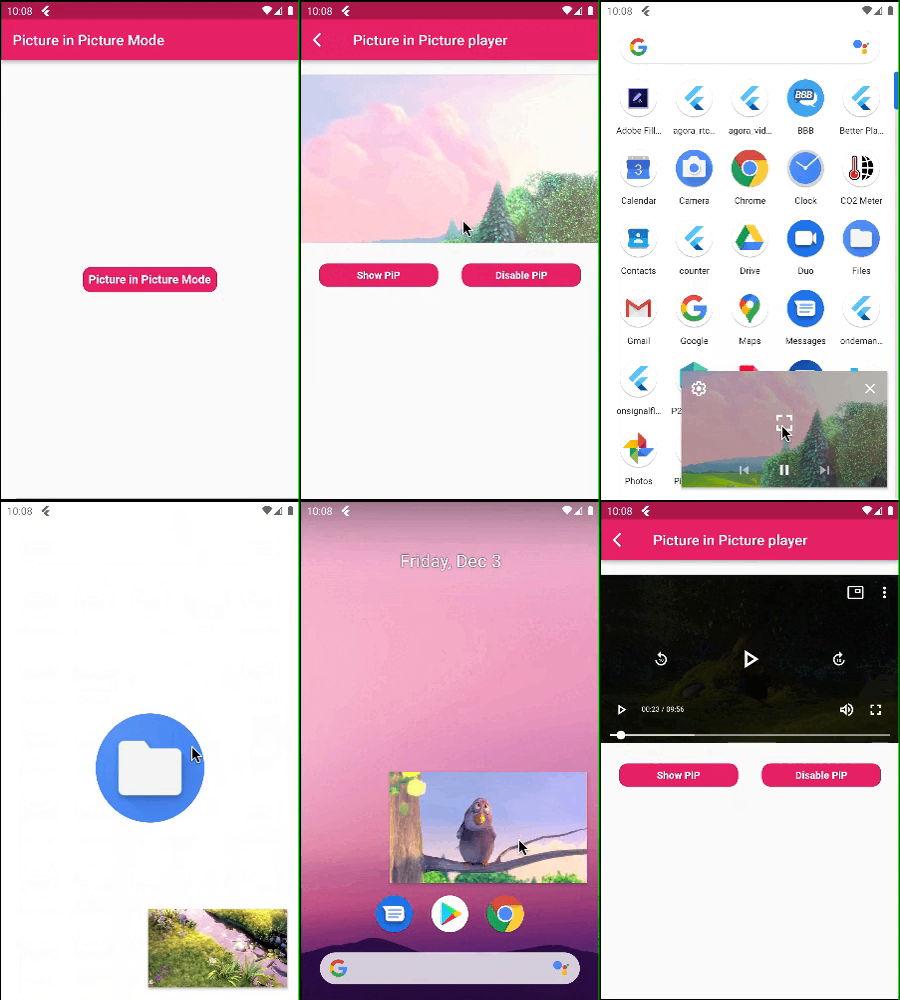
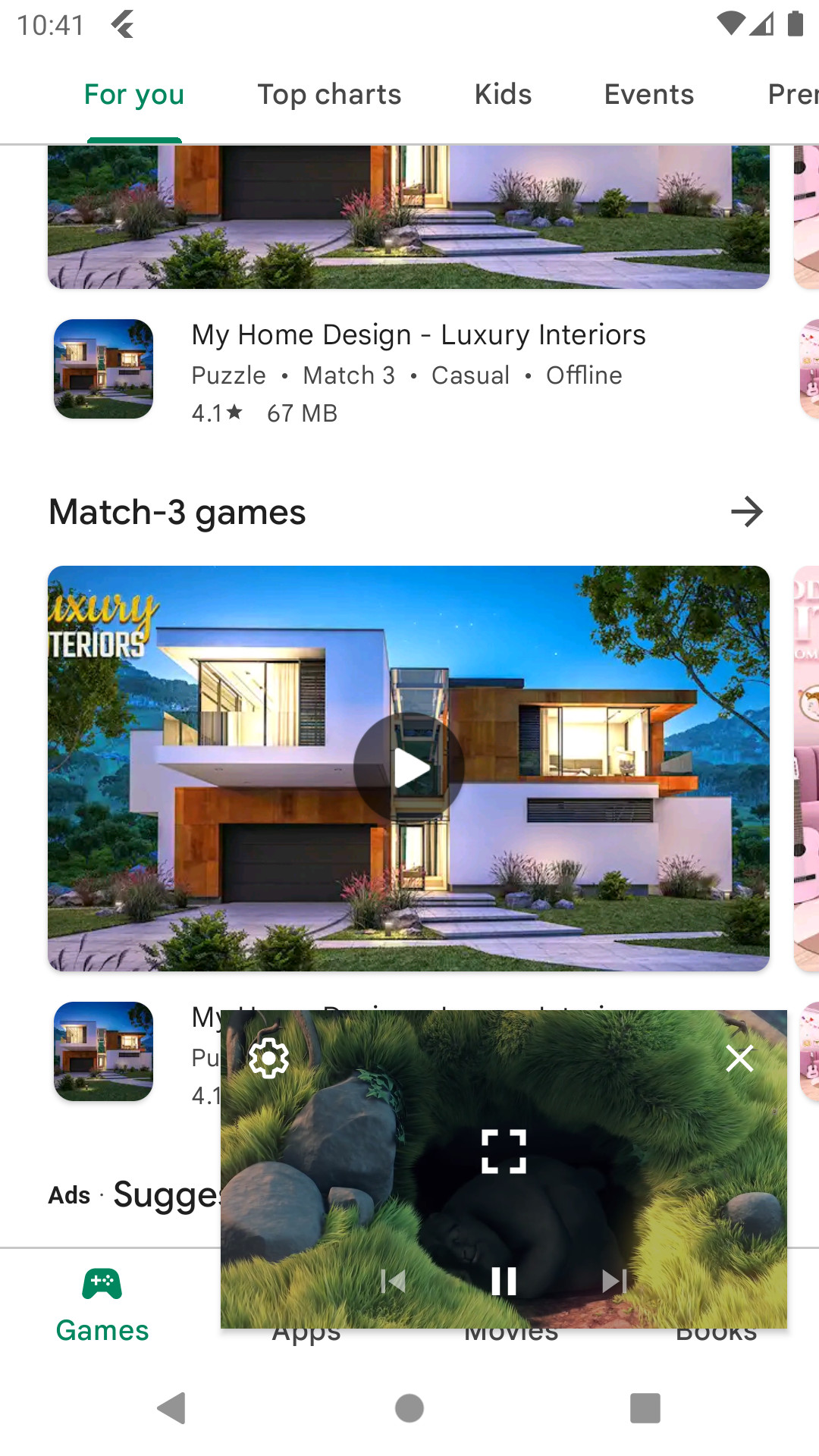
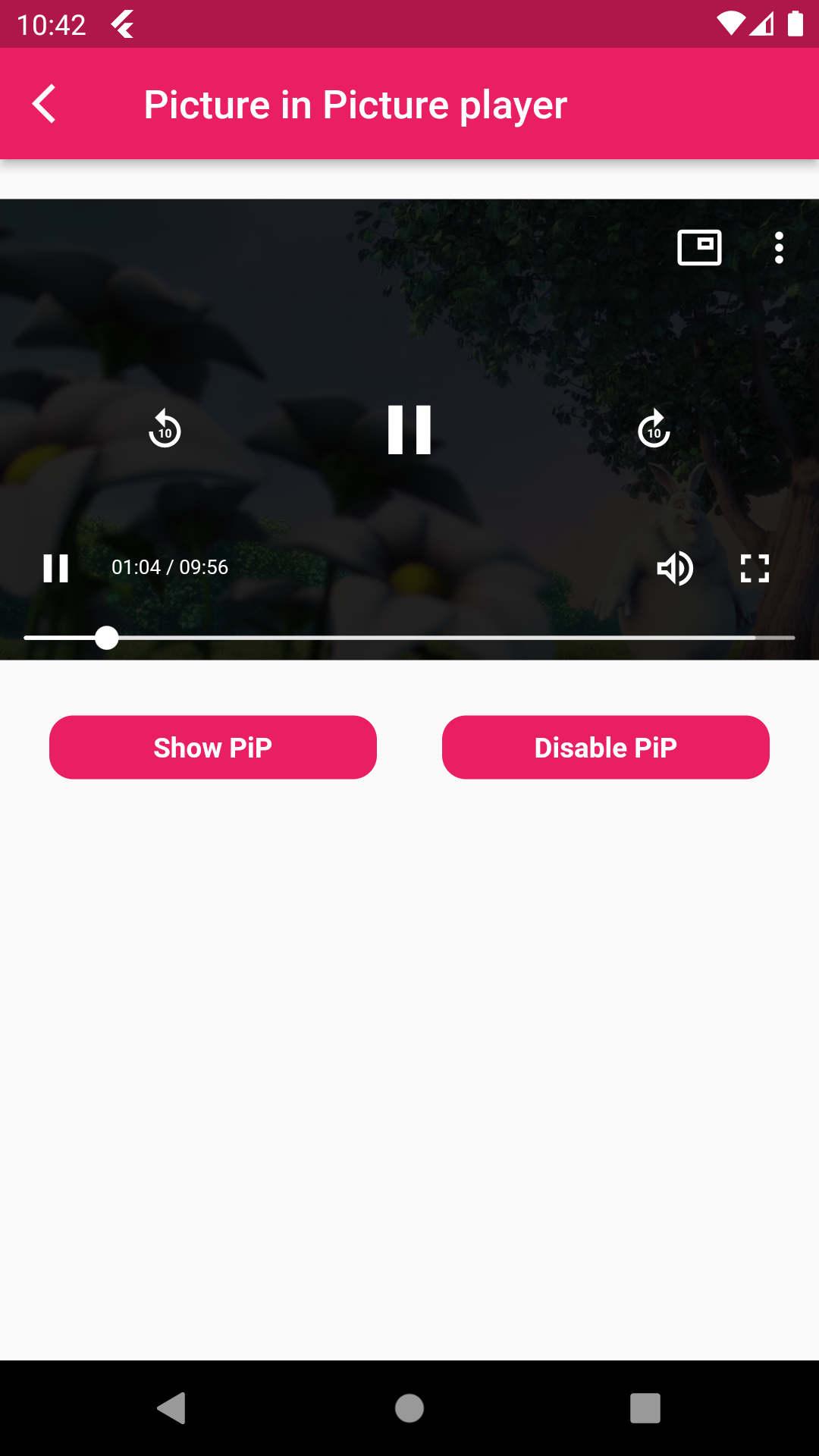
Picture in Picture Mode Flutter


Picture in Picture Mode Disable Picture in Picture Mode

A flutter package pip flutter which will help to put your video in pip mode.

Features 💚

  • Put your video in Picture in Picture mode.
  • Also mute sound and play and pause the video.
  • Make video in full screen mode,set play back speed of video

Installation

First, add pip_flutter as a dependency in your pubspec.yaml file.

Android

Add below permission in your AndroidManifest.xml file ,also specified picture in picture mode in your activity tag and add foreground service for when app is not in background that time app not kill and running in foregorund and also add update code of MainActivity.kt and add PipFlutterPlayerService.

    <uses-permission android:name="android.permission.INTERNET"/>
    <uses-permission android:name="android.permission.FOREGROUND_SERVICE" />
    
    <activity
            android:name=".MainActivity"
            android:supportsPictureInPicture="true"
            android:launchMode="singleTop"
            android:theme="@style/LaunchTheme"
            android:configChanges="orientation|keyboardHidden|keyboard|screenSize|smallestScreenSize|locale|layoutDirection|fontScale|screenLayout|density|uiMode"
            android:hardwareAccelerated="true"
            android:windowSoftInputMode="adjustResize"
            android:exported="true"/>
            
    <service
           android:name=".PipFlutterPlayerService"
           android:stopWithTask="false" />

IOS

In Xcode of your project set ios deployment info 11.0 and set in below code in your Info.plist file.

<key>NSAppTransportSecurity</key>
<dict>
<key>NSAllowsArbitraryLoads</key>
<true/>
</dict>
<key>NSBonjourServices</key>
<array>
<string>_dartobservatory._tcp</string>
</array>
<key>UIBackgroundModes</key>
<array>
<string>audio</string>
<string>processing</string>
<string>remote-notification</string>
</array>

How to use

  • PipFlutterPlayerConfiguration : Put this class for your video configuration.
PipFlutterPlayerConfiguration pipFlutterPlayerConfiguration =
const PipFlutterPlayerConfiguration(
  aspectRatio: 16 / 9,
  fit: BoxFit.contain,
);
  • PipFlutterPlayerDataSource : Put this class for declare your video type url and url.
PipFlutterPlayerDataSource dataSource = PipFlutterPlayerDataSource(
  PipFlutterPlayerDataSourceType.network,
  'http://commondatastorage.googleapis.com/gtv-videos-bucket/sample/BigBuckBunny.mp4',
);
  • PipFlutterPlayer :
PipFlutterPlayer(
controller: pipFlutterPlayerController,
key: pipFlutterPlayerKey,
),
  • Make your video in Pip mode put this code on your onTap.
pipFlutterPlayerController.enablePictureInPicture(pipFlutterPlayerKey);
  • And make your video in disable mode put this code on your onTap.
pipFlutterPlayerController.disablePictureInPicture();

Run the example app in the exmaple folder to find out more about how to use it.

Categories

Dependencies

Dependency list 7 items

Source repository

Projects using this package

No data available yet.