Package selection guidance compiled from public package information, community data, and project usage.
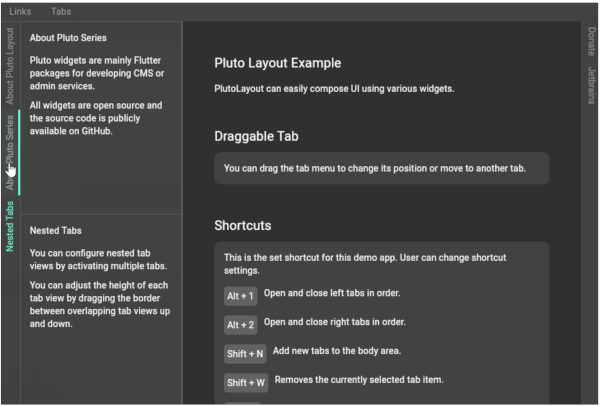
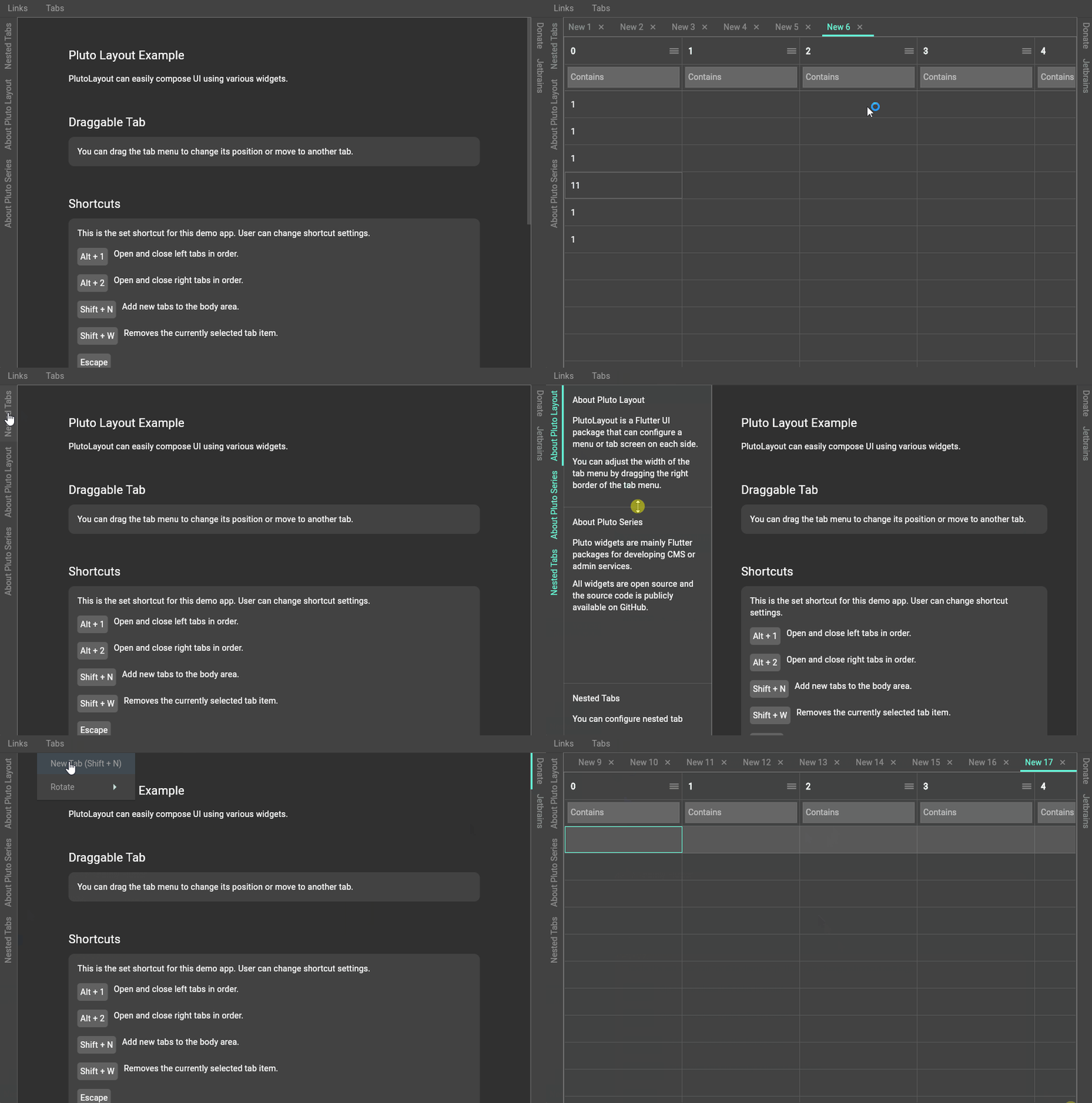
PlutoLayout is a Flutter package designed to create customizable menu or tab interfaces on any side of the screen. It enables developers to build responsive, side-based navigation layouts with ease, supporting both horizontal and vertical arrangements. Ideal for dashboards, admin panels, or apps requiring collapsible sidebars, it offers smooth transitions and flexible positioning across multiple platforms. The package integrates seamlessly into existing Flutter projects using a simple pub add command.
Use cases
Side navigation menus
Dashboard UIs
Collapsible panels
Admin dashboards
Responsive layouts
Tabbed interface design
Key features
Side-by-side layout configuration
Customizable menu positions
Smooth animations
Cross-platform support
Easy integration via pub
Flexible widget placement
Suitable for
Developers building dashboard apps
UI designers needing side navigation
Projects requiring responsive layouts
Flutter beginners exploring layout patterns
Apps with complex navigation needs
Considerations
May require additional styling for custom themes
Limited documentation beyond basic examples
Best suited for single-pane layouts
Performance impact with deeply nested widgets
Not ideal for full-screen modal overlays
Original README
Original README snapshot from the linked source repository. Visit the repository for the latest content.
PlutoLayout - v1.0.0
PlutoLayout is a Flutter UI package that can configure a menu or tab screen on each side.
You can adjust the width of the tab menu by dragging the right border of the tab menu.
You can also assign custom shortcut keys to open or close tab views and resize tab views.