Package selection guidance compiled from public package information, community data, and project usage.
Pod Player is a Flutter package that enables seamless integration of YouTube and Vimeo videos into Flutter applications. It offers customizable video player controls and supports Android, iOS, and web platforms. Designed for developers seeking a lightweight, flexible solution for embedding video content, Pod Player simplifies playback with minimal setup. The package is actively maintained and provides a consistent user experience across platforms.
Use cases
Embedding YouTube videos in apps
Playing Vimeo content within Flutter
Creating media-rich educational apps
Building video streaming interfaces
Integrating video tutorials in mobile apps
Key features
Supports YouTube and Vimeo
Customizable player controls
Cross-platform compatibility (Android, iOS, web)
Lightweight and easy to integrate
Responsive design for different screen sizes
Suitable for
Developers building video-centric apps
Educational or tutorial-based applications
Content platforms requiring video embedding
Apps targeting multiple platforms
Considerations
Requires internet connection for video loading
Limited to YouTube and Vimeo sources
Customization may require additional styling knowledge
Dependent on external video APIs for content
Original README
Original README snapshot from the linked source repository. Visit the repository for the latest content.
Video player for flutter web & mobile devices, pod player supports playing video from Youtube and Vimeo
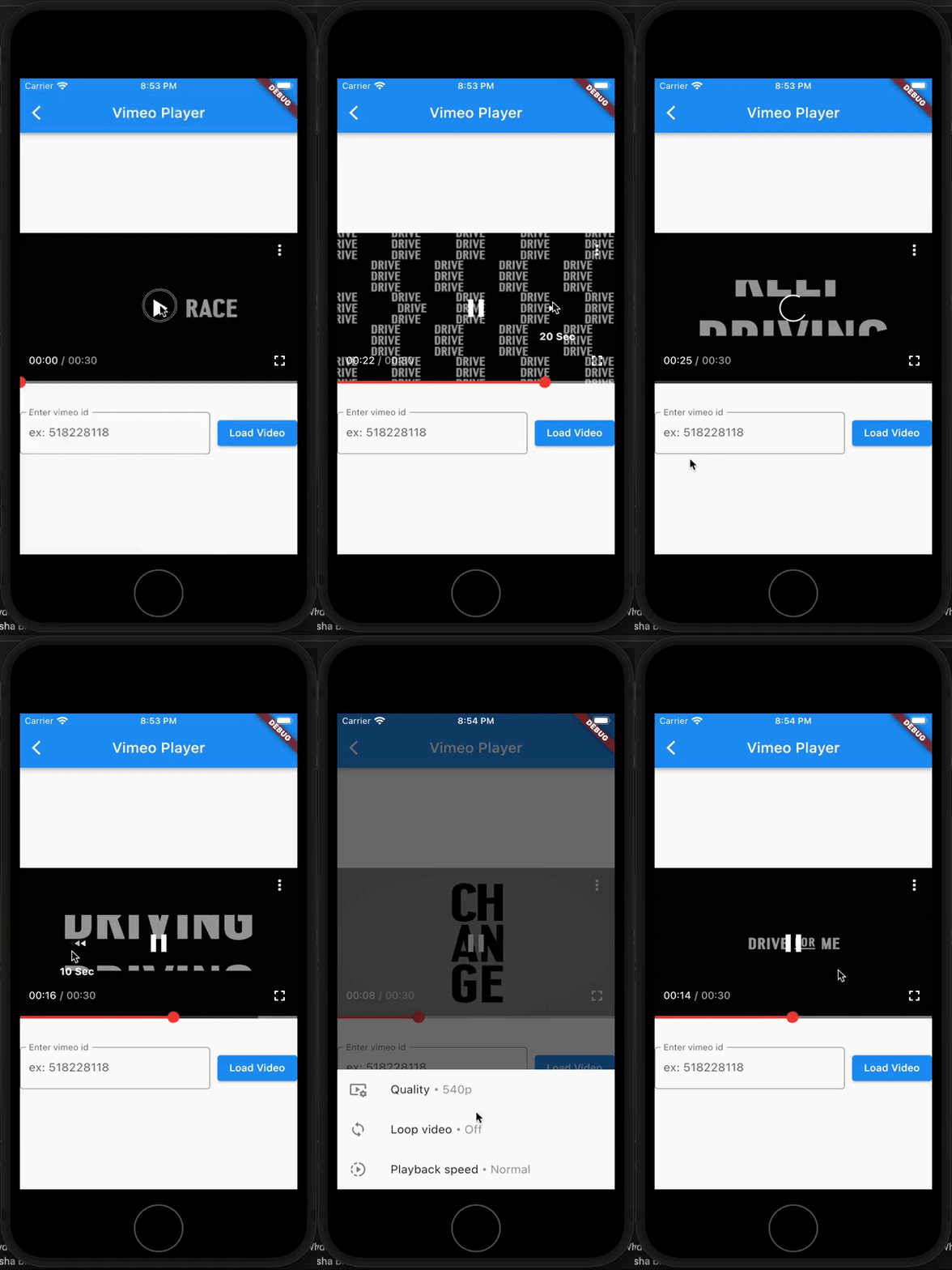
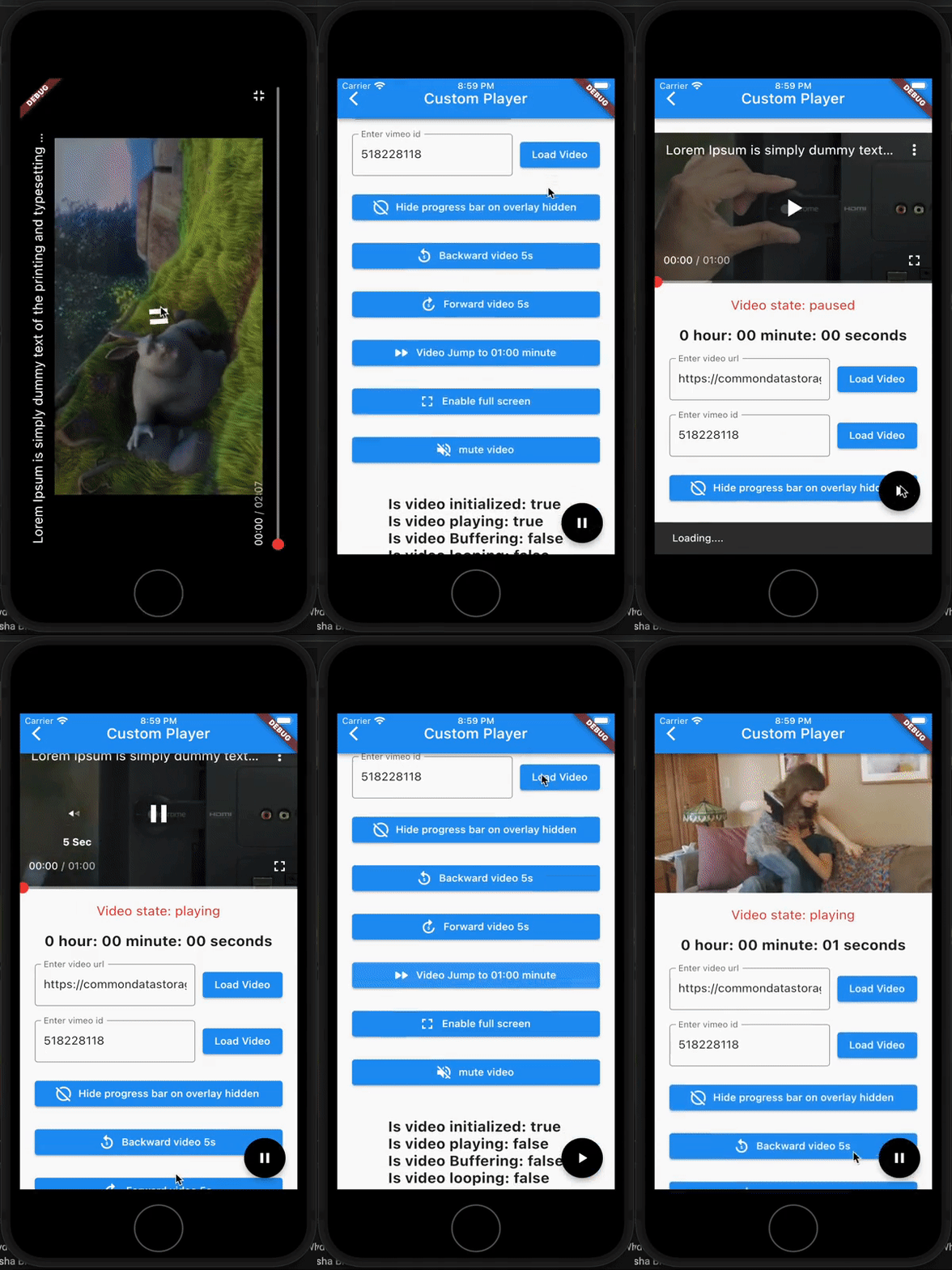
pod player is a simple and easy-to-use video player. Its video controls are similar to Youtube player (with customizable controls) and also can play videos from Youtube and Vimeo (By providing url/video_id).
This plugin built upon flutter's official video_player plugin
PLATFORM
AVAILABLE
Android
✅
IOS
✅
WEB
✅
Features
Play youtube videos (using video URL or ID)
Play vimeo videos (using video ID [with ou without hash])
Play vimeo private videos (using video ID [with ou without hash], access token)
Video overlay similar to youtube
Double tap to seek video.
On video tap show/hide video overlay.
Auto hide overlay
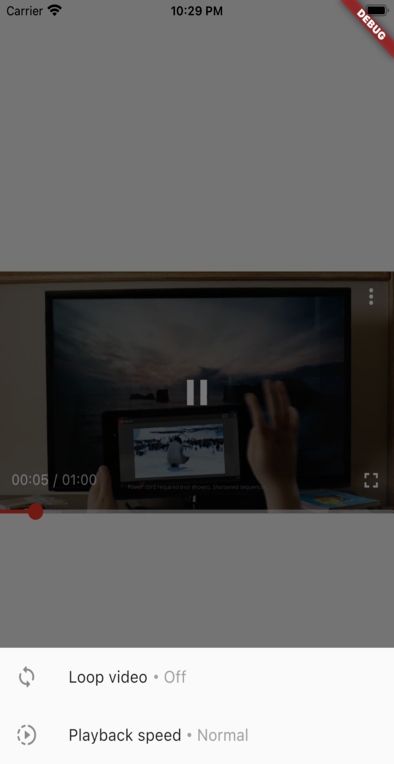
Change playback speed
Custom overlay
Custom progress bar
Custom labels
Change video quality (for vimeo and youtube)
Enable/disable full-screen player
support for live youtube video
[TODO] support for video playlist
Features on web
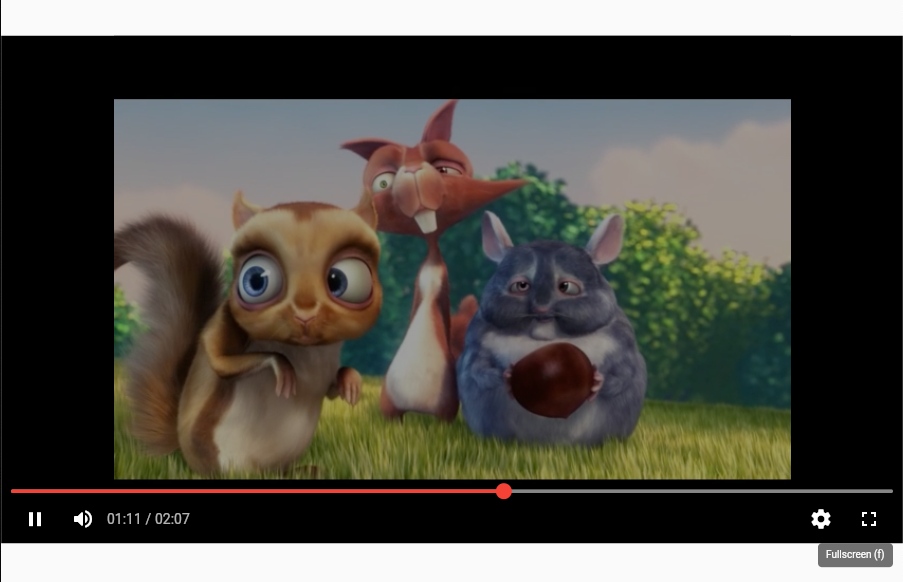
Double tap on Video player to enable/disable full-screen
In your pubspec.yaml file within your Flutter Project:
dependencies:pod_player:<latest_version>
Android
If you are using network-based videos, ensure that the following permission is present in your Android Manifest file, located in <project root>/android/app/src/main/AndroidManifest.xml: