Package selection guidance compiled from public package information, community data, and project usage.
PositionedScrollObserver is a Flutter package designed to elegantly observe and manage scroll positions across various scrollable widgets. It enables smooth jumping or animating to specific indices in scroll views without disrupting existing widget states. Ideal for lists, grids, and custom scrollables, it maintains UI consistency during navigation. The package supports all major platforms and integrates seamlessly with Flutter's scroll system.
Use cases
Scrolling to specific list items programmatically
Maintaining scroll state during dynamic content updates
Creating index-based navigation in long lists
Implementing smooth animated jumps in scroll views
Synchronizing multiple scrollable components
Key features
Supports all standard scroll views
Preserves widget state during scroll jumps
Smooth animated index transitions
Cross-platform compatibility
Minimal boilerplate integration
Works with custom scroll controllers
Suitable for
Developers building complex scrollable interfaces
Apps requiring index-based navigation
Projects with dynamic or frequently updated lists
Teams prioritizing smooth user experience
Flutter apps targeting multiple platforms
Considerations
Requires compatible scroll view setup
May need additional logic for nested scroll views
Best used with stable scroll controller references
Not intended for non-scrollable widgets
Performance impact depends on scroll view complexity
Original README
Original README snapshot from the linked source repository. Visit the repository for the latest content.
Features
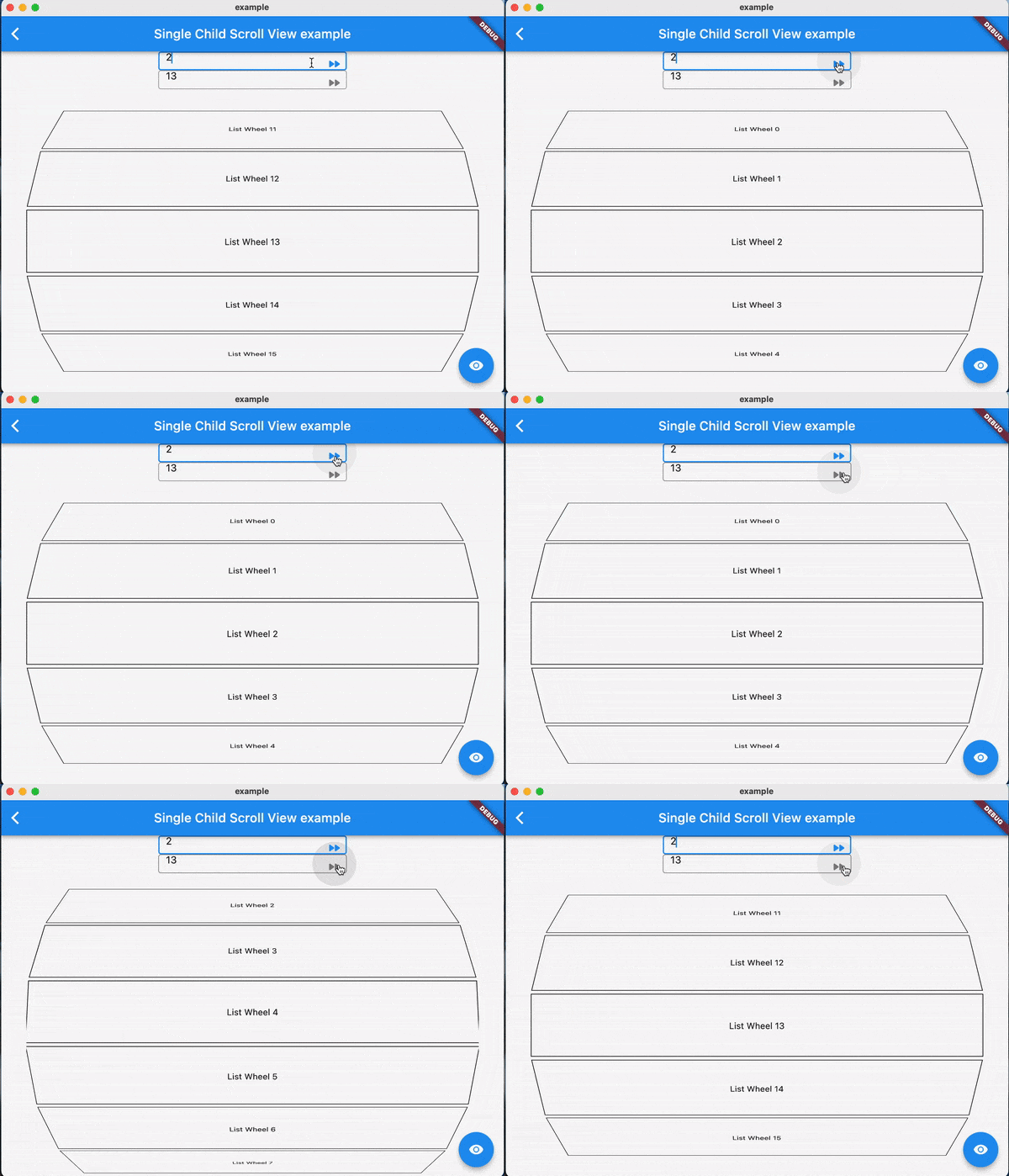
Using jumpToIndex and animateToIndex to scroll to the specific index
Jumping/animating to the position by specifying a ratio in a scroll view. See how to align the render object. That would be very useful if you want to quickly jump to the top, middle or end of a list/grid.
Using PositionRetainedScrollPhysics to retain the old offset to avoid scrolling when adding new items into the top of ListView. See retain old scroll offset.
Check if the specific index is visible on the screen. See check visibility.
Check which items are visible in the viewport. See get visible items
No breaking for your current sliver widgets, e.g., ListView/GridView, SliverList/SliverGrid/SliverAppBar, just wrapping your item widgets using ObserverProxy. Supported:
For ListView.custom and GridView.custom, you could also use PositionedChildListDelegate and PositionedChildBuilderDelegate for wrapping items in ObserverProxy conveniently
Usage
For observing slivers:
observing a sliver with single child, using ScrollObserver.sliverSingle to create.
observing a sliver with multi children, using ScrollObserver.sliverMulti to create.
For observing other scroll views that have no sliver descendants.
observing a box with single child, using ScrollObserver.boxSingle to create. (rare cases and need more testing)
observing a box with multi children, using ScrollObserver.boxMulti to create.
By setting different alignment, you could jump/animate to the position according to the ratio: alignment.
for alignment = 0.0, it would align the render object' leading to the leading of the viewport's main axis extent.
for alignment = 0.5, it would align the render object's center to the center of the viewport;s main axis extent.
for alignment = 1.0, it would align the render object's trailing to the trailing of the viewport's main axis extent.
you could also specify alignment as the number between [0, 1]
Pay attention
The item widget/builder must be wrapped using ObserverProxy
All observers would normalizeIndex to ensure the index is in a valid range determined by itemCount of observers, so developers should also update observers' itemCount when the scroll views' item count changes.
Items that have the same RenderObject observed by an observer should share the same observer instance, instead of creating different observers for each item.
When using ScrollObserver.boxMulti, axis is required so that the observer could estimate the scroll offset along the correct main axis.