Search packages, repositories and app categories

Package detailsv0.0.2

progressive_blur

(Experimental) Progressive blur implementation in Flutter.

AndroidiOSWebmacOSWindowsLinux
30-day downloads
21.5K
Likes
68
Pub points
160

Install package

flutter pub add progressive_blur

Package Overview

Package selection guidance compiled from public package information, community data, and project usage.

Progressive blur is an experimental Flutter package that enables smooth, incremental blurring of images, enhancing visual transitions and performance during image loading. It applies blur progressively as the image loads, reducing visual jarring and improving perceived responsiveness. Designed for use in image-heavy applications, it supports multiple platforms including Android, iOS, Web, macOS, Windows, and Linux. The package leverages Flutter's rendering pipeline to deliver efficient, real-time blur effects with minimal overhead. Ideal for splash screens, image galleries, and dynamic UIs where visual continuity matters.

Use cases

  • Image loading with smooth transitions
  • Splash screens with blurred backgrounds
  • Dynamic image galleries
  • High-performance UI animations
  • Visual feedback during image rendering

Key features

  • Experimental progressive blur effect
  • Smooth visual transition during image load
  • Cross-platform support (Android, iOS, Web, macOS, Windows, Linux)
  • Minimal performance overhead
  • Integration with Flutter's rendering pipeline

Suitable for

  • Developers building image-rich apps
  • UI designers seeking visual polish
  • Apps requiring smooth loading experiences
  • Experimental feature testing
  • Performance-conscious Flutter projects

Considerations

  • Experimental status may imply instability
  • Limited documentation available
  • May require platform-specific tuning
  • Not recommended for production-critical features yet
  • Higher memory usage during blur processing
Original README

Original README snapshot from the linked source repository. Visit the repository for the latest content.

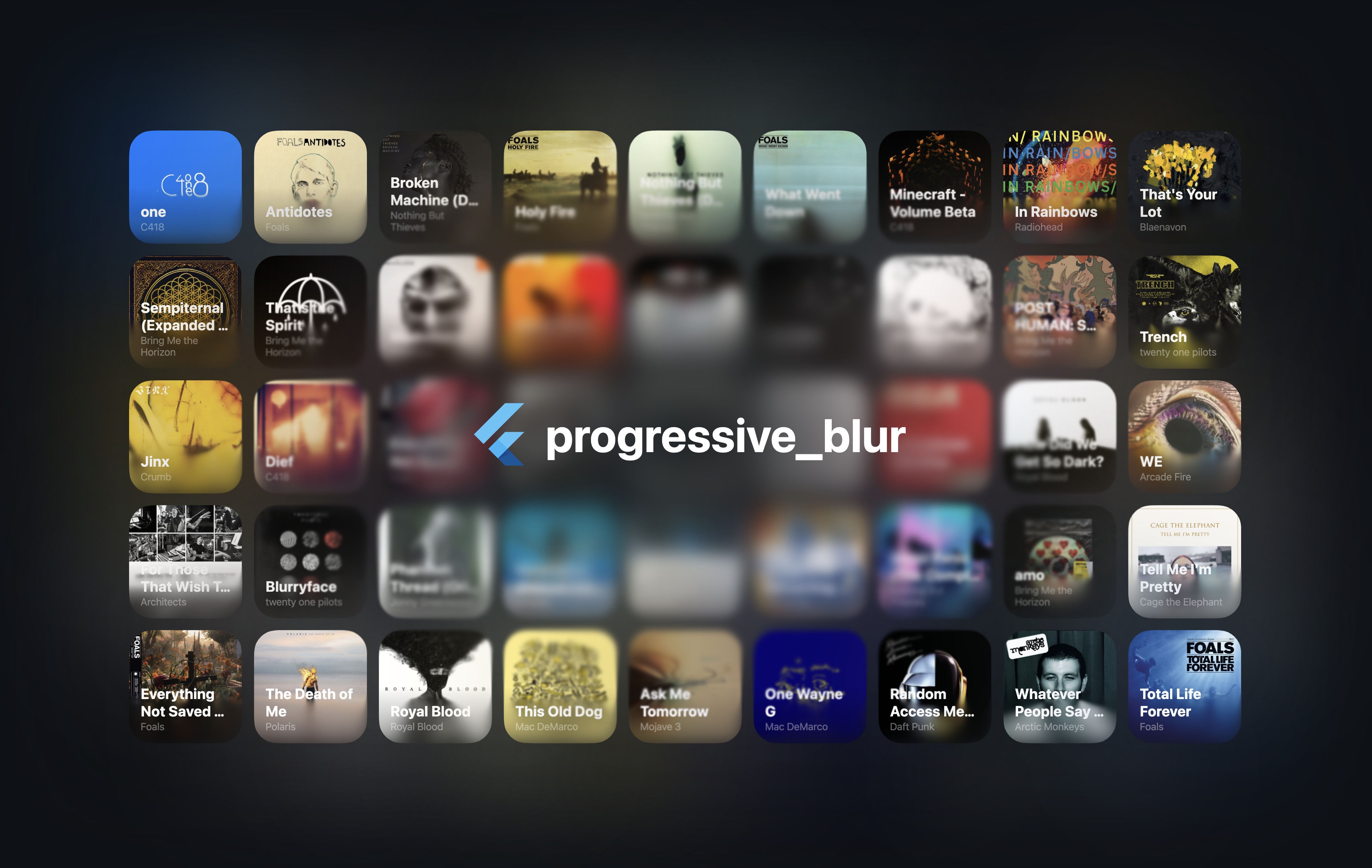
Demo image

[!NOTE] Early version of the project. The performance may be suboptimal, and the APIs may change in the future.

An iOS-like progressive blur implementation for Flutter.

Usage

See the example folder for a complete example.

[!CAUTION] The CanvasKit web performance seems to be terrible. I'm not exactly sure why at the moment. However, skwasm performs much better.

import 'package:progressive_blur/progressive_blur.dart';

// Simple gradient blur with optional tint
ProgressiveBlurWidget(
  sigma: 24.0,
  linearGradientBlur: const LinearGradientBlur(
    values: [0, 1], // 0 - no blur, 1 - full blur
    stops: [0.5, 0.8],
    start: Alignment.topCenter,
    end: Alignment.bottomCenter,
  ),
  tintColor: Colors.orange.withOpacity(0.3), // Optional tint color
  child: ...
);

// Advanced: custom blur texture
//
// You can create a custom blur texture using the Flutter's Canvas API. Note that the red channel controls the blur strength (0 - no blur, 255 - full blur).
ProgressiveBlurWidget.custom(
  sigma: 24.0,
  blurTexture: [instance of ui.Image],
  tintColor: Colors.purple.withOpacity(0.4), // Optional tint color
  child: ...,
)

Rendering implementations

The package ships two implementations of the blur:

  • ImageFilter.shader (Impeller only): the two blur passes are applied as chained ui.ImageFilter.shader filters via an ImageFiltered widget. This avoids rendering the subtree into an intermediate ui.Image every frame. Requires Flutter 3.35+ and the Impeller rendering engine.
  • AnimatedSampler (fallback): the original implementation — the subtree is rendered into a composited layer and the resulting ui.Image is bound as a shader sampler. Works on Skia and on the web.

By default, the implementation is selected automatically at runtime via ui.ImageFilter.isShaderFilterSupported. You can override the selection with the static useImageFilter toggle:

// null (default): pick automatically — ImageFilter.shader on Impeller,
// AnimatedSampler otherwise.
ProgressiveBlurWidget.useImageFilter = null;

// Force the ImageFilter.shader implementation.
ProgressiveBlurWidget.useImageFilter = true;

// Force the AnimatedSampler implementation.
ProgressiveBlurWidget.useImageFilter = false;

The toggle can be changed at any time (existing widgets pick it up on their next rebuild), and both implementations render identically.

[!NOTE] With the ImageFilter.shader implementation, the blur parameters are read when the widget is built or its configuration changes — animating them every frame is not supported yet (see flutter/flutter#163302).

Additional information

Feel free to report bugs/issues on GitHub.

If you have questions, you can contact me directly at kk.erzhan@gmail.com.

Credits:

  • https://www.shadertoy.com/view/Mfd3DM - an inspiration for the blur shader
  • flutter_shaders - a great library for working with shaders in Flutter

Categories

Dependencies

Dependency list 1 items

Source repository

Projects using this package