Package selection guidance compiled from public package information, community data, and project usage.
The pwa_install package enables Flutter applications to prompt mobile web users to install their app as a Progressive Web App (PWA). It detects when a user is accessing the app via a web browser on a mobile device and triggers a native installation prompt, improving user engagement and retention. The package integrates seamlessly with Flutter's web platform and supports multiple operating systems including Android, iOS, macOS, Windows, and Linux. It leverages browser-level PWA capabilities to provide a smooth installation experience.
Use cases
Prompting web users to install a PWA
Increasing app engagement on mobile browsers
Improving retention for web-based Flutter apps
Enabling offline access through PWA
Simplifying cross-platform deployment
Supporting hybrid app distribution
Key features
Detects mobile web access
Triggers native PWA install prompts
Works across multiple platforms
Minimal setup required
Integrates with Flutter web
Leverages browser PWA APIs
Suitable for
Developers building web-first Flutter apps
Teams targeting mobile web users
Apps aiming for PWA adoption
Projects requiring low-friction installation
Cross-platform web applications
Hybrid app strategies
Considerations
Requires HTTPS for PWA functionality
Limited to browsers supporting PWA install prompts
May not trigger on all mobile devices
Depends on user permission settings
Not applicable for non-web platforms
Installation behavior varies by browser
Original README
Original README snapshot from the linked source repository. Visit the repository for the latest content.
PWA Install
A small Flutter package that allows you to prompt mobile web users to install your Flutter app as a progressive web application (PWA) on demand.
A very basic example can be found here: PWA Install
The contents of this package are based on this article by Pete LePage (@petele)
Out-of-the-Box
As of release 1.20, all Flutter apps can be installed as PWAs. Combine this with the fact that all Chromium based browsers support PWAs and it becomes clear that designing your Flutter application for a mobile browser can be the most effective way of reaching a large audience.
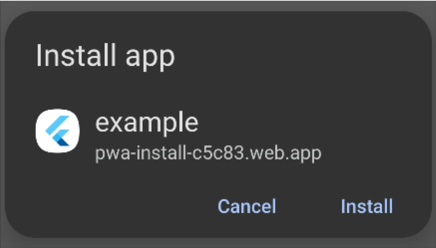
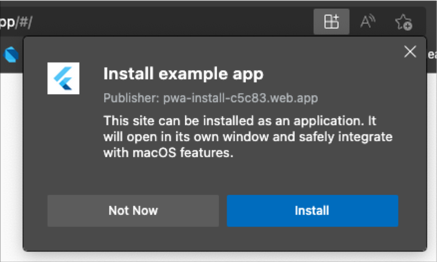
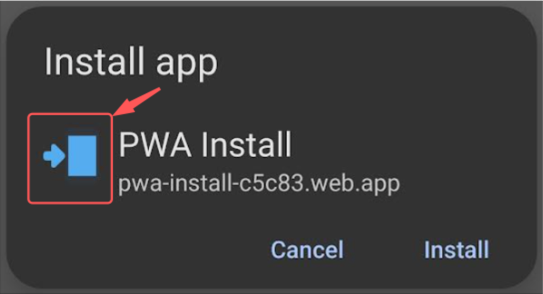
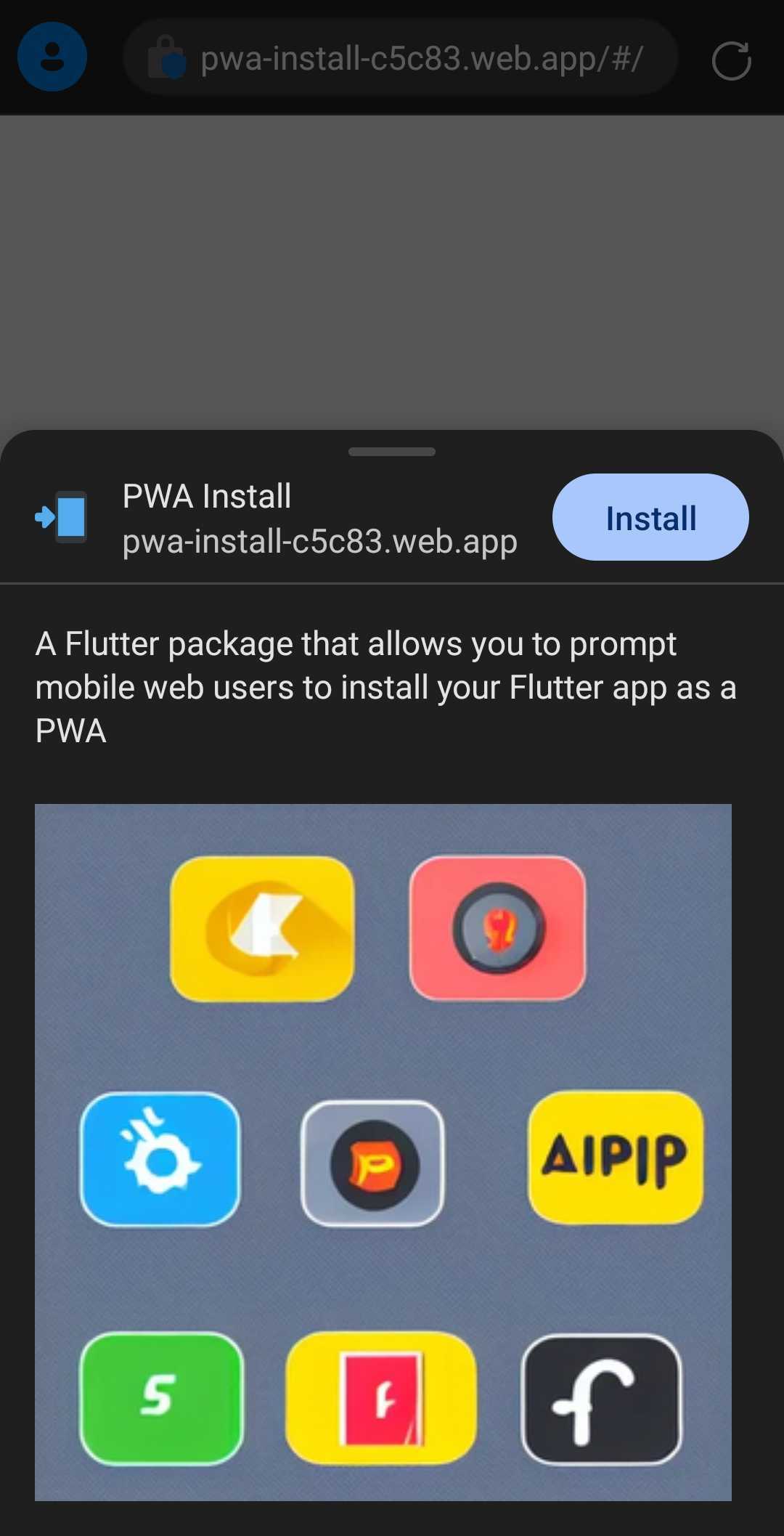
When a Flutter app is opened in a supported browser, the user will see an install prompt like this:
Mobile Prompt
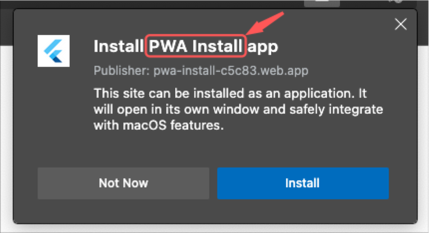
Web Prompt
This is awesome, but there's a caveat. The browser will only show the install prompt to users the first time they open your app. If the user refreshes the page or returns to the app while it's still in their browser history, the prompt will not be shown.
The PWA Install Package
With this package, you can prompt the user to install your app as a PWA on demand (e.g, on a button click). This package works by capturing the beforeinstallprompt event web browsers use to install PWAs. The event is captured when your app is launched and can be called anytime thereafter.
Setup
1. Update index.html
Add the following <script> tag to the body of web/index.html:
The following method can be called in main.dart before calling runApp(). PWAInstall() is instantiated as a singleton so you can use the class directly.