Search packages, repositories and app categories

quick_text cover
Package detailsv1.0.3

quick_text

A Flutter package for simplified text formatting with markdown-like syntax.

AndroidiOSWebmacOSWindowsLinux
30-day downloads
120
Likes
6
Pub points
160

Install package

flutter pub add quick_text

Package Overview

Package selection guidance compiled from public package information, community data, and project usage.

QuickText is a Flutter package that simplifies text formatting using a markdown-like syntax, enabling developers to style text with minimal code. It supports common formatting options such as bold, italic, underline, and color through intuitive syntax. Ideal for displaying rich text in apps without the complexity of full Markdown parsers, it integrates seamlessly across Android, iOS, Web, macOS, Windows, and Linux. The package enhances readability and maintainability of styled text in user interfaces.

Use cases

  • Displaying formatted content in app UIs
  • Creating rich text messages
  • Simplifying text styling in chat apps
  • Rendering documentation snippets
  • Building dynamic text widgets

Key features

  • Markdown-like syntax
  • Cross-platform support
  • Easy integration
  • Lightweight
  • Supports colors and styles
  • Minimal boilerplate

Suitable for

  • Developers seeking simple text formatting
  • Apps with rich text requirements
  • UI components needing styled text
  • Prototyping rapid UI changes
  • Projects avoiding heavy Markdown libraries

Considerations

  • Limited to basic formatting
  • Not suitable for complex Markdown
  • Requires careful syntax handling
  • No support for advanced HTML tags
  • May need custom extensions for specialized use cases
Original README

Original README snapshot from the linked source repository. Visit the repository for the latest content.

QuickText

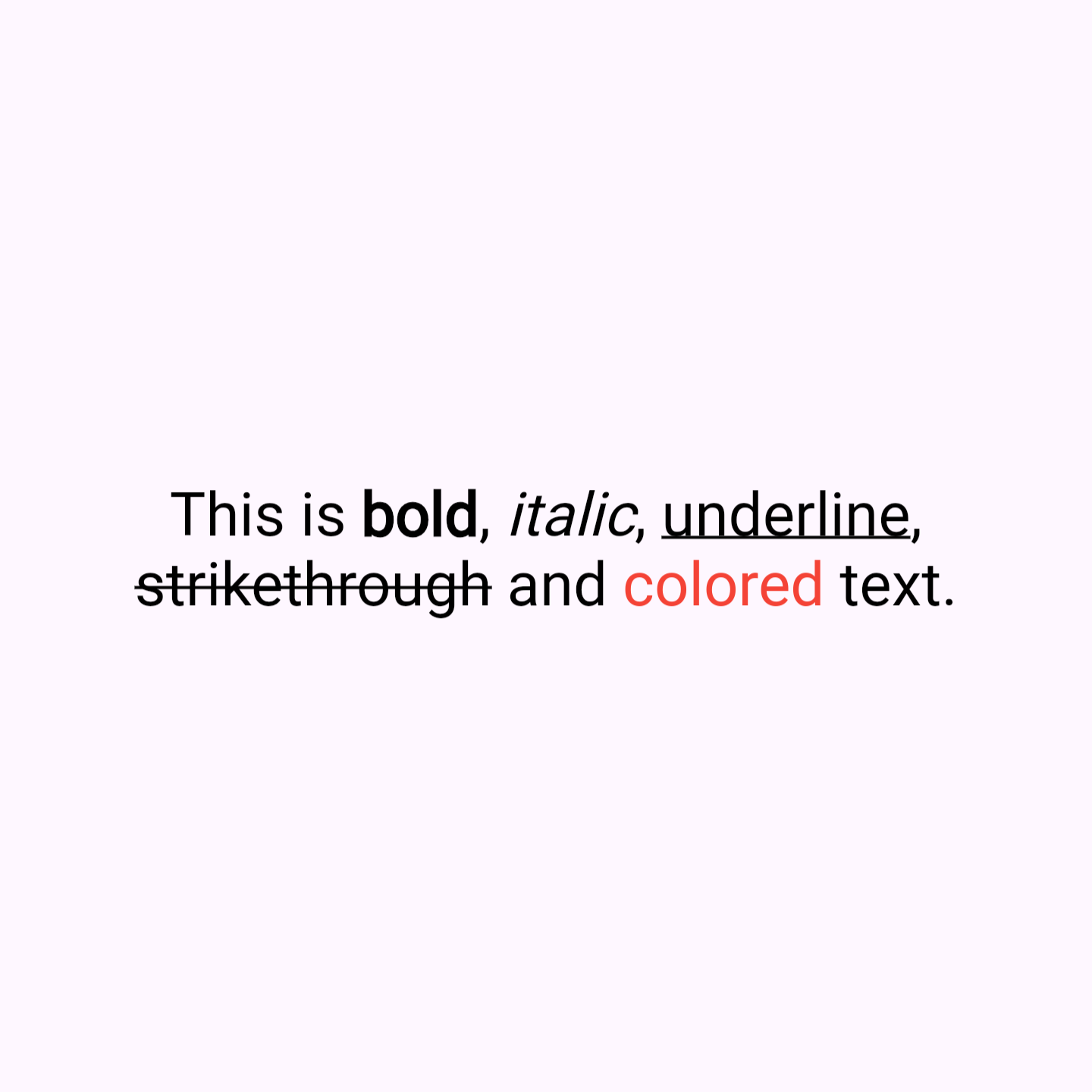
QuickText is a Flutter package that simplifies text formatting with markdown-like syntax. It allow you to easily apply styles like bold, italic, underline, strikethrough color and links directly within a string, without the need to manually construct complex TextSpan trees. Similiar usage like Text widget.

Key Features

  • Simplified Syntax: Style your text with symbols like **bold**, *italic*, _underline_, ~strikethrough~, [colored](red), [colored](#FF0000) and [link](https://example.com).
  • Enhanced Readability: Clean and easy-to-read code, reducing the verbosity of RichText and TextSpan.
  • Customizable Styles: Includes options for text alignment, overflow, max lines, and more, providing the same flexibility as traditional Flutter text widgets.
  • Built-in Color Support: Apply named colors (like red, blue, etc.) or hex colors (e.g., #FF0000 for red) directly within your text string.
  • Link Support: Easily add links that open in the browser when tapped.

Why Use QuickText?

  • Time-Saving: Quickly format text without the hassle of constructing text spans.
  • User-Friendly: Ideal for developers who want rich text features without the complexity.
  • Rich Functionality: Despite its simplicity, QuickText supports a wide range of text styling options.

Sample Code

Here's how you can use QuickText in your Flutter app:


// Bold

QuickText(
  'This is **bold** text.',
),

// Italic

QuickText(
  'This is *italic* text.',
),

// Underline

QuickText(
  'This is _underline_ text.',
),

// Strikethrough

QuickText(
  'This is ~strikethrough~ text.',
),

// Using named colors

QuickText(
  'This is [colored](red) text.',
),

// Using hex colors

QuickText(
  'This is [colored](#FF0000) text.',
),

// links

QuickText(
  'This is [link](https://example.com).',
),

Installation

Add this to your package's pubspec.yaml file:

dependencies:
  quick_text: ^latest_version

Then run:

flutter pub get

Finally, import the package in your Dart code:

import 'package:quick_text/quick_text.dart';

Categories

Dependencies

Dependency list 1 items

Source repository

Projects using this package

No data available yet.