Package selection guidance compiled from public package information, community data, and project usage.
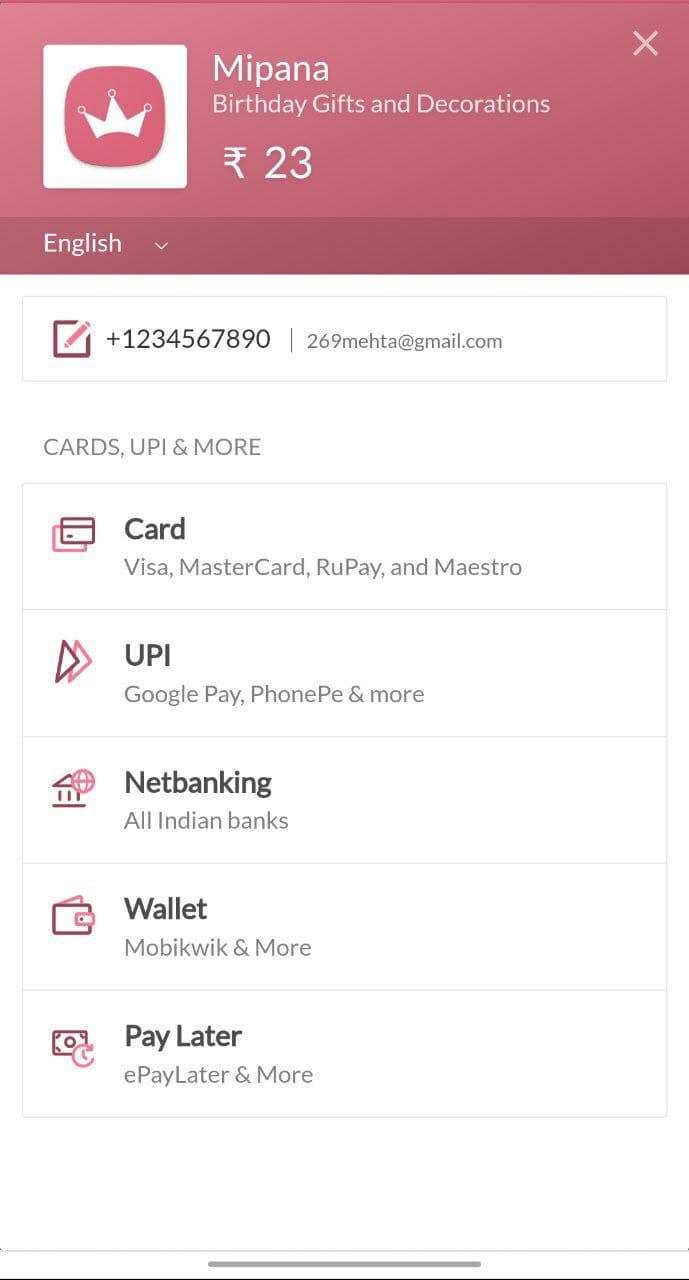
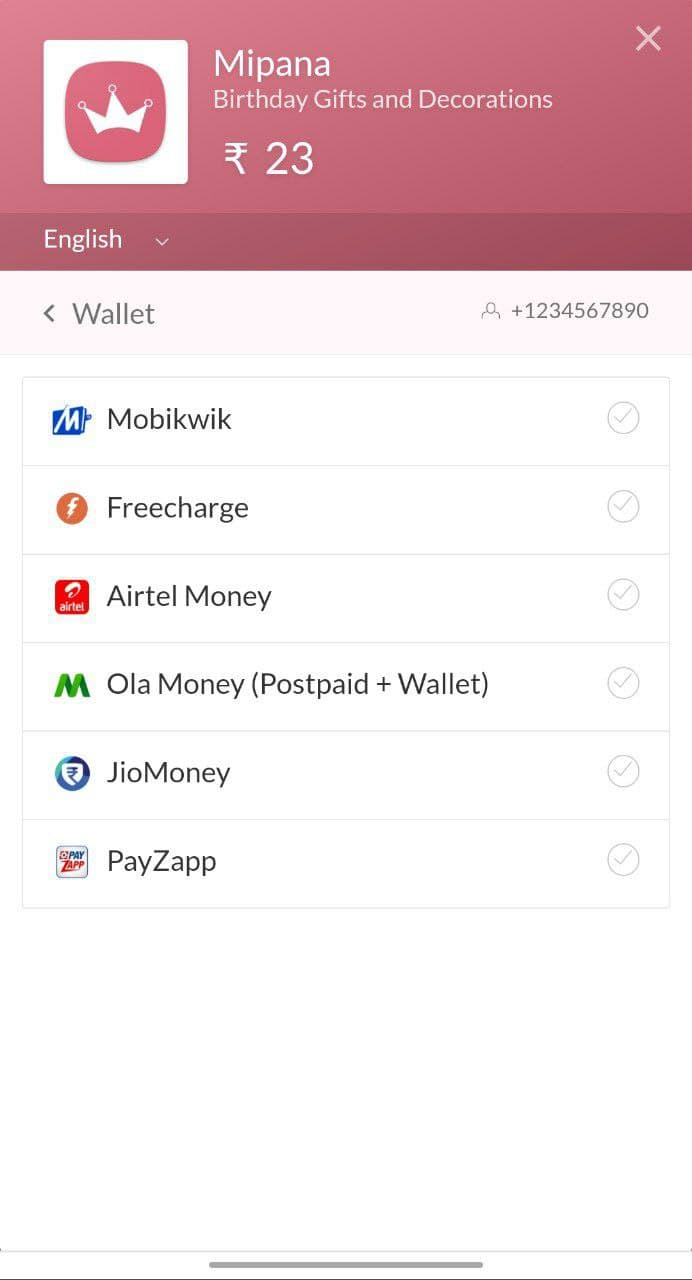
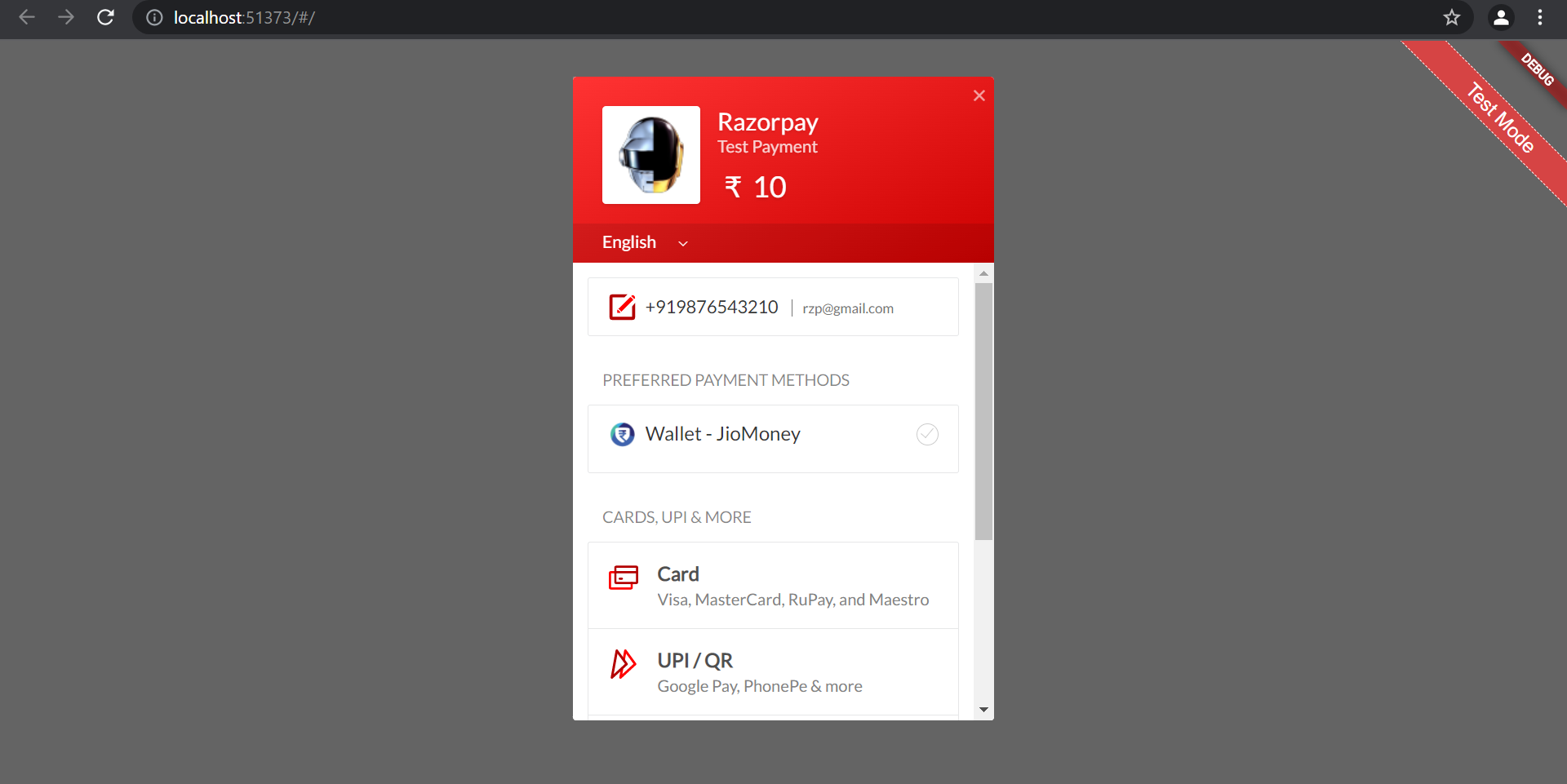
Razorpay Web is a Flutter plugin that integrates the Razorpay payment SDK across multiple platforms, including Android, iOS, Web, macOS, Windows, and Linux. It enables developers to implement secure, seamless payment processing within their Flutter applications. The plugin supports various payment methods such as cards, UPI, net banking, and wallets, ensuring broad user accessibility. With a consistent API across platforms, it simplifies cross-platform payment implementation. The source code is publicly available on GitHub for transparency and customization.
Use cases
In-app purchases
E-commerce checkout
Subscription billing
Event ticketing
Donation collection
Key features
Cross-platform support
Secure payment processing
Multiple payment methods
Consistent API
Open-source code
Suitable for
Flutter apps requiring payments
Developers targeting multiple platforms
Businesses with global customers
Startups building e-commerce apps
Apps needing UPI and card payments
Considerations
Requires Razorpay account setup
Web platform needs proper SSL configuration
Payment handling must comply with local regulations
Limited to Razorpay's supported countries
Need to handle payment success/failure callbacks
Original README
Original README snapshot from the linked source repository. Visit the repository for the latest content.
🔒 Production Ready - Built on official Razorpay SDKs for mobile platforms
🪟 Native Windows Support - Seamless WebView integration with InAppWebView
🧪 Test Mode - Full sandbox environment support for development
📱 External Wallets - Support for Paytm, PhonePe, Google Pay, and more
⚡ Zero Configuration - Works out of the box with minimal setup
☕ Support the Development
🏆 Help Keep This Project Alive & Thriving
As a full-time developer working on this plugin in my limited spare time, your support means the world! Every contribution helps me dedicate more hours to:
✨ Adding new features • 🐛 Fixing bugs faster • 📚 Improving documentation • 🚀 Supporting new platforms
🌟 If this plugin saved you hours of work, consider buying me a chai!
Your support directly impacts how much time I can invest in making this plugin better for everyone.
Use Test Keys for development (no real transactions)
Switch to Live Keys for production
💡 New to Razorpay? Learn about the payment flow before integrating.
📦 Installation
Add razorpay_web to your pubspec.yaml:
dependencies:razorpay_web:^3.1.1
Then run:
flutter pub get
Platform-Specific Setup
🤖 Android Setup
Minimum Requirements
Min SDK Version: 19 (Android 4.4+)
Update android/app/build.gradle:
android {
    defaultConfig {
        minSdkVersion 19  // Ensure this is at least 19
    }
}
ProGuard Rules (if using)
Add to your ProGuard configuration:
-keepattributes *Annotation*
-dontwarn com.razorpay.**
-keep class com.razorpay.** {*;}
-optimizations !method/inlining/
-keepclasseswithmembers class * {
  public void onPayment*(...);
}
🍎 iOS Setup
Minimum Requirements
Min Deployment Target: iOS 10.0
Bitcode: Enabled
Update ios/Podfile:
platform :ios, '10.0'

post_install do |installer|
  installer.pods_project.targets.each do |target|
    target.build_configurations.each do |config|
      config.build_settings['ENABLE_BITCODE'] = 'YES'
      config.build_settings['SWIFT_VERSION'] = '5.0'
    end
  end
end
Add use_frameworks! if you encounter Swift header issues:
use_frameworks!
Then run:
cd ios && pod install
🌐 Web Setup
Add the Razorpay checkout script to web/index.html inside the <body> tag:
<body><!-- Other content --><scriptsrc="https://checkout.razorpay.com/v1/checkout.js"></script><scriptsrc="main.dart.js"type="application/javascript"></script></body>
🪟 Windows Setup
Requirements
Microsoft Edge WebView2 Runtime (pre-installed on Windows 10/11)
No additional configuration needed! The plugin uses flutter_inappwebview to provide a native-like payment experience.
⚠️ Important: You must pass context parameter when calling open() on Windows.
🐧 Linux Setup
Uses the same WebView implementation as Windows. No additional setup required.
🍏 macOS Setup
Requirements
Uses the same WebView implementation as Windows.
Entitlements Configuration
Add network client permission to your entitlements files:
voidmakeOrderPayment() {
// First, create an order on your backend// Then use the order_id in optionsvar options = {
'key': 'rzp_test_1DP5mmOlF5G5ag',
'amount': 50000,
'name': 'Product Name',
'order_id': 'order_xyz123', // Order ID from backend'prefill': {
'contact': '9876543210',
'email': 'customer@example.com'
}
};
_razorpay.open(options, context: context);
}
Contributions are welcome! Here's how you can help:
Reporting Issues
Check existing issues before creating a new one
Provide detailed reproduction steps
Include platform information (OS, Flutter version, plugin version)
Share relevant code snippets and error messages
Pull Requests
Fork the repository
Create a feature branch (git checkout -b feature/amazing-feature)
Make your changes
Add tests for new functionality
Ensure all tests pass (flutter test)
Run code analysis (flutter analyze)
Format your code (dart format .)
Commit your changes (git commit -m 'Add amazing feature')
Push to the branch (git push origin feature/amazing-feature)
Open a Pull Request
Development Setup
# Clone the repository
git clone https://github.com/gauravmehta13/razorpay_web.git
cd razorpay_web
# Get dependencies
flutter pub get
# Run tests
flutter test# Run example appcd example
flutter run