Search packages, repositories and app categories

rect_getter cover
Package detailsv1.1.0

rect_getter

A widget provide a simple way to get child`s rectangle information after rendered.

AndroidiOSWebmacOSWindowsLinux
30-day downloads
20.2K
Likes
97
Pub points
160

Install package

flutter pub add rect_getter

Package Overview

Package selection guidance compiled from public package information, community data, and project usage.

RectGetter is a Flutter package that simplifies the process of obtaining a child widget's rectangle dimensions and position after rendering. It provides a convenient way to access precise layout information such as offset, size, and bounds within a widget tree. Ideal for gesture detection, animations, or UI alignment tasks requiring accurate spatial data. The package works across all major platforms including Android, iOS, Web, macOS, Windows, and Linux, ensuring consistent behavior regardless of target environment.

Use cases

  • Gesture-based interactions
  • Dynamic UI positioning
  • Animation triggers based on layout
  • Debugging widget placement
  • Overlay element alignment

Key features

  • Real-time rectangle data after render
  • Cross-platform compatibility
  • Simple API integration
  • Supports nested widgets
  • Accurate offset and size reporting

Suitable for

  • Developers needing layout metrics
  • UI/UX designers implementing interactive layouts
  • Apps with dynamic or responsive interfaces
  • Debugging layout issues
  • Custom gesture detectors

Considerations

  • Requires post-render access to widget tree
  • May impact performance if overused
  • Not suitable for immediate pre-render measurements
  • Limited to visible and rendered children
  • Best used in conjunction with build context
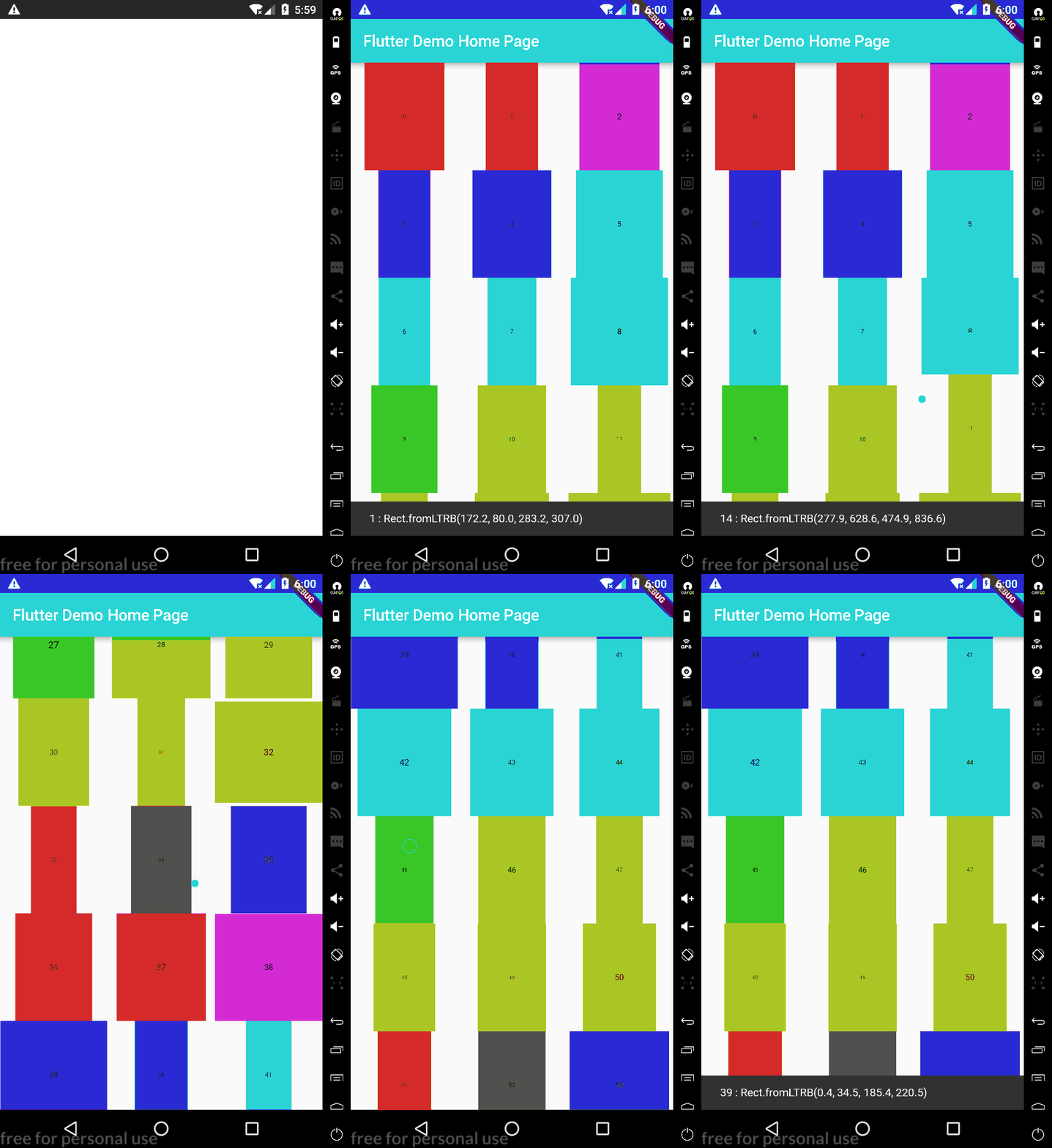
Original README

Original README snapshot from the linked source repository. Visit the repository for the latest content.

rect_getter

A widget provide a simple way to get child's rectangle information after rendered.

Usage

To use this plugin, add rect_getter as a dependency in your pubspec.yaml file.

Example
// Import package
import 'package:rect_getter/rect_getter.dart';

// Instantiate it

var globalKey = RectGetter.createGlobalKey();
var rectGetter = RectGetter(
    key: globalKey,
    child: _child,
);

or

var rectGetter = RectGetter.defaultKey(
    child: _child,
);


// and add it to your layout .

// then you can get rect by

Rect rect = rectGetter.getRect();

or

Rect rect = RectGetter.getRectFromKey(globalKey);


Read More : 利用RectGetter组件获取控件位置尺寸实现的几个高级效果和功能

Getting Started

For help getting started with Flutter, view our online documentation.

For help on editing package code, view the documentation.

Categories

Source repository

Projects using this package