Package selection guidance compiled from public package information, community data, and project usage.
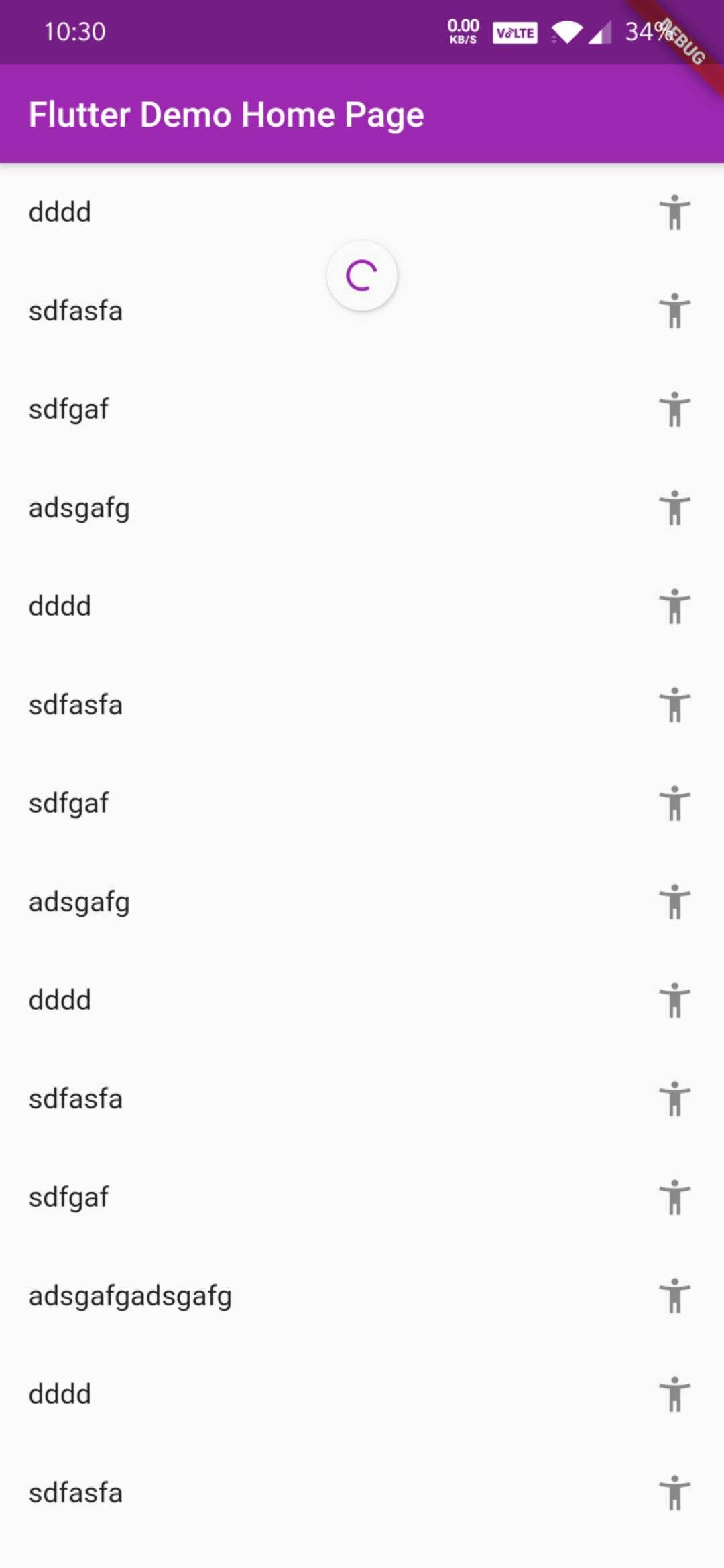
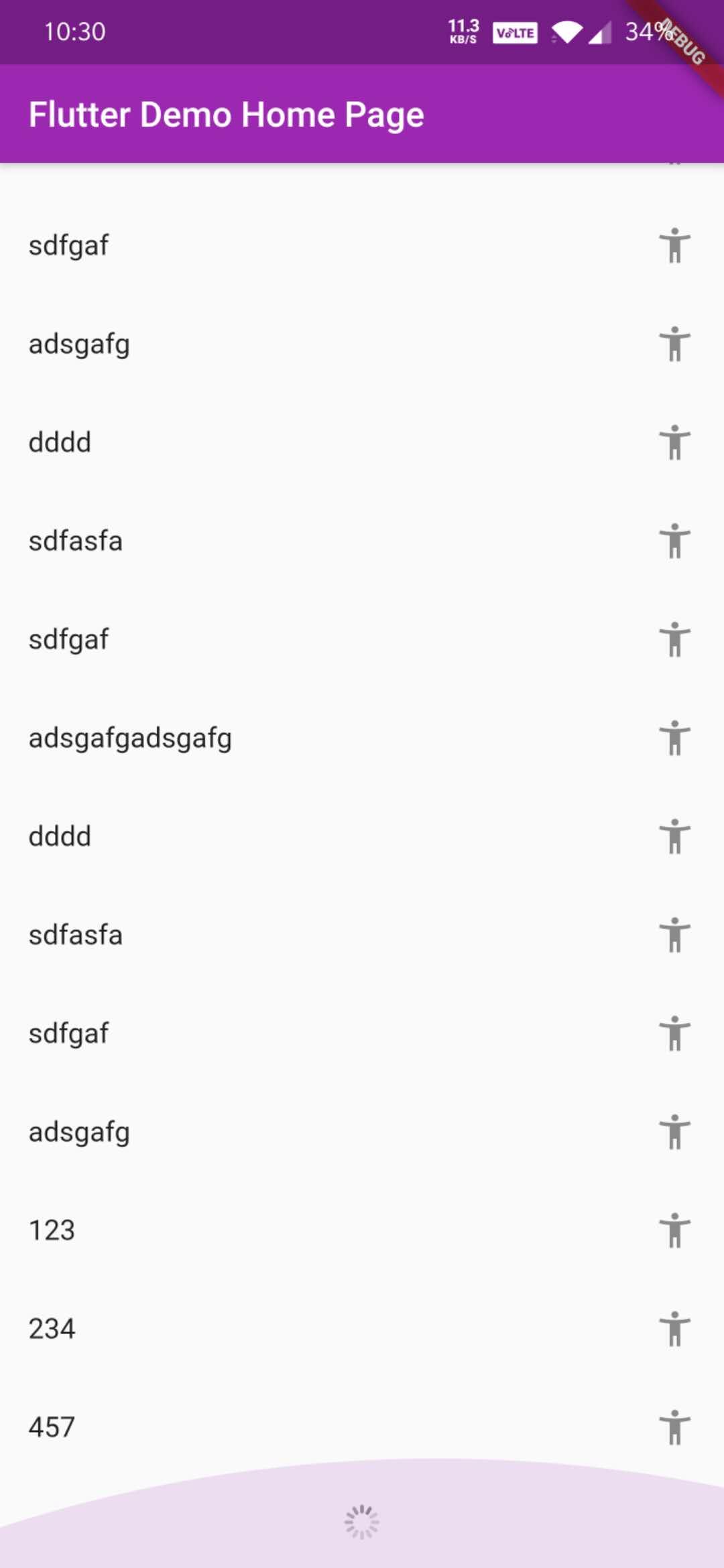
A Flutter package that provides a pull-down-to-refresh and pull-up-to-load-more interface for lists, enhancing user interaction in scrollable content. It supports smooth animations and customizable refresh/load states across all major platforms including Android, iOS, Web, macOS, Windows, and Linux. Ideal for implementing dynamic data feeds such as news, social media timelines, or product listings. The component is lightweight and integrates seamlessly with ListView and other scrollable widgets.
Use cases
Dynamic list updates
Social media feed loading
E-commerce product pagination
Real-time data syncing
Infinite scrolling interfaces
Key features
Pull-down refresh gesture
Pull-up load more gesture
Customizable refresh indicators
Cross-platform compatibility
Smooth animation transitions
Configurable loading states
Suitable for
Developers building data-heavy apps
Apps requiring infinite scroll
Teams needing consistent UI patterns
Projects targeting multiple platforms
Users wanting minimal boilerplate
Considerations
Requires integration with scrollable widgets
May need custom styling for complex UIs
Performance depends on data source efficiency
Not suitable for static content
Limited built-in error handling
Original README
Original README snapshot from the linked source repository. Visit the repository for the latest content.
refresh_loadmore
A Flutter component that supports pull-down refresh and pull-up to load more data (一个组件,支持下拉刷新,上拉加载更多数据).
Getting Started
Add this line to pubspec.yaml ( 添加这一行到pubspec.yaml)
dependencies:refresh_loadmore:^2.0.7
How To Use
Use the class RefreshLoadmore
Properties and functions:
/// Callback function on pull down to refresh | 下拉刷新时的回调函数finalFuture<void> Function()? onRefresh;
/// Callback function on pull up to load more data | 上拉以加载更多数据的回调函数finalFuture<void> Function()? onLoadmore;
/// Whether it is the last page, if it is true, you can not load more | 是否为最后一页,如果为true,则无法加载更多finalbool isLastPage;
/// Child widget | 子组件finalWidget child;
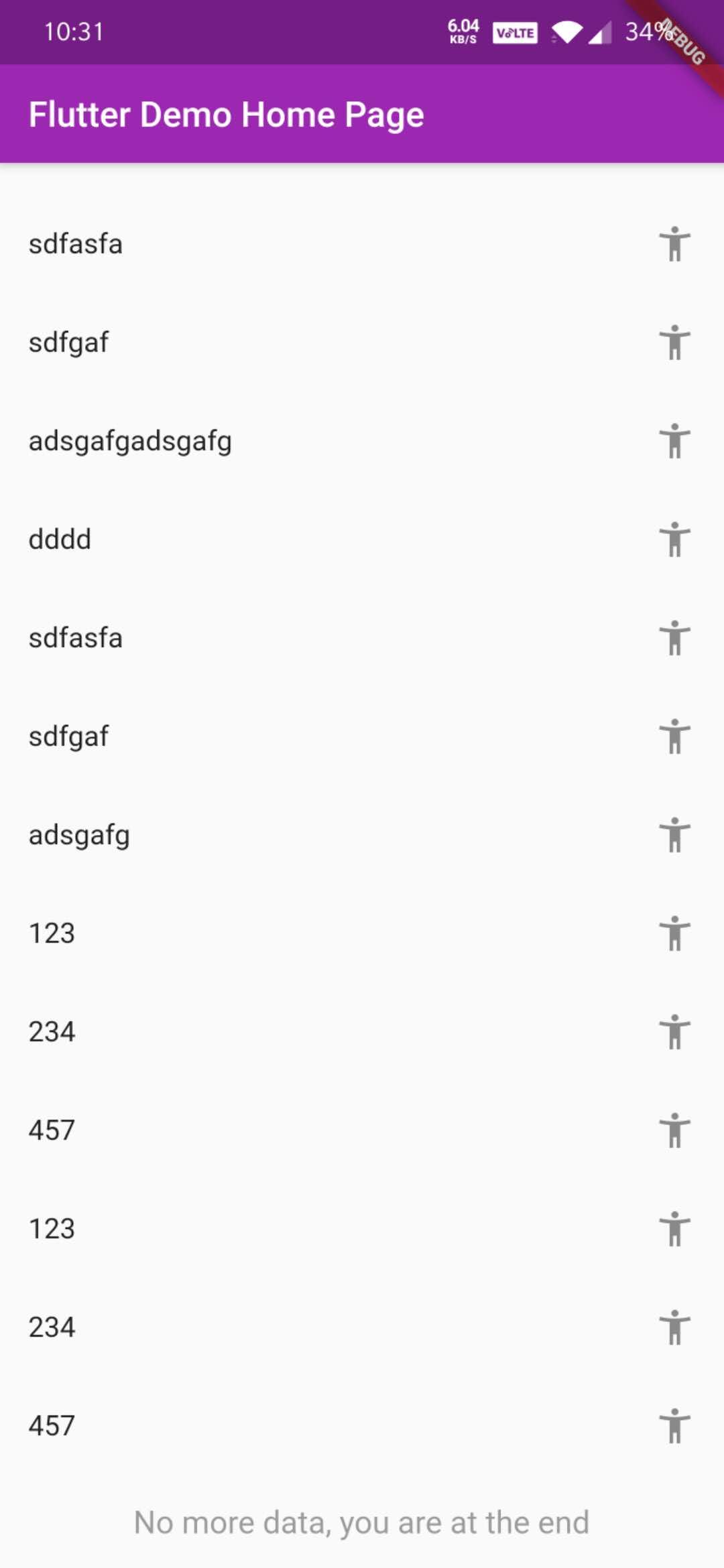
/// Prompt text widget when there is no more data at the bottom | 底部没有更多数据时的提示文字组件finalWidget? noMoreWidget;
/// Prompt widget when loading new data at the bottom | 正在加载数据时的提示组件finalWidget? loadingWidget;
/// Prompt padding for body if needed | 你可以自定义paddingfinalEdgeInsetsGeometry? padding;
/// You can use your custom scrollController, or not | 你可以使用自定义的 ScrollController,或者不使用finalScrollController? scrollController;