Package selection guidance compiled from public package information, community data, and project usage.
A Flutter package that enables users to create reorderable staggered grid layouts with smooth drag-and-drop interactions. It extends the functionality of standard scroll views by allowing items in a staggered grid to be rearranged dynamically, ideal for customizable content displays like photo galleries or task lists. The package supports all major platforms and integrates seamlessly into existing Flutter projects.
Use cases
Customizable photo galleries
Task management interfaces
Dynamic content sorting
User-driven layout arrangements
Interactive dashboard widgets
Key features
Drag-and-drop reordering
Staggered grid layout support
Cross-platform compatibility
Smooth animations during reordering
Easy integration with existing Flutter apps
Suitable for
Developers building interactive UIs
Apps requiring dynamic item arrangement
Projects with visual content organization
Users seeking intuitive drag gestures
Flutter developers targeting multiple platforms
Considerations
Requires careful handling of item key uniqueness
May impact performance with large datasets
Needs proper state management for reordering logic
Original README snapshot from the linked source repository. Visit the repository for the latest content.
reorderable_staggered_scroll_view
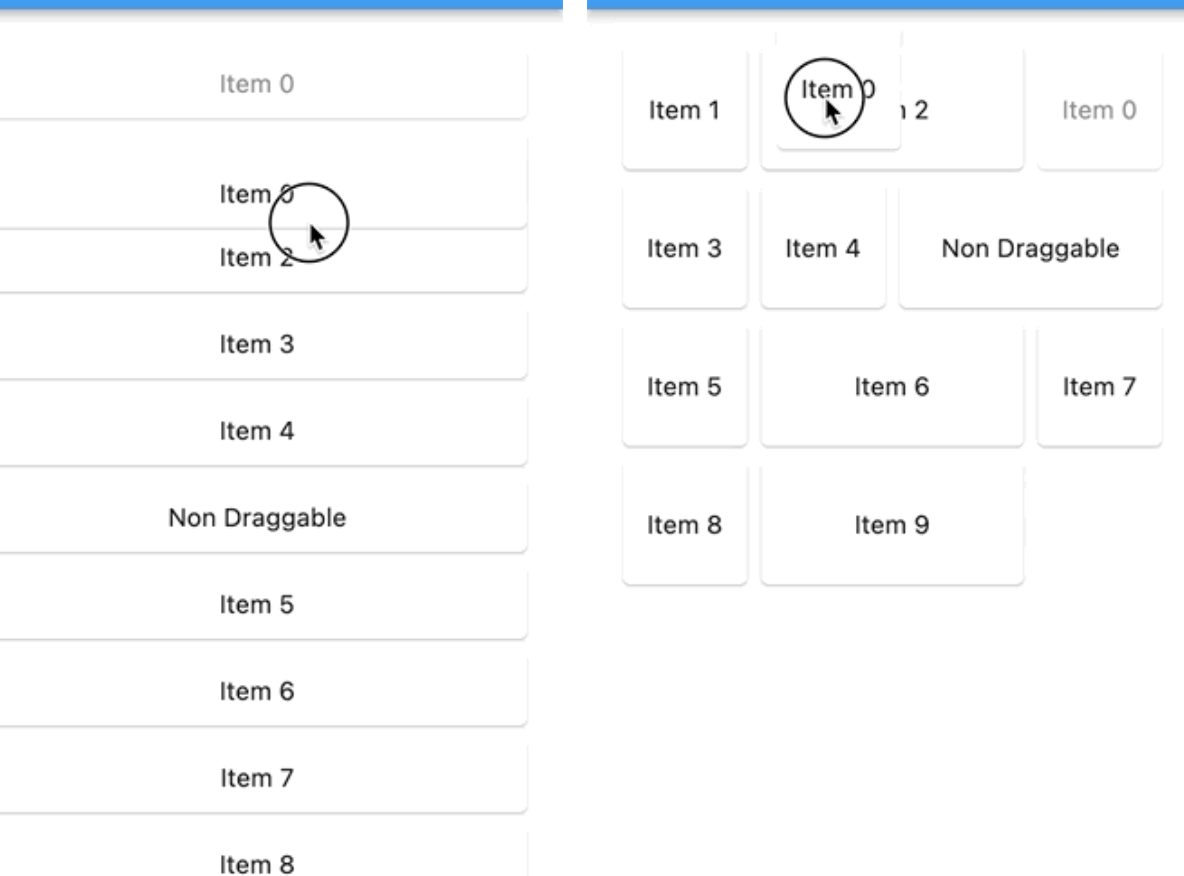
A Flutter package for creating reorderable and draggable staggered grid and list views. This package provides a smooth and intuitive way to reorder items in both grid and list layouts, making it perfect for creating interactive and user-friendly applications.
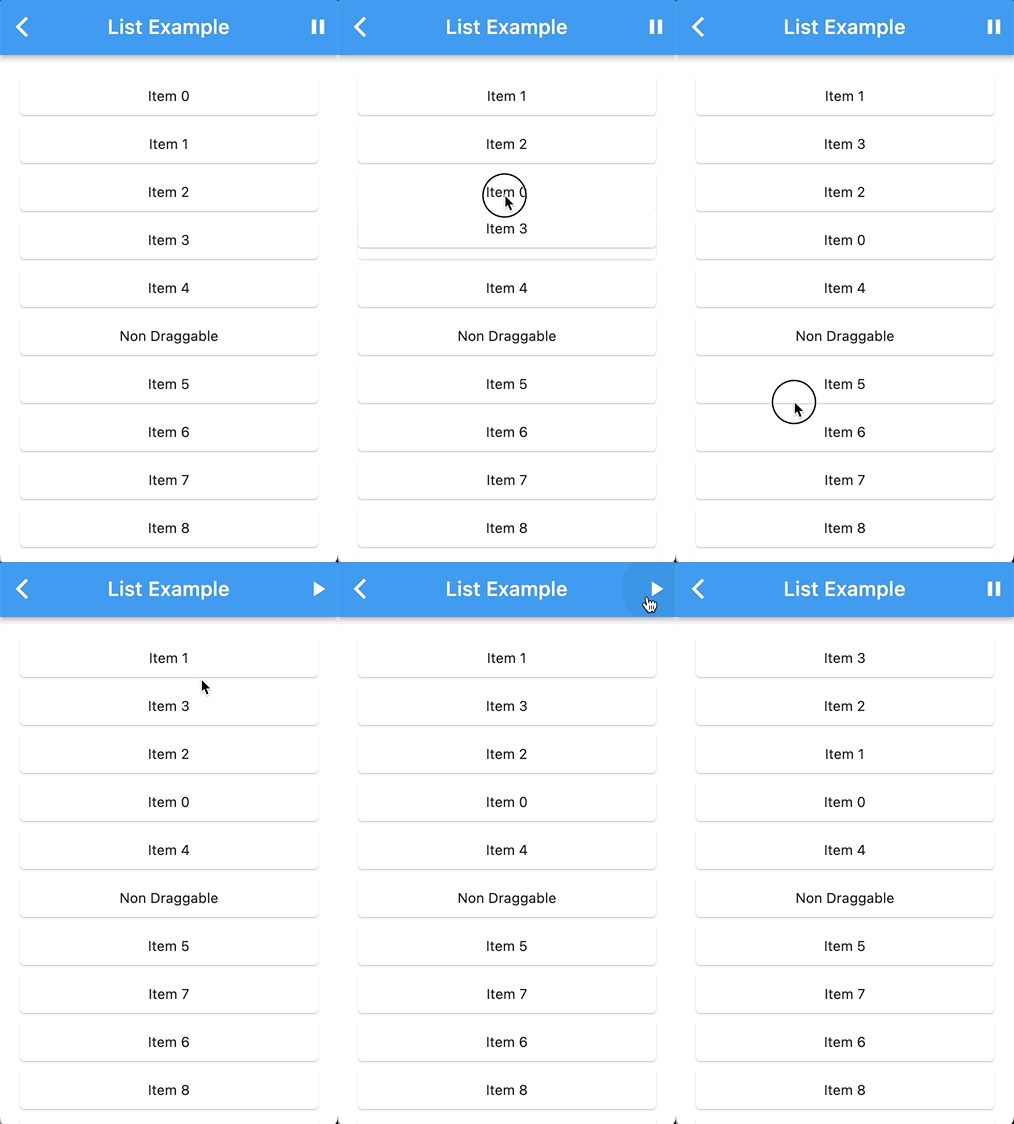
List Demo
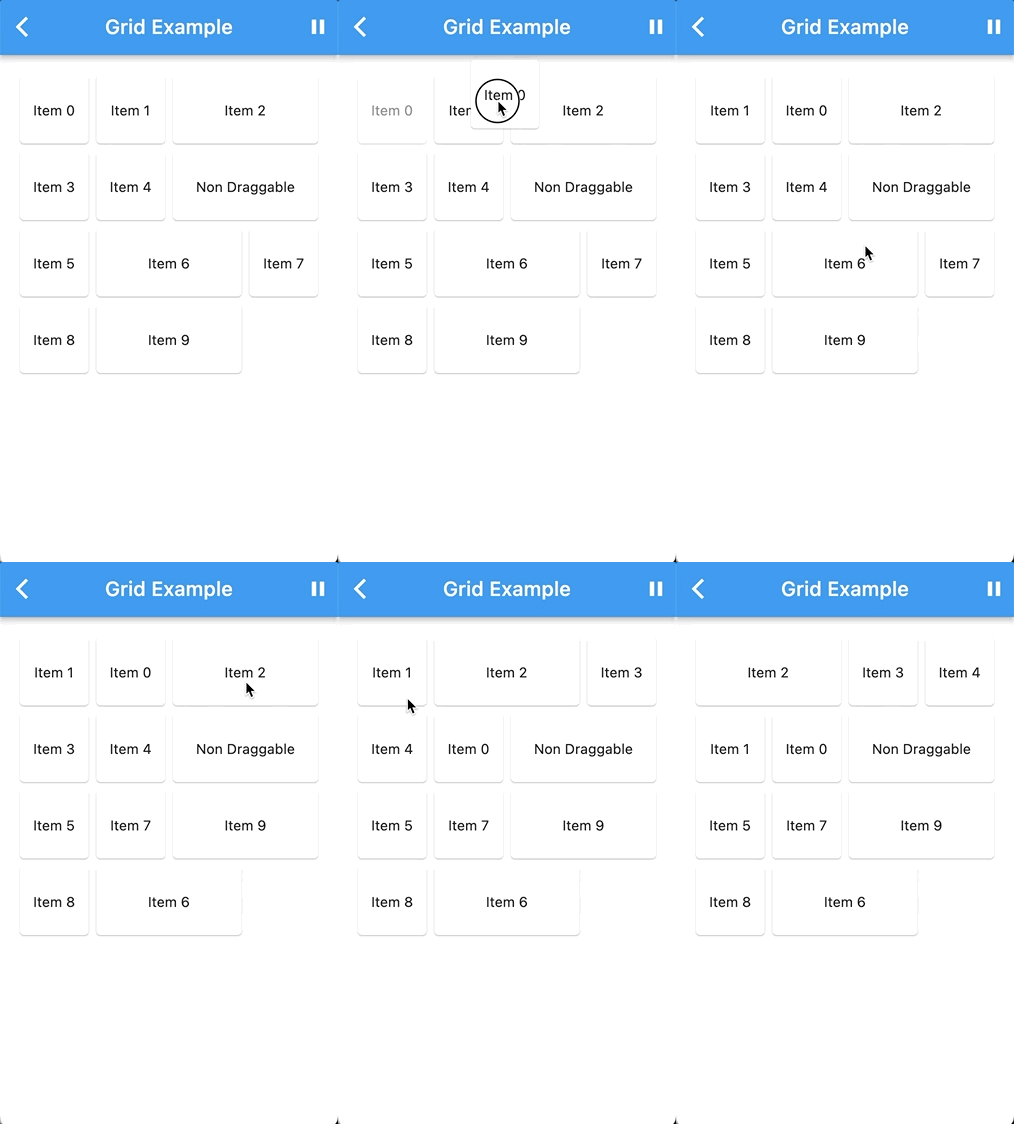
Grid Demo
Features
Reorder items with ease using drag and drop gestures.
Supports both staggered grid and list layouts.
Configurable drag-and-drop behavior.
Designed for a seamless user experience.
Getting Started
To use this package, add it to your pubspec.yaml file:
You can integrate the ReorderableStaggeredScrollView package with your custom list or grid widget by wrapping your custom list or grid widget with the necessary components.
DragNotification(
child: ListView(
scrollDirection: Axis.vertical,
children: [
DragContainer(
scrollDirection: Axis.vertical,
isLongPressDraggable: true,
buildItems: (List<Widget> children) {
returnYourCustomListViewWidget(
// Your custom list or grid widget configuration
children: children,
);
},
dataList: yourList, // Your List of ReorderableStaggeredScrollViewListItem or ReorderableStaggeredScrollViewGridItem
items: (ReorderableStaggeredScrollViewListItem element, DraggableWidget draggableWidget) {
// Map each item in your dataList into a draggable widgetreturnContainer(
key: ValueKey(element.key.toString()),
child: draggableWidget(element.widget),
);
}
),
],
),
);
Replace the comments with your actual widget configuration and data. This setup will allow you to use the ReorderableStaggeredScrollView package with your custom widget.
For more detailed usage instructions and configuration options, refer to the example directory in this repository.
Contributing
We welcome contributions! If you have ideas for improvements or encounter issues, please open an issue or submit a pull request.
Author
itisnajim, itisnajim@gmail.com
License
This package is licensed under the MIT License. See the LICENSE file for more details.