Search packages, repositories and app categories

Package detailsv0.1.1

rough

Rough is a library that allows you draw in a sketchy, hand-drawn-like style

30-day downloads
10
Likes
32
Pub points
40

Install package

flutter pub add rough

Package Overview

Package selection guidance compiled from public package information, community data, and project usage.

Rough is a Flutter library that enables developers to create sketchy, hand-drawn-style drawings within their applications. It mimics the imperfections of real pencil or pen sketches, making digital artwork feel more organic and natural. Ideal for interactive drawing features, signature inputs, or artistic UI elements, Rough provides a simple API to render lines, shapes, and text with a rough aesthetic. The library is lightweight and integrates seamlessly into Flutter projects via pub.dev.

Use cases

  • Hand-drawn style annotations
  • Digital signature capture
  • Artistic UI elements
  • Sketch-based interfaces
  • Interactive whiteboards

Key features

  • Hand-drawn line rendering
  • Customizable roughness
  • Support for shapes and text
  • Lightweight and easy integration
  • Real-time sketching support

Suitable for

  • App developers seeking expressive drawing tools
  • Designers wanting organic visuals
  • Educational apps with drawing features
  • Prototyping interactive sketches

Considerations

  • Limited to 2D drawing
  • No advanced editing tools
  • Performance may vary with complex scenes
  • Not intended for high-precision graphics

Original README

Original README snapshot from the linked source repository. Visit the repository for the latest content.

Pub GitHub Release Date GitHub

Rough

Rough is a library that allows you draw in a sketchy, hand-drawn-like style. It's a direct port of Rough.js.

Installation

In the dependencies: section of your pubspec.yaml, add the following line:

dependencies:
  rough: <latest_version>

Basic usage

Right now only drawing via canvas is supported. This is a basic documentation in case you want to play around with Rough. I can't ensure non-breaking changes of the library interface.

To draw a figure you have to:

  1. Create a DrawConfig object to determine how your drawing will look.
  2. Create a Filler to be used when drawing objects (you have to provide a configuration for the filling and a DrawConfig for the filling path).
  3. Create a Generator object using the created DrawConfig and Filler. This will define a drawing/filling style.
  4. Invoke the drawing method from the Generator to create a Drawable.
  5. Paint the Drawable in the canvas using the drawRough method extension for Canvas.

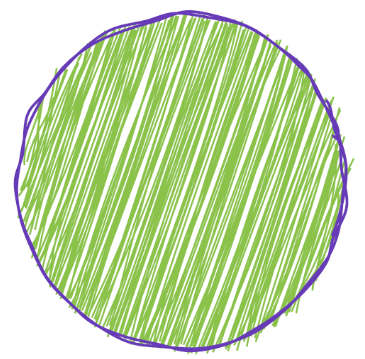
Here an example on how to draw a circle:

//Create a `DrawConfig` object.
DrawConfig myDrawConfig = DrawConfig.build(
  roughness: 3,
  curveStepCount: 14,
  maxRandomnessOffset: 3,
);

//Create a `Filler` with a configuration (we reuse the drawConfig in this case).
FillerConfig myFillerConfig = FillerConfig(
    hachureGap: 8,
    hachureAngle: -20,
    drawConfig: myDrawConfig,
);
Filler myFiller = ZigZagFiller(myFillerConfig);

//Create a `Generator` with the created `DrawConfig` and `Filler`
Generator generator = Generator(
  myDrawConfig,
  myFiller,
);

//4. Build a circle `Drawable`.
Drawable figure = generator.circle(200, 200, 320);

//5. Paint the `Drawable` in the canvas.
Canvas.drawRough(figure, pathPaint, fillPaint);

And this is the result:

Result

Both DrawConfig and FillerConfig will use default values for anything not specified.

Samples

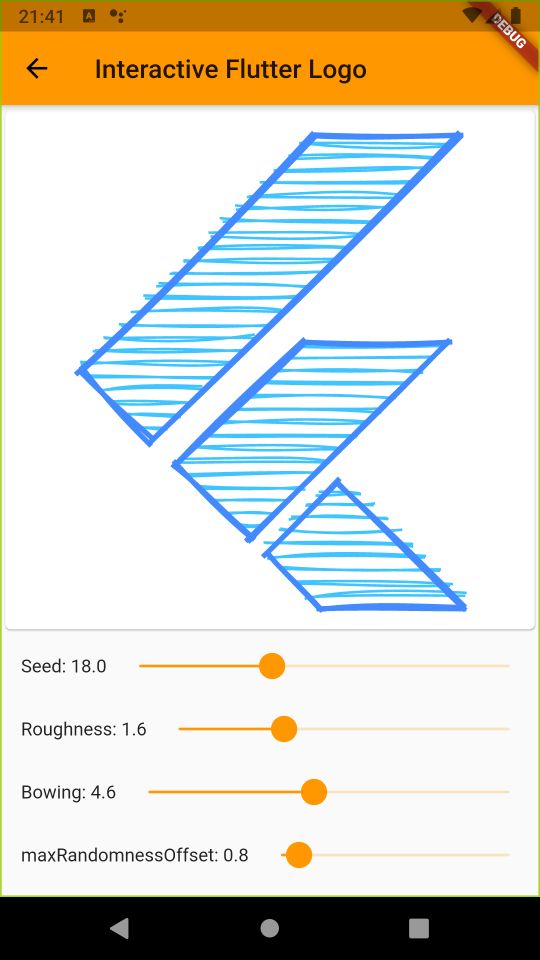
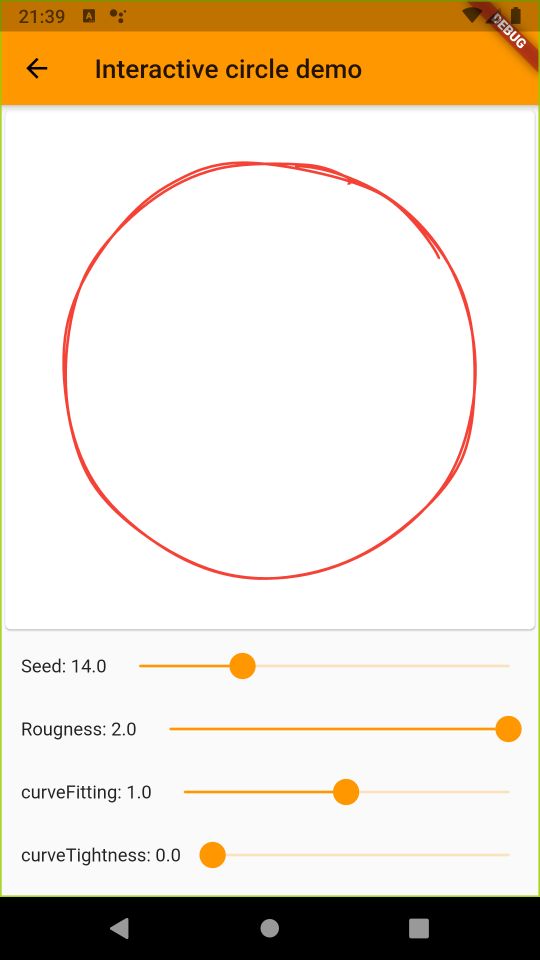
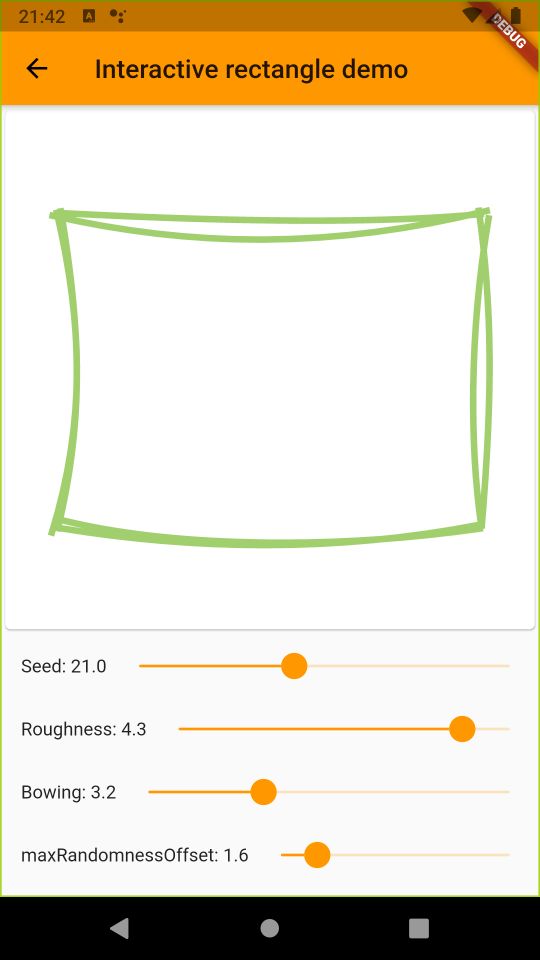
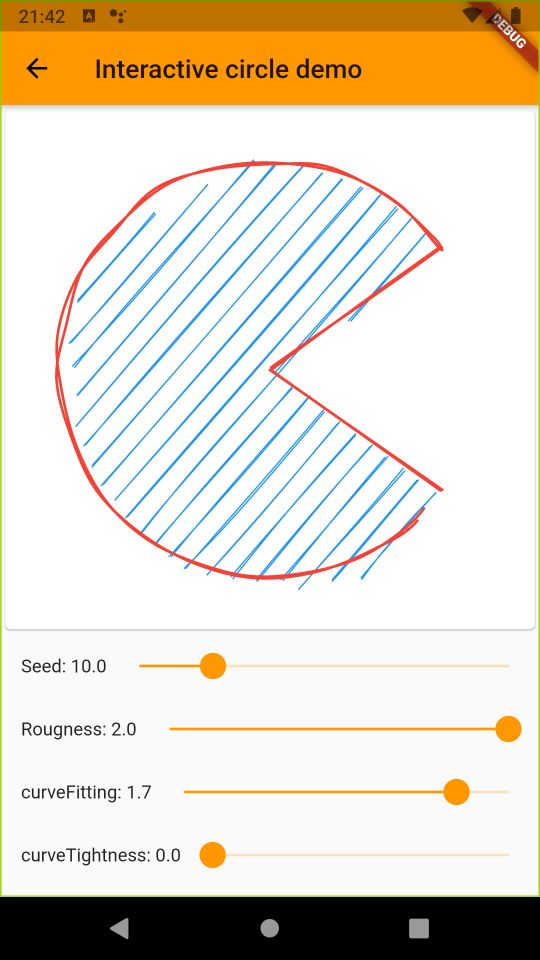
Some screenshots of the example app:

Example 1 Example 2 Example 3 Example 4

Categories

Source repository

Projects using this package

No data available yet.