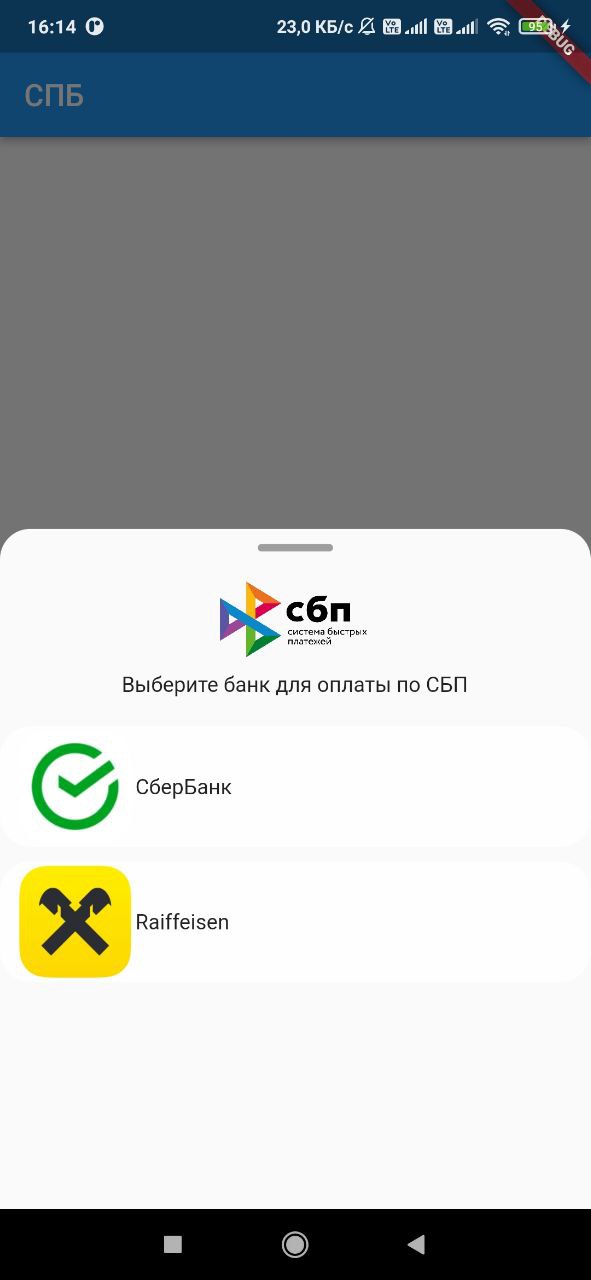
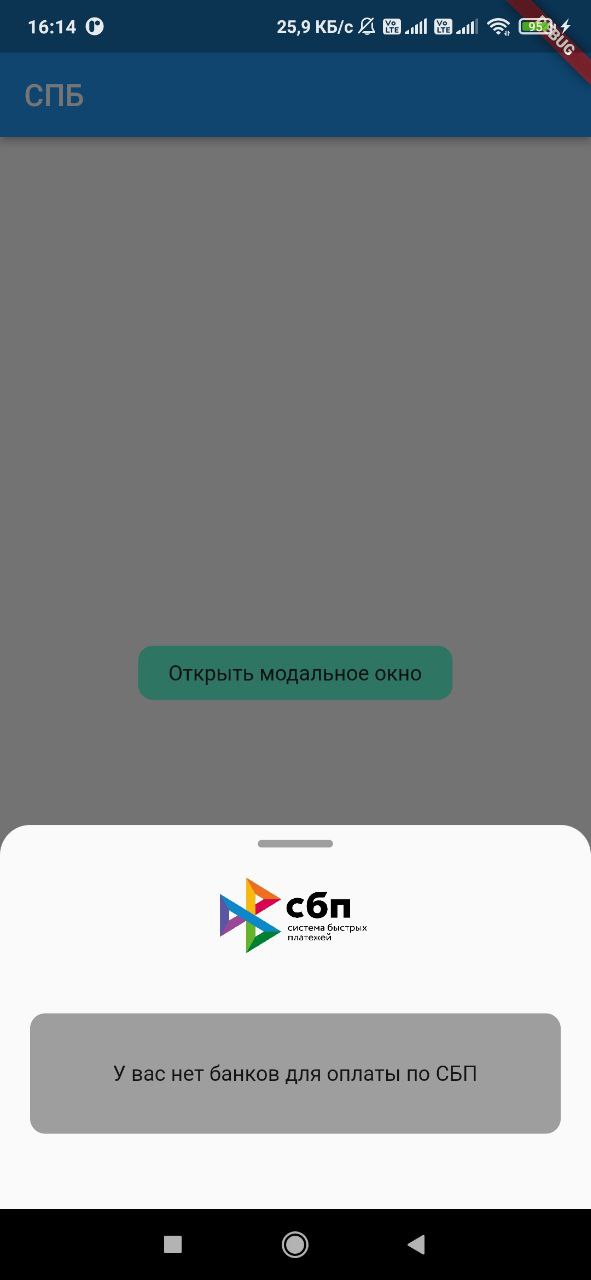
Flutter plugin, with which you can get a list of banks installed on the user's device, as well as launch a link to pay via SBP like https://qr.nspk.ru/.../
Package selection guidance compiled from public package information, community data, and project usage.
The sbp package is a Flutter plugin that enables integration with Russia's System for Quick Payments (SBP). It allows developers to detect banks installed on a user's device and launch SBP payment links, such as those from qr.nspk.ru, directly from the app. This facilitates seamless, instant bank transfers within Flutter applications. The plugin supports both Android and iOS platforms, ensuring broad compatibility. It simplifies payment processing by leveraging existing banking apps without requiring users to enter card details.
Use cases
Instant bank transfers in e-commerce apps
Integrating SBP payments into mobile wallets
Enabling QR code-based payments
Supporting digital service subscriptions
Facilitating peer-to-peer money transfers
Key features
Detects installed SBP-compatible banks
Launches SBP payment links via deep linking
Supports Android and iOS platforms
Uses standard QR-based payment URLs
Provides simple API for payment initiation
Suitable for
Russian market payment solutions
Apps requiring instant bank transfers
Developers building financial or retail apps
Projects using QR-based payments
Flutter apps targeting SBP-enabled users
Considerations
Requires SBP-compatible banks on user devices
Limited to regions supporting SBP (e.g., Russia)
Depends on external bank app availability
May require additional handling for link validation
Not suitable for non-SBP payment systems
Original README
Original README snapshot from the linked source repository. Visit the repository for the latest content.
sbp
Flutter plugin, with which you can get a list of banks installed on the device user, as well as
launch a link to pay for the SBP of the form https://qr.nspk.ru/.../
Adding dependencies
To use the plugin, add it to the pubspec.yaml file.
Installing
Android
Starting with android 11 in AndroidManifest.xml, you need to specify applications that our
application can see
Add URL schemes to LSApplicationQueriesSchemes in Info.plist file:
This list is needed in order to make it possible to open third-party installed applications on iOS.
The list of banks supported by SBP can be obtained
at c2bmembers.json.
Warning! Starting with iOS 15, the maximum number of the scheme list should not exceed
50.Detailed information can be obtained from
this link
Description of functions with examples
To use sbp and get current information on supported banks, SBP needs to be raised own server, which
will pull up new information on banks once in a while.
Warning!If you use json, don't forget to change the links to images in the file
/sbp/lib/data/c2bmembers_data.dart as they take a long time to load or not to load at all (IOS).
Links to current banks from the official website of the SBP
We pass the url of the form ('https://qr.nspk.ru/...' deprecated) schema://qr.nspk.ru/.... and the packageName of the application in which you want to open the SBP
IOS
Sbp.openIOSBank(String url, String schema)
We pass the url of the form https://qr.nspk.ru/.../ and the schema of the application in which you
want to open the SBP
useAndroidLocalIcons - if you want to use native android application icons, then put
true and use the bitmap variable to display the bank icon
useAndroidLocalNames - if you want to use the native name of the android application, then put
true and use the localName variable to display the name of the bank
A variable is passed c2bmembersData (json /sbp/lib/data/c2bmembers_data.dart), which is parsed and
returns a C2bmembersModel.
C2bmembersModel contains fields such as:
version - json version
c2bmembersModel - List C2bmemberModel installed applications
C2bmemberModel contains fields such as:
bankName - bank name
logoURL - link to picture
schema - application schema
packageName - application packageName
icon - icon app from assets
bitmap - bitmap app on device(only for Android)
localName - local name app on device(only for Android)