Search packages, repositories and app categories

scribble cover
Package detailsv0.10.0+1

scribble

Scribble is a lightweight library for freehand drawing in Flutter supporting pressure, variable line width and more!

AndroidiOSWebmacOSWindowsLinux
30-day downloads
350
Likes
227
Pub points
140

Install package

flutter pub add scribble

Package Overview

Package selection guidance compiled from public package information, community data, and project usage.

Scribble is a lightweight Flutter library enabling freehand drawing with support for pressure sensitivity, variable line width, and smooth stroke rendering across multiple platforms. Designed for developers building drawing, painting, or signature capture features, it offers a simple API to integrate intuitive touch-based input. The library works seamlessly on Android, iOS, Web, macOS, Windows, and Linux, making it ideal for cross-platform creative applications. With minimal setup via `flutter pub add scribble`, it provides a foundation for interactive drawing experiences without heavy overhead.

Use cases

  • Digital sketching apps
  • Signature capture interfaces
  • Interactive whiteboards
  • Art and design tools
  • Educational drawing applications

Key features

  • Pressure-sensitive strokes
  • Variable line width
  • Cross-platform compatibility
  • Smooth rendering
  • Simple integration
  • Multi-touch support

Suitable for

  • App developers seeking drawing functionality
  • Creative tool builders
  • Educational software creators
  • Cross-platform app teams
  • UI designers needing interactive elements

Considerations

  • Limited advanced editing tools
  • No built-in export formats
  • Requires manual handling of canvas state
  • Not optimized for high-performance animations
  • Basic gesture recognition only

Original README

Original README snapshot from the linked source repository. Visit the repository for the latest content.

Scribble

Powered by Mason melos coverage

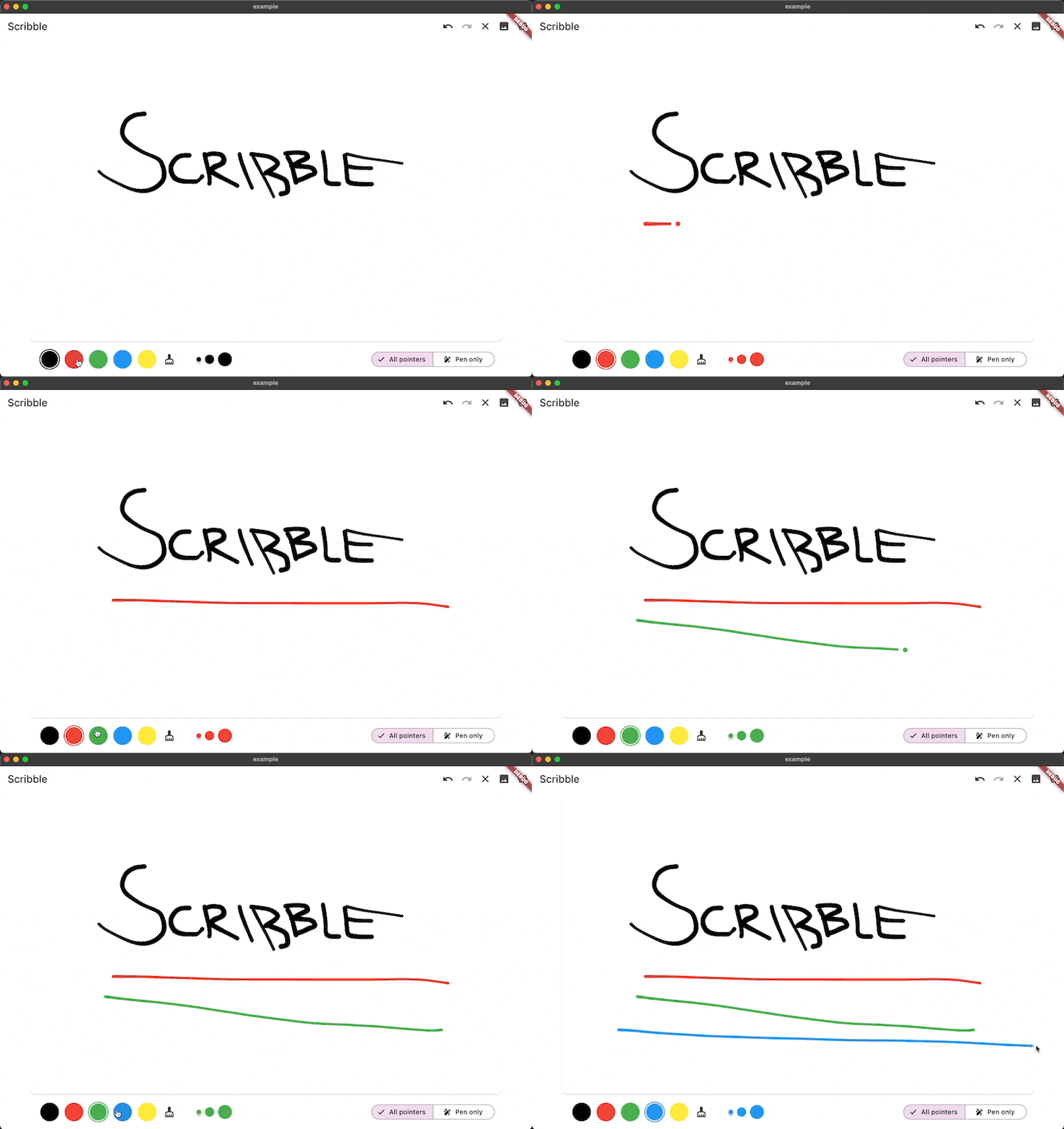
Scribble is a lightweight library for freehand drawing in Flutter supporting pressure, variable line width and more!

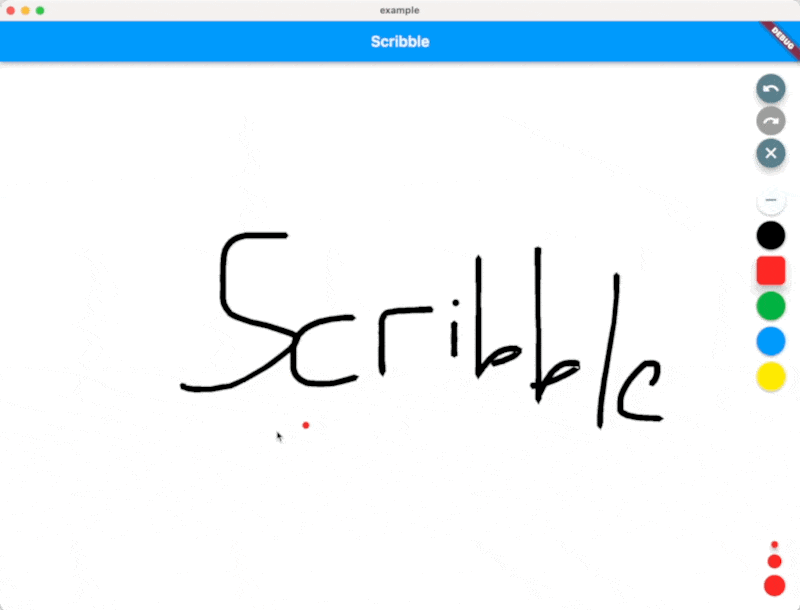
Scribble Demo

Installation 💻

❗ In order to start using Scribble you must have the Dart SDK installed on your machine.

Install via dart pub add:

dart pub add scribble

Features

  • Variable line width
  • Image Export
  • Pen and touch pressure support
  • Line simplification for making sketch files smaller
  • Choose which pointers can draw (touch, pen, mouse, etc.)
  • Lines get slimmer when the pen is moved more quickly
  • Line eraser support
  • Full undo/redo support using value_notifier_tools
  • Sketches are fully serializable to JSON
  • Export Sketches to PNG

Usage

You can find a full working example in the example directory

You can create a drawing surface by adding the Scribble widget to your widget tree and passing in a ScribbleNotifier.

import 'package:flutter/material.dart';
import 'package:flutter_riverpod/flutter_riverpod.dart';

class App extends StatelessWidget {
  @override
  Widget build(BuildContext context) {
    return Scaffold(
      body: Scribble(
        notifier: notifier,
      ),
    );
  }
}

Use the public methods on ScribbleNotifier to control the behavior (for example from a button in the UI):

notifier = ScribbleNotifier();


// Set color
notifier.setColor(Colors.black);

// Clear
notifier.clear();

// Undo
notifier.undo();

// Export to Image
notifier.renderImage(pixelRatio: 2.0);

// Line details will be simplified to save space from now on
notifier.setSimplificationFactor(2);

// Simplify the entire existing sketch
notifier.simplify();

// And more ... 

Additional information

As mentioned above, the package is still under development, but we already use it in the app we are currently developing.

Feel free to contribute, or open issues in our GitHub repo.

Categories

Dependencies

Dependency list 3 items

Source repository

Projects using this package

No data available yet.