
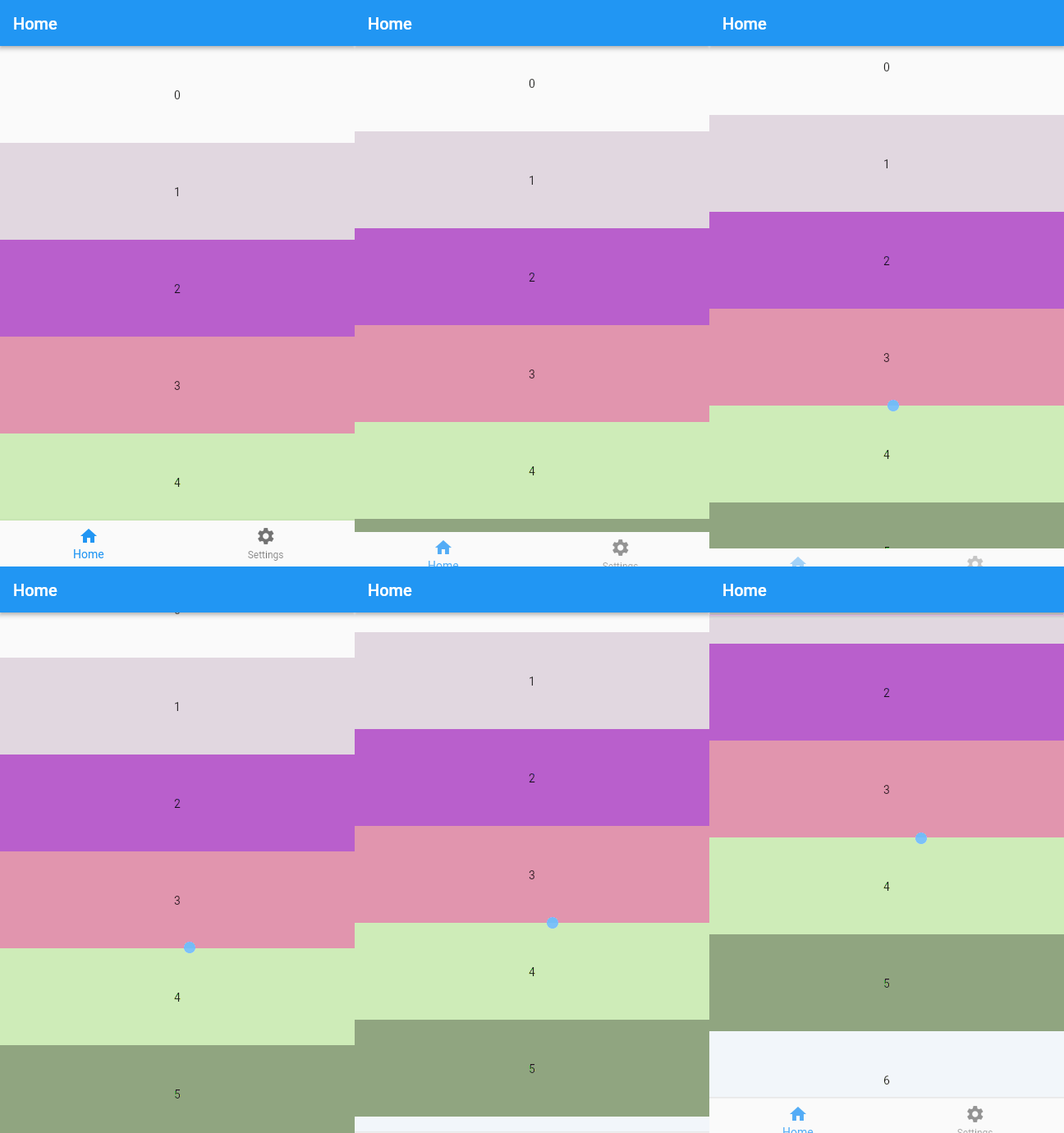
Overview
The scroll_bottom_navigation_bar package enables dynamic control of the bottom navigation bar's visibility during scrolling. It automatically hides the navigation bar when scrolling down and reveals it when scrolling up, enhancing screen space utilization in mobile and web applications. Ideal for immersive interfaces where content takes priority over navigation elements. The package supports all major platforms including Android, iOS, Web, macOS, Windows, and Linux, ensuring consistent behavior across devices. It integrates seamlessly with Flutter’s ScrollController and works well within Scaffold-based layouts.
Use cases
- Immersive content-heavy apps
- Scroll-driven UIs with full-screen views
- Mobile and web apps prioritizing screen real estate
- Dynamic navigation bar behavior in lists and scrolls
- Enhancing user experience in media or reading apps
Key features
- Auto-hide/show on scroll
- Cross-platform compatibility
- Seamless integration with ScrollController
- Supports Scaffold layout
- Customizable hide/show thresholds
Suitable for
- Developers building immersive Flutter apps
- Designers seeking smooth scrolling interactions
- Apps with long lists or vertical content
- Projects requiring responsive navigation bars
- Teams targeting multiple platforms
Considerations
- May require fine-tuning of scroll sensitivity
- Not ideal for apps needing constant navigation access
- Can conflict with other scroll effects if not managed
- Best used with clear visual cues for reappearing bar
- Requires proper handling of state during scroll events