Search packages, repositories and app categories

scroll_pos cover
Package detailsv0.5.0

scroll_pos

Provides some additional functions to ScrollController to define item position relative to the screen.

AndroidiOSWebmacOSWindowsLinux
30-day downloads
197K
Likes
75
Pub points
160

Install package

flutter pub add scroll_pos

Package Overview

Package selection guidance compiled from public package information, community data, and project usage.

The scroll_pos package enhances Flutter's ScrollController by adding utility functions to determine the position of list items relative to the screen. It simplifies tasks like detecting when an item is fully visible, partially in view, or near the top/bottom of the viewport. Ideal for building interactive lists, infinite scrolling, or dynamic UIs that respond to scroll state. The package supports all major platforms and integrates seamlessly with existing ScrollController implementations.

Use cases

  • Detecting visible list items
  • Implementing infinite scroll logic
  • Creating scroll-triggered animations
  • Building dynamic list layouts
  • Tracking item visibility during scrolling

Key features

  • Easy item position detection
  • Extends ScrollController functionality
  • Cross-platform support
  • Minimal boilerplate
  • Accurate screen-relative positioning

Suitable for

  • Developers building complex scrollable interfaces
  • Apps requiring real-time scroll feedback
  • Infinite scroll or lazy loading features
  • Interactive list-based UIs

Considerations

  • Requires integration with ScrollController
  • Limited to scrollable contexts
  • No built-in animation handling
  • May need additional state management
  • Not suitable for non-scrollable widgets
Original README

Original README snapshot from the linked source repository. Visit the repository for the latest content.

Scroll Position

Provides some additional functions to ScrollController to define item position relative to the screen.

A live version is available here.

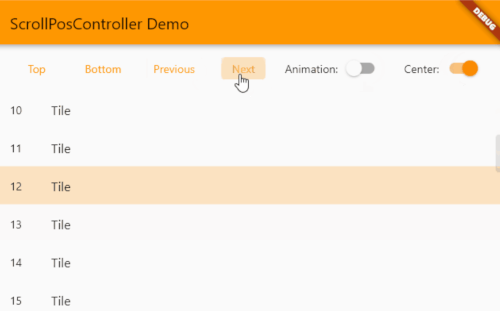
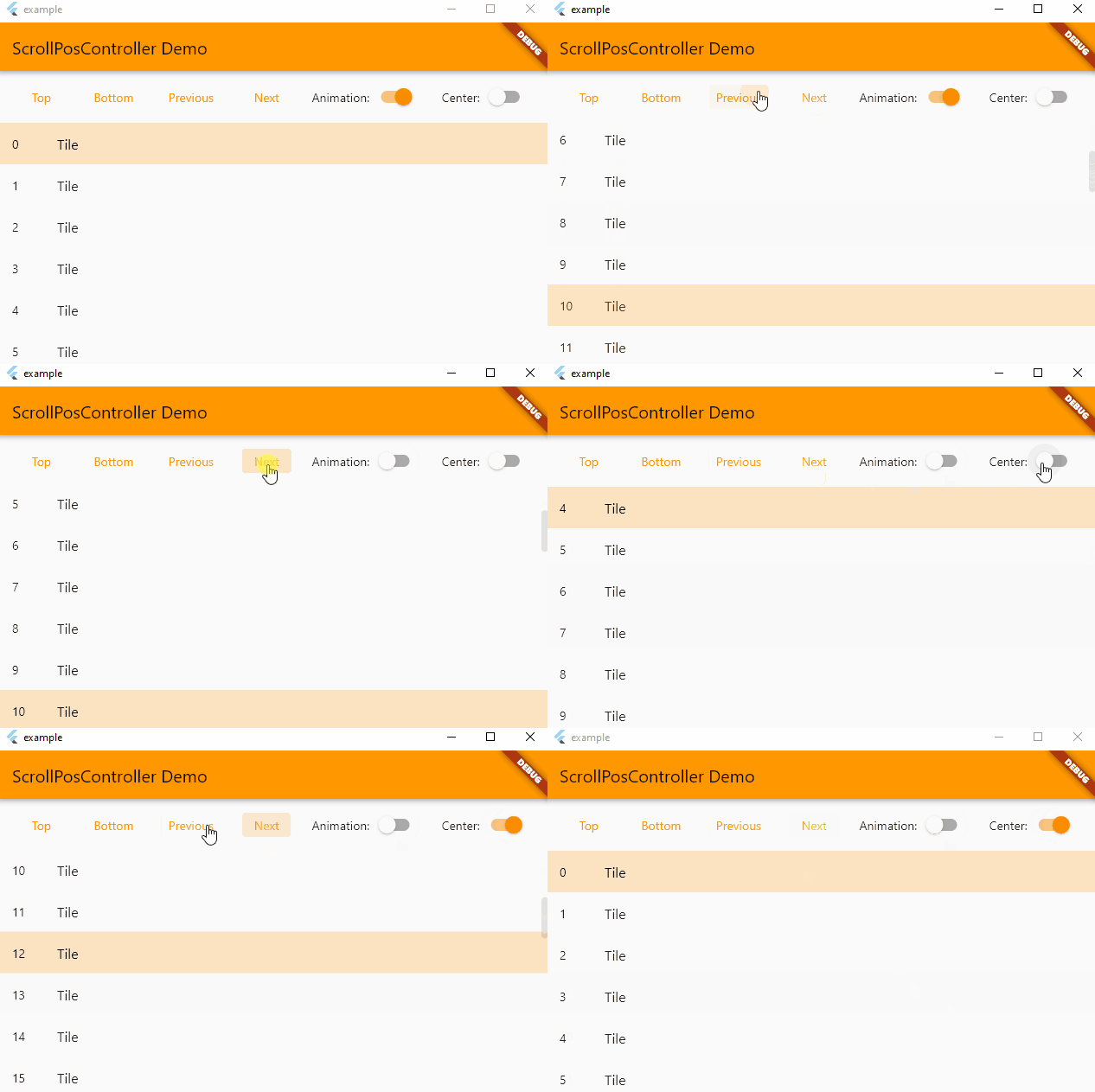
scrollpos_demo

Note: this works on condition that all items have the same height !

Usage

// Create a ScrollPosController (don't forget to set and update itemCount !)
final controller = ScrollPosController(itemCount: itemCount);

// Assign the controller to a scrollable item (like an ListView)
ListView(
  controller: controller,
  children: [
    ...
  ];
);

// Control the controller
TextButton(
  child: Text('To item'),
  onPressed: () {
    setState(() {
      controller.scrollToItem(index);
    });
  },
);

Main methods

  • void scrollTop({bool? animate}) : Go to the first item
  • void scrollBottom({bool? animate}) : Go to the last item
  • void scrollToItem(int index, {bool? animate, bool center = false}) : Makes the item visible on the screen

Categories

Source repository

Projects using this package