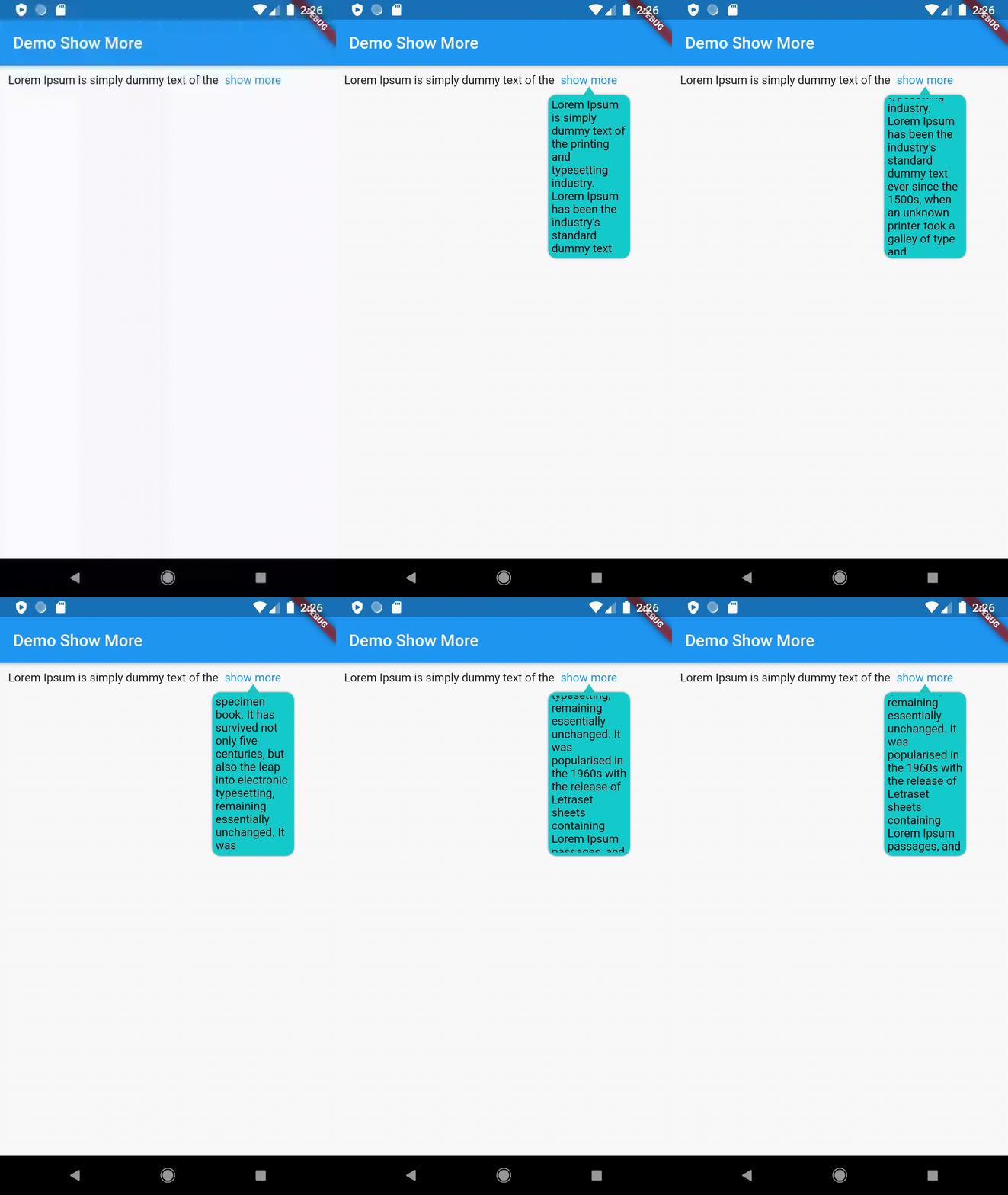
The show_more_text_popup package enhances text display in Flutter by allowing long text to be truncated and revealed in a customizable popup. It provides intuitive controls for configuring popup size, appearance, and behavior, making it ideal for interfaces where space is limited but content clarity is essential. The popup appears on tap, offering users a seamless way to view extended text without disrupting the layout. Compatible across all major platforms, it integrates smoothly with existing Flutter apps.
Use cases
- Displaying lengthy text in compact UIs
- Enhancing readability in chat or comment sections
- Improving user experience in forms with optional details
- Creating interactive tooltips for additional information
Key features
- Customizable popup size and position
- Configurable trigger (tap, long press)
- Support for multiple platforms
- Smooth animation on popup reveal
- Easy integration with existing text widgets
- Flexible styling options for popup and text
Suitable for
- Developers building content-heavy apps
- UI designers focusing on responsive text handling
- Apps requiring concise yet informative text displays
- Projects aiming for polished, interactive user experiences
Considerations
- May require careful positioning on small screens
- Popup behavior should be tested across different devices
- Performance impact on very large text blocks
- Accessibility considerations for screen readers
- Potential overlap with other UI elements if not positioned properly