Search packages, repositories and app categories

slidable_button cover
Package detailsv3.0.0+1

slidable_button

A simple customizable flutter slide button widget.

AndroidiOSWebmacOSWindowsLinux
30-day downloads
46
Likes
65
Pub points
160

Install package

flutter pub add slidable_button

Package Overview

Package selection guidance compiled from public package information, community data, and project usage.

A simple and customizable slide button widget for Flutter, allowing users to drag a thumb across a track to trigger actions. It supports custom styling, animations, and callback events when the slider is moved or released. Ideal for toggles, confirmations, or interactive controls in apps targeting multiple platforms. The package is lightweight and easy to integrate with minimal configuration.

Use cases

  • Form confirmation sliders
  • Toggle switches
  • Interactive onboarding elements
  • Customizable action triggers
  • User consent prompts

Key features

  • Fully customizable appearance
  • Drag gesture support
  • Callback on drag and release
  • Smooth animations
  • Cross-platform compatibility
  • Simple API integration

Suitable for

  • Developers seeking lightweight sliders
  • UI designers needing interactive elements
  • Apps requiring user confirmation gestures
  • Multi-platform Flutter projects
  • Custom form components

Considerations

  • Limited built-in themes
  • No built-in accessibility features
  • Requires manual handling of edge cases
  • Not suitable for complex slider interactions
  • Minimal documentation beyond basic usage

Original README

Original README snapshot from the linked source repository. Visit the repository for the latest content.

slidable_button

Pub support

A simple flutter plugin for Slidable Button.


Note : This plugin is cloned and remade from swipe_button.

Getting Started

Add dependency
dependencies:
  slidable_button: ^3.0.0+1
Simple to use

Import this library on your code.

import 'package:slidable_button/slidable_button.dart';

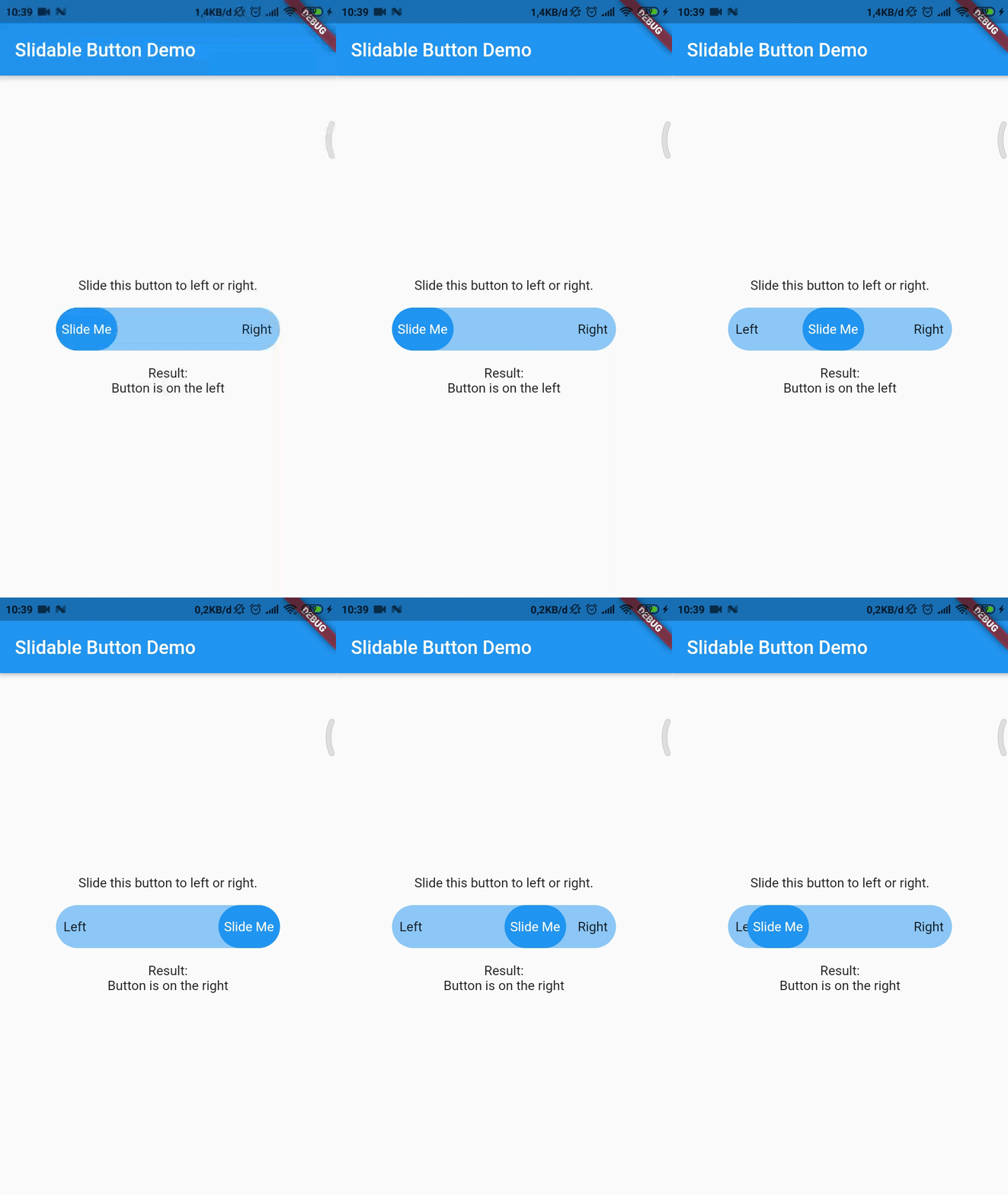
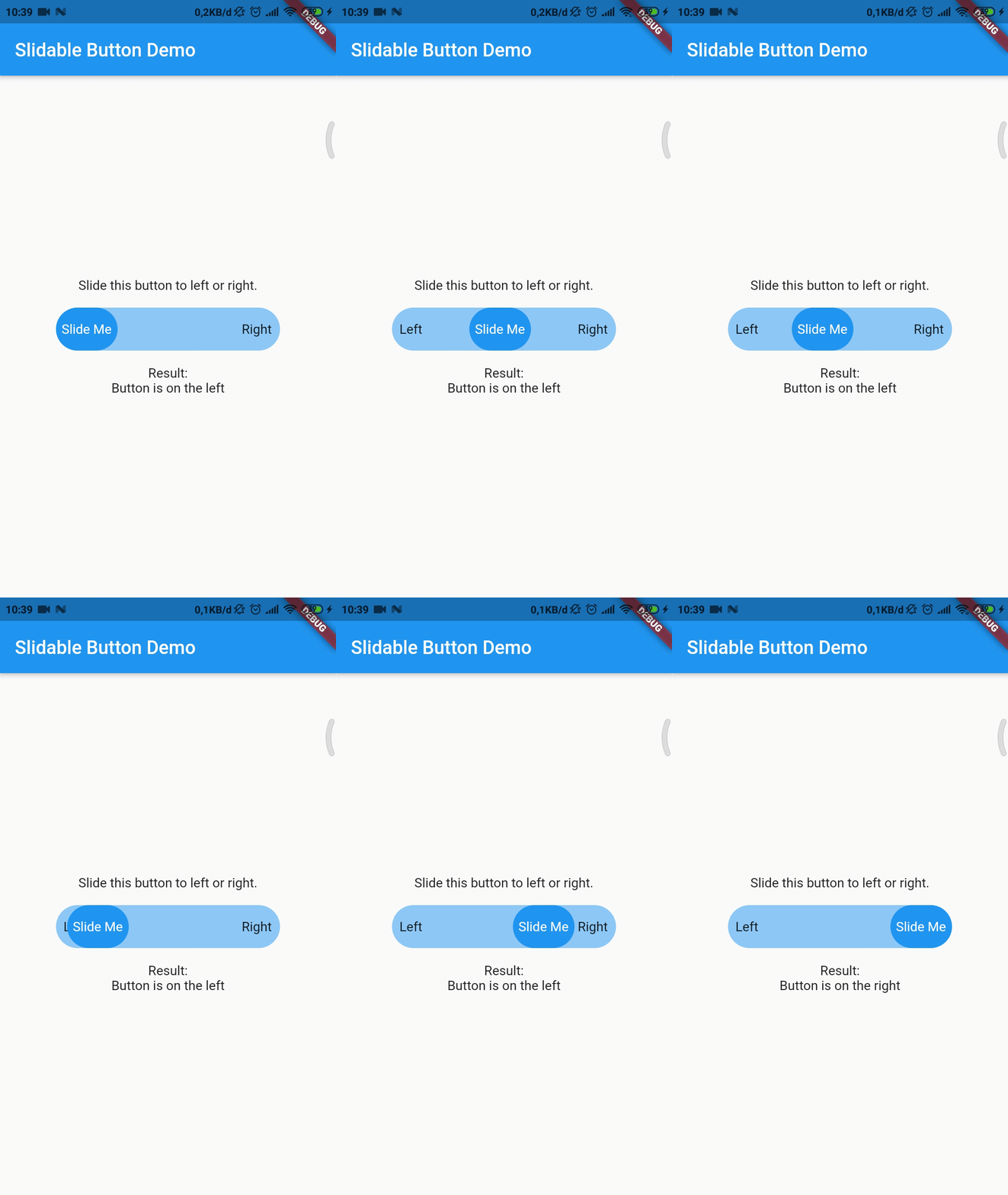
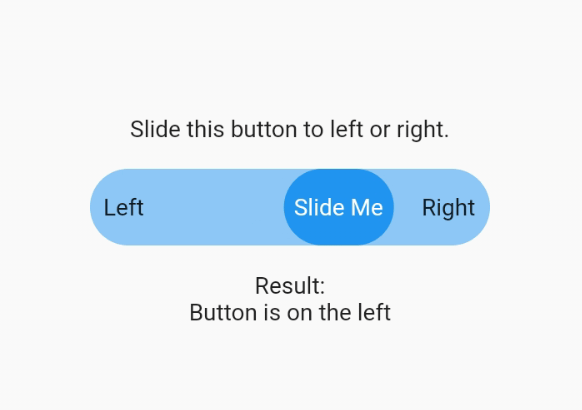
Now you can make your slidable button vertically or horizontally by using one of them widget. For horizontal usage example :

    HorizontalSlidableButton(
      width: MediaQuery.of(context).size.width / 3,
      buttonWidth: 60.0,
      color: Theme.of(context).accentColor.withOpacity(0.5),
      buttonColor: Theme.of(context).primaryColor,
      dismissible: false,
      label: Center(child: Text('Slide Me')),
      child: Padding(
        padding: const EdgeInsets.all(8.0),
        child: Row(
          mainAxisAlignment: MainAxisAlignment.spaceBetween,
          children: [
            Text('Left'),
            Text('Right'),
          ],
        ),
      ),
      onChanged: (position) {
        setState(() {
          if (position == SlidableButtonPosition.end) {
            result = 'Button is on the right';
          } else {
            result = 'Button is on the left';
          }
        });
      },
    ),

Vertical usage example :

    VerticalSlidableButton(
      height: MediaQuery.of(context).size.height / 3,
      buttonHeight: 60.0,
      color: Theme.of(context).accentColor.withOpacity(0.5),
      buttonColor: Theme.of(context).primaryColor,
      dismissible: false,
      label: Center(child: Text('Slide Me')),
      child: Padding(
        padding: const EdgeInsets.all(8.0),
        child: Column(
          mainAxisAlignment: MainAxisAlignment.spaceBetween,
          children: [
            Text('Top'),
            Text('Bottom'),
          ],
        ),
      ),
      onChanged: (position) {
        setState(() {
          if (position == SlidableButtonPosition.end) {
            result = 'Button is on the bottom';
          } else {
            result = 'Button is on the top';
          }
        });
      },
    ),
Migration Guide

If you already use this package before v3.x.x you may need to migrate your code to HorizontalSlidableButton or VerticalSlidableButton for specific direction usage because SlidableButton class has been removed start from v3.0.0.

Categories

Source repository

Projects using this package

No data available yet.