Search packages, repositories and app categories

slide_action cover
Package detailsv0.0.2

slide_action

A highly customizable slide to perform an action widget. This package provides an easy-to-use widget which is supported by multiple platforms.

AndroidiOSWebmacOSWindowsLinux
30-day downloads
3.6K
Likes
93
Pub points
160

Install package

flutter pub add slide_action

Package Overview

Package selection guidance compiled from public package information, community data, and project usage.

SlideAction is a customizable sliding widget that enables users to trigger actions by swiping. Designed for cross-platform use, it supports Android, iOS, Web, macOS, Windows, and Linux. The widget offers smooth animations and intuitive interaction, making it ideal for confirming actions like deleting items or approving requests. It's highly configurable with options for colors, shapes, labels, and gesture sensitivity. Built with Flutter, it integrates seamlessly into existing apps without additional dependencies.

Use cases

  • Confirming deletions
  • Approving actions
  • User onboarding flows
  • Form submissions
  • Interactive tutorials
  • Toggle-based interfaces

Key features

  • Cross-platform compatibility
  • Customizable appearance
  • Smooth swipe animations
  • Configurable action triggers
  • Supports multiple platforms
  • Easy integration with Flutter

Suitable for

  • Developers building interactive UIs
  • Apps needing gesture-based confirmations
  • Designers seeking reusable widgets
  • Projects targeting multiple platforms
  • Prototyping rapid user interactions

Considerations

  • May require tuning for touch sensitivity
  • Limited to swipe-based interactions
  • Not suitable for complex gestures
  • Performance depends on animation complexity
  • Requires careful design for accessibility

Original README

Original README snapshot from the linked source repository. Visit the repository for the latest content.

pub.dev likes popularity pub points pub.dev

➡️ Slide Action

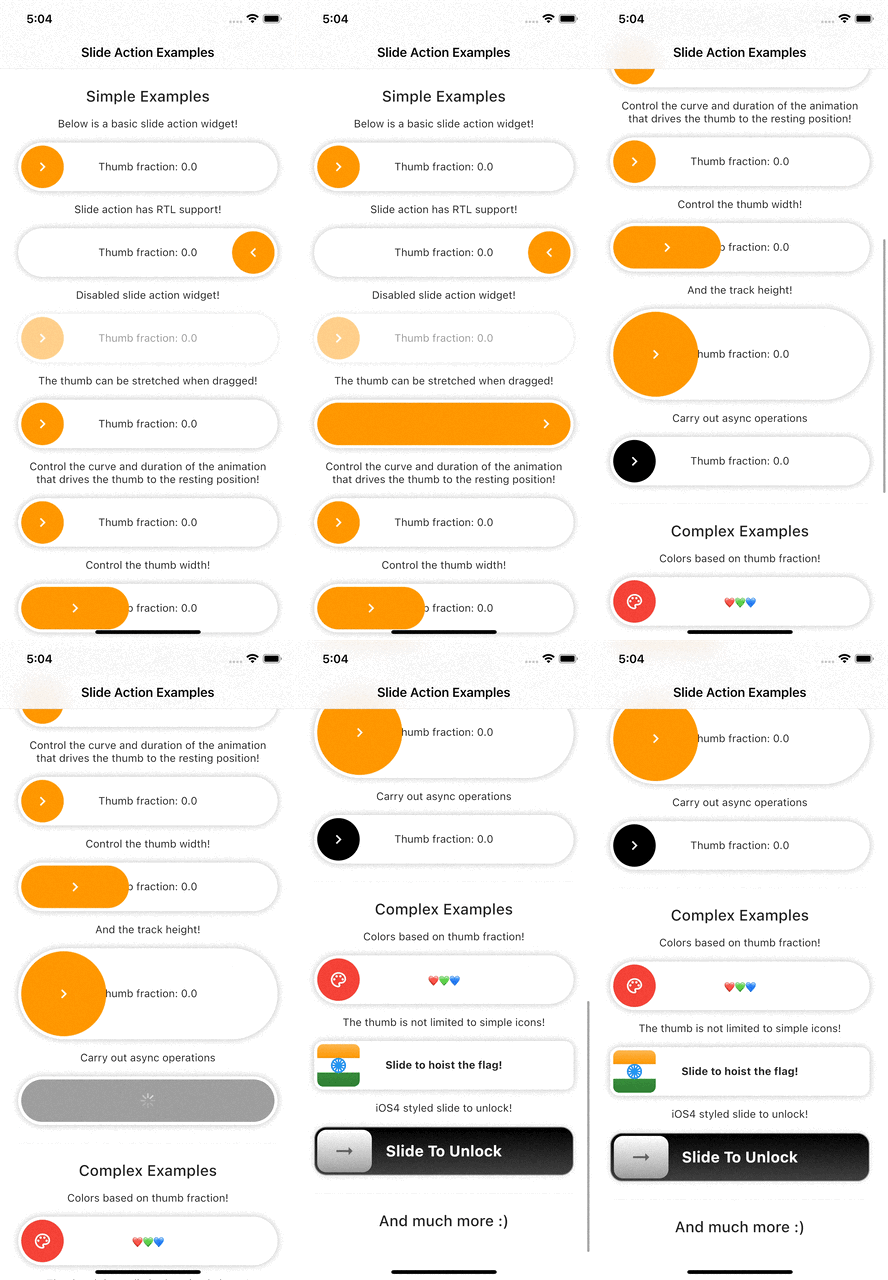
Slide action is a simple to use widget where the user has to slide to perform an action.


Example Preview 📱

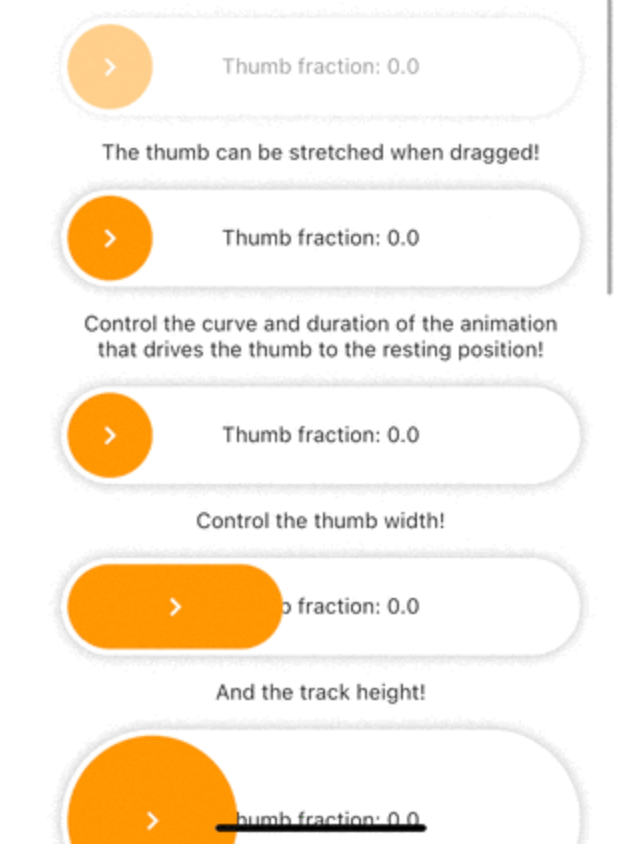
Slide action preview


Features

  • Highly customizable.
  • Smooth thumb movement.
  • RTL support.
  • Async operations support.
  • Multi-platform support.
  • Multiple examples (included in example project)

Installing

Add this line to your pubspec.yaml under the dependencies:

dependencies:
  slide_action: ^0.0.1+3

alternatively, you can use this command:

flutter pub add slide_action

Usage

Simple Example

SlideAction(
    trackBuilder: (context, state) {
        return Container(
            decoration: BoxDecoration(
                borderRadius: BorderRadius.circular(16),
                color: Colors.white,
                boxShadow: const [
                    BoxShadow(
                        color: Colors.black26,
                        blurRadius: 8,
                    ),
                ],
            ),
            child: Center(
                child: Text(
                    "Thumb fraction: ${state.thumbFractionalPosition.toStringAsPrecision(2)}",
                ),
            ),
        );
    },
    thumbBuilder: (context, state) {
        return Container(
            margin: const EdgeInsets.all(4),
            decoration: BoxDecoration(
                color: Colors.orange,
                borderRadius: BorderRadius.circular(16),
            ),
            child: const Center(
                child: Icon(
                    Icons.chevron_right,
                    color: Colors.white,
                ),
            ),
        );
    },
    action: () {
        debugPrint("Hello World");
    },
);

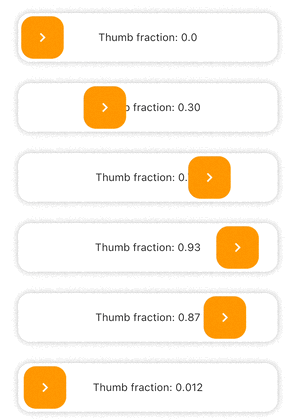
SlideAction Simple Example 1


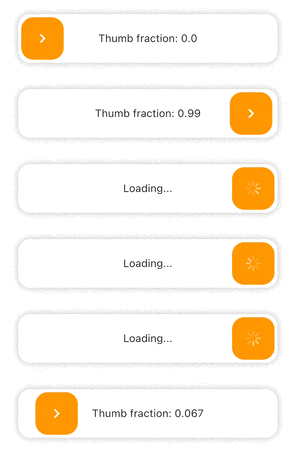
Async Example
SlideAction(
    trackBuilder: (context, state) {
        return Container(
            decoration: BoxDecoration(
                borderRadius: BorderRadius.circular(16),
                color: Colors.white,
                boxShadow: const [
                    BoxShadow(
                        color: Colors.black26,
                        blurRadius: 8,
                    ),
                ],
            ),
            child: Center(
                child: Text(
                    // Show loading if async operation is being performed
                    state.isPerformingAction
                        ? "Loading..."
                        : "Thumb fraction: ${state.thumbFractionalPosition.toStringAsPrecision(2)}",
                ),
            ),
        );
    },
    thumbBuilder: (context, state) {
        return Container(
            margin: const EdgeInsets.all(4),
            decoration: BoxDecoration(
                color: Colors.orange,
                borderRadius: BorderRadius.circular(16),
            ),
            child: Center(
                // Show loading indicator if async operation is being performed
                child: state.isPerformingAction
                    ? const CupertinoActivityIndicator(
                        color: Colors.white,
                    )
                    : const Icon(
                        Icons.chevron_right,
                        color: Colors.white,
                    ),
            ),
        );
    },
    action: () async {
        // Async operation
        await Future.delayed(
            const Duration(seconds: 2),
            () => debugPrint("Hello World"),
        );
    },
);

SlideAction Simple Example 2


Notes

  • As of version 0.0.2, disabledColorTint property does not work on web as the color blend modes support is currently buggy for web. The opacity of the widget is reduced instead in case of web when disabled.

Additional information

Check the documentation or example project on github for advanced usage.

Facing issues? Feel free to report an issue on the Github Page

Categories

Source repository

Projects using this package

No data available yet.