Search packages, repositories and app categories

Package detailsv0.1.2

sliding_card

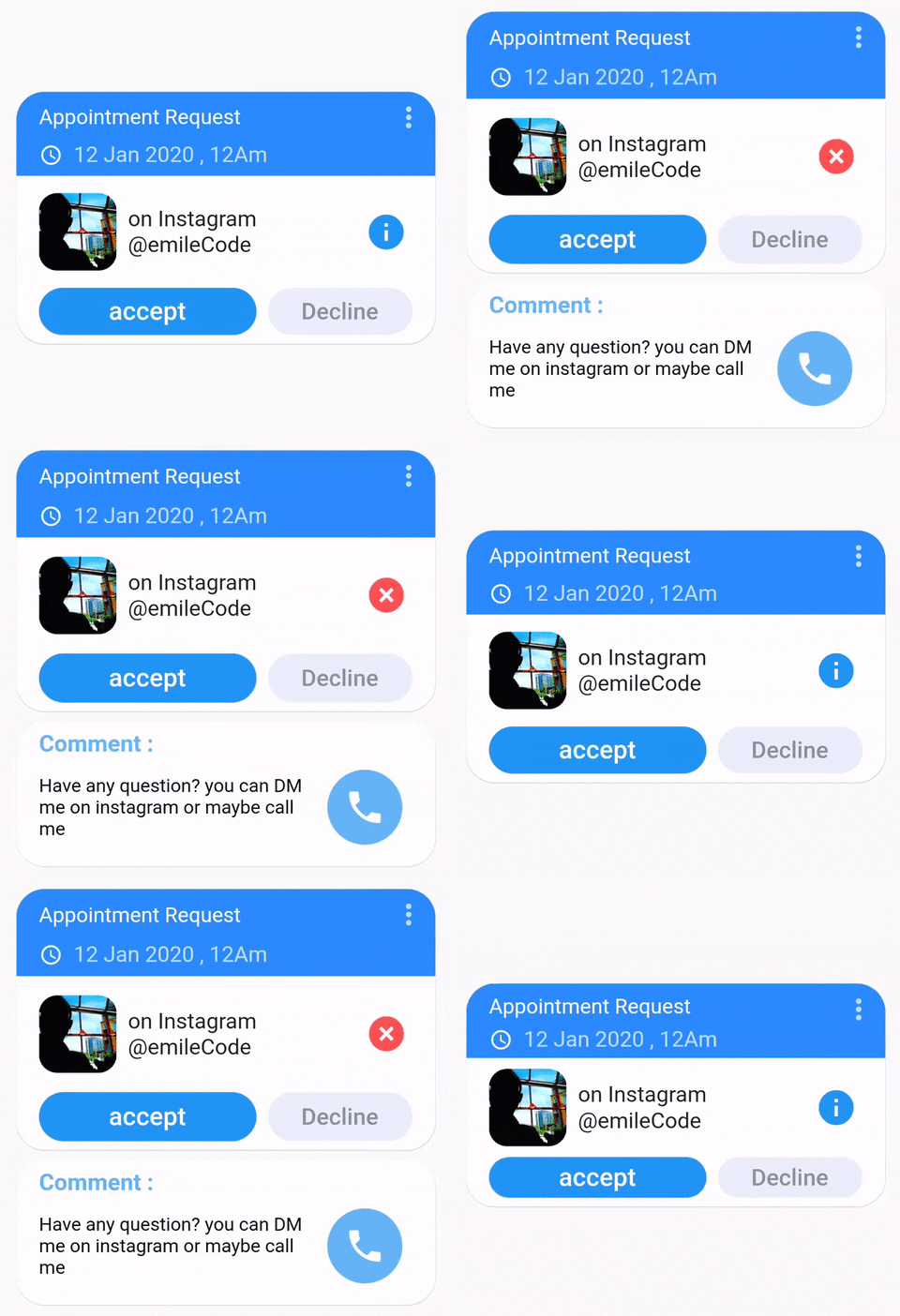
Sliding card is a highly customizable flutter package that will help you create animated Cards with a sliding animation effect.

30-day downloads
31
Likes
176
Pub points
30

Install package

flutter pub add sliding_card

Package Overview

Package selection guidance compiled from public package information, community data, and project usage.

Sliding Card is a customizable Flutter package designed to create animated cards with smooth sliding transitions. It enables developers to build interactive UI elements that respond dynamically to user gestures, enhancing the visual appeal of mobile applications. With support for custom animations and styling, it's ideal for implementing swipeable card interfaces such as in onboarding screens, product showcases, or interactive lists. The package is lightweight and integrates seamlessly into existing Flutter projects.

Use cases

  • Onboarding screens
  • Product carousels
  • Interactive list items
  • Swipeable content cards
  • Gesture-driven UIs

Key features

  • Customizable sliding animations
  • Support for gesture interactions
  • Highly configurable card styles
  • Smooth transition effects
  • Easy integration with Flutter

Suitable for

  • Developers building interactive UIs
  • Designers seeking dynamic card components
  • Apps requiring swipe-based navigation
  • Prototyping gesture-heavy interfaces
  • Projects emphasizing visual feedback

Considerations

  • Limited platform-specific optimizations
  • No built-in accessibility features
  • Requires manual handling of edge cases
  • May need additional state management
  • Not optimized for complex nested layouts
Original README

Original README snapshot from the linked source repository. Visit the repository for the latest content.

Sliding Card

Introduction

Sliding card is a highly customizable flutter package that will help you create beautiful Cards with a sliding animation effect.

Before we start

Before you start here are some relevant link that you might want to have a look

Quick start

To use the application just import the package

import 'package:sliding_card/sliding_card.dart';

Then inside your code, add the SlidingCard widget.

SlidingCard(
        slimeCardElevation: 0.5,
        cardsGap: SizeConfig.safeBlockVertical,
        //The controller is necessary to animate the opening and closing of the card
        controller: widget.slidingCardController,
        slidingCardWidth: SizeConfig.horizontalBloc * 90,
        visibleCardHeight: SizeConfig.safeBlockVertical * 27,
        //the card behind the front card can't have a higher
        // hight than the front one  
        hiddenCardHeight: SizeConfig.safeBlockVertical * 15,
        //Configure your front card here
        frontCardWidget: TheFrontCard(),
        //configure your rear card here 
        backCardWidget:TheBackCard(),
      ),

Conclusion

Thank you for using my package, If you did find any bug please feel free to report it or make a pull request. If you want to contact me directly, please DM me directly on My instagram account, or you can mail me directly. For my other packages you can visit my website at emilecode.com

Categories

Dependencies

Dependency list 1 items

Source repository

Projects using this package

No data available yet.