Search packages, repositories and app categories

sms_user_consent cover
Package detailsv0.1.0

sms_user_consent

Request user's phone number (supports dual sim) and/or consent to read SMS without adding any permissions

Android
30-day downloads
93
Likes
85
Pub points
160

Install package

flutter pub add sms_user_consent

Package Overview

Package selection guidance compiled from public package information, community data, and project usage.

The sms_user_consent package enables Flutter apps to request a user's phone number and/or consent to read SMS messages on Android, without requiring explicit permissions. It leverages Android's built-in SMS permission system, allowing users to grant access through standard system dialogs. The package supports dual-SIM devices, ensuring compatibility across diverse Android hardware. It is ideal for applications needing OTP verification or SMS-based authentication, streamlining the process while maintaining privacy and security.

Use cases

  • OTP verification
  • SMS-based authentication
  • Dual-SIM device support
  • Privacy-preserving SMS access
  • User consent collection

Key features

  • No additional permissions required
  • Dual-SIM compatibility
  • Android-only support
  • System-level consent dialog
  • Phone number retrieval

Suitable for

  • Apps needing OTP input
  • Authentication flows
  • SMS reading without manifest permissions
  • Android-focused apps
  • Minimal permission apps

Considerations

  • Android only
  • Requires user interaction
  • Limited to SMS reading
  • No iOS support
  • Depends on system-level consent

Original README

Original README snapshot from the linked source repository. Visit the repository for the latest content.

sms_user_consent

Request user's phone number (supports dual sim) and/or consent to read SMS without adding any permissions, using Android's SMS User Consent API

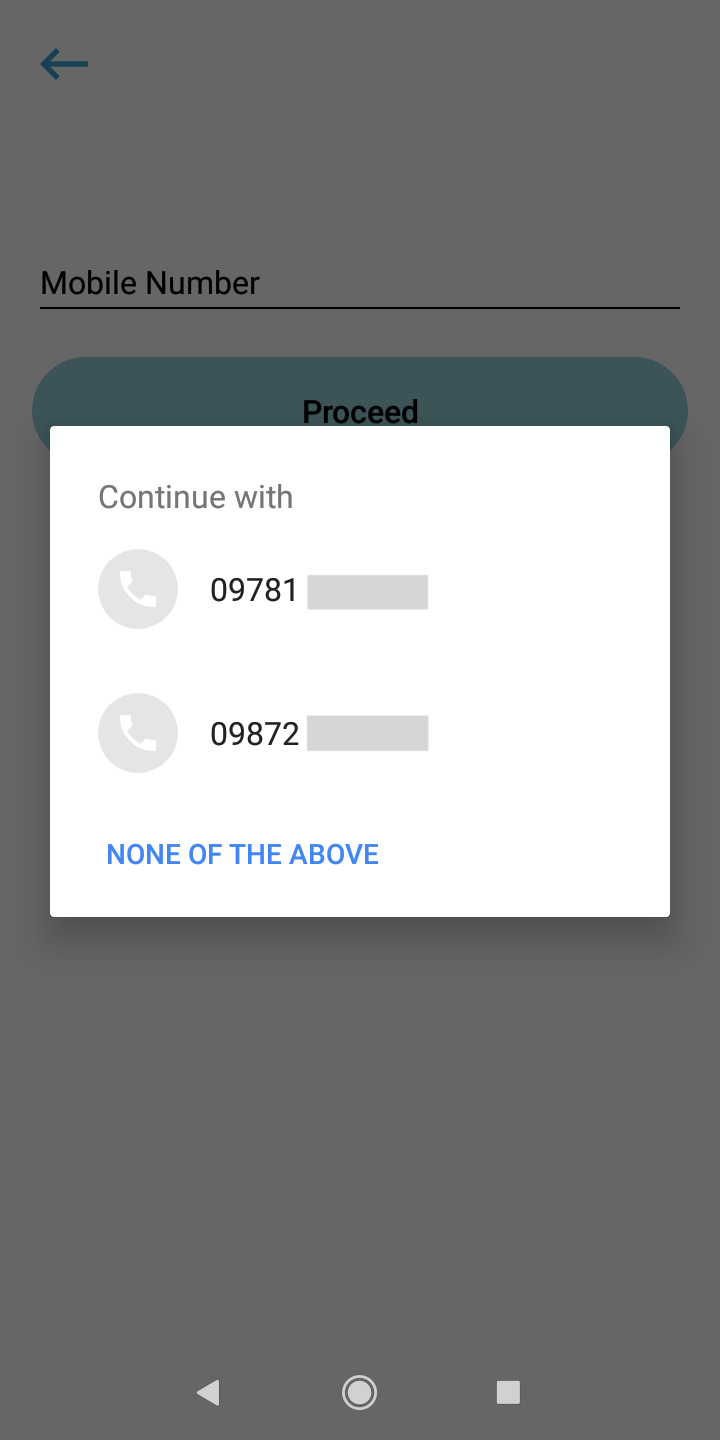
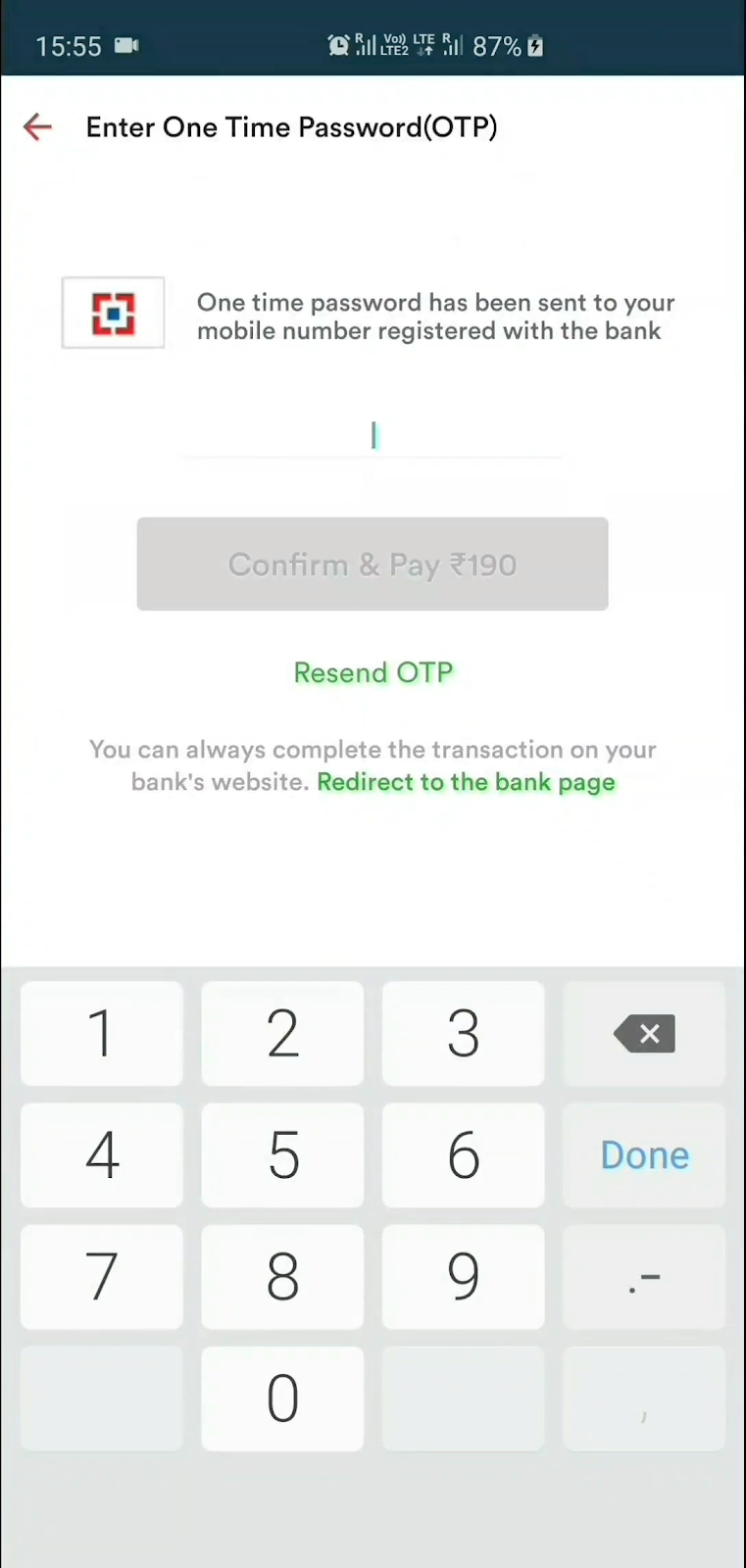
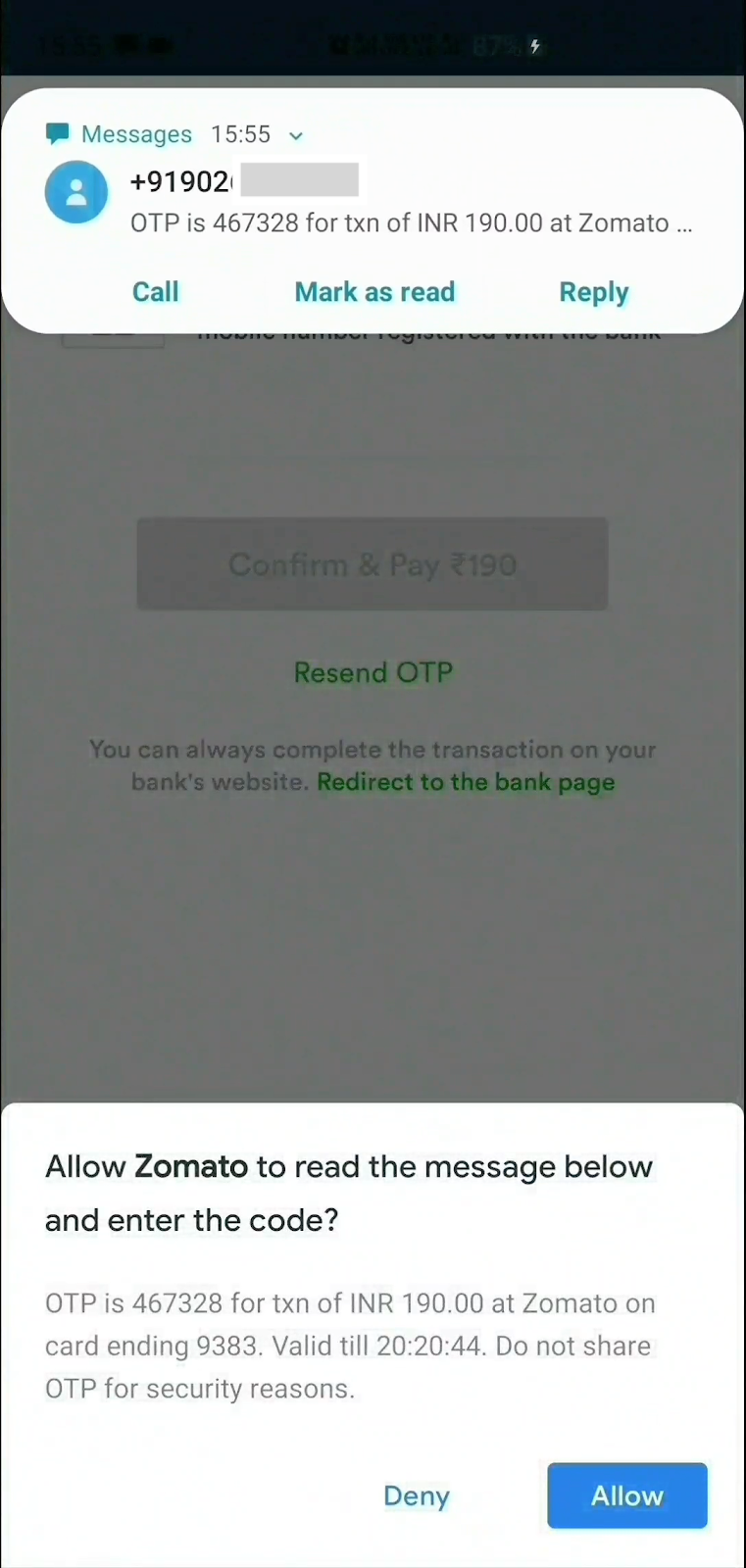
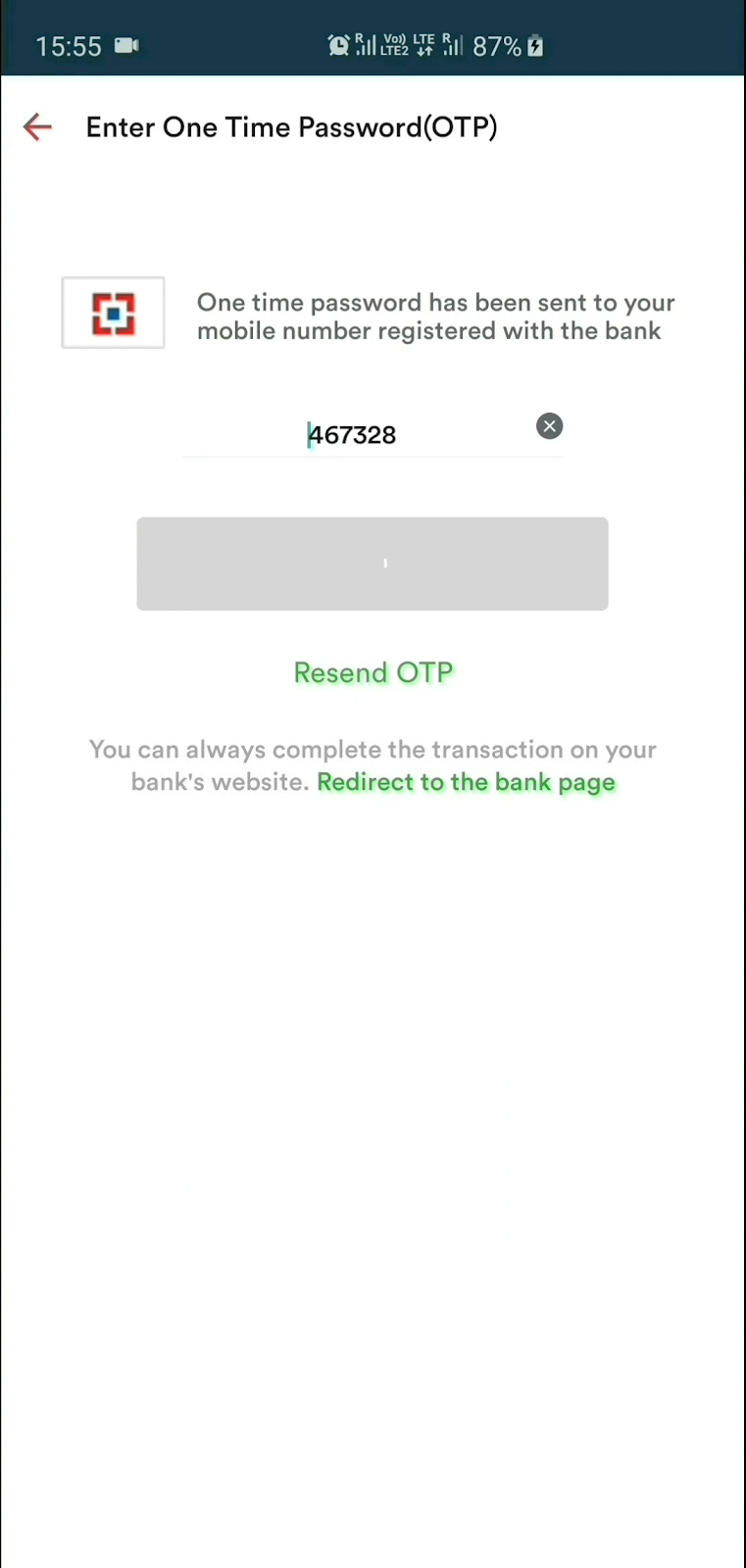
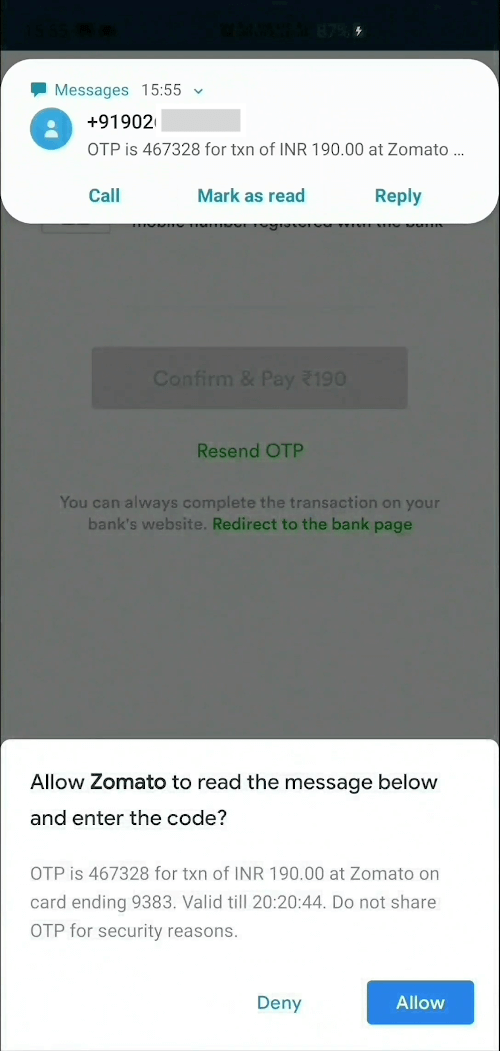
Screenshots

Steps to use

1] Create an instance, optionally supply phone number listener and sms listener

SmsUserConsent smsUserConsent = SmsUserConsent(
        // optionally, do something when user selects a number.
        // You can even add/update this listener later on by simply 
        // calling smsUserConsent.updatePhoneNumberListener(updatedListener)
        phoneNumberListener: () {},
        
        // optionally, do something when user receives sms.
        // You can even add/update this listener later on by simply 
        // calling smsUserConsent.updateSmsListener(updatedListener)
        smsListener: () {}
);

2a] OPTIONAL : Request user's phone number

smsUserConsent.requestPhoneNumber();

Once the user selects a phone number, it can be accessed as

smsUserConsent.selectedPhoneNumber;

2b] OPTIONAL : Request to receive SMS

smsUserConsent.requestSms(); 

or you can specify the phone number you wish to capture the SMS from

smsUserConsent.requestSms(senderPhoneNumber: sender_number);

Once the user receives a SMS and the user taps Allow, it can be accessed as

smsUserConsent.receivedSms;

3] Finally, dispose the instance

smsUserConsent.dispose();
Note

As per the SMS User Consent API, message will be received by the plugin only if it meets these criteria:

  • The message contains a 4-10 character alphanumeric string with at least one number.
  • The message was sent by a phone number that's not in the user's contacts.
  • If you specified the sender's phone number, the message was sent by that number.

Contributing

  • Found a bug or idea to improve the plugin? Send a PR.
  • Found this plugin helpful and want to thank me? I love :coffee:
  • Want to hire me for a gig? Let's talk on LinkedIn

License

MIT © 2020 Harsh P

Categories

Source repository

Projects using this package

No data available yet.