Package selection guidance compiled from public package information, community data, and project usage.
The social_share package provides a simple and efficient way to share content directly to popular social media apps on Android and iOS. It supports a wide range of sharing options, enabling users to quickly post content to platforms like WhatsApp, Facebook, Instagram, Twitter, and more. Built with native intent integration, it ensures seamless sharing experiences across devices. The package is lightweight and easy to implement, making it ideal for apps that require robust sharing functionality without complex setup.
Use cases
Sharing links to social media
Sending messages via WhatsApp
Posting content to Instagram
Integrating with Facebook
Enabling quick user-driven sharing
Supporting cross-platform sharing
Key features
Supports multiple social platforms
Native intent-based sharing
Simple API integration
Cross-platform compatibility (Android & iOS)
Lightweight and fast
Easy configuration
Suitable for
Mobile apps needing social sharing
Apps targeting broad user engagement
Developers seeking quick sharing implementation
Projects requiring platform-specific sharing
Apps with user-generated content sharing
Social or community-driven applications
Considerations
Requires proper app permissions on Android
May need additional setup for certain platforms
Limited to supported social apps
Depends on external app availability
Not suitable for custom sharing destinations
Platform-specific behavior may vary
Original README
Original README snapshot from the linked source repository. Visit the repository for the latest content.
social_share
Wide variety of sharing options you'll need to share directly to certain popular apps or just share with default native share.
Introduction
Works on both platforms Android and iOS
It provides you with most of the popular sharing options
With this plugin you can share on instagram stories and facebook stories and also copy to clipboard
Usage
Android Configuration
Paste the following attribute in the manifest tag in the android/app/src/main/AndroidManifest.xml:
SocialShare.copyToClipboard("This is Social Share plugin");
shareTwitter
//without hashtagsSocialShare.shareTwitter("This is Social Share plugin");
//with hashtagsSocialShare.shareTwitter(
"This is Social Share twitter example",
hashtags: ["hello", "world", "foo", "bar"]);
//with hashtags and linkSocialShare.shareTwitter(
"This is Social Share twitter example",
hashtags: ["hello", "world", "foo", "bar"],url:"https://your-url-here/");
shareSms
//without url link in messageSocialShare.shareSms("This is Social Share Sms example");
//with url link in messageSocialShare.shareSms("This is Social Share Sms example",url: "https://your-url-here/");
shareWhatsapp
SocialShare.shareWhatsapp("Hello World");
shareTelegram
SocialShare.shareTelegram("Hello World");
shareOptions
This will open the default native share options
//without an imageSocialShare.shareOptions("Hello world");
//with an imageSocialShare.shareOptions("Hello world",imagePath: image.path);
checkInstalledAppsForShare
SocialShare.checkInstalledAppsForShare();
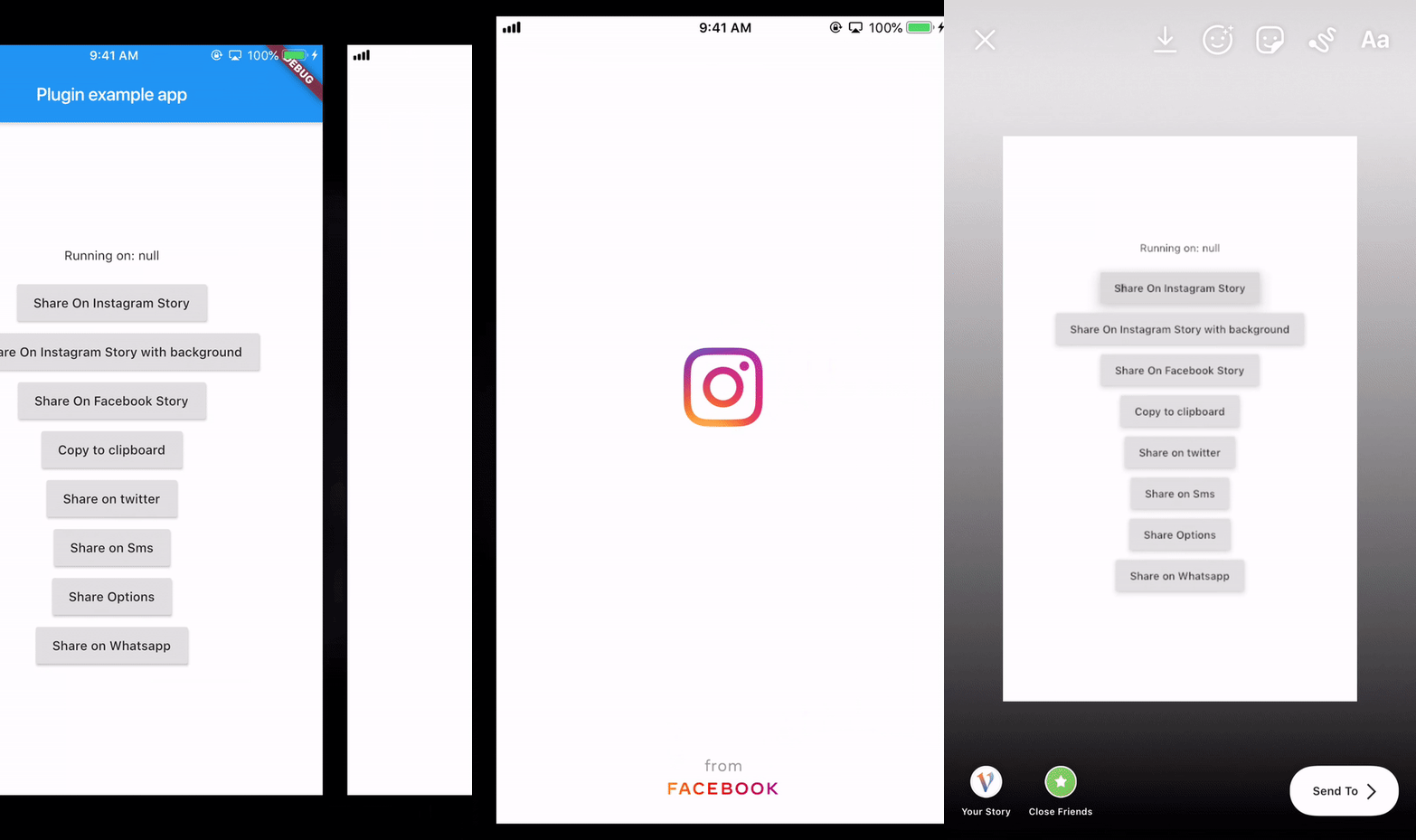
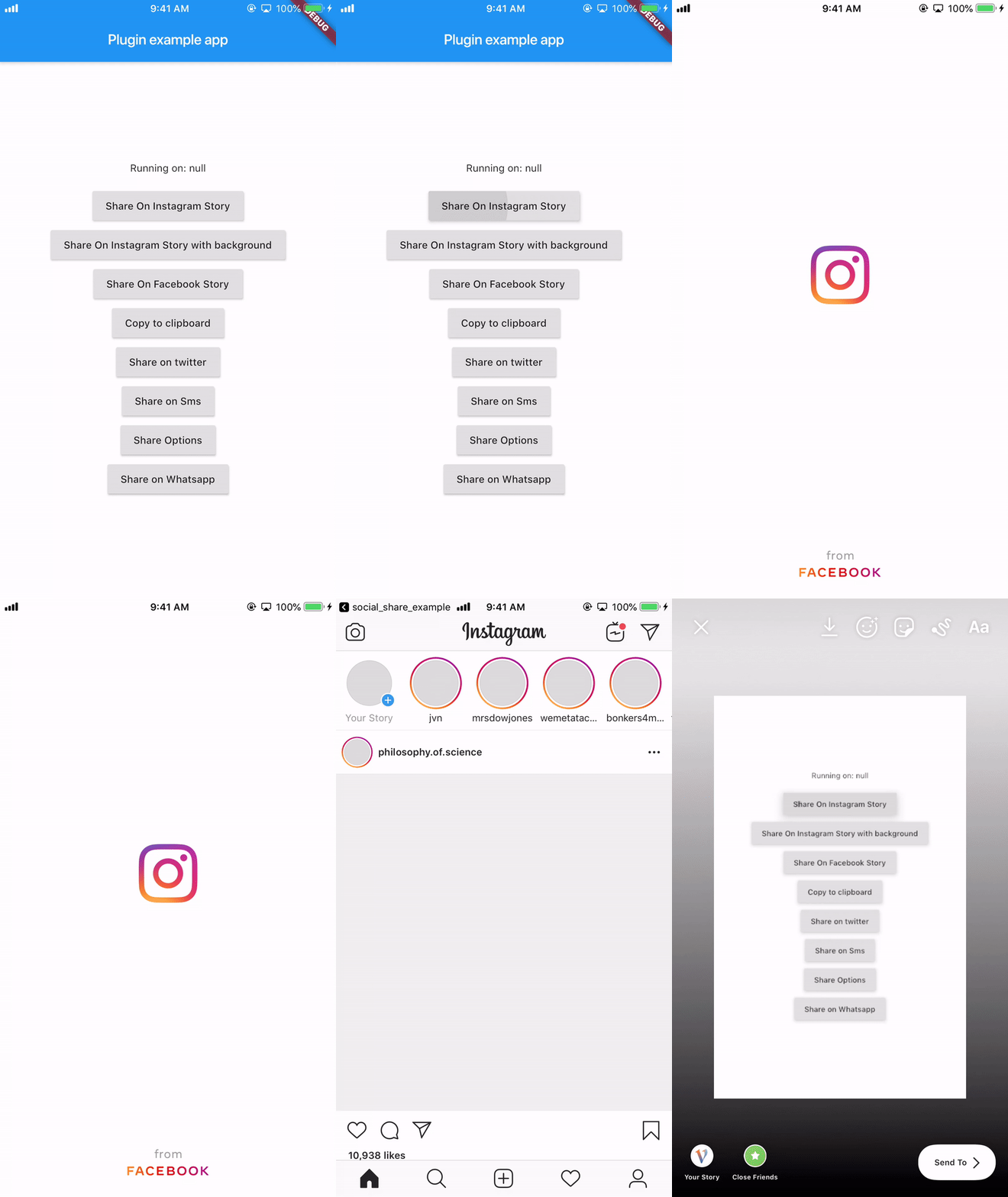
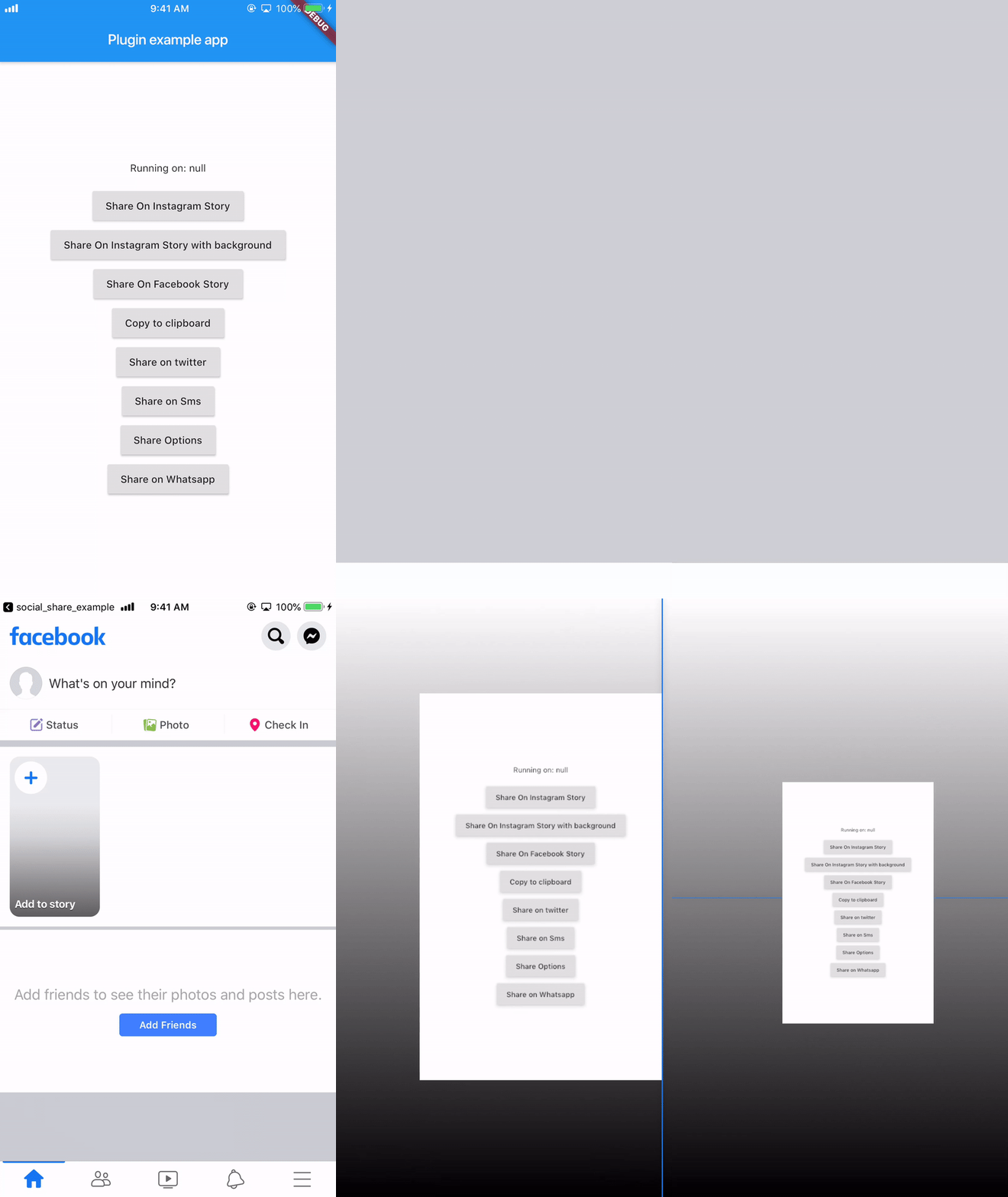
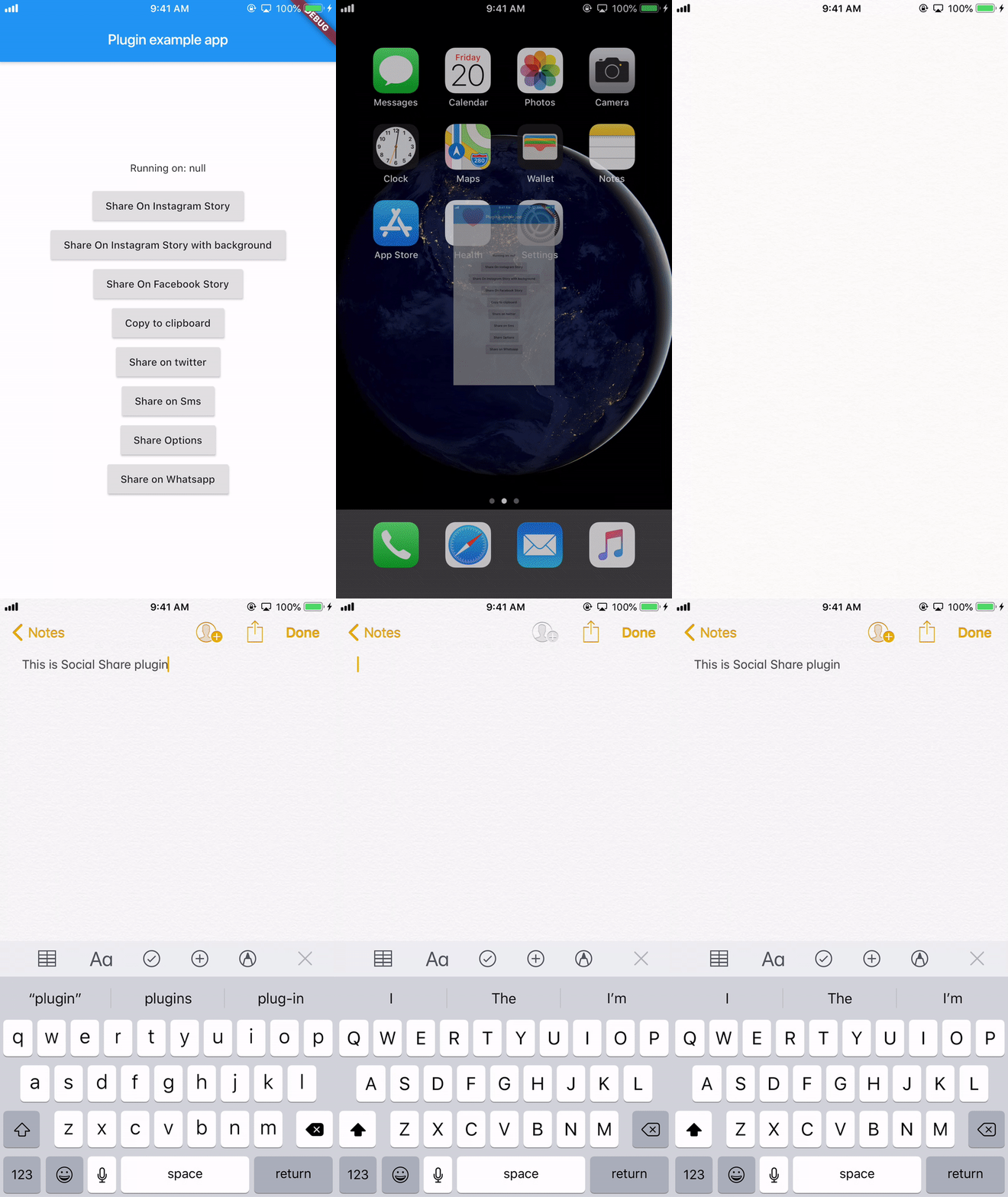
Here's few demo!
Story share on Instagram
Story share on Facebook
Copy to Clipboard
Known issues
On Android 6, Share to Instagram Stories may not open Instagram app or load the specified image.