Search packages, repositories and app categories

Package detailsv0.0.6

speech_to_text_google_dialog

This package is implemented to display the Google speech to text dialog.

Android
30-day downloads
98
Likes
24
Pub points
160

Install package

flutter pub add speech_to_text_google_dialog

Package Overview

Package selection guidance compiled from public package information, community data, and project usage.

A Flutter package that integrates Google's speech-to-text functionality with a customizable dialog interface. It enables users to capture voice input through a simple, intuitive popup dialog powered by Google's ASR (Automatic Speech Recognition) engine. Designed specifically for Android, it simplifies the implementation of voice input in apps requiring real-time transcription. The package handles permissions and audio streaming seamlessly, making it ideal for voice assistants, dictation tools, or hands-free navigation features.

Use cases

  • Voice assistant input
  • Dictation applications
  • Hands-free app navigation
  • Real-time transcription
  • Voice-controlled forms

Key features

  • Google ASR integration
  • Customizable dialog UI
  • Android-only support
  • Automatic permission handling
  • Real-time audio streaming

Suitable for

  • Android-focused voice apps
  • Simple voice input features
  • Prototyping voice interfaces
  • Apps needing quick STT integration

Considerations

  • Limited to Android platform
  • Requires internet connection
  • Depends on Google Play Services
  • May need additional configuration for production
  • Battery usage during long recordings

Original README

Original README snapshot from the linked source repository. Visit the repository for the latest content.

Speech To Text Google

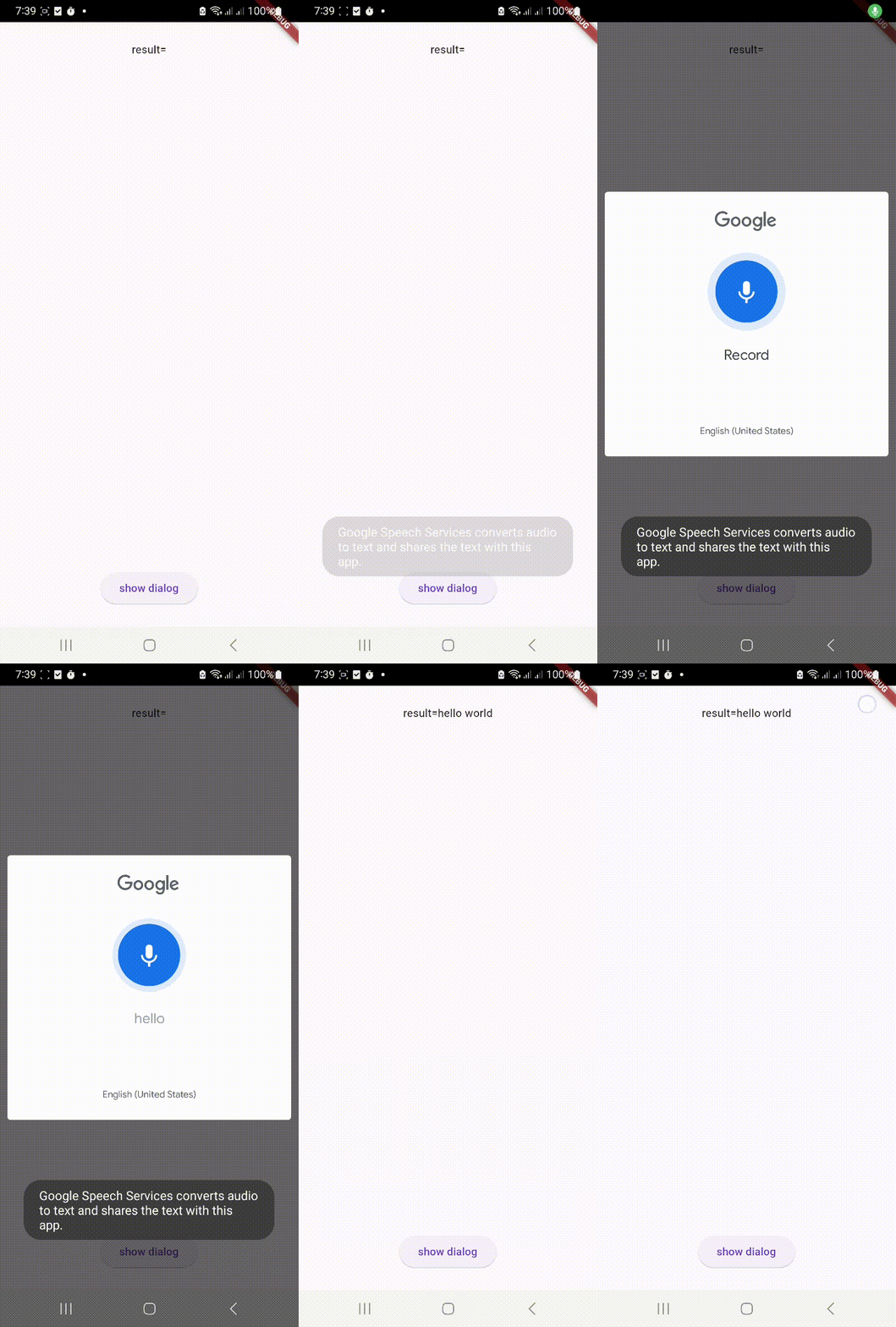
This package is implemented to display the Google speech to text dialog. There is no need to get any permission from the user for this. This package is currently available on Android.

DemoAndroid

Usage

Example

This example shows how to display a google speech to text dialog and get the result.

bool isServiceAvailable = await SpeechToTextGoogle.getInstance()
                    .showGoogleDialog(onTextReceived: (data) {
                },
                  // locale: "en-US",
);

Categories

Source repository

Projects using this package

No data available yet.