Search categories, packages and repositories

stacked_card_carousel cover
Package detailsv0.0.4

stacked_card_carousel

A widget for creating a vertical carousel with stacked cards.

AndroidiOSWebmacOSWindowsLinux
30-day downloads
1.6K
Likes
224
Pub points
150

Install package

flutter pub add stacked_card_carousel

Package Overview

Package selection guidance compiled from public package information, community data, and project usage.

A Flutter widget that enables the creation of a vertical carousel featuring stacked cards, ideal for showcasing content in a visually engaging way. It supports smooth scrolling and card layering, with customizable depth and spacing. The package is compatible across all major platforms including Android, iOS, Web, macOS, Windows, and Linux. Designed for developers seeking an elegant, interactive card-based interface without complex implementation. It integrates seamlessly into existing Flutter projects via a simple pub add command.

Use cases

  • Displaying image galleries
  • Showcasing product listings
  • Presenting user profiles
  • Creating interactive onboarding screens
  • Building card-based dashboards

Key features

  • Vertical stacking layout
  • Smooth scroll interactions
  • Customizable card depth and spacing
  • Platform-agnostic design
  • Easy integration with Flutter
  • Support for gesture-based navigation

Suitable for

  • Mobile app UIs
  • Web application interfaces
  • Interactive prototypes
  • Content-rich applications
  • Design-focused Flutter projects

Considerations

  • May require performance optimization for large datasets
  • Limited customization for non-card layouts
  • Not ideal for horizontal card flows
  • Best suited for moderate card counts
  • Requires careful handling of animation states
Original README

Original README snapshot from the linked source repository. Visit the repository for the latest content.

stacked_card_carousel

A widget for creating a vertical carousel with stacked cards.

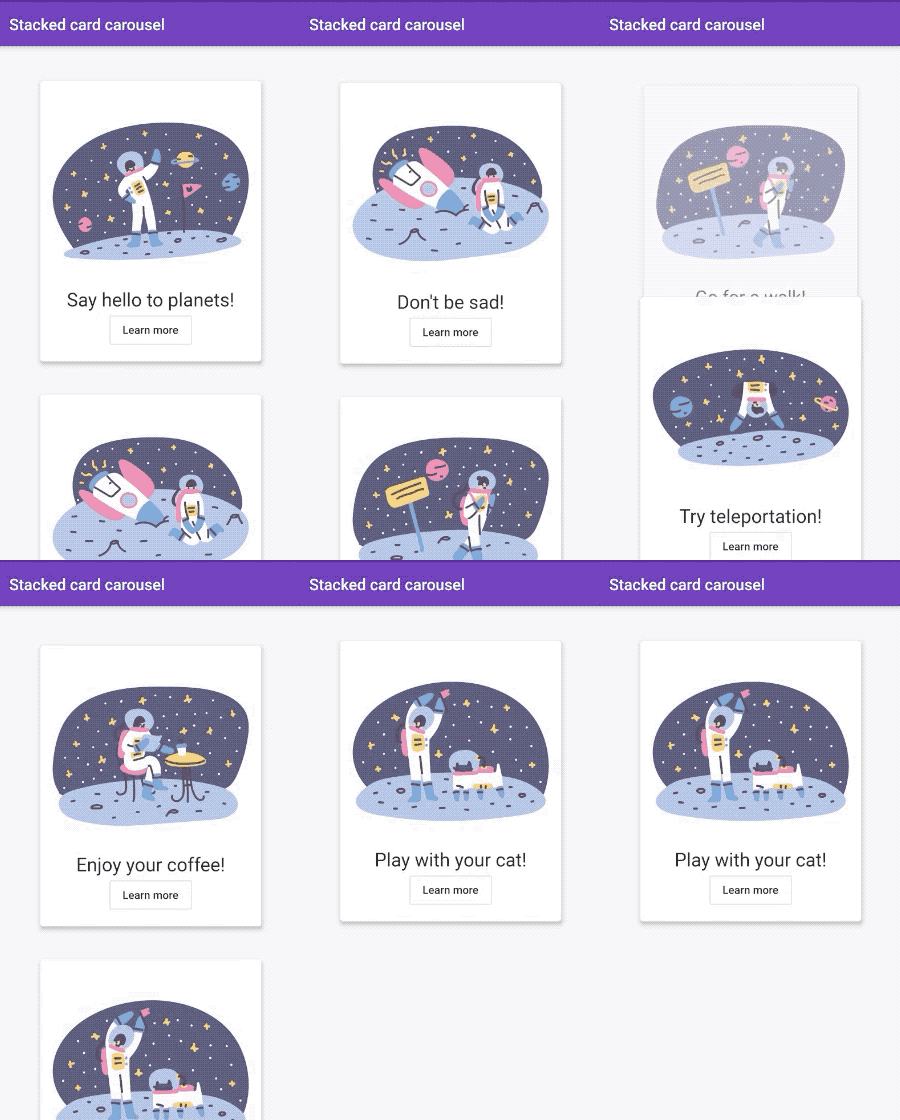
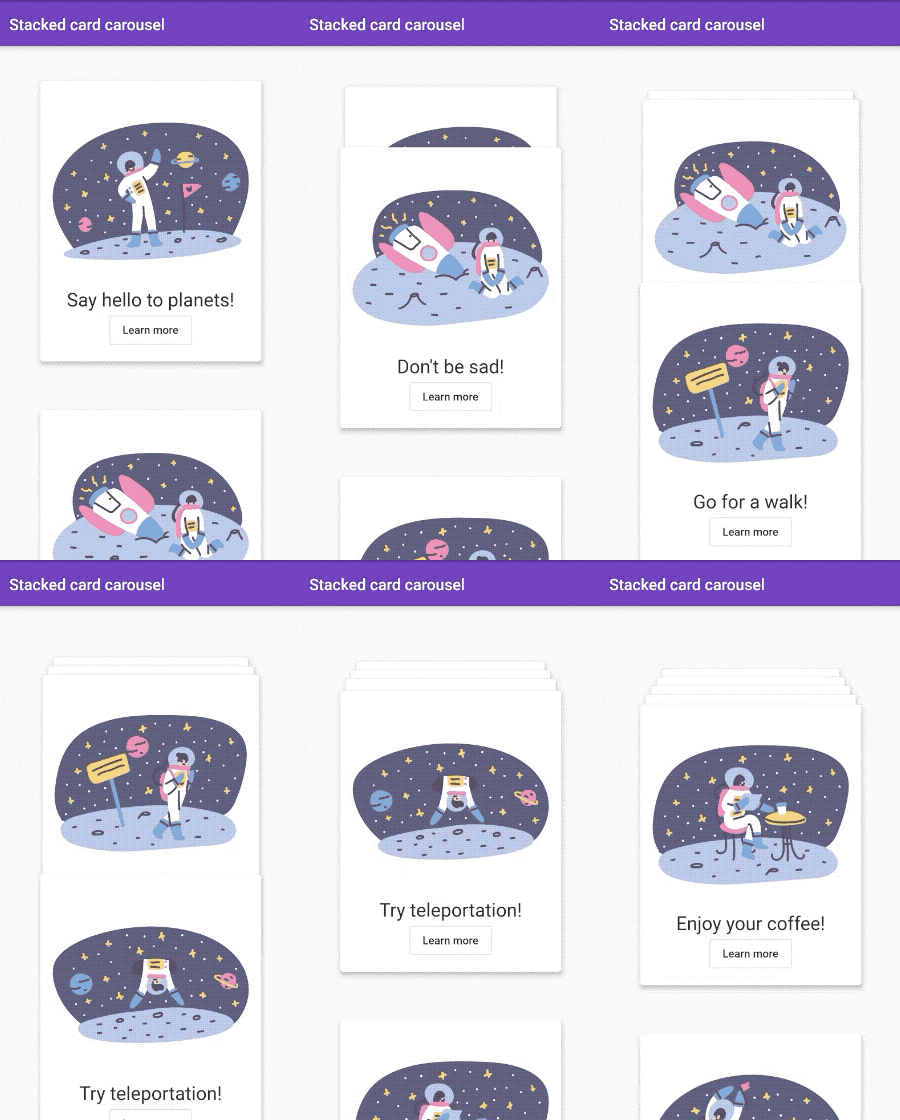
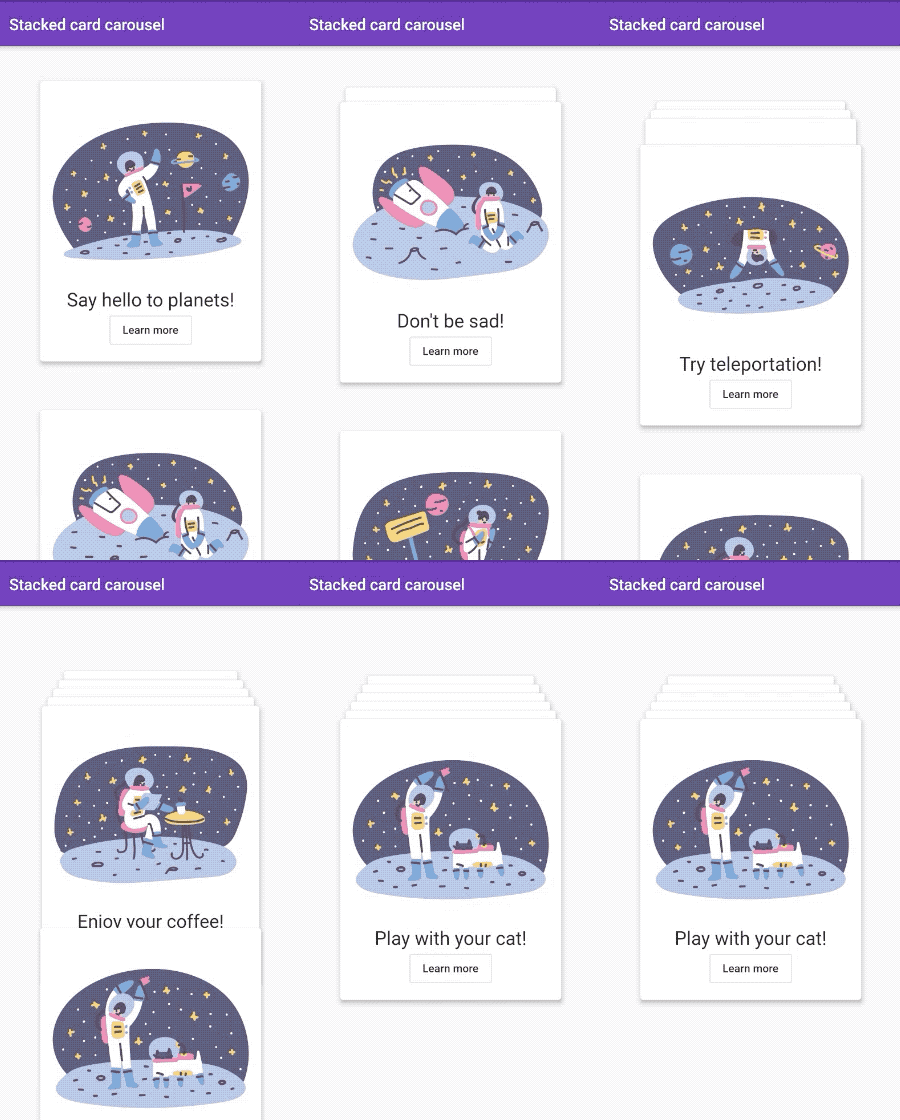
cardsStack fadeOutStack

📱 Usage

  1. Import package in your file
import 'package:stacked_card_carousel/stacked_card_carousel.dart';
  1. Use StackedCardCarousel widget
  StackedCardCarousel(
      items: cards,
  );

🎛 Attributes

Attribute Data type Description Default
items List List of card widgets. -
type StackedCardCarouselType A type of cards stack carousel. cardsStack
initialOffset double Initial vertical top offset for cards. 40.0
spaceBetweenItems double Vertical space between items. Value start from top of a first item. 400.0
applyTextScaleFactor bool If set to true scales up space and position linearly according to text scale factor. Scaling down is not included. true
pageController PageController Use it for your custom page controller. PageController()
onPageChanged void Function(int pageIndex) Listen to page index changes. null

💻 Author

Grigori Hlopkov - GitHub

Categories

Source repository

Projects using this package

No data available yet.