Search packages, repositories and app categories

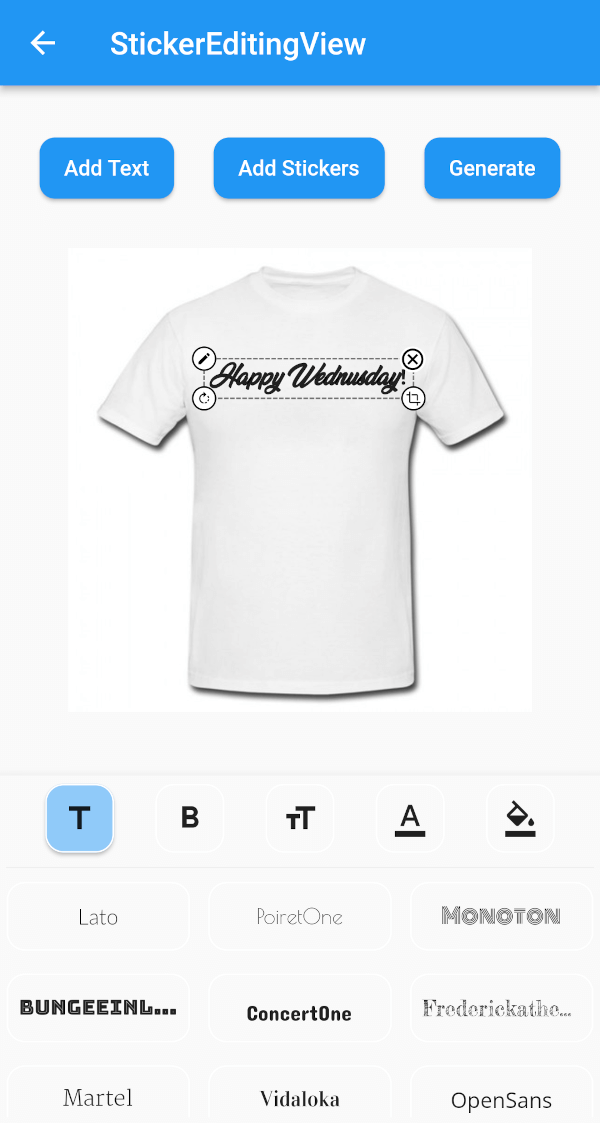
stickereditor cover
Package detailsv0.0.8

stickereditor

A widget that lets you modify and move your text and image according to your boundaries.

30-day downloads
27
Likes
58
Pub points
60

Install package

flutter pub add stickereditor

Package Overview

Package selection guidance compiled from public package information, community data, and project usage.

StickerEditor is a Flutter widget designed to enable users to freely modify, move, and position text and images within defined boundaries. It provides an interactive interface for editing stickers, making it ideal for applications requiring dynamic content overlay. The package supports intuitive drag-and-drop functionality and boundary constraints, ensuring elements stay within desired areas. Built with simplicity and performance in mind, it integrates smoothly into multimedia apps for creating custom stickers or annotations.

Use cases

  • Creating custom stickers in social media apps
  • Adding editable text overlays to images
  • Designing user-generated content with movable elements
  • Building interactive photo editing tools
  • Enabling real-time sticker manipulation in messaging apps

Key features

  • Drag-and-drop text and image positioning
  • Boundary constraint enforcement
  • Interactive editing of sticker content
  • Simple integration with existing Flutter projects
  • Support for dynamic resizing and repositioning

Suitable for

  • Developers building photo editing features
  • Apps requiring user-generated sticker creation
  • Social media platforms with interactive content
  • Educational tools with visual annotation
  • Messaging apps with customizable stickers

Considerations

  • Limited to basic text and image manipulation
  • No built-in export or save functionality
  • Requires manual implementation of saving logic
  • Not optimized for complex multi-layered designs
  • Depends on external libraries for advanced image processing
Original README

Original README snapshot from the linked source repository. Visit the repository for the latest content.

Sticker Editor

A flutter plugin for iOS, Android and Mac for Rotate, Scaling, Moving and Editing Text, Photo, Stickers


Sticker Editor


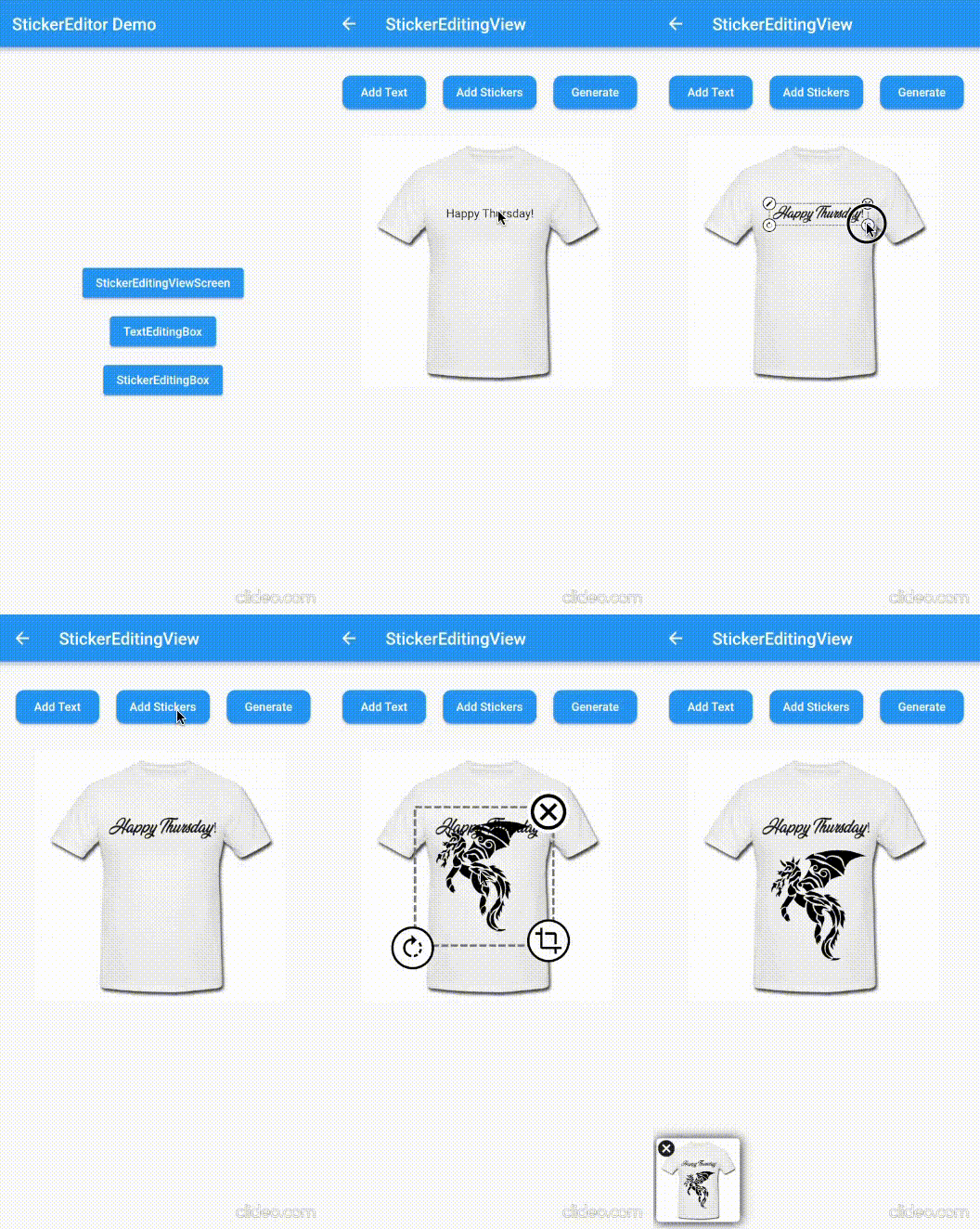
Only Text Only Photo

A flutter package Sticker Editor which will help you to create editable and scalable text or sticker widget that can be dragged around the area you given in screen.

License: MIT

Features 💚

  • Manually Control the position of the widget along with drags.
  • You can bound the dragarea of your widget using boundHeight and boundWidth parameters
  • onTap and onCancel function where user's can use there own function
  • You can resizes widget using scaling function
  • Highly customizable
  • You can use whole sticker view or particular widgets

Installation

First, add stickereditor as a dependency in your pubspec.yaml file.

MacOs

Fore NetworkImage, macOS needs you to request a specific entitlement in order to access the network. To do that open macos/Runner/DebugProfile.entitlements and add the following key-value pair.

<key>com.apple.security.network.client</key>
<true/>

How to use

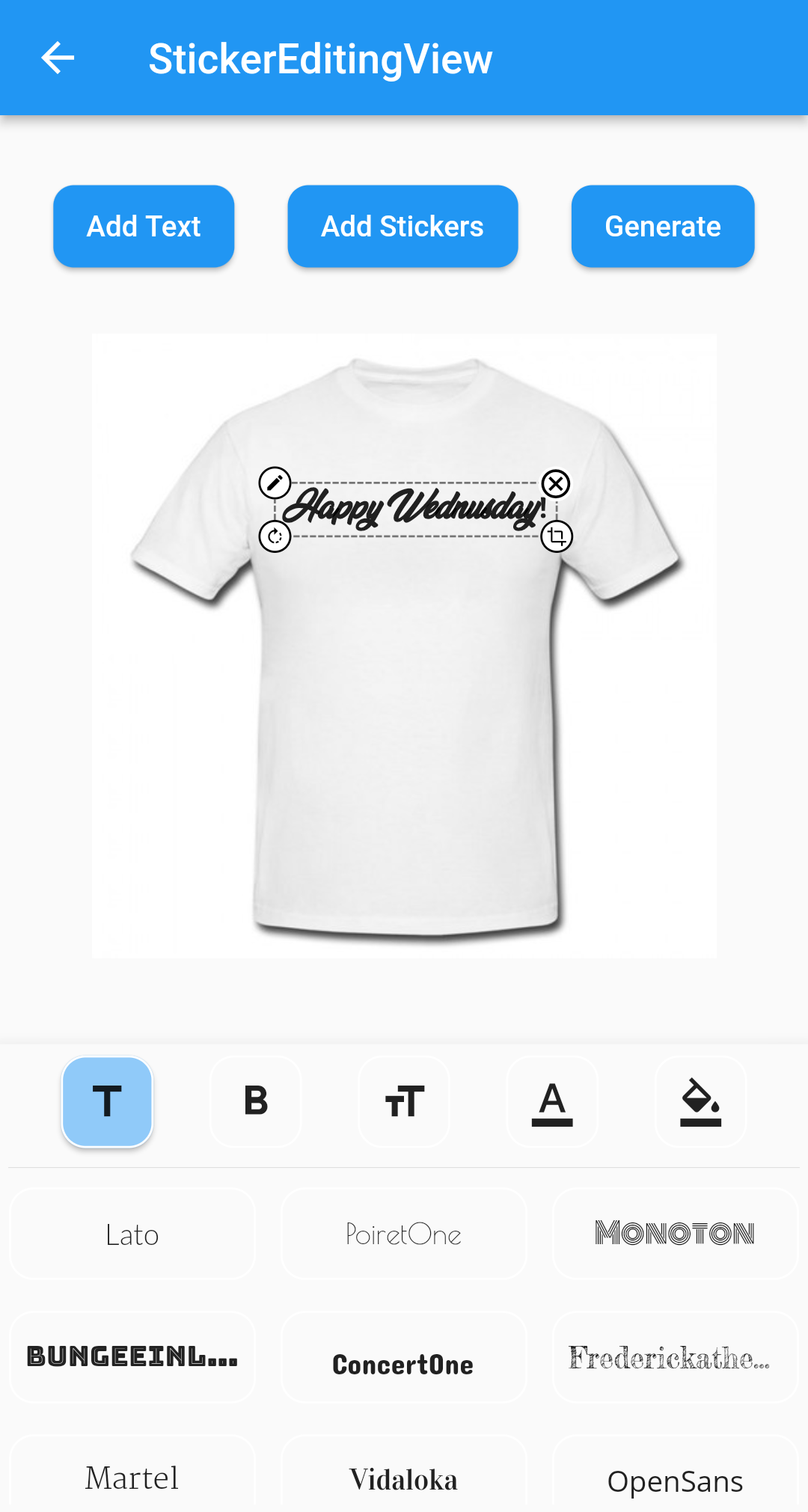
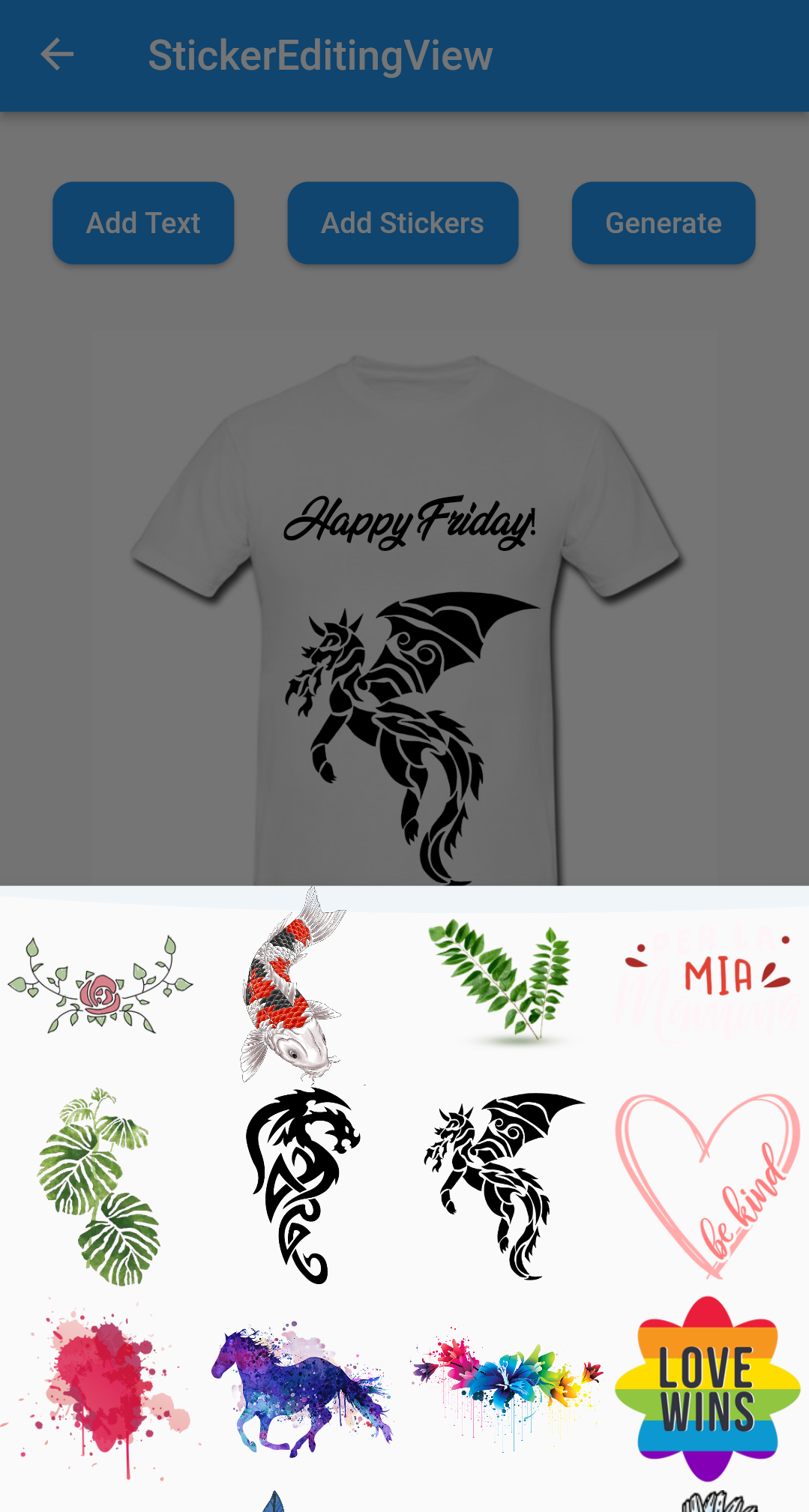
  • Sticker View
StickerEditingView(
  isnetwork: false,
  height: 300,
  width: 300,
  imgUrl: backgroundImageUrl,
  fonts: fonts,
  palletColor: colorPallet,
  assetList: stickerList,
),
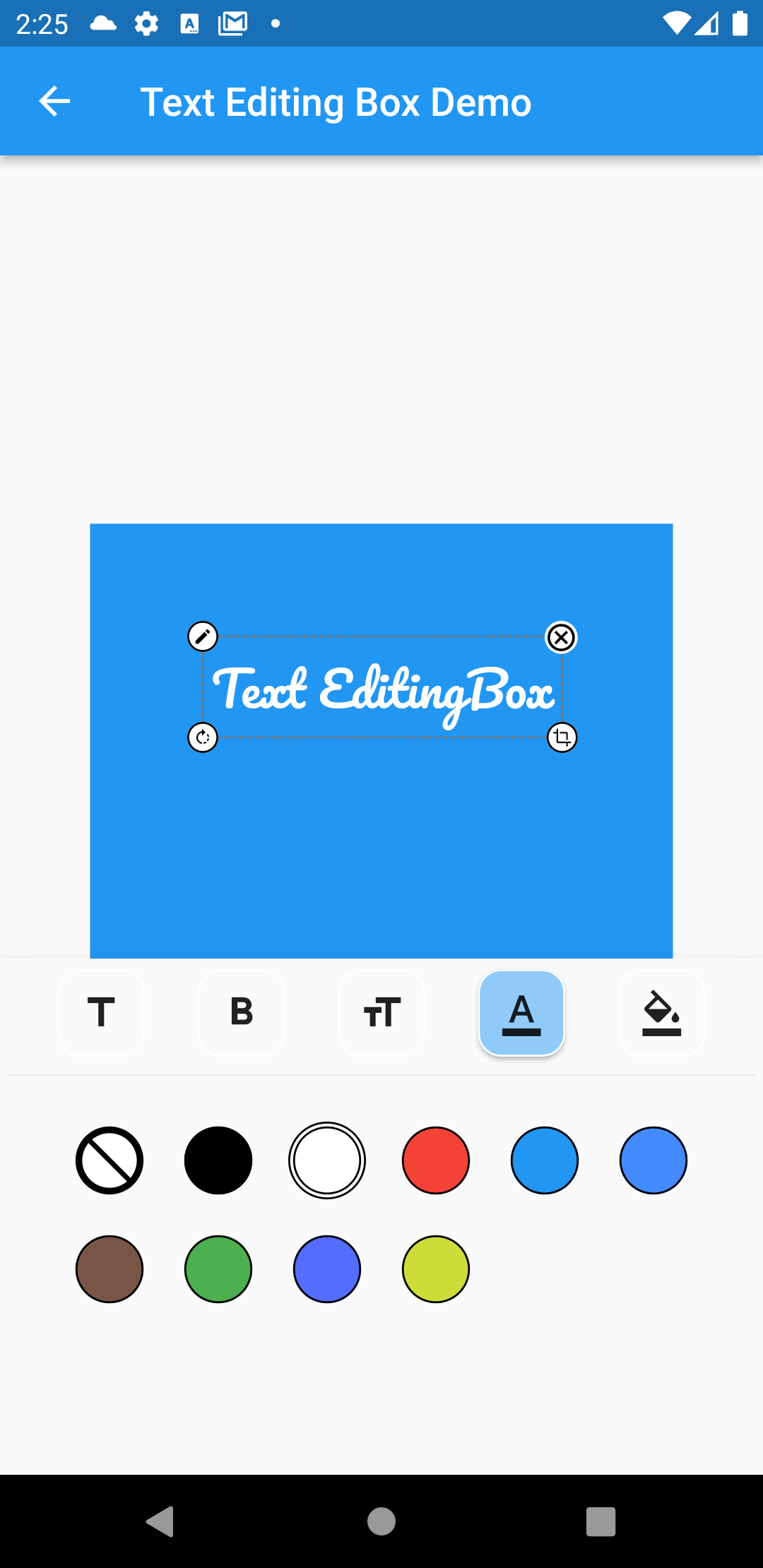
  • Text Editing Box
Container(
  height: 300,
  width: 300,
  color: Colors.blue,
  child: Stack(
    children: [
      TextEditingBox(
        fonts: fonts,
        boundHeight: 200,
        boundWidth: 100,
        isSelected: true,
        palletColor: colorPallet,
        newText: TextModel(
            name: 'Text EditingBox',
            textStyle:
                GoogleFonts.pacifico(fontSize: 25, color: Colwhite),
            top: top,
            isSelected: true,
            textAlign: TextAlign.center,
            scale: 1,
            left: left),
      ),
    ],
  ),
),
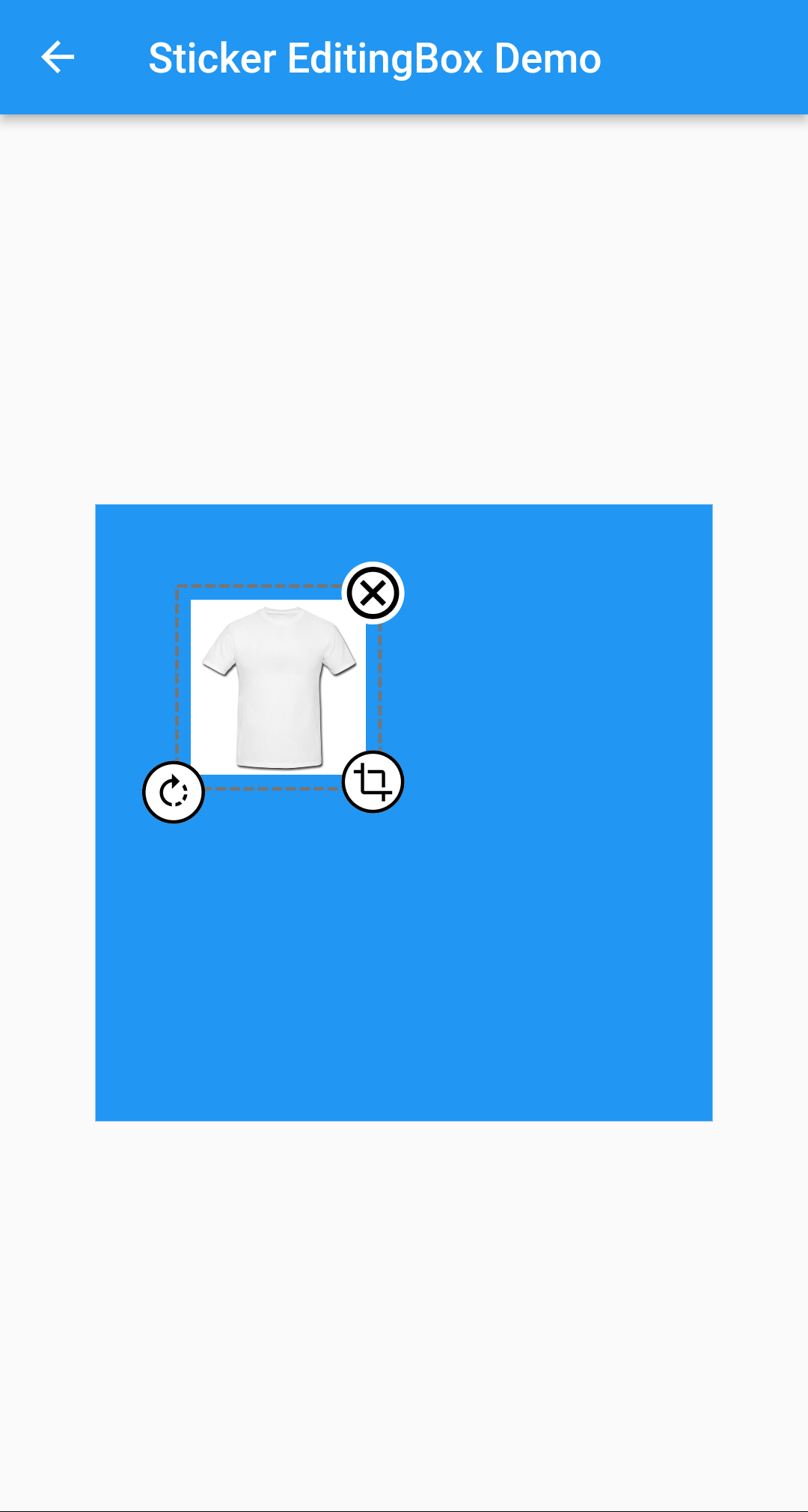
  • Picture Editing Box
Container(
  height: 300,
  width: 300,
  color: Colors.blue,
  child: Stack(
    children: [
      StickerEditingBox(
          boundHeight: 200,
          boundWidth: 200,
          pictureModel: PictureModel(
            isNetwork: true,
            isSelected: false,
            left: 50,
            top: 50,
            scale: 1,
            stringUrl:
                'https://raw.githubusercontent.com/Harsh-Radadiya/sticker_editor/master/assets/t-shirt.jpeg',
          )),
    ],
  ),
)

Run the example app in the exmaple folder to find out more about how to use it.

Categories

Dependencies

Dependency list 4 items

Source repository

Projects using this package

No data available yet.