Search packages, repositories and app categories

story_painter cover
Package detailsv0.0.4

story_painter

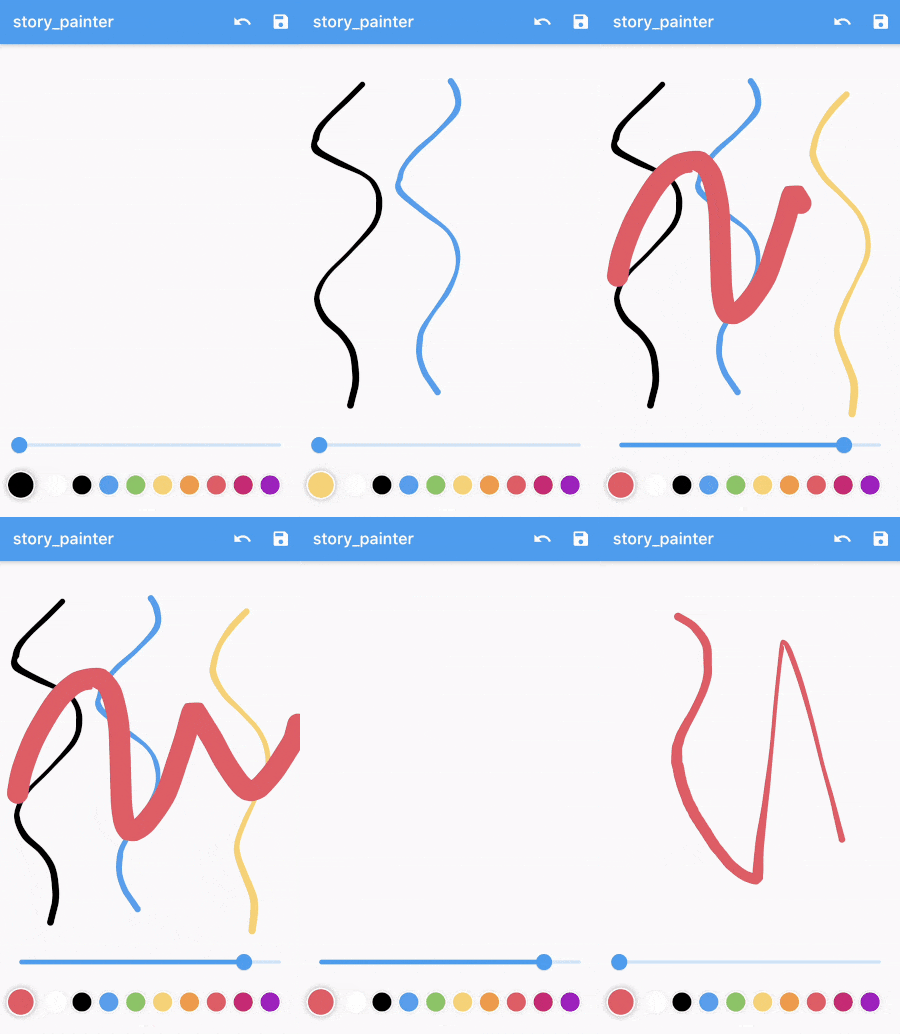
This package provides drawing experince like in story editor of Instagram.

30-day downloads
40
Likes
26
Pub points
50

Install package

flutter pub add story_painter

Package Overview

Package selection guidance compiled from public package information, community data, and project usage.

StoryPainter is a Flutter package that enables users to create drawing experiences similar to Instagram's story editor. It offers intuitive tools for sketching, coloring, and adding creative elements directly on a canvas. Designed with simplicity and performance in mind, it supports touch input, customizable brushes, and layer management. Ideal for apps requiring expressive drawing features, such as social media stories, digital art, or note-taking applications. The package integrates seamlessly into Flutter projects and is actively maintained by its publisher.

Use cases

  • Creating interactive story boards
  • Designing digital sketches
  • Adding annotations to images
  • Building creative content tools
  • Enabling user-generated artwork

Key features

  • Touch-based drawing interface
  • Customizable brush settings
  • Layer support for drawings
  • Real-time rendering
  • Simple integration with Flutter apps

Suitable for

  • Social media app developers
  • Digital artists
  • Educational app creators
  • Note-taking application builders
  • Creative tool designers

Considerations

  • Limited platform-specific optimizations
  • No built-in export functionality
  • Requires manual handling of state persistence
  • May need additional styling for UI consistency
  • Depends on external maintenance of GitHub repository
Original README

Original README snapshot from the linked source repository. Visit the repository for the latest content.

story_painter

This package provides drawing experince like in story editor of Instagram.

story_painter is a modified version of the hand_signature.

Check out fast_color_picker from here.

Usage

Initialize the controller

StoryPainterControl painterControl = StoryPainterControl(
    type: PainterDrawType.shape,
    threshold: 3.0,
    smoothRatio: 0.65,
    velocityRange: 2.0,
    color: Colors.white,
    width: 8,
    onDrawStart: () {},
    onDrawEnd: () {},
);

Build StoryPainter with controller

StoryPainter(control: painterControl)

Change brush specs while drawing

painterControl.setColor(Colors.red);
painterControl.setWidth(24.0);

Export the image

ui.Image image = await painterControl.toImage(pixelRatio: 3.0);

Display or use the output

// Convert the data
ByteData byteData = await image.toByteData(format: ui.ImageByteFormat.png);
Uint8List pngBytes = byteData.buffer.asUint8List();

// Display with memory image
Image.memory(pngBytes)

Categories

Dependencies

Dependency list 1 items

Source repository

Projects using this package

No data available yet.