Search packages, repositories and app categories

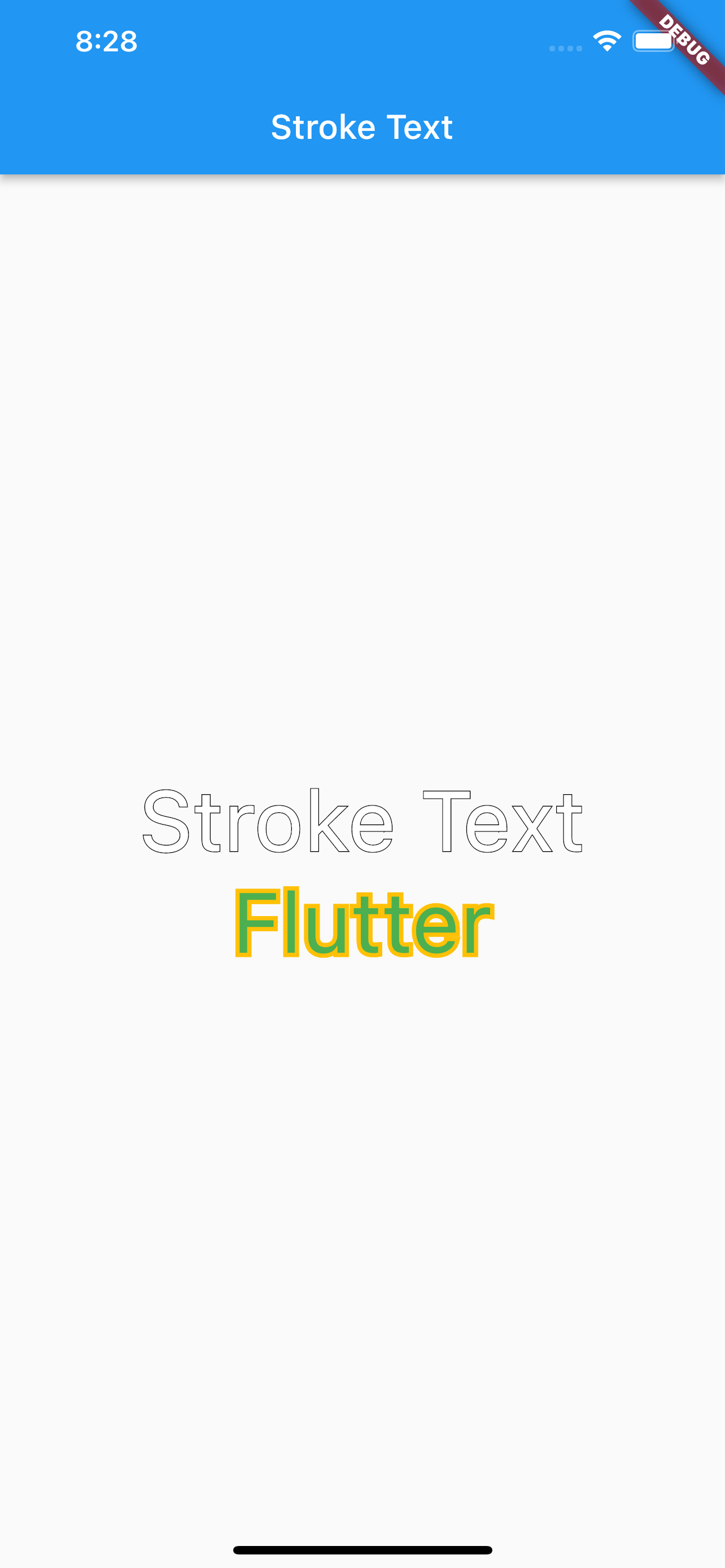
stroke_text cover
Package detailsv1.0.0

stroke_text

A Simple Flutter plugin for applying stroke (border) style to a text widget

AndroidiOSWebmacOSWindowsLinux
30-day downloads
2.3K
Likes
41
Pub points
130

Install package

flutter pub add stroke_text

Package Overview

Package selection guidance compiled from public package information, community data, and project usage.

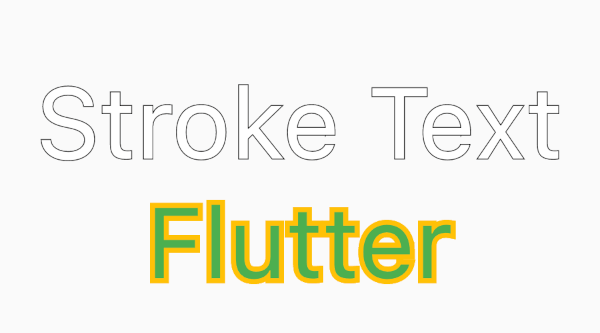
Stroke Text is a lightweight Flutter package that enables developers to add stroke (border) effects to text widgets with ease. It extends the standard Text widget by allowing customizable stroke width, color, and blur radius, making it ideal for creating visually striking text elements. The package supports all major platforms including Android, iOS, Web, macOS, Windows, and Linux, ensuring consistent rendering across devices. With minimal setup, it enhances UI design possibilities without requiring complex custom painting.

Use cases

  • Creating outlined text for buttons
  • Designing title cards with border effects
  • Enhancing UI elements with visual depth
  • Adding decorative text in games or apps
  • Improving accessibility with high-contrast text

Key features

  • Customizable stroke width
  • Configurable stroke color
  • Support for blur effects
  • Cross-platform compatibility
  • Simple integration with existing Text widgets

Suitable for

  • UI designers seeking visual enhancements
  • Developers building games or dashboards
  • Apps requiring stylized text elements
  • Projects focused on accessibility and readability

Considerations

  • May impact performance with many instances
  • Blur effect not supported on all platforms
  • Limited to text decoration, not full text styling
  • Requires careful contrast management for readability
Original README

Original README snapshot from the linked source repository. Visit the repository for the latest content.

Stroke Text Widget

A simple flutter package to add stroke (border) style to a text widget

Installation

  1. Add this to your package's pubspec.yaml file:
dependencies:
  stroke_text: any
  1. Get the package using your IDE's GUI or via command line with
$ pub get
  1. Import the color.dart file in your app
import 'package:stroke_text/stroke_text.dart';

Usage

default text widget

StrokeText(text: "Stroke Text",)

custom text style

StrokeText(
  text: "Stroke Text",
  textStyle: TextStyle(
    fontSize: 50
  ),
),

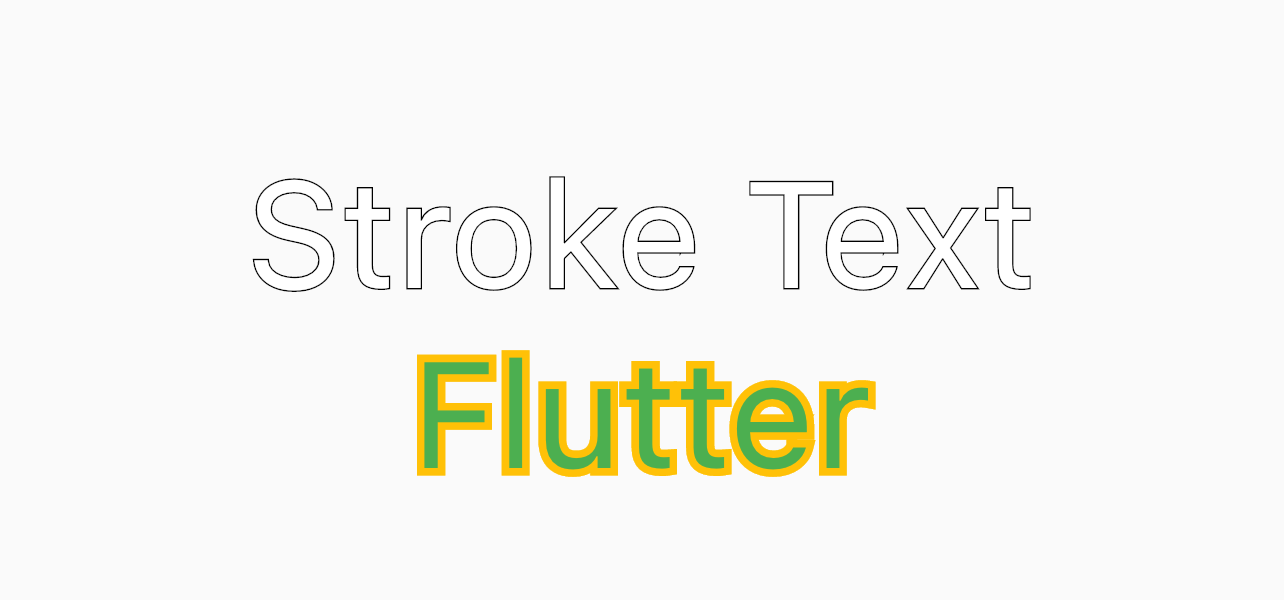
StrokeText(
  text: "Flutter",
  textStyle: TextStyle(
    fontSize: 50,
    color: Colors.green
  ),
  strokeColor: Colors.amber,
  strokeWidth: 5,
),

Screenshots

Categories

Source repository

Projects using this package

No data available yet.