Package selection guidance compiled from public package information, community data, and project usage.
The Syncfusion Flutter DataGrid Export package enables seamless export of DataGrid content to Excel and PDF formats, offering extensive customization options for headers, footers, styling, and layout. It supports all major platforms including Android, iOS, Web, macOS, Windows, and Linux. Ideal for applications requiring data reporting and sharing capabilities, it integrates smoothly with Syncfusion's Flutter DataGrid component. The library provides robust control over exported output, ensuring professional-quality documents.
Use cases
Exporting reports to Excel
Generating PDFs from grid data
Creating printable data summaries
Sharing structured data with stakeholders
Automating report generation
Key features
Export to Excel and PDF
Customizable headers and footers
Styling and formatting options
Cross-platform support
Integration with Syncfusion DataGrid
Advanced layout controls
Suitable for
Business analytics apps
Reporting tools
Data-driven dashboards
Enterprise applications
Internal data management systems
Considerations
Requires Syncfusion DataGrid
Additional licensing for commercial use
Large file sizes with extensive data
Limited to Syncfusion ecosystem
Potential performance impact with large datasets
Original README
Original README snapshot from the linked source repository. Visit the repository for the latest content.
Syncfusion Flutter Widgets
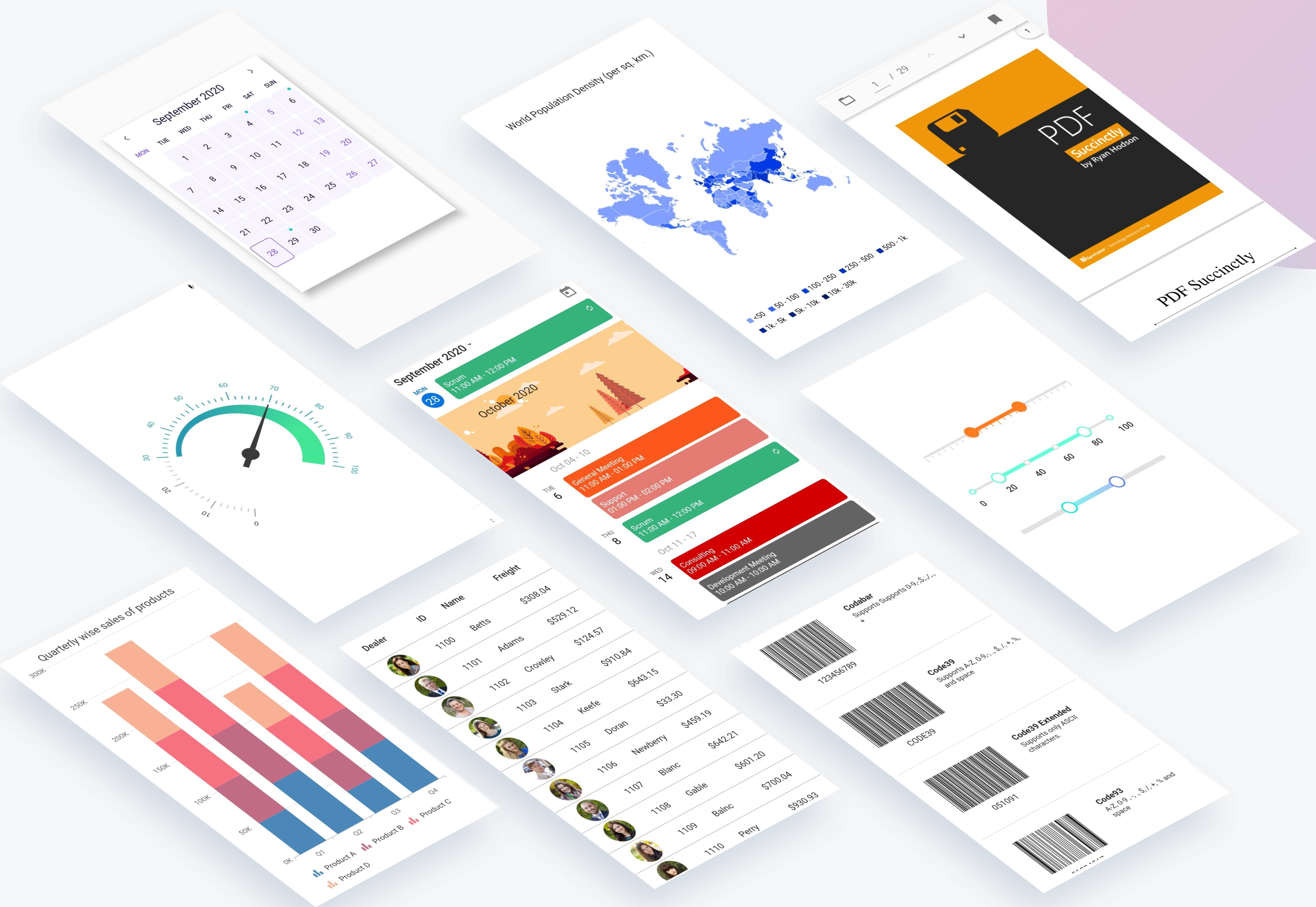
Syncfusion Flutter widgets libraries include high-quality UI widgets and file-format packages to help you create rich, high-quality applications for iOS, Android, and web from a single code base. Please find the supported platforms for our Flutter widgets.
Disclaimer: This is a commercial package. To use our packages, you need to have either the Syncfusion Commercial License or Syncfusion Community license. For more details, please check the LICENSE file.
This repository holds the source code of all the Syncfusion Flutter widgets and libraries. Source code of the widget, a working example, read me, changelog, etc., files are available in the packages directory.
Refer the required package in your application's pubspec.yaml file by mentioning its local path. For example, here we have referred the charts package.
Run the following command to get the required packages.
$ flutter pub get
Note: In the example, packages are referred from the local folder which is available in this repository. If you wish, you can also refer the packages from pub.
Step 4
Run your application either using F5 or Run > Start Debugging.
Get the demo application
Explore the full capabilities of our Flutter widgets on your device by installing our sample browser applications from the below app stores, and view samples code in GitHub.
Useful links
Take a look at the following to learn more about Syncfusion Flutter widgets:
To renew the subscription, click renew or contact our sales team at salessupport@syncfusion.com | Toll Free: 1-888-9 DOTNET.
About Syncfusion
Founded in 2001 and headquartered in Research Triangle Park, N.C., Syncfusion has more than 20,000 customers and more than 1 million users, including large financial institutions, Fortune 500 companies, and global IT consultancies.