Package selection guidance compiled from public package information, community data, and project usage.
TapDebounce is a Flutter package that simplifies preventing repeated taps on widgets, particularly buttons. By wrapping a widget with the TapDebounce widget, it disables further taps during the execution of the tap callback, reducing the risk of accidental multiple submissions. Ideal for forms, actions, or any interactive elements where rapid tapping could cause issues. It supports all major platforms and integrates seamlessly into existing Flutter projects.
Use cases
Preventing duplicate form submissions
Avoiding rapid button clicks in payment flows
Improving UX in action-heavy interfaces
Reducing unintended state changes
Handling slow network responses safely
Protecting against accidental double-taps
Key features
Automatic tap disabling during callback
Simple wrap-around integration
Cross-platform support
Minimal boilerplate
Configurable debounce duration
Works with any widget
Suitable for
Developers seeking quick tap protection
Form and action UIs with high tap risk
Apps requiring reliable user interaction control
Teams prioritizing UX consistency
Projects with frequent button interactions
Considerations
Does not prevent taps if callback completes instantly
May require manual reset for long-running tasks
Limited to tap events only
No built-in feedback for disabled state
Not suitable for complex gesture recognition
Requires careful handling in async workflows
Original README
Original README snapshot from the linked source repository. Visit the repository for the latest content.
Description
Tap debounce simplifying widget. Wrap your button widget in TapDebounce widget and any taps will be
disabled while tap callback is in progress.
Manual
Initial code
Assume your code with some button look like this:
//...
child: RaisedButton(
color: Colors.blue,
disabledColor: Colors.grey,
onPressed: () async => awaitsomeLongOperation(), // your tap handler
child: constText('Short'),
);
//...
and you do not want user to be able to press the button again several times and start other
someLongOperation functions. Example is a Navigator pop function - it can take a few hundred of
millis to navigate and user can press the button several times, and that will lead to undesired pop
several screens back instead of one.
Wrap code to TapDebouncer
Wrap this code to Debouncer and move RaisedButton onPressed contents to Debouncer onTap:
//...
child: TapDebouncer(
onTap: () async => awaitsomeLongOperation(), // your tap handler moved here
builder: (BuildContext context, TapDebouncerFunc? onTap) {
returnRaisedButton(
color: Colors.blue,
disabledColor: Colors.grey,
onPressed: onTap, // It is just onTap from builder callback
child: constText('Short'),
);
},
),
//...
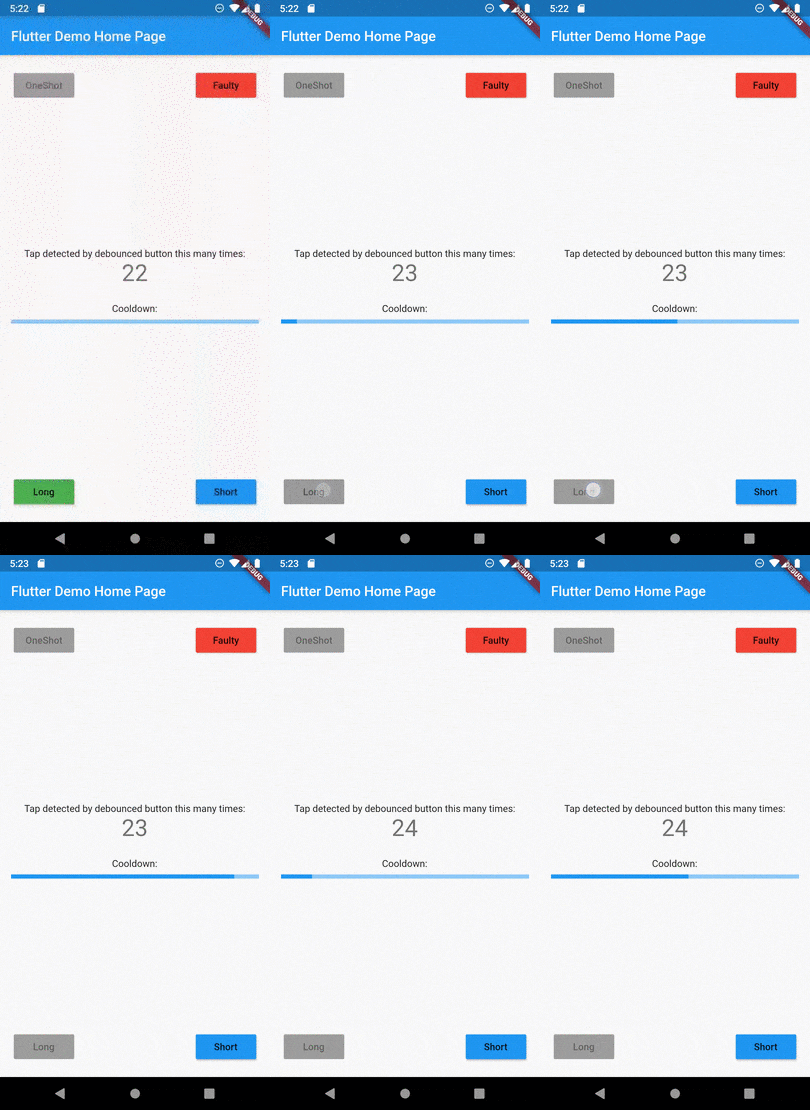
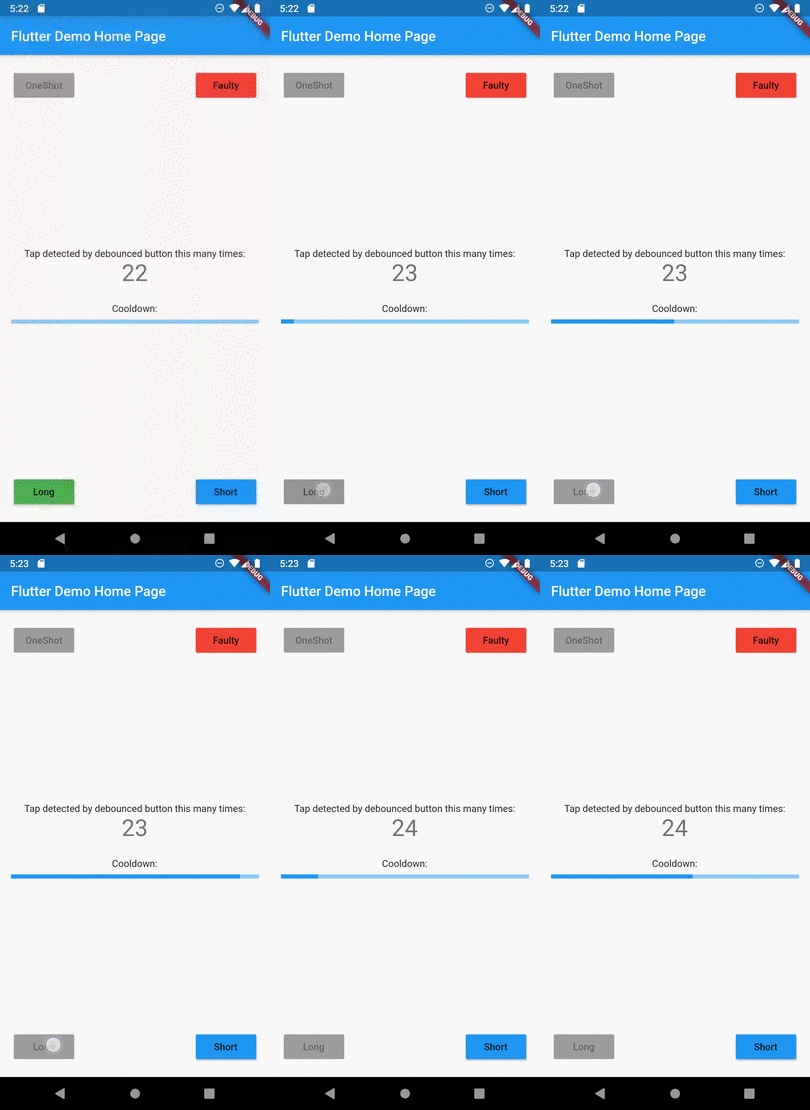
Debouncer will disable the RaisedButton by setting onPressed to null while onTap is being executed.
Add delay after tap process
You can add optional delay to be sure that the button is disabled some time after someOperation is
called.
You can fill optional cooldown field with some Duration and avoid adding of Future.delayed at
the end of onTap callback, this will be done automatically:
//...
child: TapDebouncer(
cooldown: constDuration(milliseconds: 1000),
onTap: () async => awaitsomeLongOperation(), // your tap handler moved here
builder: (BuildContext context, TapDebouncerFunc? onTap) {
returnRaisedButton(
color: Colors.blue,
disabledColor: Colors.grey,
onPressed: onTap, // It is just onTap from builder callback
child: constText('Short'),
);
},
),
//...