Package selection guidance compiled from public package information, community data, and project usage.
A Flutter package that enables users to input and manage tags directly within a text field. It provides an intuitive interface for adding, editing, and removing tags dynamically, enhancing form interactions with visual feedback. Ideal for applications requiring keyword or category input, such as tagging systems in notes, social media, or task management tools. The package supports multiple platforms including Android, iOS, Web, macOS, Windows, and Linux, ensuring consistent behavior across devices.
Use cases
Tagging user inputs
Form fields with dynamic keywords
Social media post tagging
Task or project categorization
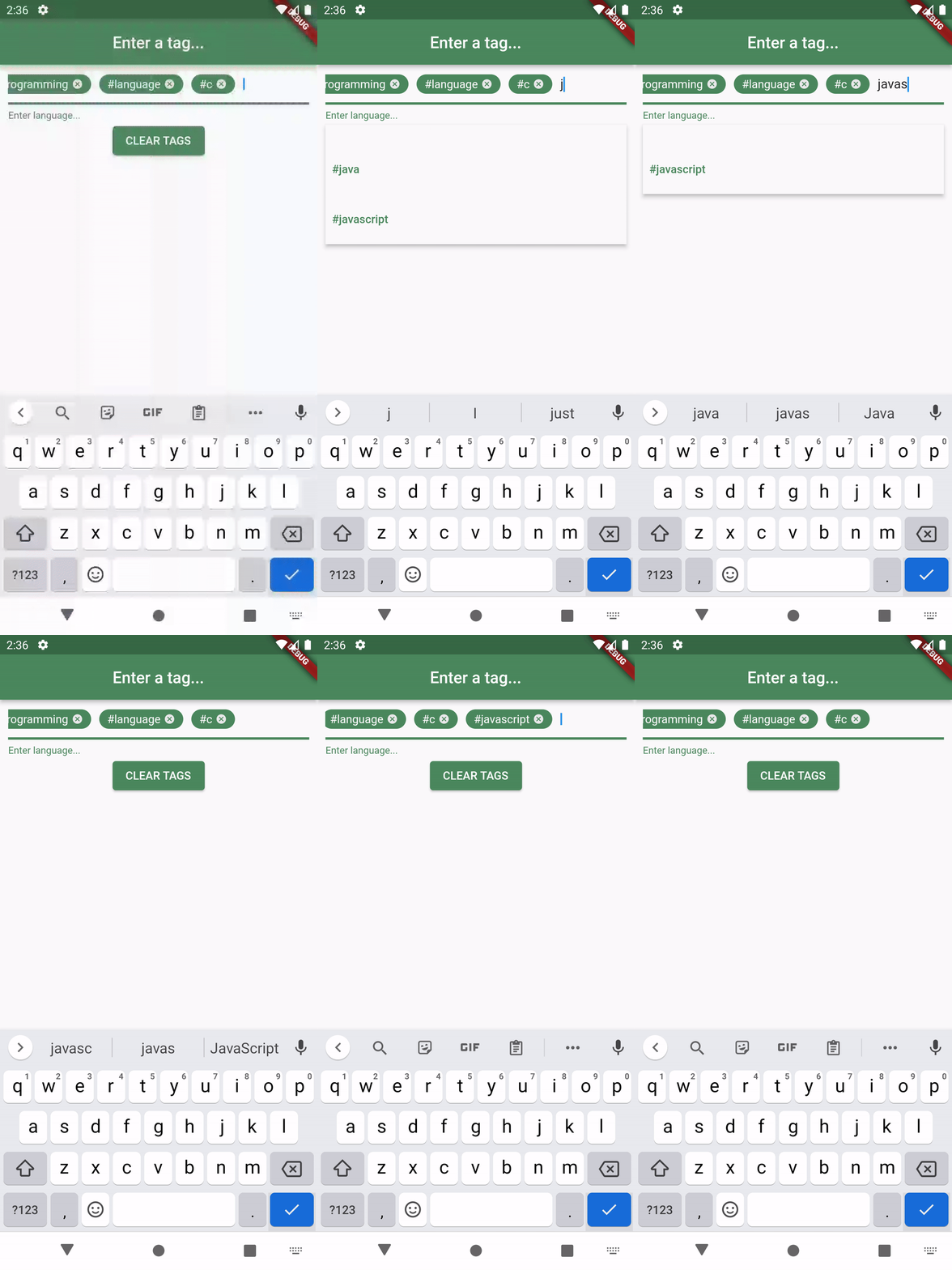
Search filters with tag suggestions
Key features
Inline tag creation
Customizable tag styling
Cross-platform support
Easy integration with existing forms
Real-time tag management
Suitable for
Developers building interactive forms
Apps needing keyword tagging
Multi-platform applications
UIs with dynamic content entry
Considerations
Requires careful handling of tag limits
May need custom validation logic
Performance with large numbers of tags
Limited built-in autocomplete features
Styling customization may require additional code
Original README
Original README snapshot from the linked source repository. Visit the repository for the latest content.
textfield_tags
Textfield_tags is a widget that allows developers to create tags inside a textfield. The widget comes with 2 default controllers that allow you to store tags as regular strings or objects. Alternatively, you can create your own controller by extending the base controller class to have custom tag controllers.
Environment
sdk: ">=2.12.0 <4.0.0"
flutter: ">=1.17.0"
Installation
dependencies:textfield_tags:^3.0.1
$ flutter pub get
Getting Started
To get started using this widget, you will need to first import the package inside your project following the installation guide found on Flutter.dev.
Usage
To use this widget,
import 'package:textfield_tags/textfield_tags.dart'; inside your dart file
Follow one of the examples bellow and call the widget TextFieldTags(...).
Read the api documentation on these properties for more details or see the examples provided in the example folder.
Examples With Different Controllers
By default, the widget comes with 2 built-in controllers: one that allows you to manage string type tags and another one that allows you to use any type of tags including objects, ints, strings, etc. We will show examples of the two controllers in actions bellow.
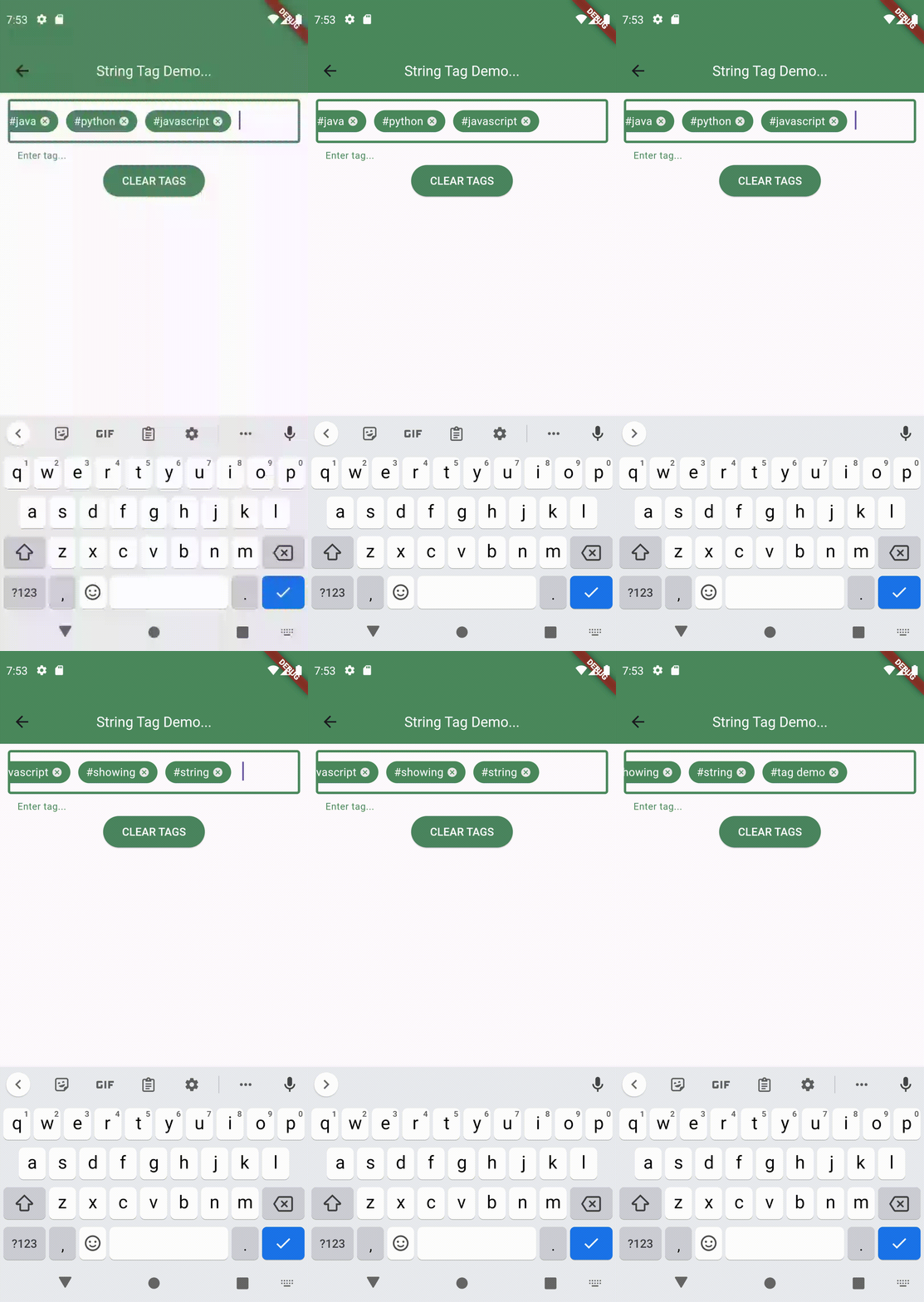
Using String type tags (StringTagControlle)
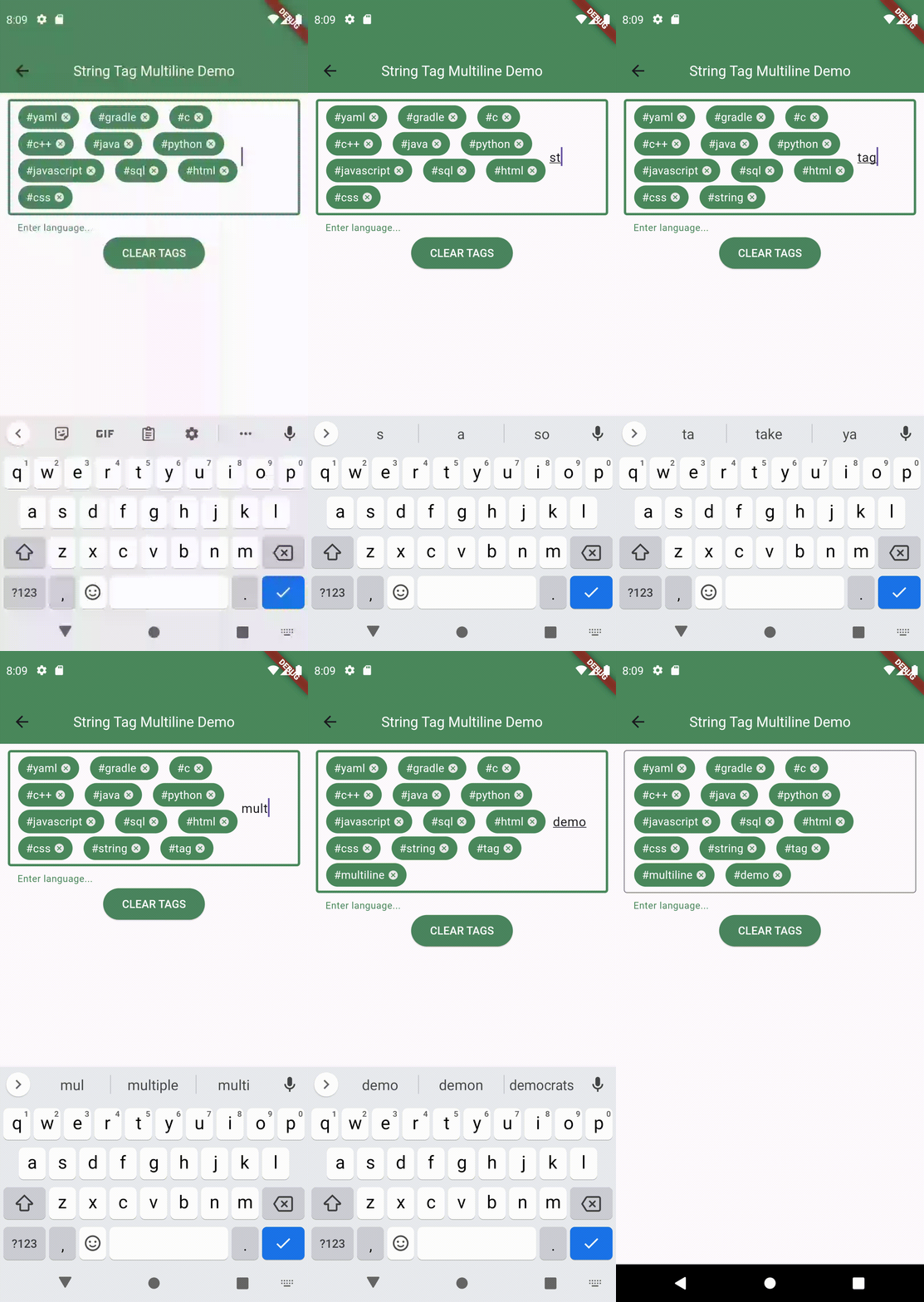
If you only want to use string based tags, then the StringTagController is ideal for you. The example bellow shows how you can utilize the StringTagController<String>() controller to manage string tags.
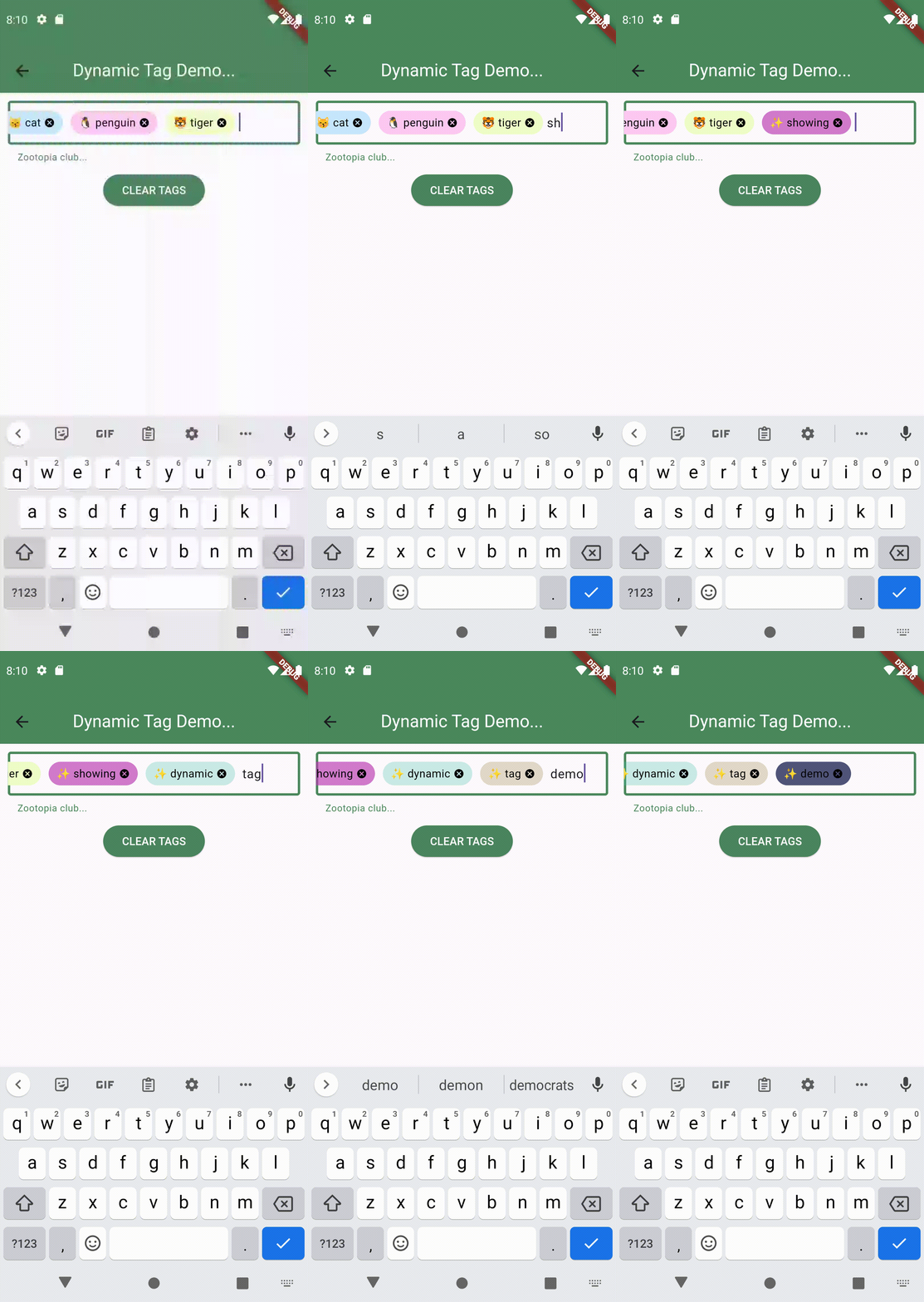
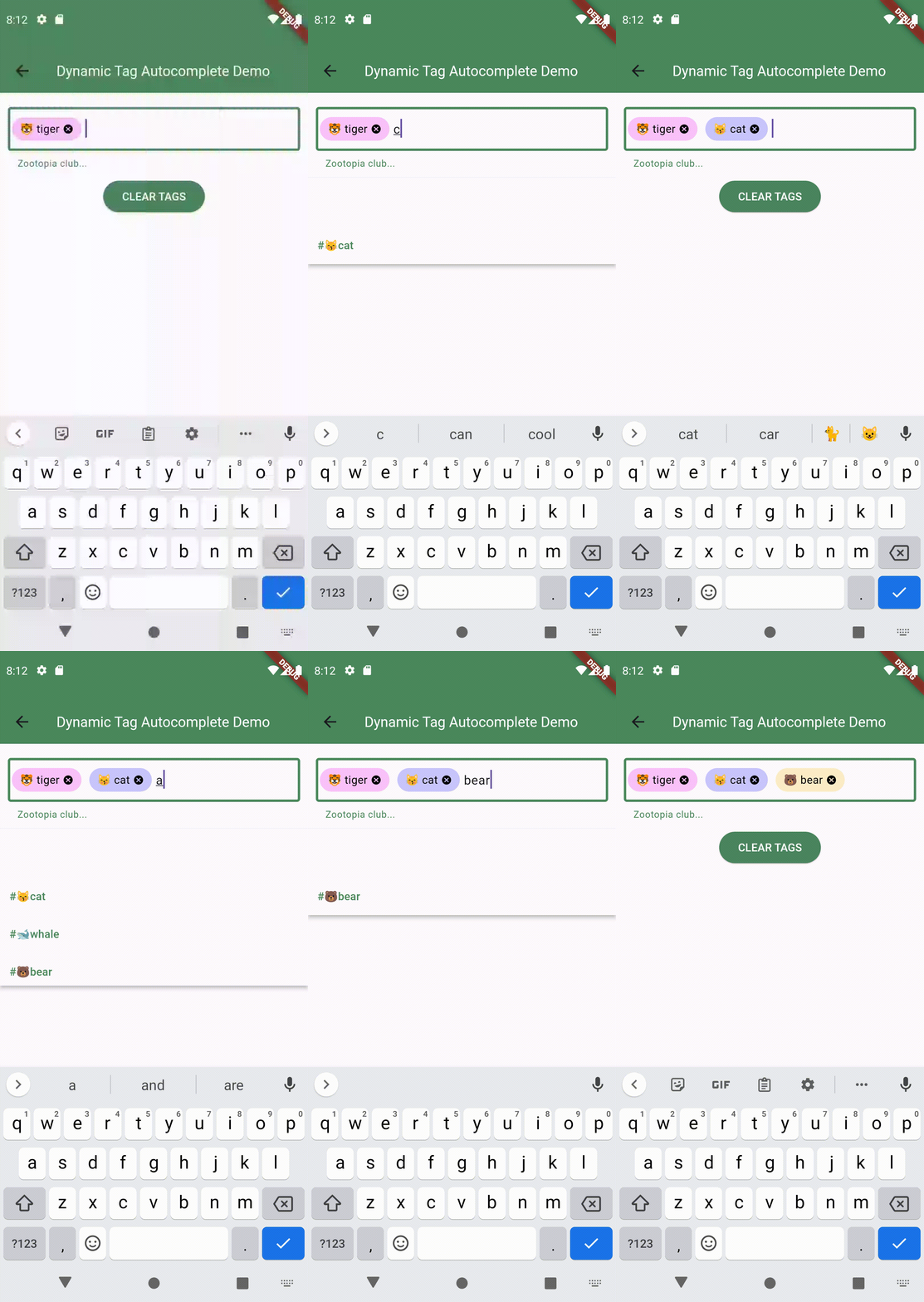
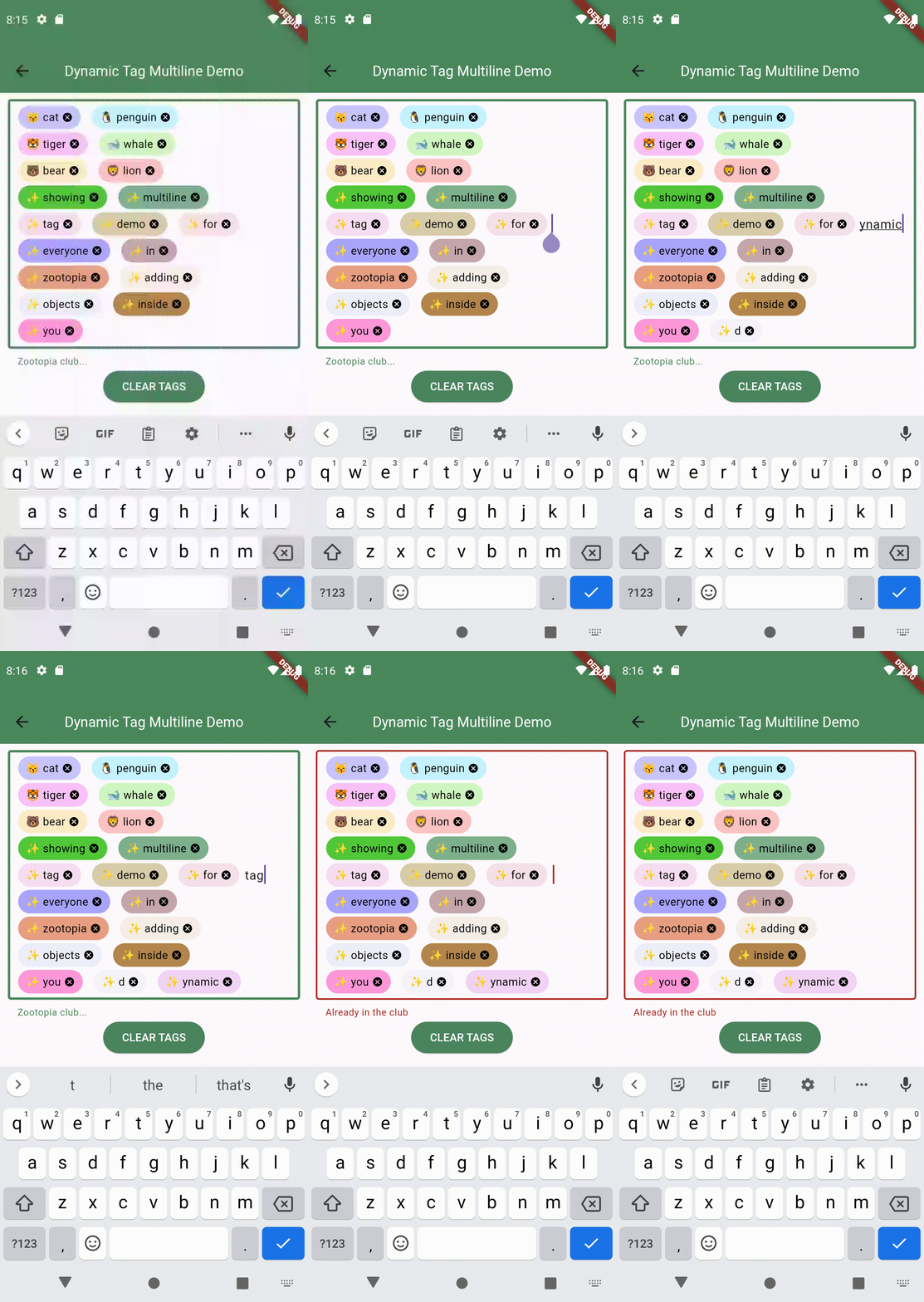
If you want to store dynamic type of datas with each tags, then using DyanmicTagController will be ideal for you. This will offer you more flexibiliity and customization and will allow you to design the tags based on their own stored data.
More Advanced Functionality Via A Custom Controller
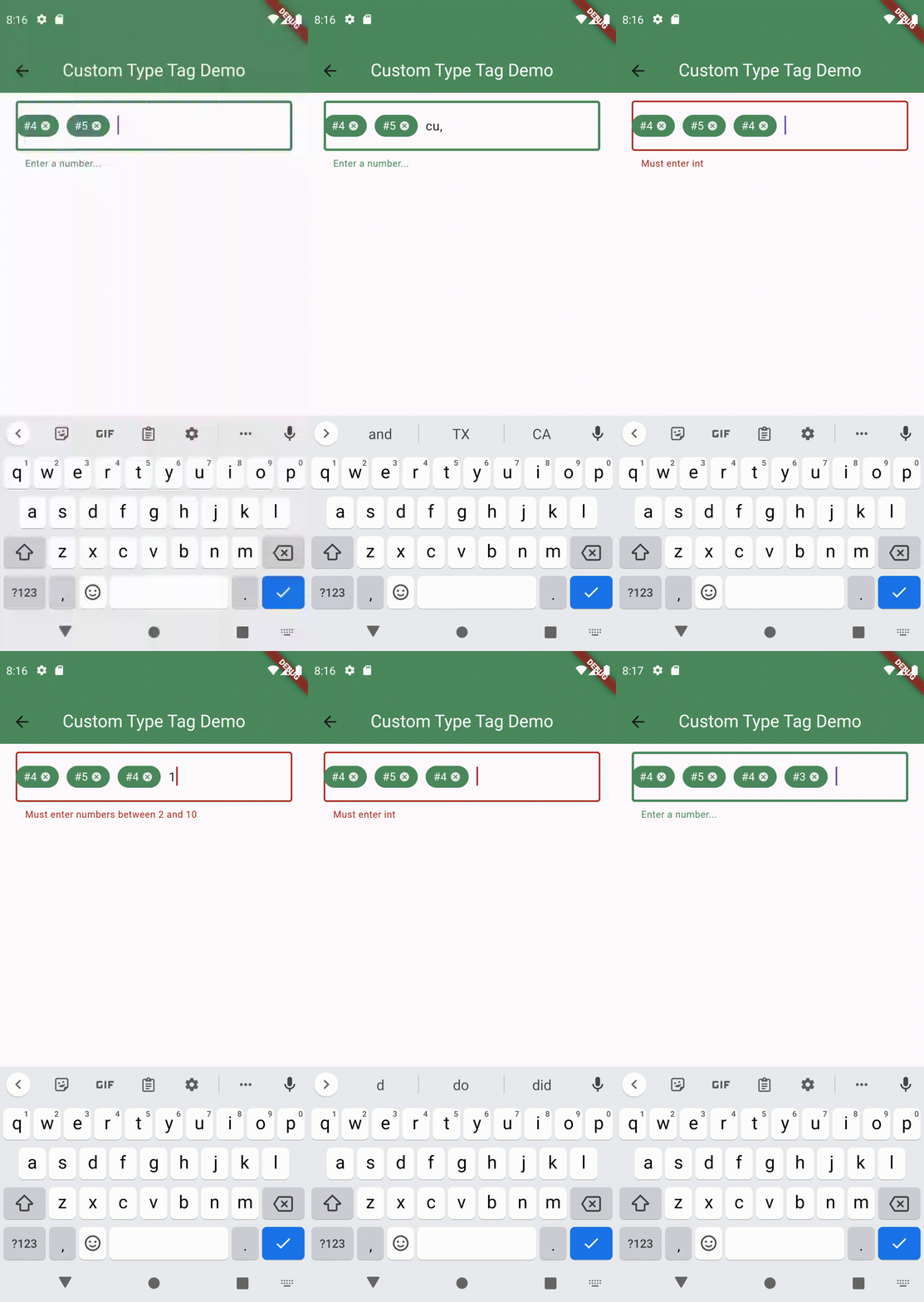
If you feel like you want more functionality than what is offered by the 2 default controllers, then you can easily extend TextfieldTagsController class to your own custom class and inherit all its functionalities and add your own stuffs as bellow example shows.
The bellow example shows you how you can use a numbers
tag picker that selects numbers between 2 and 10 with the exception of number 8.