Search packages, repositories and app categories

theme_manager cover
Package detailsv2.0.4

theme_manager

A theme manager for light, dark, and system themes. Change the theme dynamically and the selected theme will be persisted.

AndroidiOSWebmacOSWindowsLinux
30-day downloads
285
Likes
34
Pub points
140

Install package

flutter pub add theme_manager

Package Overview

Package selection guidance compiled from public package information, community data, and project usage.

Theme Manager is a Flutter package that simplifies the implementation of light, dark, and system theme support. It enables dynamic theme switching with automatic persistence across app restarts. Developers can easily manage theme states and apply them globally, ensuring a consistent user experience. The package integrates seamlessly with Flutter's theme system and supports all major platforms, including mobile, web, and desktop.

Use cases

  • Dynamic theme switching in apps
  • Persisting user theme preferences
  • Supporting dark mode and system themes
  • Building accessible UIs with multiple themes
  • Creating customizable user interfaces

Key features

  • Light, dark, and system theme support
  • Automatic theme persistence
  • Easy integration with Flutter's Theme system
  • Cross-platform compatibility
  • Simple API for theme changes
  • Real-time theme updates

Suitable for

  • Apps requiring dark mode
  • Developers building customizable UIs
  • Projects targeting multiple platforms
  • User-facing applications with theme preferences
  • Teams wanting minimal setup for theme management

Considerations

  • Requires manual handling of theme state initialization
  • Limited to predefined theme types
  • May need additional logic for custom themes
  • Depends on Flutter's built-in theme system
  • Not suitable for complex theme configurations beyond light/dark/system
Original README

Original README snapshot from the linked source repository. Visit the repository for the latest content.

theme_manager

A theme manager for light, dark, and system themes.

A theme manager that supports light, dark, and system default themes. State is retained and applied upon application start. Heavily inspired by dynamic_theme by Norbert Kozsir.

Getting Started

Add theme_manager to your project.

  dependencies:
    theme_manager: ^2.0.4

run flutter packages get and import theme_manager

import 'package:theme_manager/theme_manager.dart';

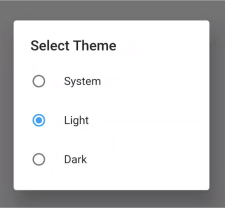
A dialog is provided that can switch between themes.

import 'package:theme_manager/theme_picker_dialog.dart';

How to use

Make sure WidgetsFlutterBinding are initialized. This is required.

void main() {
  WidgetsFlutterBinding.ensureInitialized(); // Required
  runApp(MyApp());
}

Wrap your MaterialApp with ThemeManager:

class MyApp extends StatelessWidget {
  @override
  Widget build(BuildContext context) {
    return ThemeManager(
      defaultBrightnessPreference: BrightnessPreference.system,
      data: (Brightness brightness) => ThemeData(
        primarySwatch: Colors.blue,
        accentColor: Colors.lightBlue,
        brightness: brightness,
      ),
      loadBrightnessOnStart: true,
      themedWidgetBuilder: (BuildContext context, ThemeData theme) {
        return MaterialApp(
          title: 'Theme Manager Demo',
          theme: theme,
          home: MyHomePage(),
        );
      },
    );
  }
}

When you want to change your theme:

void setAsSystemDefault() => 
  ThemeManager.of(context).setBrightnessPreference(BrightnessPreference.system);
void setAsLight() => 
  ThemeManager.of(context).setBrightnessPreference(BrightnessPreference.light);
void setAsDark() => 
  ThemeManager.of(context).setBrightnessPreference(BrightnessPreference.dark);

The system default will load either light or dark based on the device preferences. If your device changes themes at sunset or sunrise then light/dark mode will apply automatically.

The BrightnessPreference is saved in SharedPreferences automatically. There is also a clear function to remove the preferences.

void clear() => ThemeManager.of(context).clearBrightnessPreference();
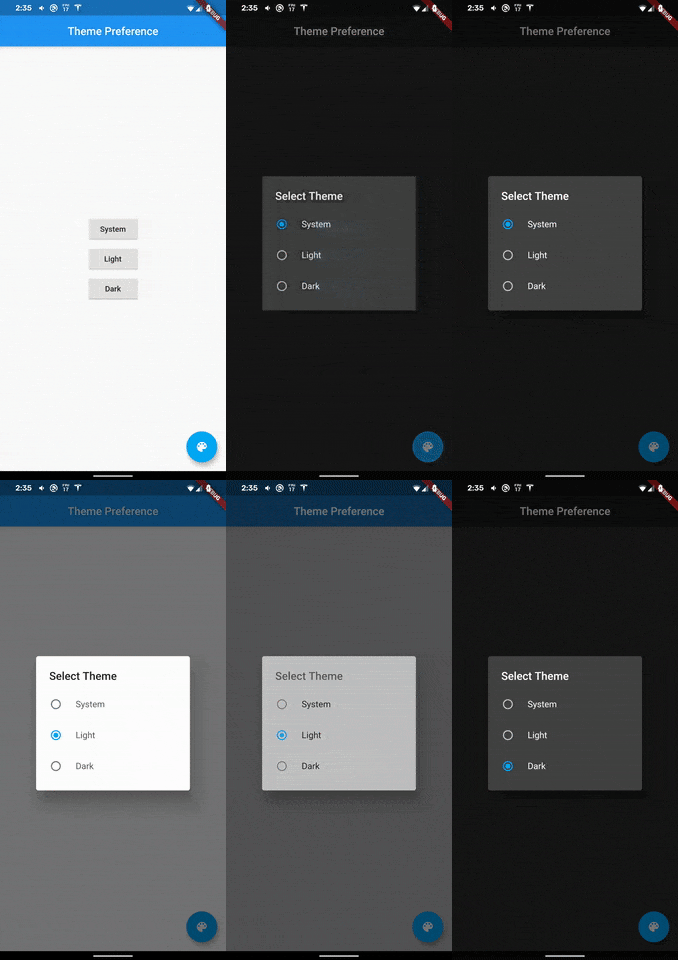
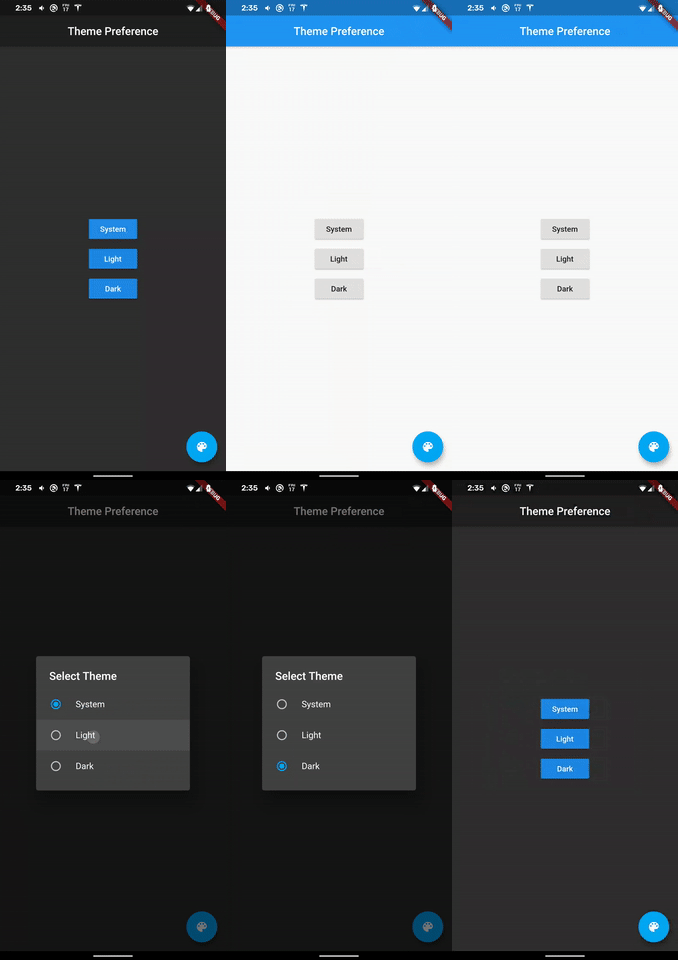
A dialog widget to change the brightness!

Getting Started

For help getting started with Flutter, view our online documentation.

For help on editing package code, view the documentation.

Categories

Dependencies

Dependency list 3 items

Source repository

Projects using this package

No data available yet.