Search packages, repositories and app categories

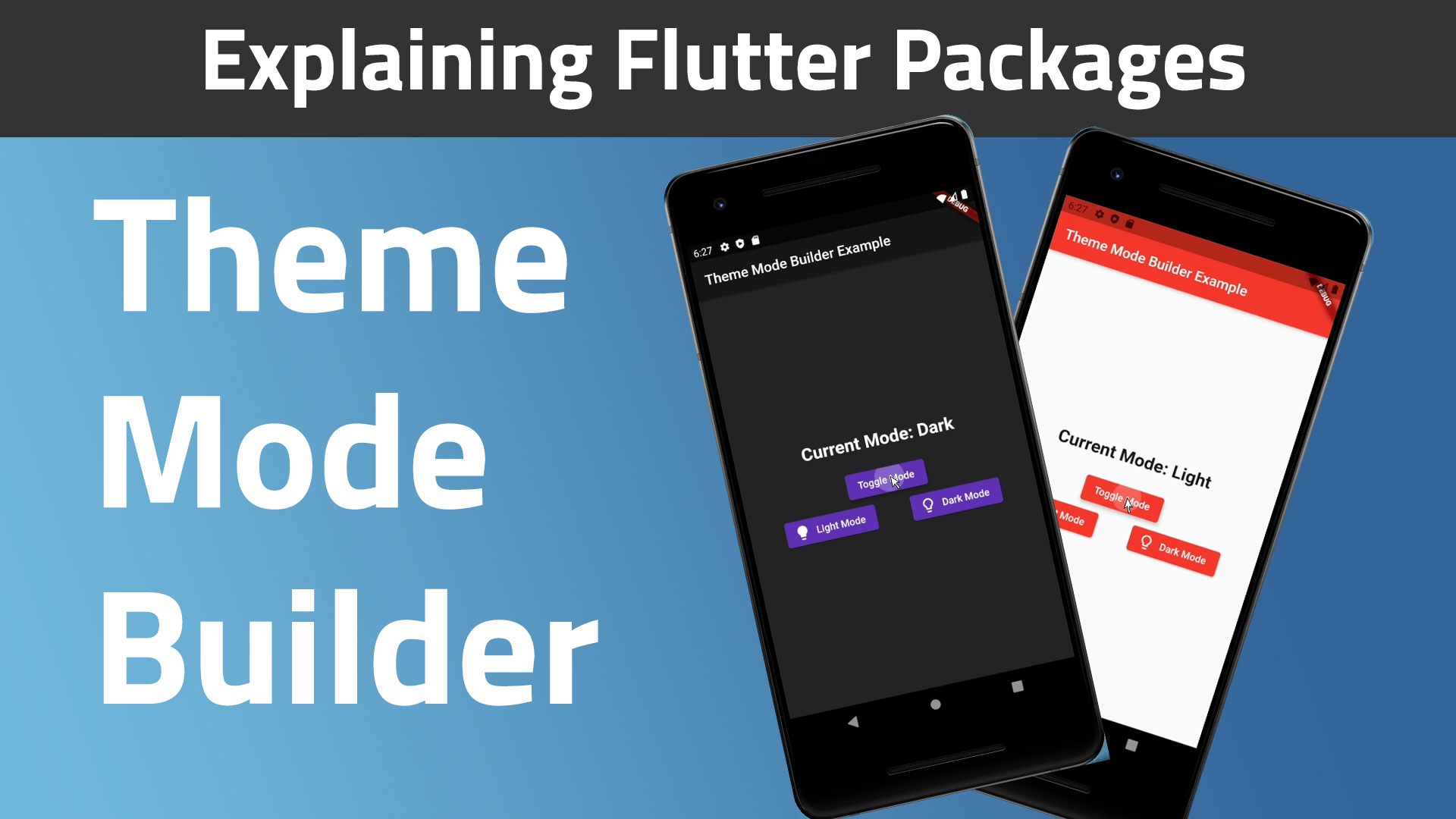
theme_mode_builder cover
Package detailsv2.0.0

theme_mode_builder

A Flutter package for handling theme in an app and also saving it on the device with shared preferences

AndroidiOSmacOSWindowsLinux
30-day downloads
64
Likes
24
Pub points
160

Install package

flutter pub add theme_mode_builder

Package Overview

Package selection guidance compiled from public package information, community data, and project usage.

A Flutter package that simplifies theme management in apps, enabling seamless switching between light and dark modes. It integrates with shared preferences to persist the user's theme choice across app restarts, ensuring a consistent experience. Designed for developers seeking an easy way to implement theme customization without boilerplate code. The package supports multiple platforms including Android, iOS, macOS, Windows, and Linux.

Use cases

  • Implementing light and dark mode toggles
  • Persisting user theme preferences
  • Building responsive UIs with dynamic themes
  • Creating accessible app interfaces
  • Enabling user-customizable appearance settings

Key features

  • Automatic theme persistence via shared preferences
  • Simple API for theme state management
  • Cross-platform compatibility
  • Support for both light and dark modes
  • Easy integration with existing Flutter projects

Suitable for

  • Developers building apps with theme customization
  • Apps requiring persistent user preferences
  • Projects targeting multiple platforms
  • UI-focused applications
  • Teams wanting minimal setup for theming

Considerations

  • Requires dependency on shared_preferences
  • Limited to light/dark mode only
  • May need additional logic for complex theme variants
  • Not suitable for advanced theming systems
  • Depends on proper initialization in app startup
Original README

Original README snapshot from the linked source repository. Visit the repository for the latest content.

Theme Mode Builder 🚀

Pub Version GitHub GitHub Issues GitHub Pull Requests

I created this package to help standardize my apps way of theme handling.

Web Demo: https://theme-mode-builder.netlify.app/

Features:
  • 🚀 Cross platform: mobile, desktop, browser
  • ❤ Simple, powerful, intuitive API
  • 🛡 Null Safety
  • 🔋 Batteries included

📚 How to Use

Table of contents
  1. Video
  2. Guide
Video: (A bit outdated, for v0.0.3)

Guide:

First run the initialization which is asynchronous so you will need to change the return type of your main() method from void to Future<void>:

Future<void> main() async {
  /// ensure widgets are initialized
  WidgetsFlutterBinding.ensureInitialized();

  /// initialize theme mode builder
  await ThemeModeBuilderConfig.ensureInitialized();

  /// Runs the app :)
  runApp(MyCoolApp());
}

Then just wrap your MaterialApp widget with the ThemeModeBuilder and return the MaterialApp widget from the builder. The builder gives you two arguments, builder: (BuildContext context, ThemeMode themeMode) {}. Pass the themeMode to themeMode on your MaterialApp.

Now this code below explains better than I do 🙈🚀😂:

import "package:flutter/material.dart";
import "package:theme_mode_builder/theme_mode_builder.dart";

class MyCoolApp extends StatelessWidget {
  @override
  Widget build(BuildContext context) {
    return ThemeModeBuilder(
      builder: (BuildContext context, ThemeMode themeMode) {
        return MaterialApp(
          title: "My Cool App",

          /// here is the `themeMode` passed form the `builder`
          themeMode: themeMode,
          theme: ThemeData(
            colorScheme: ColorScheme.fromSeed(
              brightness: Brightness.light,
              seedColor: Colors.red,
            ),

            /// put your light theme data here
          ),
          darkTheme: ThemeData(
            colorScheme: ColorScheme.fromSeed(
              brightness: Brightness.dark,
              seedColor: Colors.deepPurple,
            ),

            /// put your dark theme data here
          ),
          home: Home(),
        );
      },
    );
  }
}
If you want to change the themeMode you just call:
await ThemeModeBuilderConfig.toggleTheme();

And the theme will change instantly given you followed the steps above correctly 🎉.

Want more customization?

To change to dark mode:

await ThemeModeBuilderConfig.setDark();

To change to light mode:

await ThemeModeBuilderConfig.setLight();

To change to system mode:

await ThemeModeBuilderConfig.setSystem();
To get the theme mode you can run:
final ThemeMode themeMode = ThemeModeBuilderConfig.getThemeMode();
Finally, To check if the current theme is dark or not, you use this simple call:
final bool isDarkTheme = ThemeModeBuilderConfig.isDarkTheme();

Categories

Dependencies

Dependency list 4 items

Source repository

Projects using this package