Package selection guidance compiled from public package information, community data, and project usage.
timed_widget is a Flutter package offering reusable widgets for managing timed interactions in user interfaces. It enables developers to create delayed visibility, animated switchers, sequential widget displays, and timed transitions with ease. Ideal for onboarding flows, splash screens, or interactive tutorials, it simplifies the implementation of time-based UI logic without complex custom code. The package supports all major platforms and integrates smoothly into existing Flutter projects.
Use cases
Onboarding sequences
Splash screen animations
Step-by-step tutorials
Timed content reveal
Interactive guides
Animated transitions
Key features
Delayed widget visibility
Sequential widget display
Built-in animations
Cross-platform support
Simple API
Reusable components
Suitable for
UI/UX designers
Flutter beginners
App onboarding developers
Interactive tutorial creators
Animation-focused apps
Considerations
Requires understanding of Flutter's widget lifecycle
Limited customization for advanced animations
Best suited for simple timing scenarios
May need additional packages for complex transitions
Not ideal for high-performance animation-heavy apps
Original README
Original README snapshot from the linked source repository. Visit the repository for the latest content.
⏱️ timed_widget
A flexible and lightweight Flutter package that provides time-based UI building blocks — including delayed visibility, timed switchers, animated builders, scheduled sequences, and more.
Ideal for onboarding flows, staggered animations, tutorial steps, micro-interactions, and other UI effects that rely on timing.
✨ Features
Show or hide widgets after a delay
Switch between two widgets with timing & animation
Run a function after a specified delay
Rebuild widgets repeatedly on a timer
Animate widgets using AnimationController with duration + curve
Trigger a sequence of widget displays with custom delay per step
Manage widget visibility in groups or sequences
Use mixin utilities to manage Timer lifecycle cleanly
📦 Installation
Add to your pubspec.yaml:
dependencies:timed_widget:^0.1.0
Then import:
import'package:timed_widget/timed_widget.dart';
🧩 Available Widgets
Widget/Class
Purpose
TimedVisibility
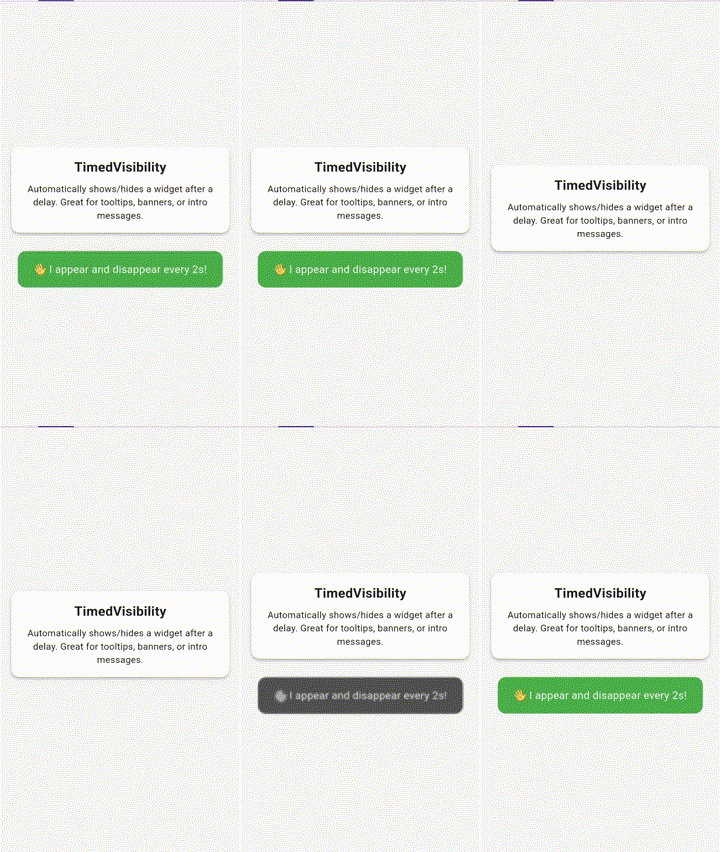
Show/hide a widget after a delay, optionally reverse or loop
TimedSwitcher
Switch between two widgets after a delay, animated
TimedBuilder
Conditionally build a widget after a delay (bool isElapsed)
TimedFunction
Execute a callback once after a delay
TimedRepeatBuilder
Periodically rebuild a widget with tick counter
TimedAnimatedBuilder
Animate a value (0.0 → 1.0) over time
TimedSequence
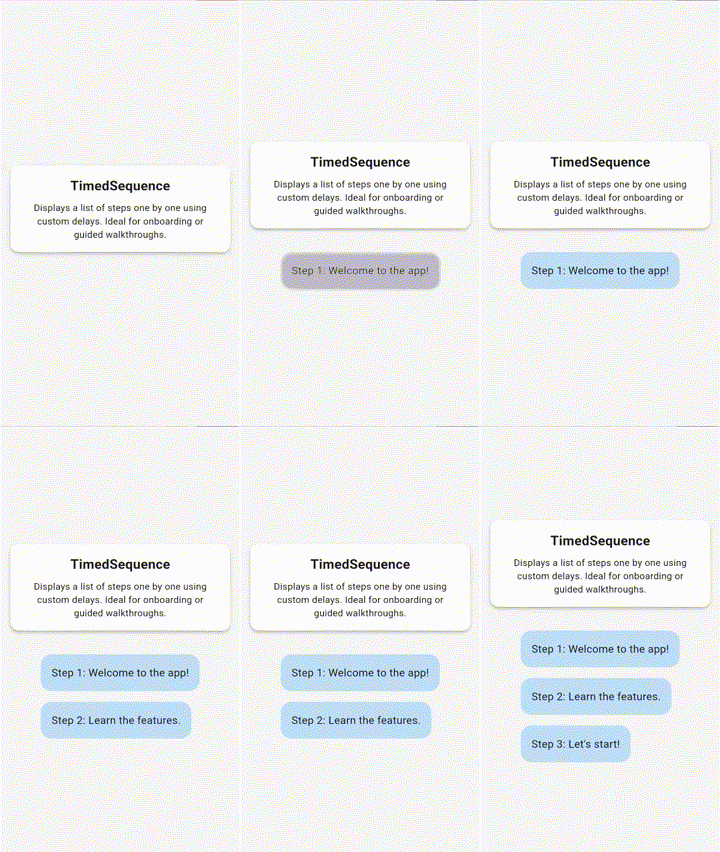
Step-based widget display with delays and optional controller
TimedVisibilityController
Imperative control for TimedVisibility
TimedGroupController
Start/reset multiple TimedVisibility widgets at once
TimedSequenceController
External control of sequence progression or reset
TimedMixin
Mixin for stateful widgets to safely manage timers